Best AI Chatbot for Customer Service in 2026: 9 Tools Compared
By ToolNimba Editorial Team November 1, 2026 10 min read

- Top pick
 Intercom
SaaS and digital-first teams
Starting price$29 per seat per monthCheck out IntercomRead our review - Runner-up
 Zendesk AI
Large teams with complex workflows
Starting price$19 per agent per monthCheck out Zendesk AIRead our review - Also great
 Freshdesk
Value-focused small and mid-size teams
Starting price$19 per agent per monthCheck out FreshdeskRead our review
How we researched this
We compared official pricing and feature pages, app store listings, privacy policies and public user reviews. Prices change, so check the provider's site before you pay.
Key takeaways
- Intercom and Zendesk AI lead for teams that need a full helpdesk plus AI answers, with per-seat pricing plus per-resolution fees.
- Tidio and Freshdesk offer lower-cost starting points for small teams that need a capable bot without enterprise complexity.
- HubSpot and Gorgias suit teams already using those platforms, since the bot works best inside the CRM or store system you own.
- Watch per-resolution pricing closely: a low seat price can become expensive at high chat volume, so model your monthly conversations first.
Quick comparison
| Name | Best for | Starting price | Free plan | |
|---|---|---|---|---|
| Intercom | SaaS and digital-first teams | $29 per seat per month | Free trial | Visit |
| Zendesk AI | Large teams with complex workflows | $19 per agent per month | Free trial | Visit |
| Freshdesk | Value-focused small and mid-size teams | $19 per agent per month | Yes | Visit |
 HubSpot Service Hub | Teams already on HubSpot | $10 per seat per month | Yes | Visit |
 Drift | B2B conversational marketing | See website | No | Visit |
 Ada | High-volume enterprises | See website | No | Visit |
 Tidio | Small businesses on a budget | See website | Yes | Visit |
 Gorgias | Shopify and ecommerce stores | $10 per month | Free trial | Visit |
 Help Scout | Small human-first teams | $25 per user per month | Free trial | Visit |
The best ai chatbot for customer service
An AI customer service chatbot should resolve common questions on its own, hand off cleanly to a human when it cannot, and learn from your help docs rather than inventing answers. The tools below differ in pricing model as much as in features: some charge per seat, some per resolution, and some per conversation. We compared tools on AI quality, channels, helpdesk depth, integrations, and pricing transparency. Start with a pilot on your top ten questions before rolling a bot out to all customers.
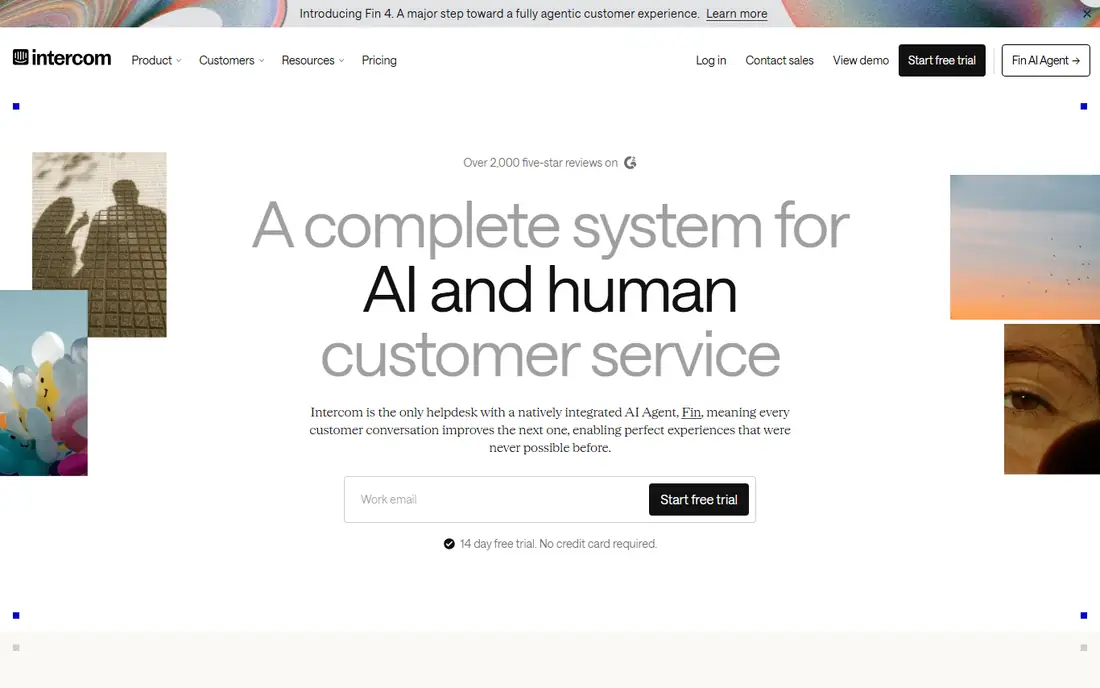
Intercom is our pick for SaaS and digital-first teams because its Fin AI assistant is built to resolve full conversations, not just suggest replies. It reads your help center and past conversations, answers with sources where available, and passes the full context to a human when it cannot resolve the issue. The unified inbox keeps chat, email, and messages in one place.
The pricing model needs care. Seats start at $29 per month, and Fin resolutions are billed at $0.99 per resolution on top of that. At low volume that is fair, but at high volume the resolution bill can exceed seat costs. Model your monthly chat volume before you commit, and track resolution quality, not just the resolution count.
- Fin AI resolves chats from your help center
- Unified inbox for chat, email, and SMS
- Strong integrations
- Per-resolution fees add up at volume
- Costs rise as you add seats and features

Zendesk AI suits large support teams with complex workflows. Its AI agents work across chat, email, voice, and social channels, while intelligent triage routes and classifies tickets by intent, language, and priority. Copilot drafts replies for human agents, which speeds up handling of tickets the bot cannot close alone.
The strength is also the weakness for small teams: setup takes time, and a messy knowledge base leads to confident but wrong answers. Entry seats start at $19 per agent per month, with AI resolutions billed from $1.00 each. If you already run Zendesk, adding its AI is the natural step. If you are a small team, a simpler tool may serve you better.
- Deep ticketing and routing controls
- AI agents across chat, email, voice, and social
- Copilot drafts for agents
- Complex setup for small teams
- AI quality depends heavily on your knowledge base
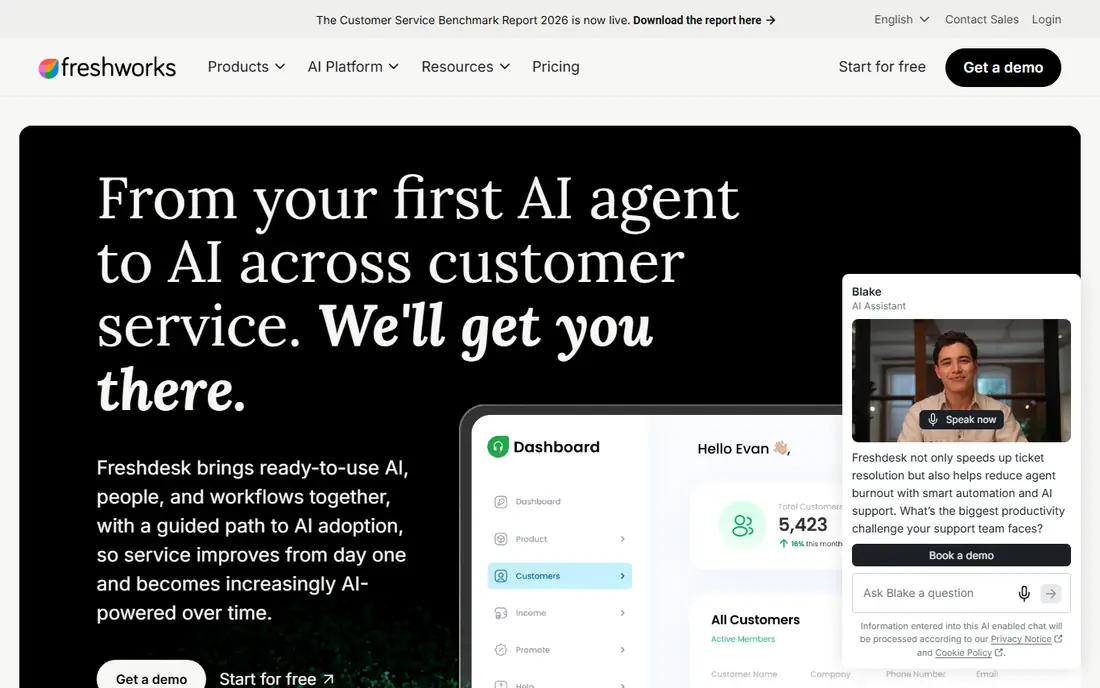
Freshdesk, from Freshworks, offers a strong value path for teams that want AI without enterprise pricing. Its Freddy AI assistant detects intent, answers common questions, and hands off to an agent with context. The omnichannel inbox covers web chat, WhatsApp, Instagram, and email, which suits mid-size SaaS and ecommerce brands.
Pricing starts at $19 per agent per month, with a free plan for very small teams and a free allowance of AI sessions before extra session packs apply. That makes it easy to pilot. The catch is that the deepest AI features sit on higher tiers, so check which plan includes the bot behavior you actually need.
- Freddy AI for intent detection and bot handoff
- Free plan for small teams
- Omnichannel inbox
- AI sessions beyond the free allowance cost extra
- Advanced AI sits on higher plans
HubSpot Service Hub is the natural chatbot choice for teams already using HubSpot CRM, marketing, or sales tools. Its chatbot builder and AI answers draw on your CRM data, tickets, and knowledge base, so a returning customer gets context-aware help rather than a generic reply. Ticket automation and reporting live in the same system.
The limitation is ecosystem fit. If you do not use HubSpot elsewhere, you pay for a platform whose main advantage you do not use. Seats start at $10 per month, with AI usage billed through credits. For a HubSpot shop, the integration is worth it. For others, Intercom or Freshdesk may fit better.
- Bot works inside the HubSpot CRM
- Ticket automation and knowledge base in one system
- AI credits model
- Best value only inside HubSpot
- AI credit costs need monitoring at volume
Drift, now part of Salesloft, is built for B2B conversations that end in a meeting, not just a resolved ticket. Its AI chat qualifies visitors, routes them to the right sales rep, and books meetings from the chat itself. That makes it a strong pick for companies where website chat is a sales channel as much as a support channel.
The price reflects that focus, with quote-based enterprise pricing that is far above simple FAQ bots. Small support-only teams will find it overkill. For a B2B firm that wants chat to generate pipeline as well as answer questions, Drift remains a leading specialist, but get a quote and compare it against HubSpot and Intercom first.
- Strong B2B lead qualification
- Instant meeting booking
- Smart routing to sales teams
- Pricing is quote-based and high
- Overkill for simple FAQ support
Ada targets high-volume enterprises, including regulated industries such as finance and healthcare, where accuracy and compliance matter. Its reasoning engine handles multi-step questions, supports many languages, and can work across web chat and voice. That depth suits companies with thousands of daily conversations and strict rules about what a bot may say.
The trade-off is cost and effort. Pricing is quote-based, and implementation needs a team to build, test, and maintain the bot. Smaller firms will get faster value from Intercom or Tidio. For an enterprise that needs a bot to hold up under audit and scale, Ada is a serious contender.
- Reasoning engine for complex questions
- Multilingual support
- Strong compliance focus
- Quote-based pricing
- Implementation needs dedicated effort
Tidio is the budget-friendly pick for small teams that want a real AI bot without enterprise setup. Its Lyro AI assistant answers common questions from your help content, while a visual flow builder lets non-technical staff build guided conversations. The inbox covers live chat, email, Messenger, and Instagram, which suits small ecommerce and service businesses.
Pricing is based on conversation volume, so check the current tier that matches your monthly chats. High-volume shops may outgrow it, but for a small business starting with AI support, Tidio offers a fast setup and a free plan to test with. It is our pick for teams that want value first.
- Lyro AI automates many common queries
- Visual flow builder
- Chat, email, Messenger, and Instagram in one inbox
- Pricing tiers are conversation-based
- Advanced features need higher plans
Gorgias is built for ecommerce support, and that focus shows. It pulls order, shipping, and customer data into the ticket view, so agents and AI can answer where-is-my-order questions without switching tools. AI reply suggestions and intent automation handle common store questions, and the inbox covers email, chat, SMS, and social channels.
Pricing starts at $10 per month for a small ticket allowance and scales with ticket volume, with AI interactions billed separately. That model suits stores with steady order volume but can surprise seasonal sellers. For a Shopify store, Gorgias is often the best fit on this list. For a SaaS team, look at Intercom or Zendesk instead.
- Deep Shopify, Magento, and WooCommerce integrations
- AI reply suggestions
- Unified inbox for email, chat, SMS, and social
- Pricing scales with ticket volume
- Less suited to non-ecommerce support teams
Help Scout suits small teams that want AI help without losing a human feel. Its shared inbox, docs, and live chat work together, and its AI answers common questions while handing off cleanly to a person when needed. The design is calm and easy to learn, which matters for teams without a dedicated support operations role.
Pricing starts at $25 per user per month, with AI resolutions billed at $0.75 each on top. That is competitive at modest volume but needs modeling at scale. For a small team that values tone and personal service, Help Scout is a strong, human-first pick.
- Clean shared inbox
- AI answers with human handoff
- Docs and live chat in one system
- Per-resolution AI fees apply
- Fewer enterprise workflow controls than Zendesk
How we picked these
We compared official pricing pages, product documentation, and recent pricing comparisons, focusing on tools with real AI resolution features rather than only rule-based chat flows. We checked seat prices, per-resolution fees, channels, helpdesk depth, and integrations, and we favored tools actively sold in 2026. We did not claim hands-on testing, and pricing changes often, so confirm seat and resolution prices on the vendor site before you buy.
How to roll out a support chatbot without annoying customers
Start with your most common questions, not your full help center. Pick ten to twenty questions that already have clear, correct answers, and build the bot around those. Test it with real customer wording, including typos and vague phrasing, and make the human handoff obvious on every conversation. A bot that traps a frustrated customer is worse than no bot at all.
Then measure what matters: resolution rate, handoff rate, customer satisfaction after bot chats, and repeat contacts on the same issue. Review failed conversations weekly and fix the knowledge base article behind each failure, rather than adding more bot rules. Finally, be transparent: tell customers they are chatting with an AI, and give them a clear path to a human at any point.