Best AI Code Review Tools in 2026: 9 Tools Compared
By ToolNimba Editorial Team November 1, 2026 12 min read

- Top pick
 CodeRabbit
Teams using more than one Git host
Starting price$24 per monthCheck out CodeRabbitRead our review - Runner-up
 GitHub Copilot
Teams already working on GitHub
Starting price$10 per monthCheck out GitHub CopilotRead our review - Also great
 Qodo
Teams that want tests with their reviews
Starting price$30 per monthCheck out QodoRead our review
How we researched this
We compared official pricing and feature pages, app store listings, privacy policies and public user reviews. Prices change, so check the provider's site before you pay.
Key takeaways
- CodeRabbit is our pick for most teams because it covers GitHub, GitLab, Bitbucket, and Azure DevOps, and public repositories are free.
- GitHub Copilot code review is the simplest choice if your code already lives on GitHub and your team already pays for Copilot.
- Per-seat pricing looks simple, but credit and usage pricing can cost less for teams that open few pull requests each week.
- No AI reviewer replaces a human for architecture decisions, security judgment, or business logic. Treat every suggestion as a draft to check.
- Free tiers and trials are worth using first, since false positives and comment style vary a lot between tools and codebases.
Quick comparison
| Name | Best for | Starting price | Free plan | |
|---|---|---|---|---|
| CodeRabbit | Teams using more than one Git host | $24 per month | Yes | Visit |
| GitHub Copilot | Teams already working on GitHub | $10 per month | Yes | Visit |
| Qodo | Teams that want tests with their reviews | $30 per month | Free trial | Visit |
 Greptile | Large codebases and monorepos | $30 per month | Yes | Visit |
 Codacy | Teams that want quality dashboards | $18 per month | Yes | Visit |
 Graphite | Teams that stack pull requests | $40 per month | Yes | Visit |
 Kodus | Teams that want self-hosting control | $10 per month | Yes | Visit |
 Sourcery | Python teams that want instant feedback | $12 per month | Yes | Visit |
 Snyk Code | Security-focused review | See website | Yes | Visit |
The best AI code review tools
We compared official pricing pages, feature pages, and public reviews for the tools below, and we focused on what each one actually reviews, which Git hosts it supports, and what it costs at the entry level.
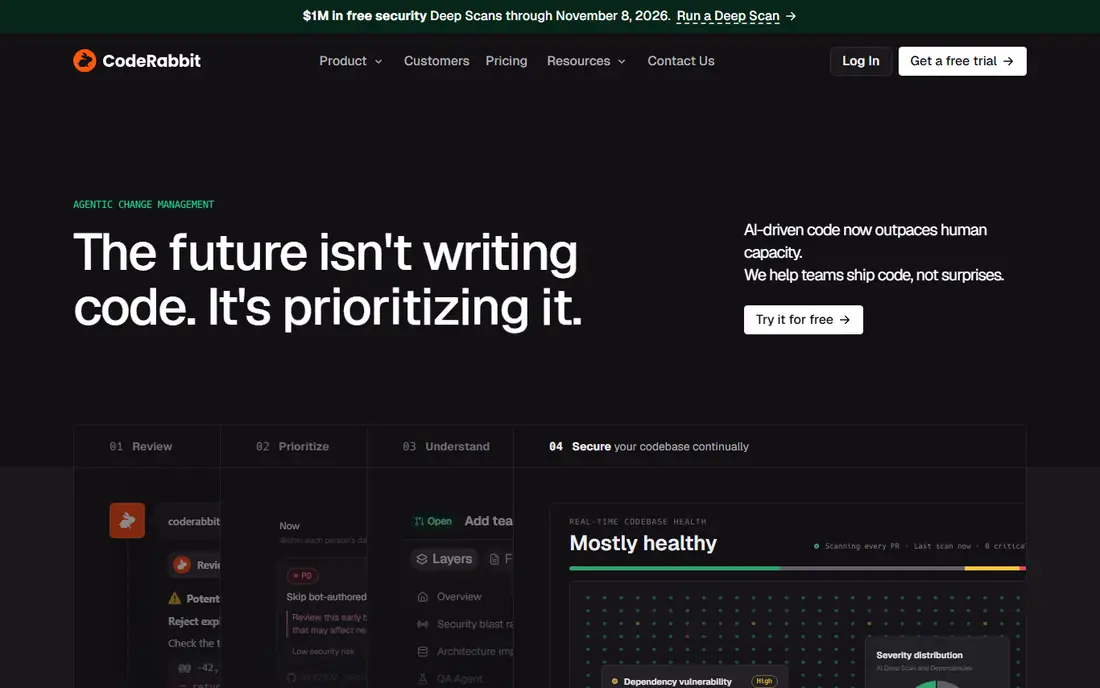
CodeRabbit earns the top spot here because it fits the widest range of teams. It reviews pull requests, writes summaries, suggests fixes, and learns from how your team reacts to its comments. If your company uses GitHub for one product and GitLab for another, you do not need two different reviewers. That breadth is a real advantage, and it is why CodeRabbit shows up in so many team setups.
The catch is cost control. The entry Essentials plan is $24 per developer per month on annual billing, and higher tiers cost more. Only developers who open pull requests count as seats, which helps, but a busy team should still check rate limits and any usage-based add-ons before committing. Start on the free tier or trial, watch how many comments your team accepts, and only then decide on a tier.
- Works with GitHub, GitLab, Bitbucket, and Azure DevOps
- Free AI reviews on public repositories
- One-click fixes and PR summaries
- Per-developer pricing adds up on large teams
- Usage limits and overflow charges need careful reading
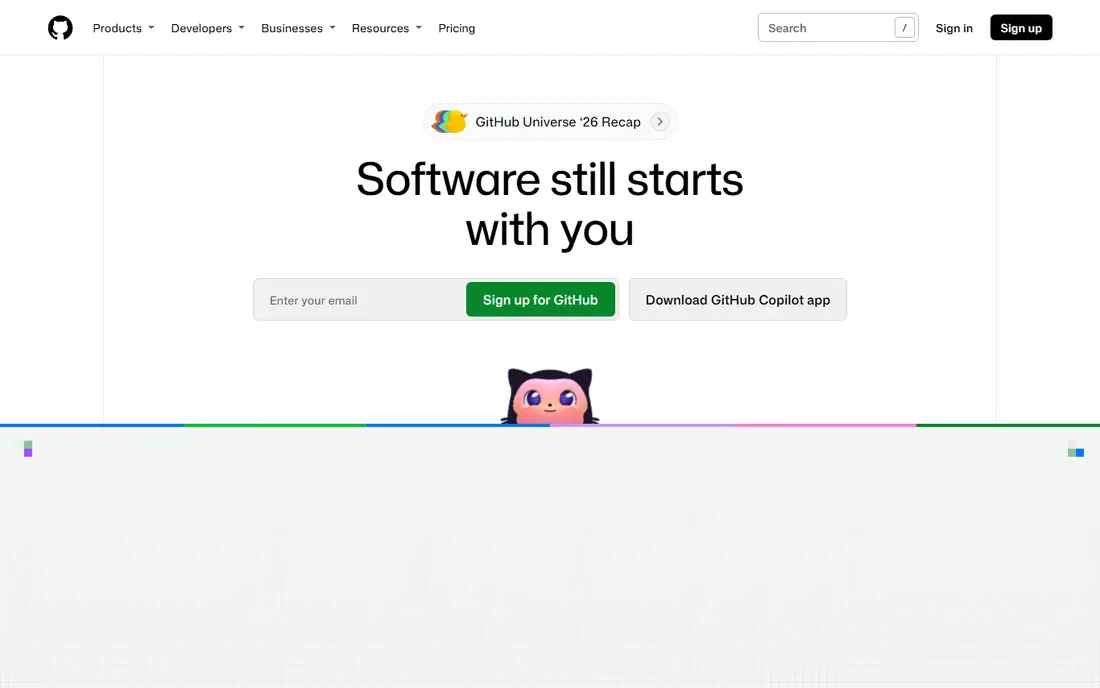
GitHub Copilot code review makes the most sense when you do not want another tool to set up. It lives where your pull requests already live, so reviewers see AI comments in the same flow as human comments. For a small team that already pays for Copilot, adding code review is a short step rather than a new purchase. The editor integration also helps, since developers can ask about code and then see review feedback in a familiar place.
The limits matter. Copilot code review is GitHub-focused, so teams on GitLab or Bitbucket will need a different tool. Pricing also mixes plans and AI credits, which makes the true monthly cost harder to predict than a flat per-seat price. If your team opens many large pull requests, check how credits are used before you rely on it for every change.
- Built into GitHub pull requests
- Familiar to teams that already use Copilot in their editors
- Broad language support
- Limited to GitHub
- Review features depend on the Copilot plan and credit allowance
Qodo, formerly known as Qodo Merge, stands out because it does more than point out problems. It can describe a pull request, suggest improvements, and help generate tests for the changed code. That combination suits teams that struggle with thin test coverage, since the review step becomes a chance to add tests rather than only a gate. It also supports GitHub, GitLab, Bitbucket, and Azure DevOps.
Pricing needs attention. The Pro Team entry point is listed at $30 per month with credits sold separately, and a pack of credits covers a limited number of reviews. A team with steady, high pull request volume should model its monthly review count first. A smaller team with careful review habits may find the credit model cheaper than paying for every seat.
- PR summaries and descriptions
- Test generation alongside review
- Supports the major Git hosts
- Credit-based pricing makes heavy months more expensive
- Some deeper features sit on higher tiers
Greptile takes a different approach from diff-only reviewers. It builds an index of your codebase, so its comments can draw on code beyond the changed lines. That matters when a small change touches shared code, an API used in several services, or a pattern repeated across repositories. Teams with monorepos or several linked services often get more useful comments from this kind of context.
The trade-off is noise and cost. More context can mean more comments, and not every comment will be worth acting on. The Pro plan starts at $30 per seat per month with a credit allowance, and extra credits cost more. Try it on a real repository, measure how many comments your team accepts, and compare that with a simpler reviewer before you pay for the whole team.
- Indexes the full codebase for context
- Works across multiple repositories
- Useful for cross-repo changes
- Per-seat price plus extra credits can grow fast
- Review volume affects the bill
Codacy appeals to teams that want a steady quality signal rather than a chatty reviewer. It scans code, flags quality and security issues, and presents trends on a dashboard that managers and leads can actually read. The entry price of $18 per developer per month on annual billing makes it one of the cheaper dedicated options here. If your main problem is drift, duplicated patterns, or missed static checks, Codacy covers that ground well.
It is less of a pure AI conversational reviewer than some names on this list. Teams that want detailed, human-sounding pull request walkthroughs may find Codacy quieter than CodeRabbit or Qodo. Treat it as a quality and security layer first, and pair it with human review for design decisions and tricky logic.
- Lower entry price than many dedicated reviewers
- Code quality and security scanning in one place
- Clear dashboards
- More dashboard-oriented than conversational
- Review depth varies by language and setup
Graphite is the pick for teams that already work in stacks, where one feature is split into several small, dependent pull requests. Its workflow tooling helps developers create, restack, and land those changes without constant merge conflicts. AI review sits inside that workflow, so feedback arrives while the stack is still easy to change. For high-velocity GitHub teams, that fit can matter more than raw review depth.
The limits are clear. Graphite is GitHub-focused, so it does not suit GitLab or Bitbucket shops. The Team plan starts at $40 per user per month on annual billing, which is higher than several rivals. If your team opens one large pull request at a time, you may not need the stacking features that justify the price.
- Built for stacked, fast-moving pull requests
- AI reviews included on team plans
- Strong GitHub workflow tooling
- GitHub only
- Higher entry price than simpler reviewers
Kodus deserves attention from teams that care about where their code goes. It offers a community edition you can self-host with your own model key, plus paid team plans from $10 per developer per month. That setup gives a team more control over data flow than a fully hosted reviewer. It also keeps the entry price low, which helps smaller teams and open source projects.
Control comes with work. Self-hosting means your team handles updates, uptime, and model key costs. The community around Kodus is smaller than CodeRabbit or GitHub Copilot, so answers and integrations may take longer to find. If your team has the skills to run it, Kodus is a strong value choice. If not, a hosted tool will save time.
- Self-hosted and hosted options
- Bring your own model key
- Lower entry team price
- Smaller ecosystem than the biggest names
- Setup takes more effort on the self-hosted route
Sourcery started as a refactoring assistant, and that history shows in its review style. It suggests concrete code improvements, often with one-click fixes, rather than long explanations. Python developers tend to get the most from it, since that is where its rules and suggestions are deepest. The Pro entry price of $12 per month on annual billing makes it easy to try without a big budget decision.
Teams working mostly in other languages should test it first. Support exists beyond Python, but the depth is not equal everywhere. Sourcery also works best as a complement to a pull request reviewer, not a full replacement for team review habits. Use it to catch routine improvements early, then let human reviewers focus on design and edge cases.
- Instant, in-editor style suggestions
- Genuinely useful free tier for solo developers
- Strong Python support
- Python is its strongest area
- Team features cost more than the solo entry price suggests
Snyk Code fits teams where a missed vulnerability costs more than a missed style point. It scans code for security issues as part of review, drawing on Snyk vulnerability data. That makes it a natural choice for teams that handle payments, health data, or customer accounts, and for teams that already use Snyk for dependencies. The free tier lets small teams and solo developers try it without paying.
The honest catch is scope. Snyk Code is stronger on security than on general code quality coaching or pull request summaries. Some teams will want it alongside a general reviewer, which means two tools and two bills. Check the current pricing page for your team size, since Snyk plans and limits change, and confirm that the languages you use are covered.
- Security scanning built into review
- Large vulnerability database behind its checks
- Fits teams with compliance needs
- Security focus means less general code style coaching
- Pricing depends on team size and plan
How we picked these
We compared official feature pages, pricing pages, app and marketplace listings, privacy and security pages, and public reviews for each tool. We kept only tools that are live, support pull request or merge request review, and fit a real team workflow in October 2026. We did not claim hands-on testing we did not do. Instead, we weighed Git host support, review style, pricing model, free options, and the honest limits that show up in public reviews.
What to check before you pay
Start with your Git host, since it narrows the list fast. GitHub-only teams can choose from almost everything here. GitLab, Bitbucket, or Azure DevOps teams should shortlist CodeRabbit, Qodo, and Kodus first, and confirm current host support on the vendor site before signing up.
Match the pricing model to your volume
Per-seat pricing suits teams where most developers open pull requests every week. Credit or usage pricing suits teams with uneven volume, such as a small team that ships in bursts. Count your pull requests per month, estimate their size, and run a trial on a real repository. A tool that looks cheap on the pricing page can cost more once large diffs and frequent pushes are counted.
Judge the comments, not the marketing
During a trial, track three things: how many AI comments your team accepts, how many it dismisses as noise, and how long review takes from pull request to merge. A tool with a high accept rate and clear, short comments will stick. A tool that floods pull requests with low-value notes will get ignored, even if its demo looked impressive. Also check data handling, since review tools read your code. Read the privacy and security pages, ask about retention, and confirm whether self-hosting or enterprise controls are available if your code is sensitive.
Sources
- https://coderabbit.ai/pricing
- https://github.com/features/copilot
- https://www.qodo.ai/pricing
- https://www.greptile.com/pricing
- https://www.codacy.com/pricing
- https://graphite.dev/pricing
- https://kodus.io/pricing
- https://sourcery.ai/pricing
- https://snyk.io/plans
- https://www.cubic.dev/best-ai-code-review-tools
- https://kodus.io/en/ai-code-review-tools/