Best AI Contract Review Software in 2026: 8 Tools Compared
By ToolNimba Editorial Team November 11, 2026 9 min read

- Top pick
 Ironclad
Enterprise lifecycle management
Starting priceSee websiteCheck out IroncladRead our review - Runner-up
 LawGeex
Policy-based inbound review
Starting priceSee websiteCheck out LawGeexRead our review - Also great
 Luminance
Portfolio and M and A analysis
Starting priceSee websiteCheck out LuminanceRead our review
How we researched this
We compared official pricing and feature pages, app store listings, privacy policies and public user reviews. Prices change, so check the provider's site before you pay.
Key takeaways
- Spellbook is the easiest start for lawyers who draft in Word, since review happens inside the document.
- SpotDraft suits mid-market legal teams that want structured review without enterprise weight.
- Ironclad, Juro, and LinkSquares suit teams that need review plus full contract lifecycle management.
- Most enterprise platforms price by quote, so trial the review on your own contracts before signing.
Quick comparison
| Name | Best for | Starting price | Free plan | |
|---|---|---|---|---|
| Ironclad | Enterprise lifecycle management | See website | No | Visit |
| LawGeex | Policy-based inbound review | See website | No | Visit |
| Luminance | Portfolio and M and A analysis | See website | No | Visit |
 Kira by Litera | Due diligence extraction | See website | No | Visit |
 Juro | All-in-one contract workspace | See website | No | Visit |
 SpotDraft | Mid-market review in Word | $450 per month | No | Visit |
 LinkSquares | Bulk review at scale | See website | No | Visit |
 Spellbook | Drafting and review in Word | See website | Free trial | Visit |
The best AI contract review software
AI contract review tools do a first pass on routine agreements: flag risky clauses, check them against your playbook, and extract key terms. They do not replace a lawyer on unusual deals, but they cut the time legal teams spend on standard paper. We compared official feature pages and pricing to sort Word add-ins from full lifecycle platforms.
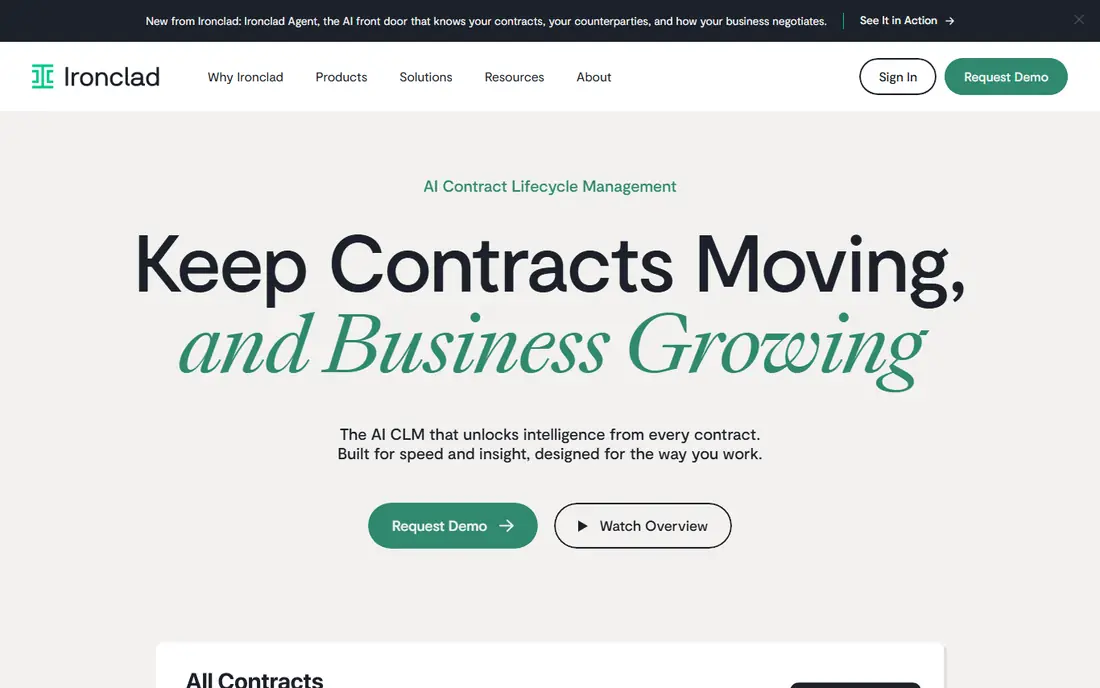
Ironclad is a contract lifecycle platform with AI review built in, rather than a standalone review tool. Intake, drafting, approval, redlining against preferred positions, e-signature, and a searchable repository live in one system, with AI Assist features that draft and review clauses. That breadth suits legal teams whose bottleneck is the whole process, not just reading a document.
The cost is enterprise-grade and quoted by volume and users, and implementation for complex workflows can take months. Smaller teams that only need review will find it heavy. Choose Ironclad when contracts touch many departments and you need one governed system from first request to signed agreement.
- Full lifecycle from intake to signature
- AI-assisted review and redlining
- Strong workflow and reporting
- Quote-based enterprise pricing
- Implementation can take months
LawGeex automates inbound contract review: upload a third-party contract and it checks each clause against your playbook, flagging what matches, what needs a change, and what is missing. Pre-built playbooks cover common agreements like NDAs and service contracts, so small legal teams can start without building every rule from scratch.
Pricing is not published, so expect a sales process and a quote based on volume. LawGeex is also more focused on review than on drafting, approvals, and repository management, so teams that need the full lifecycle may pair it with another system. For legal teams drowning in inbound paper, its speed to a first review is the main draw.
- Pre-built playbooks for common contracts
- Fast review against your policies
- Clear clause-level reports
- Pricing not published
- Less of a full lifecycle platform than Ironclad or Juro
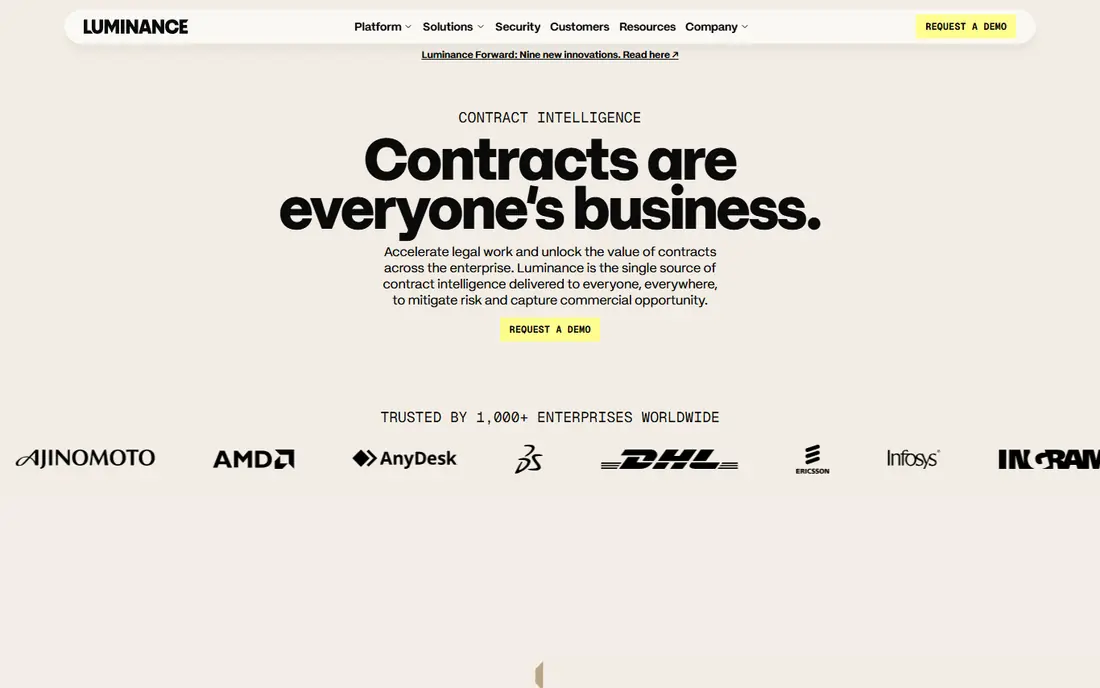
Luminance uses AI trained on large volumes of legal documents to spot unusual clauses and patterns across a whole portfolio. That makes it powerful for due diligence, where a team must review thousands of contracts quickly and find the ones that break the pattern. It also handles cross-border portfolios in many languages.
For a single NDA, Luminance is more than you need, and its enterprise pricing reflects its target buyer. Implementation and training take time, and results still need lawyer review on anything material. Pick Luminance when the job is finding risk across a large set of documents, not speeding up one routine agreement.
- Anomaly detection across large document sets
- Strong for due diligence
- Multilingual analysis
- Quote-based pricing
- Overkill for routine single-contract review
Kira, now part of Litera, is built for extraction at scale: upload a set of contracts and pull out parties, dates, renewal terms, change-of-control clauses, and hundreds of other provisions into a structured summary. That output feeds due diligence reports, compliance checks, and post-deal integration, which is why law firms and corporate teams use it on transactions.
Pricing is quoted and aimed at firms and enterprises, and getting the most from it means tuning models to your document types. It is less of an everyday redlining tool for a single contract than Spellbook or SpotDraft. When the task is reading a data room, Kira is one of the most proven tools available.
- Hundreds of built-in clause models
- Strong provision extraction
- Proven in M and A work
- Quote-based enterprise pricing
- Setup and model tuning take effort
Juro combines an AI review agent that redlines third-party contracts against your playbooks with drafting templates, approvals, and built-in e-signature. Because plans include unlimited users, business stakeholders and counterparties do not add seat costs, which helps adoption across a company. The browser-based workspace is fast and easy to learn compared with older lifecycle tools.
Pricing is not published, with team plans reported in the five-figure annual range, and full lifecycle rollouts can take months. Teams that only need review may prefer a lighter Word add-in. Choose Juro when you want one workspace from draft to signature, with review built in rather than bolted on.
- AI review agent plus drafting and e-signature
- Unlimited users on plans
- Browser-native workspace
- Pricing not published
- Full implementation can take months
SpotDraft pairs a contract lifecycle platform with VerifAI, a Word add-in that reviews contracts against playbooks written in plain English. Lawyers stay in Word, which removes the learning curve of a new workspace, and the platform adds a repository, approvals, and reporting for the team. A published starting price around $450 per month makes budgeting easier than with quote-only rivals.
The review add-on is priced separately from the base platform, so confirm the total before comparing with all-in-one prices. SpotDraft also emphasizes that customer contract data is not used to train its models, a point privacy-conscious teams should verify in the contract. For mid-market legal teams, it hits a useful balance of structure and simplicity.
- Word add-in review against plain-English playbooks
- Published starting price
- Strong privacy stance
- VerifAI review module is a separate add-on cost
- Smaller team plans still need a demo
LinkSquares applies AI across the contract lifecycle, with a focus on bulk review and risk scoring. Teams can score contracts for risk, extract key terms, and route high-risk agreements for closer review, which helps when volume is high and legal headcount is fixed. The platform also covers drafting, approvals, and repository search.
Pricing is quoted, with starting annual figures reported around five figures, so smaller teams should trial it against SpotDraft before committing. Its strength is scale: the more contracts you process, the more the scoring and automation pay off. For a legal team handling hundreds of agreements a quarter, LinkSquares is a strong contender.
- Risk scoring across contracts
- AI across the full lifecycle
- Strong for high-volume teams
- Pricing not published in full
- Enterprise focus may suit larger teams best
Spellbook is an AI assistant that lives inside Microsoft Word, where most lawyers already draft. It suggests and reviews clauses, flags risks, and helps draft from templates without leaving the document. A free trial lets a solo lawyer or small firm test it on real agreements before paying, which is rare among the enterprise tools here.
It is a drafting and review tool, not a full lifecycle platform, so teams that need intake, approvals, and a governed repository will need more. Pricing is not published as a single rate, so confirm the per-user cost during the trial. For transactional lawyers who want AI help without changing how they work, Spellbook is the easiest first step.
- Works inside Microsoft Word
- Fast drafting and clause suggestions
- Free trial to test on real work
- Best for transactional drafting, less of a full lifecycle system
- Pricing varies by plan
How we picked these
We compared official feature pages, pricing pages, and documentation for AI contract review tools, and we kept tools that review contracts against playbooks or extract clauses with AI, not just store documents. We included Word add-ins and full lifecycle platforms so different team sizes are covered. We left out general document tools with no contract-specific review, since this list is about contract work.
How to choose an AI contract review tool
Start with your contract volume and your current bottleneck. A solo lawyer drowning in NDAs needs a different tool from a legal team running due diligence on a data room, and buying the bigger platform first often slows both down.
Trial it on your own messy contracts
Demos use clean documents. Run a trial on your real agreements, including scanned PDFs, old templates, and oddly worded clauses, and check how many flags are correct. A tool that looks smart on a demo but misses your common clauses will cost more in rework than it saves.
Check data handling before you upload anything
Ask where contract data is stored, whether it trains vendor models, and how long it is kept. Legal teams should get these answers in writing, especially for confidential deals. A vendor with a clear no-training-data commitment has an edge here, but verify the contract language, not just the marketing page.
Keep a lawyer in the loop on anything unusual
AI review is a first pass on routine paper, not a replacement for judgment on non-standard terms. Set a rule: standard agreements can move faster with AI review, while anything unusual, high-value, or outside the playbook goes to a lawyer. That split captures most of the time savings without giving up control.
Sources
Frequently asked questions
What is the best AI contract review software?
Spellbook is the best starting point for lawyers who work in Word, while SpotDraft suits mid-market teams and Ironclad or Juro suit enterprises that need full lifecycle management. The right pick depends on volume, team size, and whether you need review alone or a full platform.
What is the best AI tool for contract review in Word?
Spellbook and SpotDraft both review inside Word, which keeps lawyers in a familiar workflow. Spellbook is simpler for drafting and review, while SpotDraft adds a fuller lifecycle platform behind the Word add-in.
Does AI contract review replace a lawyer?
No. Vendors and legal teams alike treat AI review as a first pass on routine agreements, with a lawyer deciding anything non-standard or high-value. The time savings come from faster routine review, not from removing legal judgment.
How much does AI contract review software cost?
Prices range from a published starting point around $450 per month for SpotDraft to quote-based enterprise pricing for Ironclad, Luminance, and Kira. Most enterprise platforms do not publish prices, so budget on a quoted proposal for your volume and user count.
What is a contract review playbook?
A playbook is your set of standard positions written down so a tool can check each contract against them: which clauses you accept, which need changes, and which are deal-breakers. The quality of AI review depends heavily on how clear and complete your playbook is.