Best AI Dubbing Tools in 2026: 9 Tools Compared
By ToolNimba Editorial Team November 10, 2026 11 min read

- Top pick
 ElevenLabs
Voice-first dubbing and cloning
Starting price$6 per monthCheck out ElevenLabsRead our review - Runner-up
 HeyGen
Lip-synced video translation
Starting price$29 per monthCheck out HeyGenRead our review - Also great
 Rask AI
Long-form team dubbing
Starting price$60 per monthCheck out Rask AIRead our review
How we researched this
We compared official pricing and feature pages, app store listings, privacy policies and public user reviews. Prices change, so check the provider's site before you pay.
Key takeaways
- ElevenLabs suits voice-first dubbing and developer workflows, with strong voice cloning and a low $6 starting price.
- HeyGen suits creators who want lip-synced video translation in many languages, with avatar tools in the same plan.
- Rask AI suits longer content and teams that need review workflows, but lip sync needs a higher tier.
- Subscription price alone does not show cost. Check included minutes, lip-sync charges and credit use before you compare tools.
Quick comparison
| Name | Best for | Starting price | Free plan | |
|---|---|---|---|---|
| ElevenLabs | Voice-first dubbing and cloning | $6 per month | Yes | Visit |
| HeyGen | Lip-synced video translation | $29 per month | Yes | Visit |
| Rask AI | Long-form team dubbing | $60 per month | No | Visit |
 Dubverse | Low-cost dubbing entry | $18 per month | Yes | Visit |
 Synthesia | Training video dubbing | $14 per month | No | Visit |
 Perso | Tutorial and course dubbing | $6.99 per month | Yes | Visit |
 VEED | Editing plus dubbing | See website | Yes | Visit |
 Descript | Transcript editing plus dubbing | $50 per month | No | Visit |
 Murf AI | Narration-led dubbing | $29 per month | Yes | Visit |
The best AI dubbing tools
AI dubbing translates a video voice track into another language while trying to keep the speaker voice and timing. These nine tools cover voice-first dubbing, lip-synced video, training content and simple editing workflows.
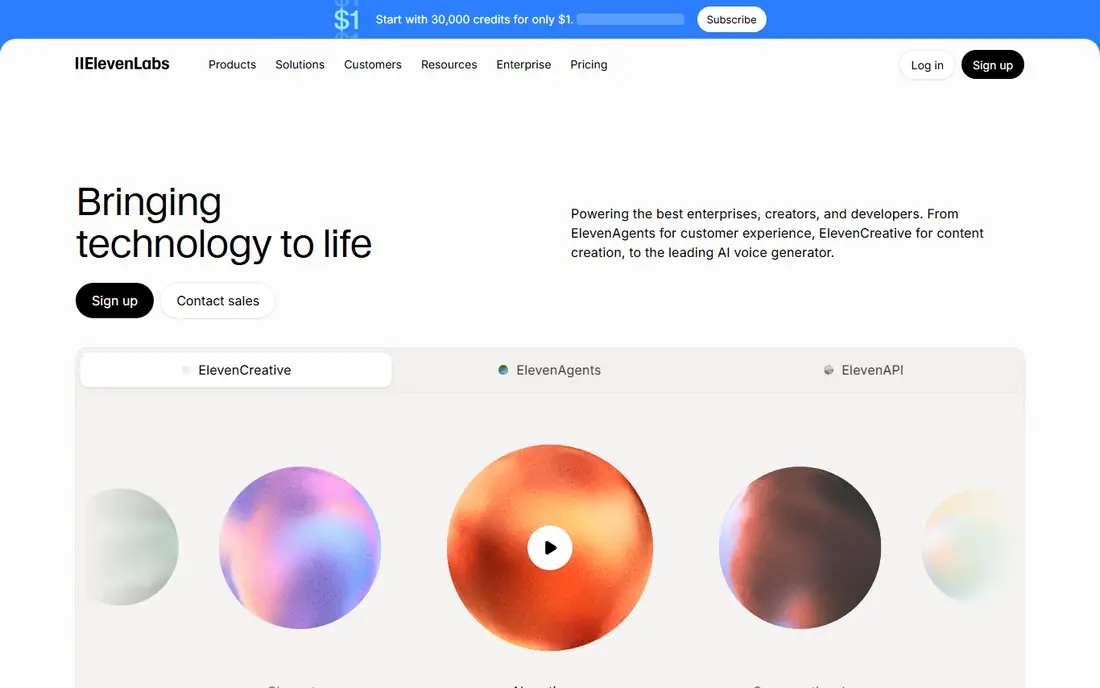
ElevenLabs suits creators and developers who want high-quality cloned voices for dubbing, narration and voice programs in one platform. For buyers, the clearest strength is Strong voice cloning, and that advantage shows up most when the tool is used for voice-first dubbing and cloning. Pricing starts at $6 per month, with a free plan listed as Yes, so check the current plan page for limits on seats, usage or features before you rely on that price.
What stands out in daily use is automatic dubbing in many languages. The honest catch is Dubbing is mainly audio, not lip-synced video, and a second limit to weigh is credits are shared across voice tools. If those limits do not block your main workflow, this is a solid shortlist pick. If they do, move to the next option in this list rather than forcing a tool to fit a job it handles poorly.
- Strong voice cloning
- Automatic dubbing in many languages
- API and text-to-speech tools
- Dubbing is mainly audio, not lip-synced video
- Credits are shared across voice tools
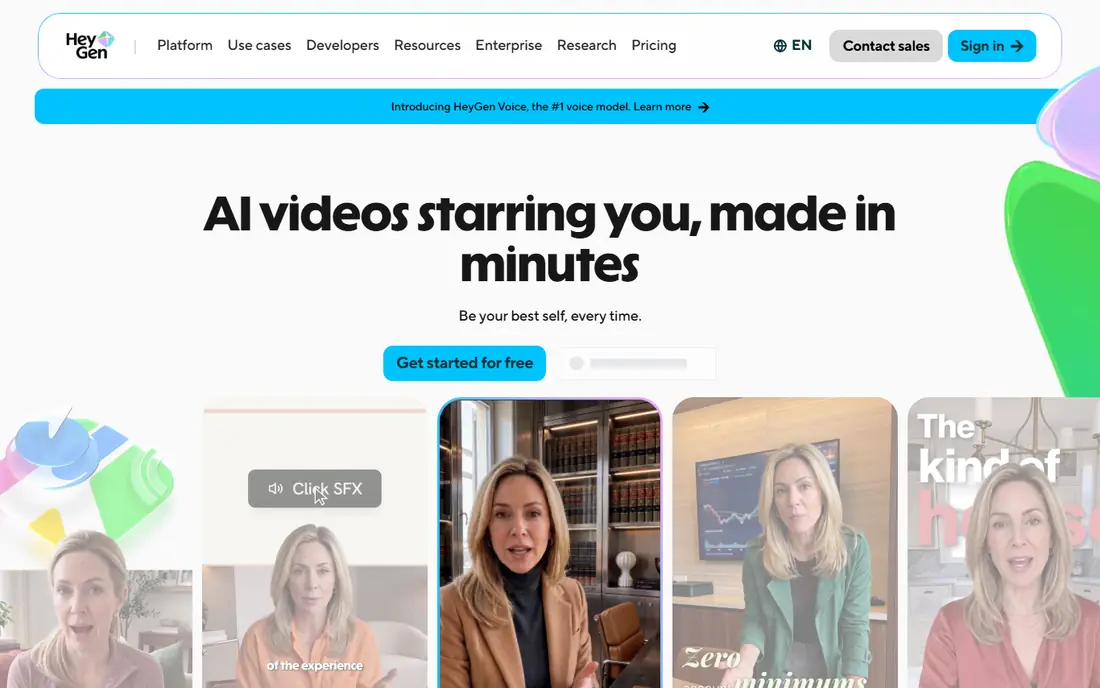
HeyGen suits creators who publish talking-head video and want viewers to see matched lip movement, not just hear a translated voice over the original. For buyers, the clearest strength is Lip-synced translation in 175 or more languages, and that advantage shows up most when the tool is used for lip-synced video translation. Pricing starts at $29 per month, with a free plan listed as Yes, so check the current plan page for limits on seats, usage or features before you rely on that price.
What stands out in daily use is avatar videos. The honest catch is Credits are shared with avatar video, and a second limit to weigh is costs rise with lip-sync minutes. If those limits do not block your main workflow, this is a solid shortlist pick. If they do, move to the next option in this list rather than forcing a tool to fit a job it handles poorly.
- Lip-synced translation in 175 or more languages
- Avatar videos
- Voice cloning
- Credits are shared with avatar video
- Costs rise with lip-sync minutes
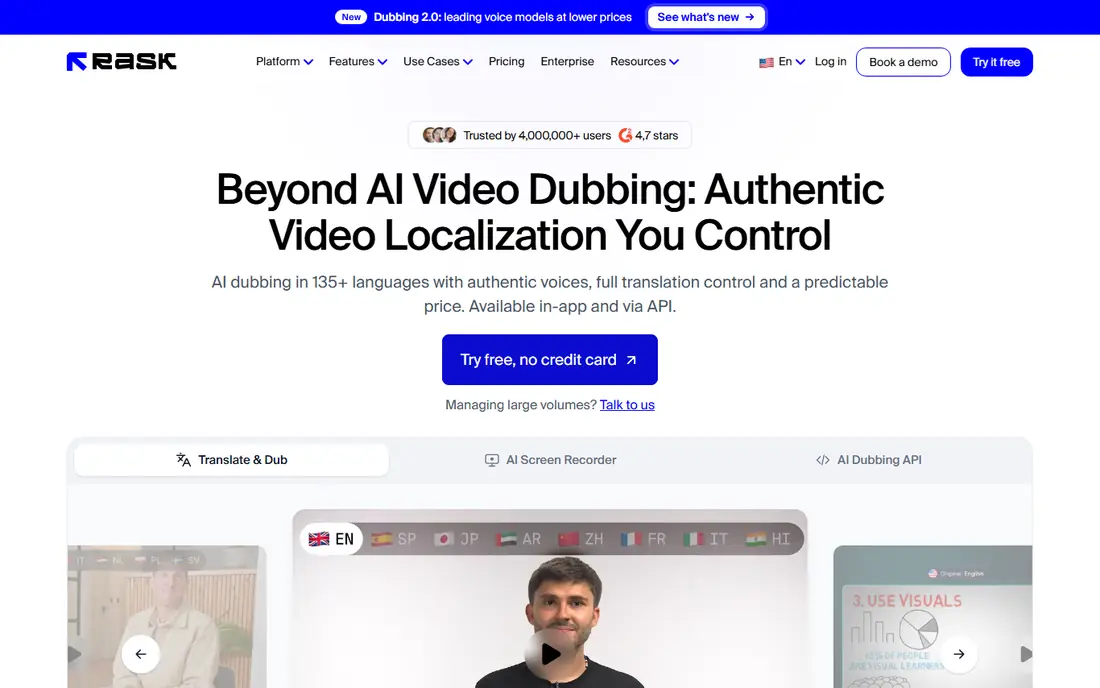
Rask AI suits teams localizing courses, podcasts and long videos, where review, speaker handling and project management matter as much as raw translation. For buyers, the clearest strength is Dubbing in 130 or more languages, and that advantage shows up most when the tool is used for long-form team dubbing. Pricing starts at $60 per month, with a free plan listed as No, so check the current plan page for limits on seats, usage or features before you rely on that price.
What stands out in daily use is review and team workflows. The honest catch is No free plan, and a second limit to weigh is lip sync needs a higher tier and uses extra quota. If those limits do not block your main workflow, this is a solid shortlist pick. If they do, move to the next option in this list rather than forcing a tool to fit a job it handles poorly.
- Dubbing in 130 or more languages
- Review and team workflows
- Voice cloning
- No free plan
- Lip sync needs a higher tier and uses extra quota
Dubverse suits creators on a budget who need simple dubbing into common languages, especially South Asian language pairs, without a high monthly fee. For buyers, the clearest strength is Low starting price, and that advantage shows up most when the tool is used for low-cost dubbing entry. Pricing starts at $18 per month, with a free plan listed as Yes, so check the current plan page for limits on seats, usage or features before you rely on that price.
What stands out in daily use is voice cloning on higher plans. The honest catch is Free tier is limited, and a second limit to weigh is lip sync is limited. If those limits do not block your main workflow, this is a solid shortlist pick. If they do, move to the next option in this list rather than forcing a tool to fit a job it handles poorly.
- Low starting price
- Voice cloning on higher plans
- Simple dubbing workflow
- Free tier is limited
- Lip sync is limited
- Minutes are credit-based
Synthesia suits learning teams that create and localize training videos, because dubbing, avatars and templates share one corporate workflow. For buyers, the clearest strength is AI dubbing for training videos, and that advantage shows up most when the tool is used for training video dubbing. Pricing starts at $14 per month, with a free plan listed as No, so check the current plan page for limits on seats, usage or features before you rely on that price.
What stands out in daily use is avatar presenters. The honest catch is Dubbing credit use is high with lip sync, and a second limit to weigh is built for training, not film. If those limits do not block your main workflow, this is a solid shortlist pick. If they do, move to the next option in this list rather than forcing a tool to fit a job it handles poorly.
- AI dubbing for training videos
- Avatar presenters
- Templates and team tools
- Dubbing credit use is high with lip sync
- Built for training, not film
Perso suits tutorial, demo and course creators who want low-cost dubbing into many languages without paying for a full enterprise video platform. For buyers, the clearest strength is Dubbing in 99 or more languages, and that advantage shows up most when the tool is used for tutorial and course dubbing. Pricing starts at $6.99 per month, with a free plan listed as Yes, so check the current plan page for limits on seats, usage or features before you rely on that price.
What stands out in daily use is low entry price. The honest catch is Lip sync is optional and plan-dependent, and a second limit to weigh is per-minute costs vary. If those limits do not block your main workflow, this is a solid shortlist pick. If they do, move to the next option in this list rather than forcing a tool to fit a job it handles poorly.
- Dubbing in 99 or more languages
- Low entry price
- Tutorial and demo focus
- Lip sync is optional and plan-dependent
- Per-minute costs vary
VEED suits short-form creators who edit, subtitle and dub in the same browser tool, rather than moving files between separate apps. For buyers, the clearest strength is Browser editing with subtitles, translation and dubbing, and that advantage shows up most when the tool is used for editing plus dubbing. Pricing starts at See website, with a free plan listed as Yes, so check the current plan page for limits on seats, usage or features before you rely on that price.
What stands out in daily use is simple sharing. The honest catch is Dubbing minutes are credit-based, and a second limit to weigh is lip sync is limited. If those limits do not block your main workflow, this is a solid shortlist pick. If they do, move to the next option in this list rather than forcing a tool to fit a job it handles poorly.
- Browser editing with subtitles, translation and dubbing
- Simple sharing
- Dubbing minutes are credit-based
- Lip sync is limited
Descript suits podcast and video editors who already edit by transcript, and want dubbing as one more step in that same editing workflow. For buyers, the clearest strength is Transcript-based editing, and that advantage shows up most when the tool is used for transcript editing plus dubbing. Pricing starts at $50 per month, with a free plan listed as No, so check the current plan page for limits on seats, usage or features before you rely on that price.
What stands out in daily use is dubbing on business. The honest catch is Dubbing only on Business plan, and a second limit to weigh is language support is narrower than rivals. If those limits do not block your main workflow, this is a solid shortlist pick. If they do, move to the next option in this list rather than forcing a tool to fit a job it handles poorly.
- Transcript-based editing
- Dubbing on Business
- Overdub voice tools
- Dubbing only on Business plan
- Language support is narrower than rivals
Murf suits narration-led projects where a clean, consistent voice matters more than lip sync, such as explainers, ads and e-learning audio. For buyers, the clearest strength is Natural narration voices, and that advantage shows up most when the tool is used for narration-led dubbing. Pricing starts at $29 per month, with a free plan listed as Yes, so check the current plan page for limits on seats, usage or features before you rely on that price.
What stands out in daily use is dubbing and voiceover in one studio. The honest catch is Lip sync is limited or coming soon, and a second limit to weigh is dubbing is credit-based. If those limits do not block your main workflow, this is a solid shortlist pick. If they do, move to the next option in this list rather than forcing a tool to fit a job it handles poorly.
- Natural narration voices
- Dubbing and voiceover in one studio
- Team tools
- Lip sync is limited or coming soon
- Dubbing is credit-based
How we picked these
We compared vendor pricing pages and dubbing guides for languages, lip sync, voice cloning, included minutes and starting prices, and we favored tools that publish dubbing prices clearly. We did not claim hands-on testing. Dubbing quality varies by language, speaker count and audio quality, so test a real clip with a native speaker before you localize a full library.
How to choose an AI dubbing tool
Decide whether you need audio only or lip sync. Audio dubbing is cheaper and suits podcasts, screen recordings and narration, while lip sync matters for talking-head video where mismatched mouths distract viewers. Lip sync also costs more in credits or minutes, so budget for it separately.
Next, test with your hardest clip, not your easiest. Use two speakers, background noise or a profile shot if your content has them, and have a native speaker check translation and tone. Compare the cost for five finished minutes, not one demo minute, because credits and minute caps change the real price fast.
Sources
Frequently asked questions
Which AI tools are best for dubbing?
ElevenLabs is best for voice-first dubbing, HeyGen is best for lip-synced video, Rask AI is best for longer team projects, and Synthesia is best for training videos. The best tool depends on whether you need lip sync, voice cloning or a review workflow.
What is the best AI dubbing software for YouTube?
HeyGen and ElevenLabs both suit YouTube creators, with HeyGen adding lip sync and ElevenLabs adding strong voice cloning. Rask AI suits creators who publish long videos in many languages and need a review step.
Does AI dubbing include lip sync?
Some tools do and some do not. HeyGen includes lip sync on paid plans, Rask AI adds it on higher tiers, and ElevenLabs dubbing is mainly audio over video. Check the exact plan, because lip sync often costs extra credits.
How many languages do AI dubbing tools support?
It varies widely. HeyGen lists 175 or more languages and dialects, Rask AI lists 130 or more, Synthesia lists 140 or more for dubbing, and ElevenLabs lists 90 or more for automatic dubbing. Check your exact language pair before you buy.
Is AI dubbing good enough for professional use?
For many training, marketing and creator videos, yes, with human review. For film, broadcast or sensitive content, human translators and voice actors still give better nuance, emotion and cultural fit. Always have a native speaker review AI output.