Best AI for Building Apps in 2026: 8 Tools Compared
By ToolNimba Editorial Team November 11, 2026 10 min read

- Top pick
 Lovable
Polished web apps by chat
Starting price$25 per monthCheck out LovableRead our review - Runner-up
 Bolt
Fast prototypes in the browser
Starting price$25 per monthCheck out BoltRead our review - Also great
 Replit
All in one cloud building and hosting
Starting price$20 per monthCheck out ReplitRead our review
How we researched this
We compared official pricing and feature pages, app store listings, privacy policies and public user reviews. Prices change, so check the provider's site before you pay.
Key takeaways
- Lovable and Bolt are the fastest routes from a prompt to a working web app for non technical founders.
- Cursor and v0 suit developers who want AI help inside a real codebase, not a closed builder.
- Bubble and Glide suit business apps with structured data, logins and workflows, where visual building beats raw code.
- Credit and token limits matter more than the monthly price, so check how much building a real app actually consumes.
Quick comparison
| Name | Best for | Starting price | Free plan | |
|---|---|---|---|---|
| Lovable | Polished web apps by chat | $25 per month | Yes | Visit |
| Bolt | Fast prototypes in the browser | $25 per month | Yes | Visit |
| Replit | All in one cloud building and hosting | $20 per month | Yes | Visit |
 Cursor | AI coding inside your own codebase | See website | Yes | Visit |
 v0 by Vercel | React interfaces that deploy to Vercel | $30 per user per month | Yes | Visit |
 Bubble | Complex no code web apps | $29 per month | Yes | Visit |
 Glide | Apps from spreadsheets and data | $25 per month | Yes | Visit |
 Softr | Business apps on vendor maintained parts | $19 per month | Yes | Visit |
The best AI for building apps
AI app builders fall into two groups: prompt builders that generate an app for you, and AI editors that help you write and edit code yourself. The right group depends on whether you want a finished app fast or a codebase you can maintain for years.
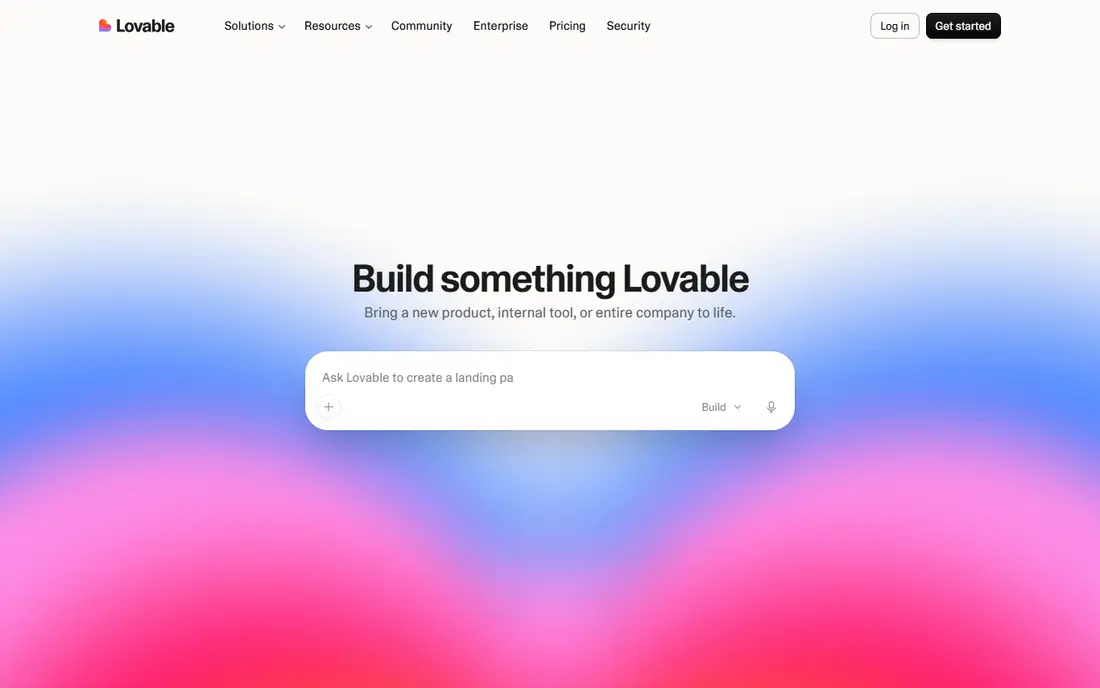
Lovable turns a written prompt into a full stack web app with a React front end and a Supabase backend for data, logins and storage. Founders like it because the first version looks polished, not like a wireframe, and you can keep chatting to change features. Code syncs to GitHub, so a developer can take over later.
Pro starts at $25 per month, with a free plan offering a small daily credit allowance. The honest limit is credits: a large app with many changes can burn through a monthly allowance fast. Lovable is best for MVPs, internal tools and polished prototypes, not for apps with very complex backend logic.
- High quality design output
- React plus Supabase backend
- GitHub sync and code export
- Credit limits can bite on large apps
- Backend work still needs Supabase knowledge for complex logic
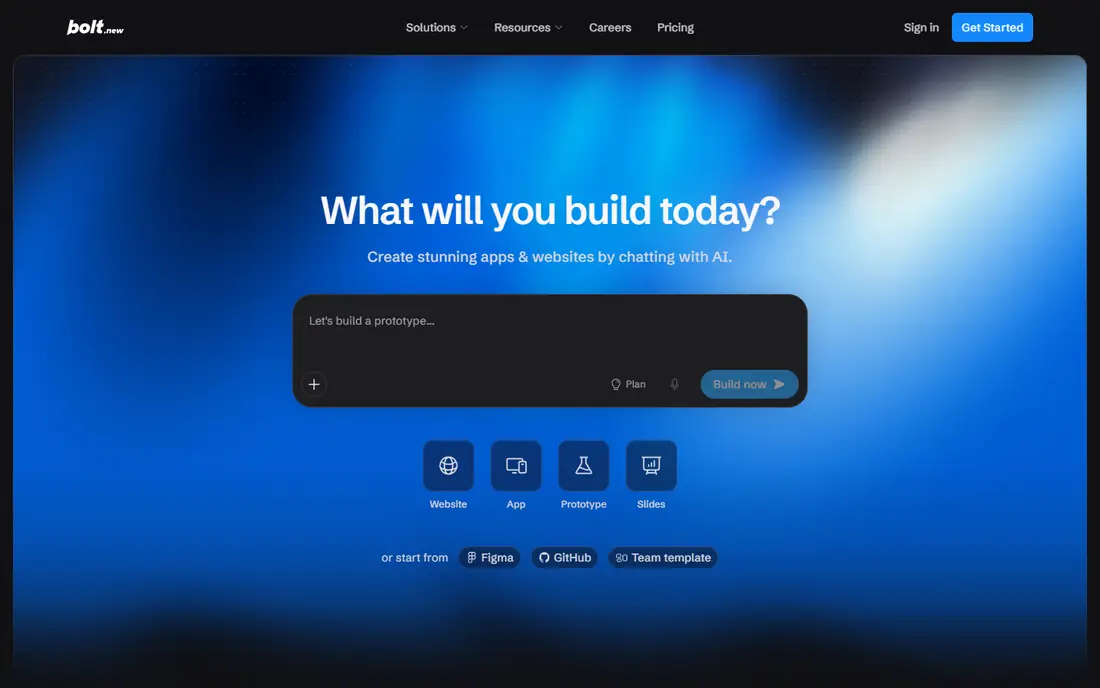
Bolt, from StackBlitz, generates a working app in the browser and shows you every file from the start. That transparency appeals to builders who want to see and edit code alongside the AI output. You can pick React, Vue, Svelte, Next.js or Astro, rather than being locked to one stack.
The free tier offers a monthly token allowance, and Pro starts at $25 per month. Bolt is excellent for fast prototypes and demos, and for founders who want to hand standard code to a developer. For a production app with users, logins and payments, plan for extra work on hosting, security and backend setup.
- Full browser IDE
- Choice of frameworks
- Code can be downloaded or synced to GitHub
- Design polish lags Lovable on first drafts
- Token use rises quickly on big changes
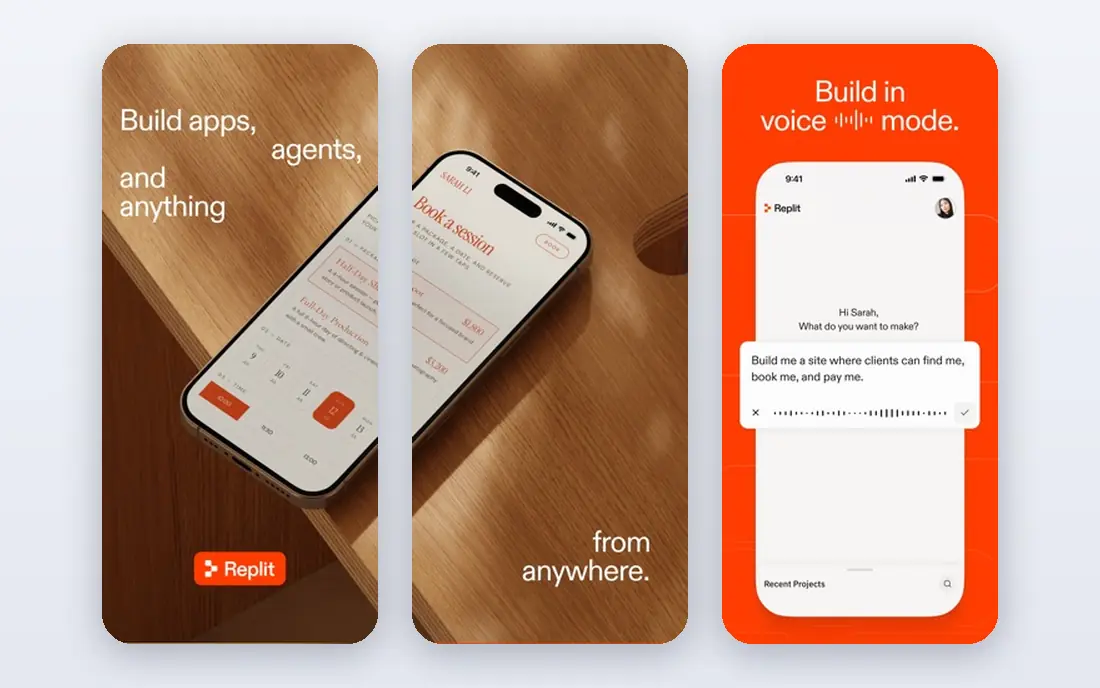
Replit combines an AI agent, a cloud development environment and deployment in one browser tab. Describe an app, watch the agent write code, and publish it without setting up a local toolchain. That simplicity makes it popular for students, solo builders and quick internal tools.
Core starts at $20 per month, with a free plan that includes a limited agent allowance. The credit and hosting model needs careful reading, since costs rise with usage and published apps. Replit is a strong choice for speed and convenience, and a weaker choice if you want full control over hosting from day one.
- Cloud IDE, hosting and agent in one place
- Good for learning and demos
- Supports many languages
- Credit system can be confusing
- Long term lock in if you rely on Replit hosting
Cursor is not a prompt builder. It is an AI powered code editor, built as a fork of Visual Studio Code, that helps developers write, edit and understand code in their own projects. An agent can make changes across files, explain code and fix errors, but you stay in control of the repository, the stack and the deployment.
There is a free plan with limited AI usage, and paid plans start with a monthly fee that has changed during 2026, so we list See website rather than a stale figure. Cursor is the pick for developers and technical founders who already have a codebase. Non technical founders will get further faster with Lovable or Bolt.
- AI agent inside a familiar editor
- You keep your repository and workflow
- Strong for existing projects
- You need coding skill to judge the output
- Pricing and usage limits change often
v0 generates React interfaces from prompts and designs, and it deploys cleanly to Vercel. Designers and front end developers like it for landing pages, dashboards and product interfaces, because the output follows Next.js patterns and is easy to refine. The free plan allows a small number of messages per day.
Plus starts at $30 per user per month. v0 is not a full app builder on its own: you still need a backend, a database and authentication for a complete product. Pair it with Supabase, Firebase or your own API if you need a full stack app.
- Clean React and Next.js output
- Fast deployment to Vercel
- Good for UI heavy projects
- Front end focused
- Backend and data need separate setup
- Per user pricing adds up for teams
Bubble is the most capable no code platform for a real web app with users, data and logic. You build the interface visually, define data types and write workflows without code, and Bubble handles hosting. That makes it possible to build marketplaces, directories, dashboards and SaaS tools without a developer.
Paid plans start near $29 per month, with pricing based on workload units, which measure how much work your app does. That model rewards efficient design and punishes wasteful workflows, so founders should learn workload basics early. Bubble takes longer to learn than Lovable, but it goes further for complex apps.
- Mature visual builder
- Database, workflows and user logins built in
- Large plugin range
- Learning curve is steep
- Performance and pricing depend on workload units
Glide turns a spreadsheet, a database or a connected data source into a working app with lists, forms, logins and actions. Operations teams use it for inventory, field work, directories and client portals, because the data stays in a familiar sheet while the app gives staff a clean mobile interface.
Plans start near $25 per month for an individual plan, with a free plan for small personal apps. Glide is less suited to a polished consumer product with custom branding and complex flows. For internal business apps and data tools, it is one of the fastest options in this list.
- Turns sheets and databases into mobile friendly apps fast
- Good for internal tools
- Easy sharing
- Less suited to public consumer apps
- Design and logic limits on complex products
Softr builds web apps and portals from a prompt, then lets you refine them in a visual editor. It suits client portals, directories, internal dashboards and membership sites, where the app is built from ready made blocks rather than hand written code. The vendor maintains the running parts, which lowers the maintenance burden.
Paid plans start at $19 per month, with a free plan for small apps. The trade off is control: you cannot export a standard codebase in the way Lovable and Bolt allow. If you want a working business app fast and you do not plan to hire developers to rewrite it, Softr is a practical choice.
- Prompt builds a whole app quickly
- Visual editor for changes
- Good for portals and directories
- Less code control than Lovable or Bolt
- Advanced logic may need workarounds
How we picked these
We compared official pricing pages, free plan limits, code export options, backend support, and fit for founders, business teams and developers. We favored tools that are actively maintained in 2026 and that produce a working app, not just a design mockup. Where pricing changed during the year, we used the most recent published figure or wrote See website.
How to choose an AI app builder
First, decide what you need to own. If a developer may take over the project, choose a tool that exports standard code and syncs to GitHub, such as Lovable, Bolt, Cursor or v0. If you will run the app yourself and never touch code, a hosted builder such as Bubble, Glide or Softr may be simpler, even though you give up some portability.
Second, test with a real feature, not a demo prompt. Build a login, a data list and one workflow that matters to your business, then measure how many credits or tokens it used. A builder that feels cheap on a landing page can become expensive on a data heavy app. Also check authentication, payments, data location and backup options before you invite real users.
What to watch out for
AI output still needs review. Generated code can contain security gaps, poor database rules and accessibility problems, especially around logins and payments. Treat the first version as a draft, test it with real users, and get a developer review before handling sensitive data or money. Also confirm who owns the code and data, and how you export both if you leave.
Building an app without code experience
Start small: one user type, one core task and one data list. A simple app that works beats a large app that half works. Use templates where they exist, keep the design simple, and add features only after the core task is tested. If your app needs payments, complex permissions or regulated data, budget for expert help even when the builder promises a no code path.
Sources
- https://www.lovable.dev
- https://www.bolt.new
- https://www.replit.com
- https://www.cursor.com
- https://www.v0.dev
- https://www.bubble.io
- https://www.glideapps.com
- https://www.softr.io
- https://hackernoon.com/what-are-the-best-ai-app-builders-for-business-teams-12-platforms-ranked-for-2026
- https://getvibecost.com/best/cheapest-ai-app-builder.html
Frequently asked questions
What is the best AI for building an app with no coding experience?
Lovable is the best starting point for most non technical founders, thanks to polished output and GitHub export. Bolt is close behind for prototypes, while Bubble suits complex business apps with data and logins. Try each free plan with the same prompt and compare the result.
Which AI app building platform is best for a full stack app?
Lovable and Bolt both generate full stack code, with Supabase or a similar backend for data and logins. Replit also covers the full stack in one cloud environment. For production apps with complex logic, expect to add a developer, even when the first version is AI generated.
Is Cursor or Lovable better for building apps?
They serve different users. Lovable builds an app from prompts for founders without code, while Cursor helps developers write code in their own projects. A technical founder may use both: Lovable for a fast prototype, then Cursor to refine the exported code.
How much does an AI app builder cost per month?
Entry paid plans in this list run from about $19 to $30 per month, with free plans for small projects. The real cost depends on credits, tokens or workload units, which rise with app size and changes. Model a full month of real building, not just the headline plan price.
Can AI build a complete app I can sell?
Yes, for many web apps, directories, tools and internal products. You still need to handle payments, privacy, security, support and maintenance, and you should review the code before launch. For regulated data, health or finance apps, get expert review before taking paying users.