Best AI Generator Apps in 2026: 9 Apps Compared
By ToolNimba Editorial Team November 4, 2026 10 min read

- Top pick
 Midjourney
Artistic and stylised images
Starting price$10 per monthCheck out MidjourneyRead our review - Runner-up
 ChatGPT
Everyday image creation and editing
Starting priceFreeCheck out ChatGPTRead our review - Also great
 Adobe Firefly
Commercial design work
Starting priceFreeCheck out Adobe FireflyRead our review
How we researched this
We compared official pricing and feature pages, app store listings, privacy policies and public user reviews. Prices change, so check the provider's site before you pay.
Key takeaways
- Midjourney still leads for artistic style, but it has no free plan and starts at $10 per month.
- ChatGPT and Gemini are the best all-round starting points because image generation sits inside tools many people already use.
- Ideogram is our pick when an image must carry readable words, such as a poster or a product label.
- Adobe Firefly and Canva suit people who need images that fit straight into a design workflow.
- Free plans are useful for learning, but paid plans are usually needed for private images and regular work.
Quick comparison
| Name | Best for | Starting price | Free plan | |
|---|---|---|---|---|
| Midjourney | Artistic and stylised images | $10 per month | No | Visit |
| ChatGPT | Everyday image creation and editing | Free | Yes | Visit |
| Adobe Firefly | Commercial design work | Free | Yes | Visit |
 Leonardo AI | Game art and production images | Free | Yes | Visit |
 Ideogram | Text in images | Free | Yes | Visit |
 Canva | Social graphics and templates | Free | Yes | Visit |
 Gemini | Quick images inside Google tools | Free | Yes | Visit |
 Microsoft Designer | Free image creation on Windows and web | Free | Yes | Visit |
 NightCafe | Casual creators and challenges | Free | Yes | Visit |
The best ai generator apps
We compared official feature pages, pricing pages, and app store listings, then judged each app on what it does best and where it falls short. The best ai generator app for you depends on whether you want art, marketing images, or simple pictures for a post.
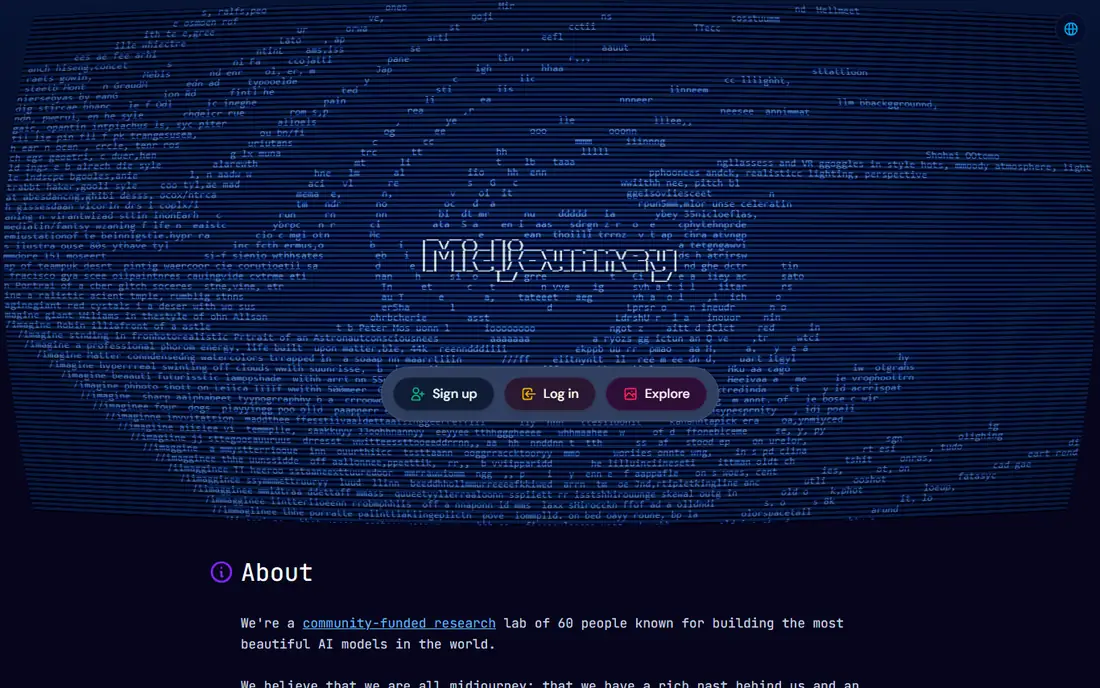
Midjourney is the app many creators mention first when they talk about beautiful AI images. Its output often looks polished and painterly, even from a short prompt, and the Explore gallery is a useful place to study prompts and styles. That gallery also shows why Midjourney suits mood boards, book covers, and concept art more than precise product shots.
The catch is cost and privacy. There is no free plan, and the Basic plan gives 3.3 hours of Fast GPU time per month with no slower fallback mode. Private images need the Pro plan, so anyone making client work should budget for that step up before they start.
- Distinctive artistic style
- Strong community gallery for ideas
- Video generation on higher plans
- No free plan
- Images are public on the Basic plan
- Learning prompts takes time
ChatGPT is the easiest place for most people to start, because you can describe an image, ask for a change, and then ask for another version in the same conversation. That back-and-forth style suits thumbnails, illustrations for a blog post, and quick mockups where the first result is rarely the final one. The free plan includes limited image creation, while Plus costs $20 per month and adds higher limits.
The trade-off is control. ChatGPT is strong at general scenes and edits, but small text, logos, and exact product details can still come out wrong. Treat its output as a draft to check closely, not as a finished file for print.
- Image creation inside a chat you already use
- Good at following edits
- Plus adds higher limits
- Free image limits apply
- Precise brand details still need checking
- No separate image-only plan
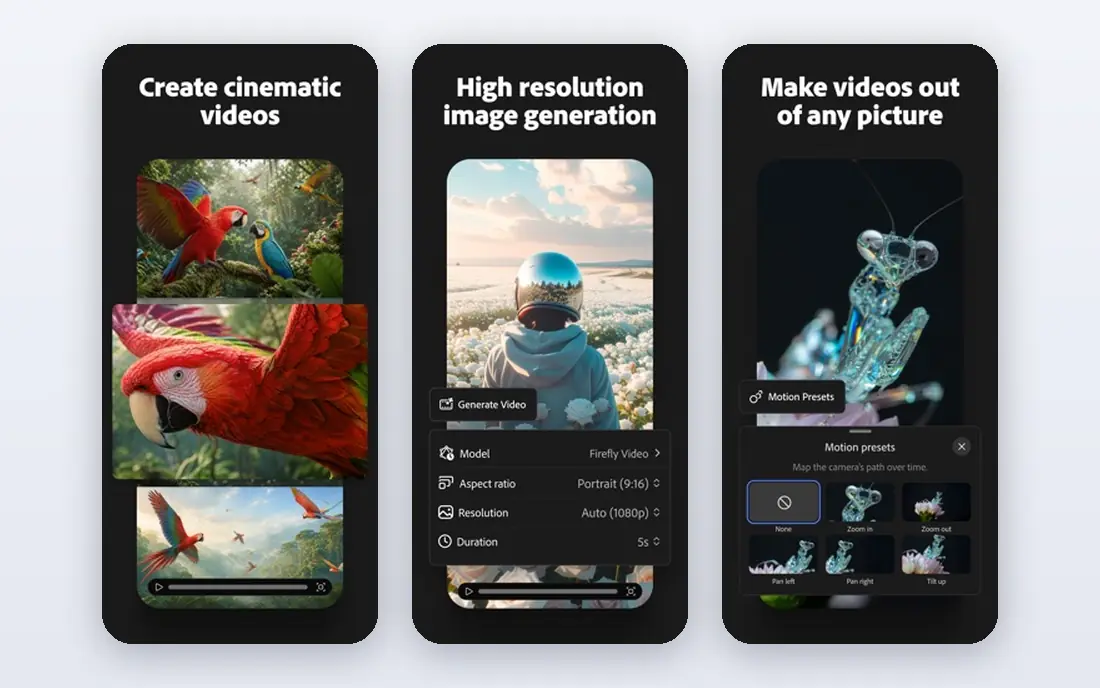
Firefly is the sensible choice for designers who already work in Adobe apps. Images can feed into Photoshop for Generative Fill and into Express for social posts, which saves the export and re-import steps that slow down other tools. Adobe also positions Firefly models as commercially safe, which matters for client work and brand campaigns.
The pricing needs care. The free plan gives a limited credit allowance, and the standalone Standard plan costs $9.99 per month with 2,000 generative credits. Video and partner models use credits faster, so check the current plan page before you commit to a monthly volume.
- Built for commercial use
- Fits Photoshop and Express workflows
- Free tier for trying it
- Credit limits can run out fast on video
- Artistic range is narrower than Midjourney
Leonardo AI feels more like a production workspace than a simple prompt box. You can pick different models, train personal models on paid plans, and build a steady stream of game assets, characters, and textures. The free plan gives 150 fast tokens per day, which is enough to learn the tool and make occasional images.
Paid plans start with Essential at $12 per month, which adds private generations and a monthly token pool. The main weakness is token maths: a larger image or a premium model can cost more than a basic one, so heavy users should watch the estimate shown before each generation.
- Daily free tokens
- Many models in one place
- Private generations on paid plans
- Free generations are public
- Token costs vary by model and settings
- Learning curve for new users
If your image needs words on it, start with Ideogram. Posters, packaging mockups, and social graphics often come back with spelling intact, which is still a weak point for many rivals. Its Canvas tools also let you fill, extend, and edit parts of an image without moving to another app.
The free plan gives weekly credits, with the exact amount varying by account type, so it is best for testing rather than daily work. Plus costs $20 per month, or $15 per month billed annually, and adds private generation and unlimited slow credits. That is the plan to choose if you need reliable text work every week.
- Best text rendering in this list
- Useful canvas editing tools
- Private generation on paid plans
- Free credits are limited
- Artistic output trails Midjourney
- Long text blocks can still fail
Canva is not the best pure image generator here, but it is often the most useful one. You can generate an image, drop it into a template, add readable text, and export a post in one place. That matters for small businesses that need a finished graphic, not just a raw image file.
The free plan includes limited AI uses, while Pro costs $15 per month, or $120 per year, and adds the full Magic Studio tools, a brand kit, and more storage. Choose Canva when layout and speed matter more than squeezing the last bit of realism from a prompt.
- Huge template library
- Easy text and layout tools
- Free plan covers basic design
- Image quality trails specialist generators
- AI uses are limited on the free plan
- Pro is needed for full AI tools
Gemini is a strong free starting point, especially for people who already use Google apps. You can ask for an image in plain language, then refine it by describing what to change, which suits birthday cards, blog illustrations, and social posts. The free tier is enough to learn what AI images can and cannot do.
The limit is depth. Gemini is a general assistant first, so it does not offer the same model choice, training options, or production controls as Leonardo AI or Midjourney. If you need a consistent character or a large batch of matching images, a specialist tool will save time.
- Free tier for casual use
- Conversational editing
- Works well for everyday prompts
- Advanced limits sit behind paid Google AI plans
- Style control is less deep than specialist tools
Microsoft Designer gives casual creators a low-friction way to make images without a new subscription. You sign in with a Microsoft account, type a prompt, and get a set of images you can use in a design or download directly. It is a good fit for classroom projects, small business posts, and anyone who only needs images now and then.
The main limit is boosts, which speed up generation and refill on a schedule. Once they run out, generation slows down. That is fine for occasional use, but daily creators will find a paid specialist tool less frustrating.
- Free image creation with a Microsoft account
- Simple prompt flow
- Useful design templates
- Daily boosts limit fast generation
- Fewer advanced controls
- Quality varies by prompt
NightCafe is a friendly entry point for people who enjoy making art for its own sake. Daily free credits let you try different styles and models, and community challenges give you prompts when you are stuck for ideas. It is also a good way to compare models side by side without paying for several subscriptions.
The downside is the credit economy. Free credits cover casual play, but a run of high-resolution or multi-model experiments will push you toward a paid plan. Check the current credit prices on the site before you plan a large project around it.
- Free daily credits
- Many styles and models
- Community challenges for ideas
- Credit system can feel tight for heavy use
- Interface is busy for beginners
- Paid plans needed for bulk work
How we picked these
We compared official feature pages, pricing pages, and app store listings for each app, and we left out tools that had closed, had no working homepage, or did not offer a usable image generator in October 2026. We favoured apps with a clear free or low-cost entry point, a working web or mobile app, and a distinct strength, so this list covers art, text, design, and everyday use rather than nine versions of the same tool. Prices change, so we note the plan we found and point you to the vendor page to confirm before you pay.
What to check before you pay
Start with the free plan and a real job, not a demo prompt. Make three images you would actually publish, check the text, hands, logos, and colours, and see how many tries it takes to get one you like. That test tells you more than any feature list.
Then check three practical points. First, who owns the output and whether you can use it commercially on your plan. Second, whether your images are public by default, which matters for client work. Third, how credits, tokens, or boosts are counted, because a low monthly price can still run out fast on large images or video.