Best AI Headshot App in 2026: 8 Apps Compared
By ToolNimba Editorial Team November 1, 2026 9 min read

- Top pick
 Aragon
Most professionals
Starting price$35 one timeCheck out AragonRead our review - Runner-up
 HeadshotPro
Teams and companies
Starting price$29 one timeCheck out HeadshotProRead our review - Also great
 BetterPic
4K and print use
Starting priceSee websiteCheck out BetterPicRead our review
How we researched this
We compared official pricing and feature pages, app store listings, privacy policies and public user reviews. Prices change, so check the provider's site before you pay.
Key takeaways
- Aragon is our pick for most professionals for its balance of realism, speed, and price at $35 for a basic pack.
- HeadshotPro is the strongest choice for teams that need a consistent look across many staff profiles.
- BetterPic suits people who need 4K images for print, while Secta gives the most images per dollar.
- Cheap packs are not always good value, since most people only publish one or two images from a pack.
- Check refund and redo rules before you pay, since some policies close once training starts.
Quick comparison
| Name | Best for | Starting price | Free plan | |
|---|---|---|---|---|
| Aragon | Most professionals | $35 one time | No | Visit |
| HeadshotPro | Teams and companies | $29 one time | No | Visit |
| BetterPic | 4K and print use | See website | No | Visit |
 Secta | Most images per dollar | $49 one time | No | Visit |
 Dreamwave | Natural single style results | $35 one time | No | Visit |
 ProPhotos | Simple professional packs | See website | No | Visit |
 Photo AI | Ongoing photo generation | $19 per month | Free trial | Visit |
 Try It On AI | Testing AI headshots cheaply | $17 one time | No | Visit |
The best AI headshot apps
An AI headshot tool turns a set of selfies into studio style portraits. Quality depends on your input photos, the styles offered, and how well the tool keeps your likeness. We compared official pricing pages, photo counts, turnaround claims, refund policies, and public reviews to rank these tools by real use, not by marketing claims.
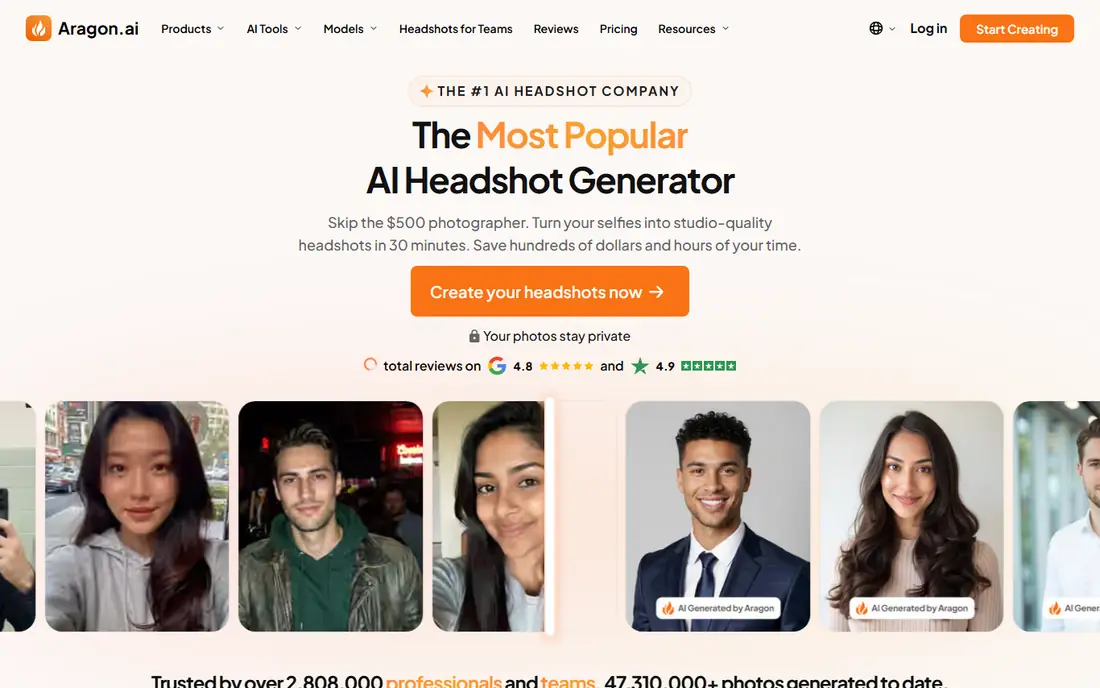
Aragon is our pick for most people because its basic pack balances price, speed, and choice. For $35, the basic pack gives 40 headshots, with standard and executive packs offering more styles and higher resolution. The site says basic packs arrive in about 45 minutes, which suits a job seeker who needs a LinkedIn photo this week.
Privacy is a plus. Aragon notes SOC 2 Type II compliance and account controls for managing personal data, which matters when you upload photos of your face. The catch is input quality. Blurry, filtered, or old selfies lead to weaker results, so upload recent, clear photos from several angles.
- Basic pack gives 40 headshots
- Fast turnaround
- SOC 2 Type II compliance noted on its site
- Lower tier resolution is modest for large prints
- Best results need good input selfies
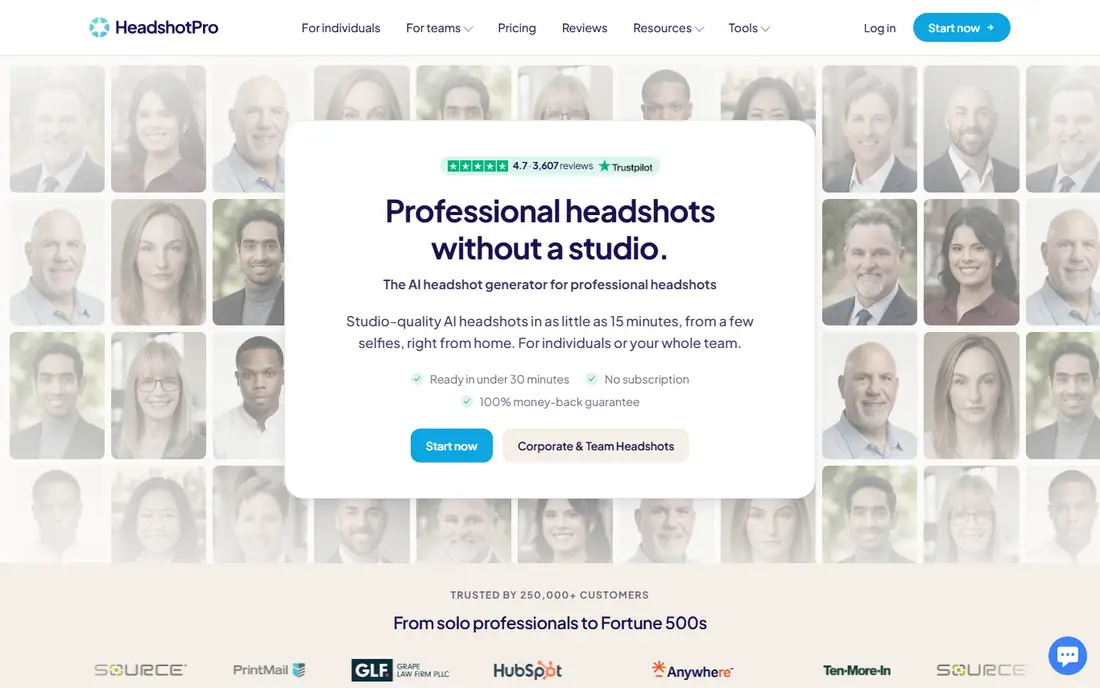
HeadshotPro is the best choice when a whole team needs headshots that look like they belong together. One admin can set the style, invite staff, and collect the full set, which beats chasing individual photographers or separate orders. For individuals, the $29 starting pack is also competitive.
The trade off is volume. Some rivals give more images for a similar price, and HeadshotPro takes about two hours rather than under an hour. If you only need one personal photo and you like choosing from a huge gallery, another tool may suit you better. For teams, the consistency is worth it.
- Strong team workflow
- Consistent styles across staff
- Money back if it does not look like you, per its policy
- Individual packs can feel small next to rivals
- Turnaround is around two hours
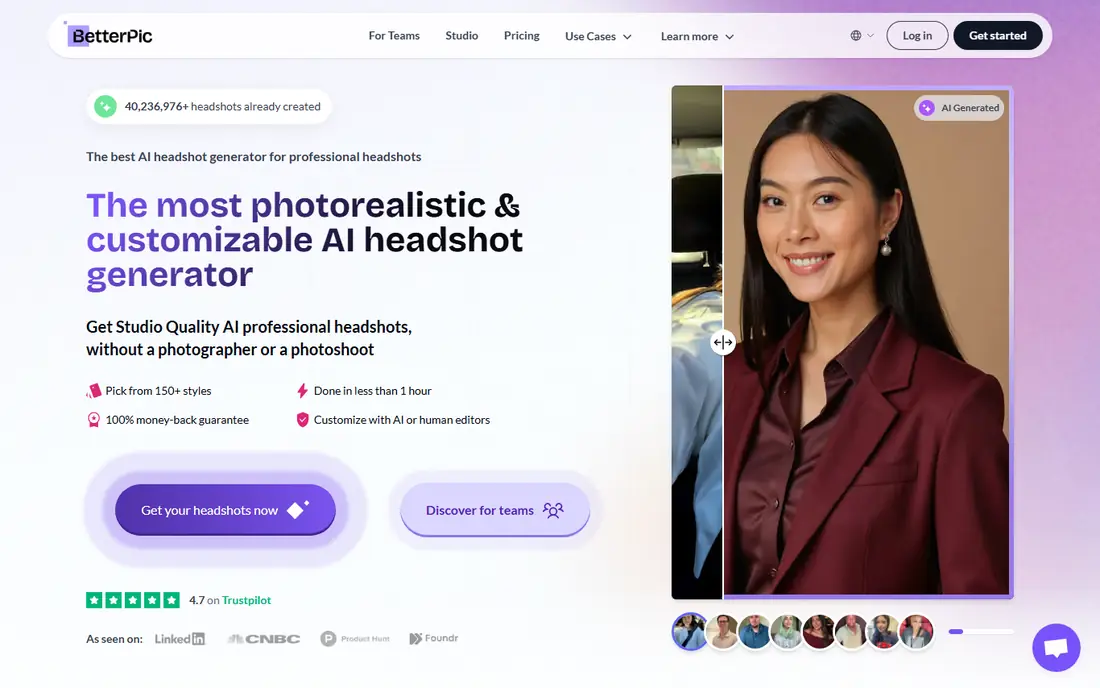
BetterPic appeals to people who need images beyond a small LinkedIn thumbnail. Its higher packs offer 4K resolution, which matters for print, conference bios, and large company pages. Human retouching is also available, which can fix small issues that fully automated edits miss.
The weakness is clarity. Pack sizes and prices have changed across listings, so check the current pricing page before you buy and note what the pack you choose includes. If you only need a web profile photo, a cheaper pack elsewhere may give the same result for less.
- 4K images on higher packs
- Human retouching options
- Wide style range
- Pricing and pack sizes have varied
- Redo costs can add up
Secta wins on volume per dollar. Its pricing card lists 200 or more images across many styles for $49, delivered in under an hour, with a 30 day money back guarantee. If you want to browse many looks before choosing, no other tool on this list gives you that many options for the price.
The caveat is that more images do not mean a better likeness. You still need to judge eyes, smile, hairline, and face shape against a recent photo. Secta suits people who enjoy choosing from a large set. If you want a small, curated set, Aragon or HeadshotPro may feel less overwhelming.
- Large gallery of 200 or more images on its pricing card
- Many styles
- 30 day money back guarantee noted on its site
- Its own site shows different image counts in different places
- Volume does not guarantee likeness
Dreamwave is a good pick for people who want a simple, natural result without managing a huge gallery. Its workflow is fast to start, and its portraits tend to look less over polished than some rivals. At $35, it sits in the same price band as Aragon and BetterPic.
The honest catch is refunds. Public comparisons note no refunds on Dreamwave, with a redo on higher tiers, so read the current policy before you pay. If you are unsure how AI headshots will turn out for you, a tool with a clearer refund or redo policy is safer.
- Simple workflow
- Natural looking portraits
- Fast start
- No refunds on some tiers, per public comparisons
- Fewer edit options than rivals
ProPhotos is a solid middle option for professionals who want a simple pack without team features or 4K extras. Typical packs give 40 or more images, and public listings put turnaround around 90 minutes. That is fast enough for most job searches and profile updates.
The weakness is policy clarity. Public listings do not always state refund terms as clearly as Aragon or Secta, so check the site before paying. If refund clarity matters to you, that check takes two minutes and can save a dispute later.
- Straightforward packs for professionals
- 40 or more images on typical packs
- 90 minute turnaround in public listings
- Refund terms are less clear in public listings
- Style range is narrower than Secta
Photo AI suits people who want more than one headshot session. As a monthly tool, it lets you train a model and generate new photos over time, including styles beyond a standard corporate portrait. At $19 per month in public listings, it is affordable for a month of use.
For a single LinkedIn photo, a subscription is usually worse value than a one time pack. Public listings also note refunds only before you train a model, so try the free options first and be sure before you train. Cancel after your session if you do not need ongoing generation.
- Monthly model for repeat use
- Fast training
- Varied photo types beyond headshots
- Subscription cost adds up for one time use
- Refund only before training, per public listings
Try It On AI is the cheapest way to test whether AI headshots work for you. From about $17, you can see how an AI portrait of yourself looks before spending $35 or more elsewhere. Generation is fast, which makes it a low risk experiment.
The trade off is clarity and consistency. Public listings give less detail on image counts and refunds than the larger tools, and results can vary with input photos. Treat it as a test, not as a final team solution. If the test looks good, you can still buy a fuller pack from Aragon or HeadshotPro for your main profile.
- Lowest starting price on this list
- Fast generation
- Good way to test the concept
- Image counts and refund terms are less clear
- Quality can vary
How we picked these
We compared official pricing pages, pack sizes, turnaround claims, refund and redo policies, privacy statements, and public reviews. We did not claim hands on testing. We favored tools with clear pricing, a real refund or redo path, and a pack size that gives a fair chance of one usable photo.
How to get a good result
Upload 10 to 20 recent photos with mixed angles, expressions, and shirts, taken in daylight from a window. Skip filters, sunglasses, and hats, and avoid photos more than a couple of years old. The model learns from what you give it, so weak inputs lead to weak portraits no matter which tool you pick.
After you get your gallery, compare each candidate against a recent real photo. Check eyes, smile, hairline, and face shape first, and ignore background or outfit until likeness passes. Show the top choice to someone who knows you and ask if it looks like you on a good day. That simple test catches most bad picks.
Finally, check usage and privacy terms. Confirm you own the images for profile and print use, and check how long the tool keeps your training photos. Reputable tools state deletion windows and say your face data is not used to train general models. If a tool does not state that clearly, choose another one.
Sources
- https://www.aragon.ai
- https://www.headshotpro.com
- https://www.betterpic.io
- https://www.sectalabs.com
- https://www.dreamwave.ai
- https://www.prophotos.ai
- https://photoai.com
- https://www.tryitonai.com
- https://www.aragon.ai/blog/the-best-ai-headshot-generator-for-professionals
- https://magicstudio.com/blog/best-ai-headshot-generators/