Best AI Project Management Tools in 2026: 9 Tools Compared
By ToolNimba Editorial Team November 1, 2026 9 min read

- Top pick
 Asana
Portfolios and cross-team work
Starting price$10.99 per user per monthCheck out AsanaRead our review - Runner-up
 ClickUp
All-in-one workspace
Starting price$9 per user per monthCheck out ClickUpRead our review - Also great
 monday.com
Visual boards and workflows
Starting price$9 per seat per monthCheck out monday.comRead our review
How we researched this
We compared official pricing and feature pages, app store listings, privacy policies and public user reviews. Prices change, so check the provider's site before you pay.
Key takeaways
- Asana is our pick for cross-functional teams that need portfolios, goals and clear ownership across many projects.
- ClickUp packs the most features per dollar, but its depth can feel busy for teams that want a simple board.
- Motion is the best AI project management tool if automatic scheduling is the main problem you want solved.
- AI features vary widely, so check whether AI is included, limited by credits or sold as a paid add-on on your plan.
Quick comparison
| Name | Best for | Starting price | Free plan | |
|---|---|---|---|---|
| Asana | Portfolios and cross-team work | $10.99 per user per month | Yes | Visit |
| ClickUp | All-in-one workspace | $9 per user per month | Yes | Visit |
| monday.com | Visual boards and workflows | $9 per seat per month | Yes | Visit |
 Notion | Docs plus light project tracking | $10 per member per month | Yes | Visit |
 Motion | AI scheduling around meetings | $19 per seat per month | Free trial | Visit |
 Wrike | Approvals and resource planning | $10 per user per month | Yes | Visit |
 Smartsheet | Spreadsheet-style project plans | $9 per member per month | Free trial | Visit |
 Linear | Software teams and issue tracking | $10 per user per month | Yes | Visit |
 Taskade | AI agents inside projects | $10 per month | Yes | Visit |
The best AI project management tools
AI in project tools now does practical work: drafting status updates, summarizing long threads, breaking a goal into tasks, flagging risks and scheduling work around meetings. The best AI project management software still needs good basics, though, because an AI summary cannot fix unclear ownership or a board nobody updates. The tools below balance AI help with solid planning, tracking and reporting.
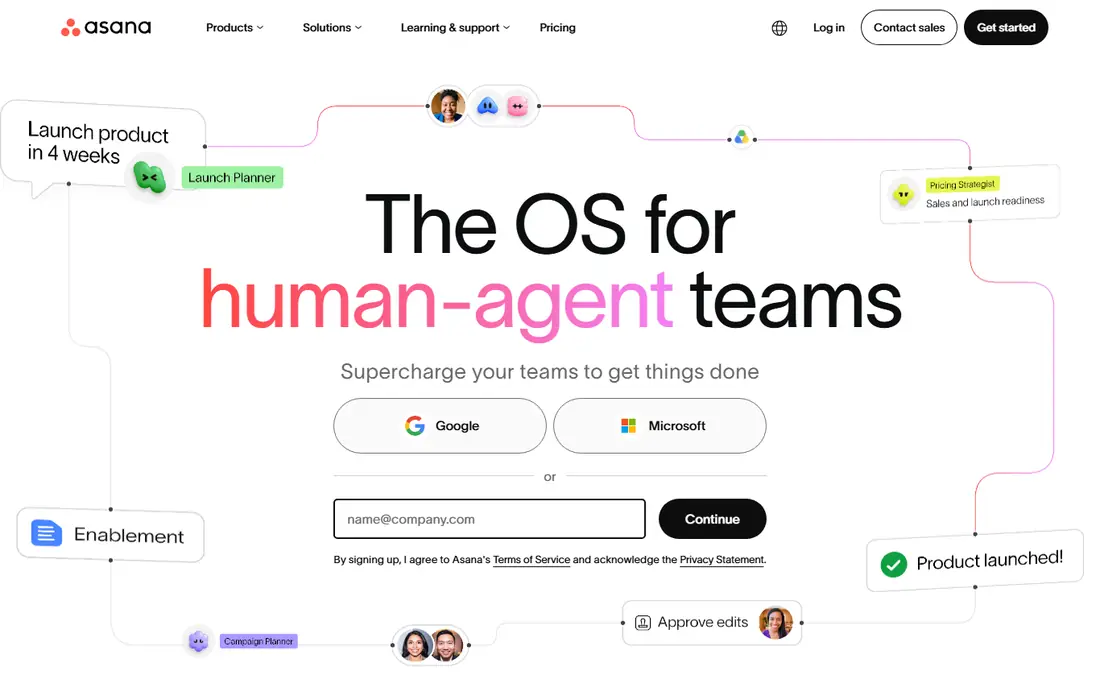
Asana suits teams that run many projects at once and need to see how they roll up. Timelines, portfolios and goals give managers a view across work without opening every project, while AI features help draft updates, summarize work and suggest next steps. For marketing, operations and product teams that share work across departments, that structure is the main draw.
The catch is tiering. The entry plan covers core task work, but portfolios, advanced reporting and the fuller AI set sit higher up. Asana is still our pick for cross-functional work, provided you price the tier that actually includes the views your managers will use.
- Clear timelines and portfolios
- AI status updates and workflow help
- Strong goals tracking
- AI depth varies by plan
- Portfolios and advanced reporting need higher tiers
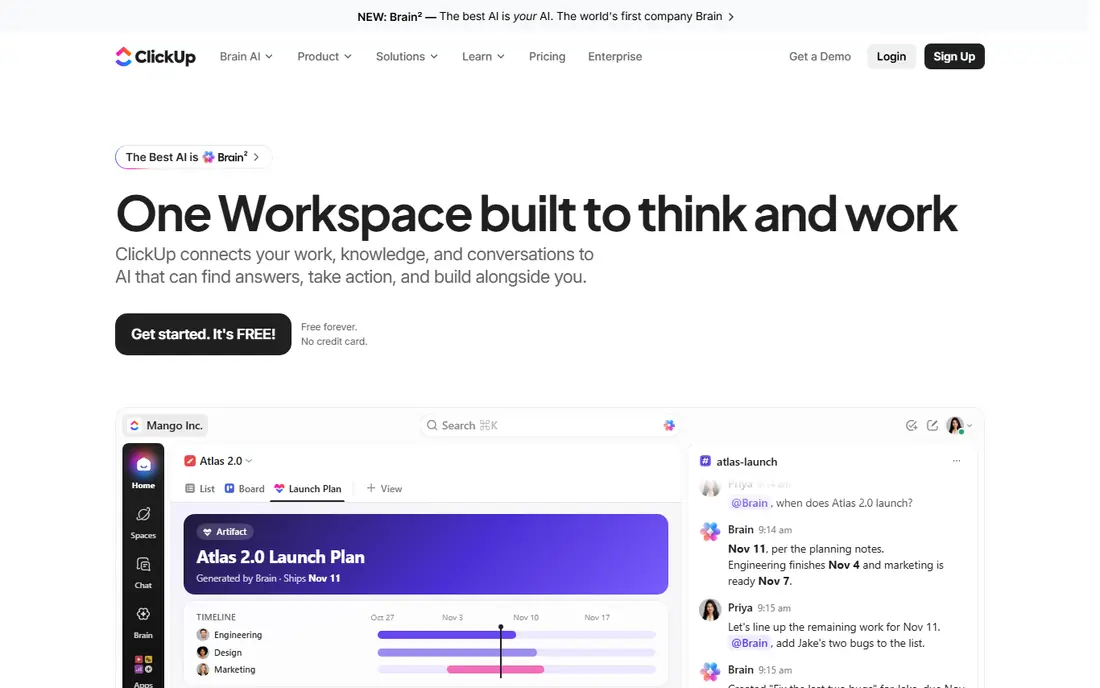
ClickUp tries to replace several tools at once, with tasks, docs, whiteboards, goals and chat in a single workspace. Its AI features summarize tasks and threads, draft content and pull action items from notes, which helps teams that live inside one hub. The free plan is generous enough for a small team to test the full workflow before paying.
The downside is complexity. With so many views and settings, a team can spend its first weeks configuring instead of working. ClickUp rewards a team that appoints one owner for setup and keeps views simple at the start.
- Docs, whiteboards, chat and tasks in one product
- Generous free plan
- AI summaries and writing help
- Depth can feel overwhelming at first
- Setup and customization take time
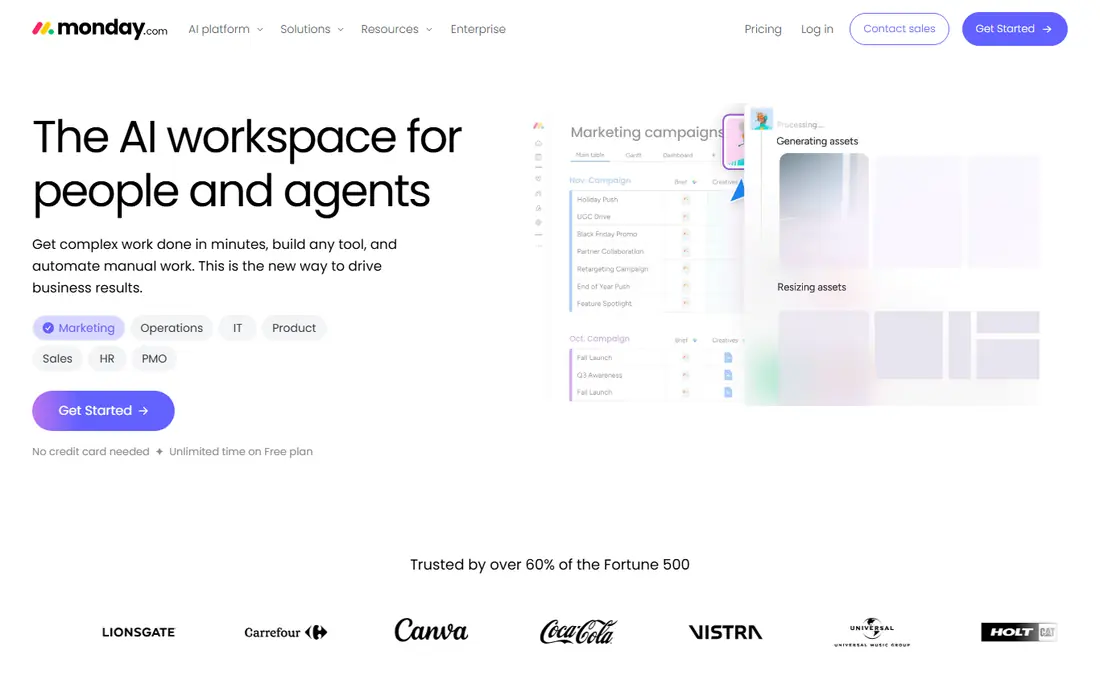
monday.com is the easiest board to read at a glance. Color, status columns and dashboards make project health obvious without opening each task, and automations handle routine moves, alerts and assignments. AI features on paid plans help summarize updates, generate task content and support workflow building.
Paid plans require at least three seats, so solo users should use the free plan or look elsewhere. AI credits also vary by plan, so check the current allowance if AI drafting and summaries are central to your case.
- Visual boards that are easy to read
- No-code automations
- AI help on paid plans
- Three-seat minimum on paid plans
- AI credits are limited on lower tiers
Notion is best when project work lives inside documents. Teams can keep specs, meeting notes, wikis and task databases in one place, and Notion AI can summarize pages, answer questions across the workspace and draft content. That makes it a strong pick for small product, content and startup teams.
Notion is less strong for strict project controls such as workload balancing, portfolio reporting and dependency management at scale. If your projects need formal timelines and resource plans, a dedicated PM tool will fit better.
- Docs, wikis and databases in one workspace
- AI writing and Q and A across pages
- Flexible layouts
- Weaker structured project controls than dedicated PM tools
- AI is a paid add-on in some cases
Motion solves a different problem from the board tools: it puts tasks on your calendar for you. Tell it your tasks, deadlines and priorities, and its AI schedules work around meetings, then re-plans when the day changes. For managers and individuals with packed calendars, that automatic planning is genuinely useful.
Motion is not a full portfolio tool, and its price is higher than basic board plans. Buy it for scheduling first, and pair it with a team board if you also need cross-team reporting.
- AI auto-schedules tasks on your calendar
- Re-plans when meetings move
- Good for busy individuals
- No free plan
- Higher price than board tools
- Less suited to large portfolio reporting
Wrike fits creative, marketing and operations teams with review cycles. Proofing, approvals and resource views help managers see who is overloaded and where work is stuck, while AI features summarize projects and surface risks. That combination suits teams that juggle many deliverables with sign-off steps.
Wrike feels heavier than a simple board tool, and new users need time to learn its structure. It earns its place when approvals and resourcing are daily work, not occasional extras.
- Strong approvals and proofing
- Resource views for busy teams
- AI summaries and risk hints
- Interface takes time to learn
- Advanced reporting sits on higher plans
Smartsheet suits teams that think in spreadsheets. The grid layout makes large plans easy to build and filter, and its reporting and dashboard tools work well for operations teams and project management offices. AI features help summarize and generate content, though depth depends on plan.
Smartsheet offers a trial rather than a free plan, and its look is more functional than visual. For teams that already plan in sheets and want that model with better reporting, it is a natural step up.
- Familiar grid layout
- Strong portfolio reporting
- Good for operations and PMO work
- No permanent free plan
- Interface feels less modern than board rivals
- AI varies by plan
Linear is built for software teams. Issue tracking is fast, cycles keep sprints tidy, and roadmaps show product direction without heavy setup. Its AI features help triage issues, summarize work and draft updates, which fits engineering workflows where speed matters.
Linear is a weaker pick for marketing or operations teams that need broad templates and general project views. For product and engineering teams, though, its focus is exactly the point.
- Fast, clean issue tracking
- Cycles and roadmaps for product teams
- AI triage and summaries
- Less suited to non-software workflows
- Fewer general business templates than broader tools
Taskade puts AI agents and automations directly inside projects, so a team can draft plans, automate follow-ups and generate outlines without leaving the workspace. Its Pro plan covers up to 10 people at one flat monthly price, which makes it unusually affordable for a small team that wants AI help.
The trade-off is ecosystem size. Taskade has fewer native integrations and templates than the biggest platforms, and heavy AI use runs into credit limits. For a small team that wants AI-first project help at a low price, it is a smart trial.
- AI agents and automations inside projects
- Flat price covers up to 10 people on Pro
- Mind maps and docs included
- Smaller ecosystem than Asana or monday.com
- AI credits limit heavy use on lower plans
How we picked these
We compared official feature and pricing pages, plus public reviews, and kept only tools with real AI features that are sold in 2026, not just a chatbot badge. We checked whether AI was included in the base price, limited by credits or sold as an add-on, and we favored tools that also cover core project basics such as tasks, timelines, ownership and reporting.
How to choose an AI project management tool
Start with the job AI should do for you. If status updates eat your week, pick a tool with strong summaries. If scheduling is the pain, Motion beats a prettier board. If approvals stall work, Wrike or Asana will help more than a docs tool.
Check AI limits before you pay
Ask how many AI credits or actions you get, what happens when you run out, and whether AI is included on your exact plan. A low headline price can hide a paid AI add-on that doubles the bill.
Run one real project on the trial
Move a live project, not a sample, into the trial for two weeks. Test ownership, deadlines, reporting and one AI task such as a status summary. If the team does not update the board during the trial, a new tool will not fix that habit on its own.
Keep the setup simple at first
Use one board, one status set and one weekly review. Add automations and AI workflows only after the basics stick, because a complex setup that nobody maintains is worse than a simple board everyone uses.