Best AI Tool for PowerPoint Presentation in 2026: 9 Tools Compared
By ToolNimba Editorial Team November 11, 2026 8 min read

- Top pick
 Gamma
Fast prompt-to-deck creation
Starting priceFreeCheck out GammaRead our review - Runner-up
 Microsoft Copilot
Native PowerPoint decks
Starting priceSee websiteCheck out Microsoft CopilotRead our review - Also great
 Beautiful.ai
Consistent business decks
Starting price$14.50 per monthCheck out Beautiful.aiRead our review
How we researched this
We compared official pricing and feature pages, app store listings, privacy policies and public user reviews. Prices change, so check the provider's site before you pay.
Key takeaways
- Gamma is our pick for most people, thanks to fast prompt-to-deck generation and export to PowerPoint, PDF and Google Slides.
- Microsoft Copilot in PowerPoint is the best choice if your final file must be a native PowerPoint deck inside Office.
- Beautiful.ai suits teams that need consistent, polished formatting without manual layout work.
- Plus AI and SlidesAI work inside the slides app you already use, instead of replacing it.
- Always check export quality before you commit: a deck that looks good online can shift layout when exported to PowerPoint.
Quick comparison
| Name | Best for | Starting price | Free plan | |
|---|---|---|---|---|
| Gamma | Fast prompt-to-deck creation | Free | Yes | Visit |
| Microsoft Copilot | Native PowerPoint decks | See website | No | Visit |
| Beautiful.ai | Consistent business decks | $14.50 per month | Free trial | Visit |
 Canva | Template control and design | Free | Yes | Visit |
 Plus AI | AI inside Slides and PowerPoint | $10 per month | Free trial | Visit |
 SlidesAI | Google Slides text-to-slides | Free | Yes | Visit |
 Pitch | Collaborative pitch decks | Free | Yes | Visit |
 Decktopus | Simple decks for beginners | Free | Yes | Visit |
 Google Slides with Gemini | Google Workspace teams | See website | Yes | Visit |
The best AI tool for PowerPoint presentation
AI slide tools are good at first drafts, not finished decks. The real choice is where the deck has to end up: as a shared link, as a polished design file, or as a native PowerPoint file for a corporate template. These nine cover those paths, with notes on export and pricing.
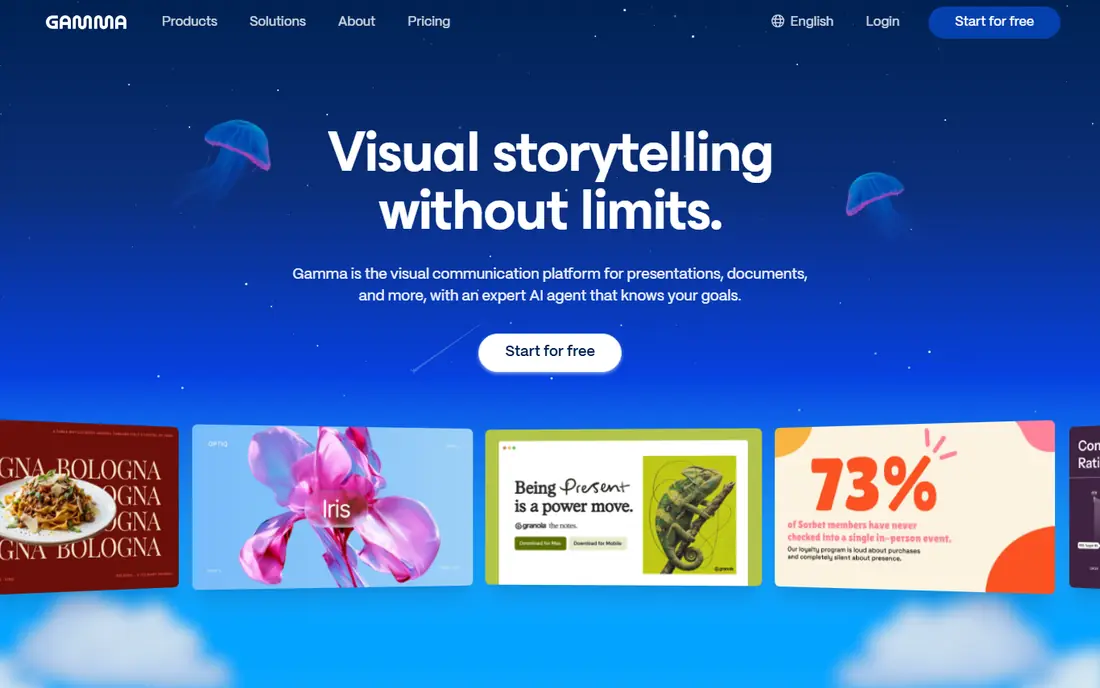
Gamma is the fastest route from a paragraph to a presentable deck. Type a topic or paste an outline, pick a theme, and you get a full set of cards you can edit, share as a link, or export. That speed makes it ideal for founders, marketers and consultants who make decks often.
The catch is export fidelity. A deck that looks clean on the web can shift when opened as a PowerPoint file, so allow time to tidy slides if PowerPoint is the deliverable. If a link is acceptable, Gamma is hard to beat.
- Prompt-to-deck in minutes
- Export to PowerPoint, PDF and Google Slides
- Web-native sharing and embeds
- Exported PowerPoint layouts can need cleanup
- Free credits are limited
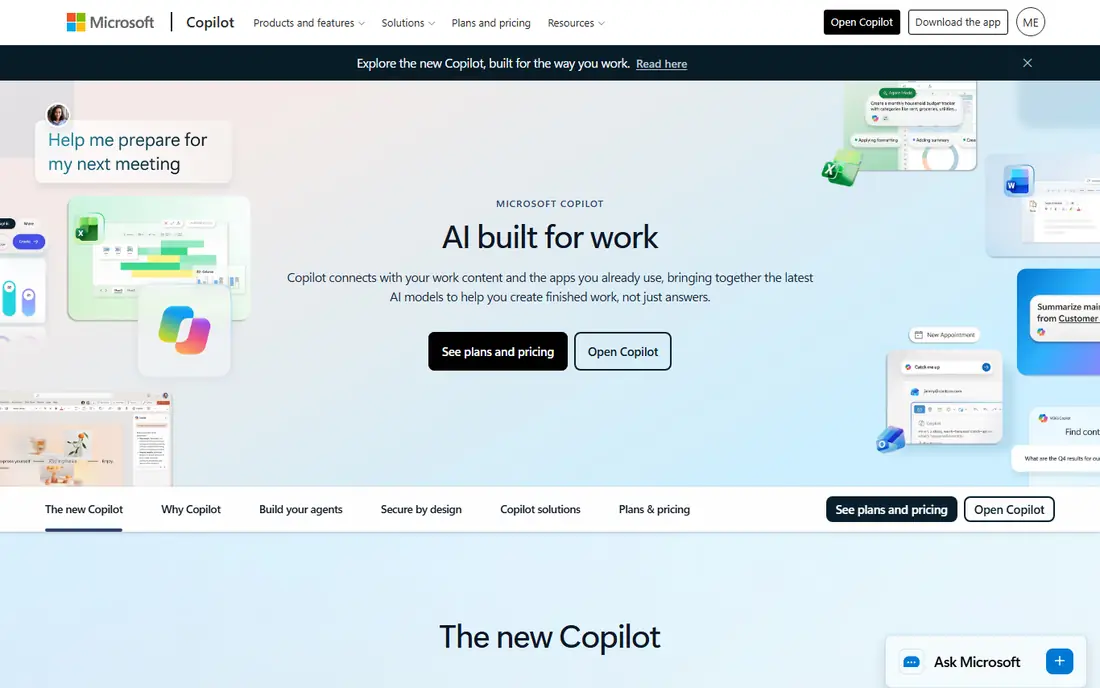
Copilot is the obvious pick when the deck must live in PowerPoint. It can draft slides from a prompt or a document, suggest layouts and help rewrite content, all inside the app your company already uses. There is no export step to break formatting, which matters for corporate templates.
Cost is the drawback. Copilot access depends on your Microsoft 365 licence, and limits vary by plan. If your firm already pays for it, try Copilot first before adding another tool.
- AI inside PowerPoint itself
- Native PowerPoint files with no export step
- Works with Word and Excel data
- Needs a Microsoft 365 plan
- Usage limits apply on some plans
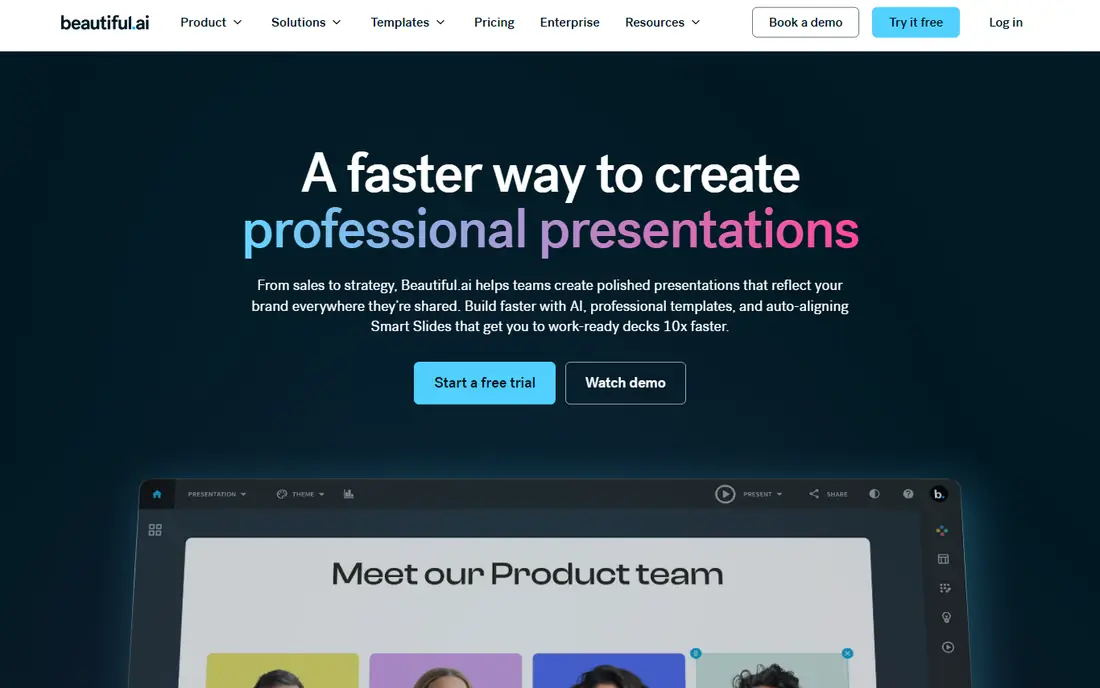
Beautiful.ai enforces good design. Its Smart Slides rebalance text, images and charts as you edit, so decks stay tidy without manual nudging. That discipline suits business teams that need every deck to look on-brand, even when non-designers build it.
You lose some creative freedom compared with Canva, and there is no ongoing free plan. For teams that value consistency over wild creativity, that trade is worth it.
- Smart Slides auto-adjust layout
- Consistent branding and formatting
- PowerPoint export on paid plans
- No free plan, only a trial
- Less free-form design control than Canva
Canva is the design-first option. Its templates, brand kits and media library give you far more visual control than prompt-only tools, and its AI features can draft text, generate images and suggest layouts. If you already use Canva for social posts and marketing, slides fit naturally into the same workflow.
The AI does less of the structural work than Gamma: you still shape the story and flow. For visual polish and brand control, though, Canva remains a strong all-round choice.
- Huge template library
- AI design and text tools
- PowerPoint export available
- AI slide generation is less structured than Gamma
- Premium elements need a paid plan
Plus AI is for people who do not want a new slide app. It adds AI generation and editing inside Google Slides or PowerPoint, so the file stays native and your existing templates keep working. That makes it a good fit for corporate users who cannot switch tools.
It is an add-on, not a full design platform, so it will not fix a weak story or a messy template on its own. If native files matter most, Plus AI is a smart middle path between Copilot and a standalone builder.
- Works inside Google Slides and PowerPoint
- Generates and rewrites slides in place
- Keeps native file format
- No ongoing free plan
- Quality depends on your prompt and source material
SlidesAI is a lightweight Google Slides add-on that turns pasted text into a deck. It suits teachers, students and Workspace teams who need a quick first draft without learning a new platform. The free plan covers a small number of presentations per year, enough to test it properly.
Design is simpler than Gamma or Canva, and heavy customisation needs manual work in Slides. For fast, simple Google Slides decks, it does the job well.
- Turns text into Google Slides fast
- Free plan with limited presentations
- Simple setup for Workspace users
- Design options are basic
- PowerPoint use needs export through Google Slides
Pitch is built for teams that build decks together. Real-time editing, comments, analytics and shared templates suit startups preparing investor decks and sales teams preparing client decks. The interface feels modern and fast, and collaboration is smoother than emailing PowerPoint files around.
Its AI generation is less central than Gamma, so expect more manual shaping of content. If teamwork and pitch polish matter more than pure prompt speed, Pitch is a good fit.
- Real-time collaboration
- Templates for startups and sales
- PowerPoint export on paid plans
- AI features are lighter than Gamma
- Free exports carry branding limits
Decktopus keeps things simple. Answer a few prompts, pick a theme, and you get a complete deck to edit and export. That guided flow helps beginners and solo founders who feel stuck staring at a blank slide.
Advanced users will want more control over layout, charts and branding. As a first AI slide tool, though, Decktopus is friendly, fast and easy to learn.
- Guided prompt-to-deck flow
- Simple templates for beginners
- PowerPoint and PDF export
- Less design depth than Canva or Beautiful.ai
- Advanced users may outgrow it fast
Google Slides with Gemini is the Workspace-native answer to Copilot. On eligible plans it can generate full decks, help rewrite slides and work with your Docs and Drive content. Teams already on Workspace get AI help without adding another subscription or workflow.
Availability depends on your Workspace plan, so check eligibility before relying on it. If your team already pays for Workspace, this is the first tool to try for AI slides.
- AI help inside Google Slides
- Full deck generation on eligible Workspace plans
- No new tool to learn
- Full generation needs a Business Standard or higher plan in current rollout
- PowerPoint export needs care
How we picked these
We compared official pricing pages, export options and current roundups for AI presentation tools available in 2026. We favoured tools with a live product, a clear export path to PowerPoint or Google Slides, and a distinct use case, and we left out tools whose presentation product has closed. We did not claim hands-on testing; this reflects published features, pricing and documentation.
How to choose the right tool
Start with the deliverable. If the final file must be PowerPoint, choose Copilot, Plus AI or Beautiful.ai, and test export early. If a shared link is fine, Gamma is fastest. If design control matters, Canva wins. If you live in Google Workspace, try Slides with Gemini or SlidesAI first.
Then test with your real content, not a demo topic. Paste a real outline, check how charts, tables and images survive export, and see how long cleanup takes. AI decks always need a human pass for accuracy, tone and story flow, so budget editing time into every project.
Making AI decks look human
Rewrite the AI text in your own voice, cut filler slides, and check every fact, number and quote. Add your own examples, images and data where they matter. A short, honest deck beats a long, generic one every time.
Sources
Frequently asked questions
What is the best AI tool for PowerPoint presentations?
Gamma is the best all-round pick for fast decks, while Microsoft Copilot is best if the final file must be a native PowerPoint deck. Beautiful.ai suits teams that need consistent formatting, and Canva suits design-led users.
Can AI tools export to PowerPoint?
Yes, most tools here export to PowerPoint, including Gamma, Beautiful.ai, Canva, Plus AI, Pitch and Decktopus. Export quality varies, so test layout, fonts and charts with your template before committing.
Is there a free AI presentation maker?
Yes. Gamma, Canva, SlidesAI, Pitch and Decktopus all offer free tiers, though credits, exports and branding limits apply. Beautiful.ai and Plus AI offer trials rather than ongoing free plans.
Do I still need to edit AI-generated slides?
Yes. AI gives you a strong first draft, but you should check facts, tighten the story, fix layout after export, and rewrite text in your own voice before presenting.
Which tool is best for Google Slides users?
Google Slides with Gemini is best if your Workspace plan includes it, while SlidesAI and Plus AI are good add-ons for Google Slides users on other plans.