Best AI Tools for App Development in 2026: 9 Tools Compared
By ToolNimba Editorial Team November 1, 2026 10 min read

- Top pick
 GitHub Copilot
AI help in your existing editor
Starting price$10 per monthCheck out GitHub CopilotRead our review - Runner-up
 Cursor
AI native editor and agents
Starting price$20 per monthCheck out CursorRead our review - Also great
 Claude Code
Terminal first agentic coding
Starting price$20 per monthCheck out Claude CodeRead our review
How we researched this
We compared official pricing and feature pages, app store listings, privacy policies and public user reviews. Prices change, so check the provider's site before you pay.
Key takeaways
- GitHub Copilot is the best low cost starting point for developers who want AI help inside their existing editor, starting at $10 per month.
- Cursor is the best AI native editor for developers who want an agent to carry multi-file changes, while Claude Code suits terminal first work on large codebases.
- No-code builders such as Bubble, FlutterFlow and v0 suit non developers and fast prototypes, but they trade control for speed.
- AI tools speed up drafting and boilerplate, but you still need to review code, test it and own security, since AI output is not automatically correct.
Quick comparison
| Name | Best for | Starting price | Free plan | |
|---|---|---|---|---|
| GitHub Copilot | AI help in your existing editor | $10 per month | Yes | Visit |
| Cursor | AI native editor and agents | $20 per month | Yes | Visit |
| Claude Code | Terminal first agentic coding | $20 per month | No | Visit |
 Windsurf | Budget agentic editor | $20 per month | Yes | Visit |
 v0 | AI generated web app interfaces | See website | Yes | Visit |
 Bolt | Prompt to full stack web apps | See website | Yes | Visit |
 Replit | Browser based AI app building | See website | Yes | Visit |
 FlutterFlow | Visual mobile app building with AI | See website | Yes | Visit |
 Bubble | No-code web apps | See website | Yes | Visit |
The best AI tools for app development
AI tools for app development now cover two very different jobs: helping professional developers write code faster, and letting non developers build a working app from a prompt or visual builder. The best AI app development platform for you depends on whether you code, what you are building, and how much control you need over the final product.
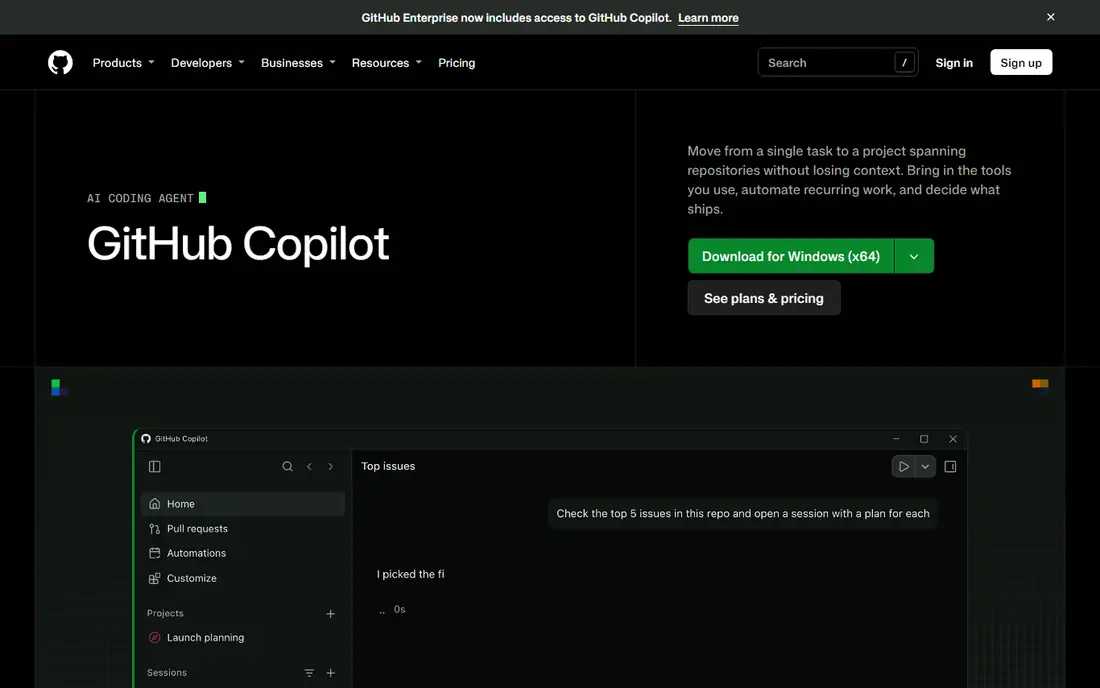
GitHub Copilot is the safest first AI coding tool for most developers. It stays inside the editor you already use, suggests completions as you type, answers code questions in chat, and can carry out multi-step tasks in agent mode. At $10 per month for individuals, it is also the cheapest paid seat among the leading coding assistants.
The limits matter for heavy users. The free tier gives a limited number of completions and chat messages, and paid plans use AI credits for premium models and agent work, so very heavy use can cost more than the headline price. For daily coding help, code review and small features, Copilot remains the best value starting point.
- Works in VS Code, JetBrains and GitHub
- Low price for individuals
- Chat, completions and agent mode in one tool
- Heavy agent use is metered with credits on paid plans
- Free tier has limited completions and chat
- Best value inside the GitHub workflow

Cursor is an AI native editor built as a fork of VS Code, designed around agents that can read your codebase, plan a change and edit several files at once. For refactors, feature work and debugging across a project, that agent depth is stronger than simple autocomplete. Developers who spend most of their day in the editor often find it the most productive option.
The trade-off is lock-in to a new editor and a pricing model that has changed during 2026. The free Hobby tier is limited, and paid tiers are metered in different ways depending on plan and model. Check the current pricing page before you commit, and try it on a real project for a week. If agent work is your main use, Cursor is our pick for professional developers.
- Strong agent for multi-file changes
- Full codebase indexing
- Supports several leading models
- Requires moving to its own editor
- Pricing and tiers have changed during 2026, so check the vendor page
- Heavy use can push costs up

Claude Code is Anthropic's agentic coding tool, run from the terminal with extensions for VS Code and JetBrains. You describe a task, and it reads the repository, plans, edits files, runs tests and fixes failures, which makes it strong for large, multi-module projects. Its large context handling helps when a change touches many parts of a codebase.
There is no free tier, and access comes through a Claude Pro plan starting at $20 per month, with higher plans for heavy use. Developers who dislike terminal work may prefer Cursor or Copilot. For terminal native developers working on hard refactors, Claude Code is a strong specialist choice.
- Strong multi-step reasoning on large codebases
- Works in terminal and in VS Code or JetBrains
- Good for refactors and test fixes
- No free tier
- Heavy use pushes you to higher plans
- Terminal workflow does not suit every developer
Windsurf, formerly Codeium, offers an AI editor with a Cascade agent that can handle multi-file edits and remember project conventions across sessions. For developers who want Cursor style agent work at a competitive price, it is a credible alternative, with a free tier to test the basics.
The main caution is change. Windsurf was acquired by Cognition, the company behind Devin, during 2026, and its roadmap is still settling. That does not make it a bad tool, but teams that hate uncertainty may prefer the more settled Copilot or Cursor. If value matters most and you can accept some roadmap change, Windsurf is worth a trial.
- Cascade agent for multi-file work
- Session memory for project conventions
- Lower cost than some rivals
- Ownership changed during 2026, so roadmap is less certain
- Agent quality varies by task
- Free tier is limited
v0, from Vercel, turns a text prompt into a working web app interface, with code you can edit and deploy. It is excellent for prototypes, landing pages and internal tools, where speed matters more than a fully custom design. Non developers can get a credible first version in hours, and developers can use it as a starting point rather than a blank page.
It is not a finished product on its own. Generated code needs checking for accessibility, performance and security, and complex app logic still needs real development work. Use v0 to validate an idea fast, then decide whether to keep building in code or hand it to a developer team.
- Turns prompts into working web interfaces quickly
- Good for prototypes and landing pages
- Integrates with modern web frameworks
- Output needs developer review and refinement
- Best for web interfaces, not full mobile apps
- Costs rise with generation credits
Bolt lets you describe an app in plain language and get a working full stack web app in the browser, with no local setup. That makes it ideal for demos, hackathons and minimum viable products, where you need something people can click through quickly. The in-browser editing keeps the loop short.
As with other prompt to app tools, the first version is a starting point, not a production system. Database design, authentication, payments and scaling all need careful review, and heavy generation uses tokens that cost money. For validating an idea or building a simple tool, Bolt is one of the fastest options available.
- Builds full stack web apps from prompts in the browser
- No local setup needed
- Fast for demos and MVPs
- Generated apps need review and testing
- Scaling and custom backend work need developer help
- Token costs can add up
Replit is a browser based development platform with an AI agent that can build, run and deploy apps. It suits learners, solo builders and small teams who want to go from idea to a live link without setting up a local toolchain. Collaboration is built in, and the platform handles hosting for many project types.
Production scale is the limit. A successful app may outgrow Replit's hosting or need more control over infrastructure, and AI generated code still needs tests and review. For learning, prototyping and small tools, Replit is a flexible, low friction choice. For a large commercial product, treat it as a starting point and plan your hosting path early.
- Full development environment in the browser
- AI agent can build and deploy apps
- Good for learning and collaboration
- Larger production apps may need to move to dedicated hosting
- AI agent output needs testing
- Pricing depends on usage
FlutterFlow is a visual builder for mobile apps built on Flutter, with AI features that help generate screens, logic and integrations. Unlike some no-code tools, it produces real Flutter code you can export, which gives developers more control and a clearer path if you later move to full code development. That makes it strong for startups building iOS and Android apps together.
It still takes time to learn well, especially for custom logic, payments and complex backend work. The free tier lets you explore, but publishing and team features need a paid plan. For teams that want a visual start without giving up code ownership, FlutterFlow is a strong middle ground.
- Visual builder for real Flutter mobile apps
- AI helps generate screens and logic
- Exports code you can keep
- Learning curve for advanced features
- Some custom native features need code
- Paid plans needed for full publishing
Bubble is the most established no-code platform for web apps, letting non developers build databases, workflows, user accounts and payments visually. Its plugin and template ecosystem covers many common app types, from marketplaces to internal tools, and its community is large enough that help is easy to find.
It is web focused, not a native mobile app builder, and pricing is based on workload, so a popular app can cost more than expected if workflows are not optimised. Complex apps also need disciplined design to stay maintainable. For a web app built without code, especially an MVP or internal tool, Bubble remains the most proven choice.
- Mature no-code platform for web apps
- Visual workflows for logic and databases
- Large plugin and template ecosystem
- Web only, not native mobile
- Performance and pricing depend on workload units
- Complex apps need careful design
How we picked these
We compared official product and pricing pages, plus public reviews, for tools still available in October 2026. We kept only tools that truly help build apps, across AI coding assistants and AI or no-code app builders, and we used See website where pricing is credit based, workload based or varies by plan. AI pricing changes fast, so check the vendor page on the day you buy.
How to choose the right AI app tool
Start with your skill level and your goal. If you code, start with GitHub Copilot for low cost help, then add Cursor or Claude Code for agent work if you need it. If you do not code, start with a prompt to app tool for a prototype, or Bubble or FlutterFlow for a more structured product.
Review and test everything AI builds
AI code can look correct and still contain bugs, security gaps or poor performance. Run tests, check authentication and data handling, and review any code that touches payments or personal data with care. Treat AI output as a draft from a fast junior developer: useful, but never ship it unchecked.
Plan for scale before you launch
No-code and prompt tools are great for validation, but check export options, hosting limits and pricing at higher usage before you commit to a platform. A tool that is cheap for ten users can become expensive at ten thousand, and a tool with no code export can lock you in. Choose the platform that fits both your first version and your next stage.