Best AI Tools for Business in 2026: 9 Tools Compared
By ToolNimba Editorial Team November 11, 2026 8 min read

- Top pick
 ChatGPT
General business work and brainstorming
Starting price$20 per monthCheck out ChatGPTRead our review - Runner-up
 Claude
Long documents and careful analysis
Starting price$20 per monthCheck out ClaudeRead our review - Also great
 Microsoft 365 Copilot
Teams running on Microsoft 365
Starting price$30 per monthCheck out Microsoft 365 CopilotRead our review
How we researched this
We compared official pricing and feature pages, app store listings, privacy policies and public user reviews. Prices change, so check the provider's site before you pay.
Key takeaways
- ChatGPT and Claude are the strongest general assistants, with ChatGPT broader on tools and Claude stronger on long documents.
- Microsoft 365 Copilot and Gemini suit teams already committed to Microsoft or Google office suites.
- Perplexity is the best research add-on when answers need sources you can check.
- Zapier turns AI output into action across apps, while Jasper suits marketing teams producing content at scale.
- Start with one paid assistant, measure time saved for a month, and only then add specialist tools.
Quick comparison
| Name | Best for | Starting price | Free plan | |
|---|---|---|---|---|
| ChatGPT | General business work and brainstorming | $20 per month | Yes | Visit |
| Claude | Long documents and careful analysis | $20 per month | Yes | Visit |
| Microsoft 365 Copilot | Teams running on Microsoft 365 | $30 per month | No | Visit |
 Google Gemini | Teams running on Google Workspace | $19.99 per month | Yes | Visit |
 Perplexity | Research with checkable sources | $20 per month | Yes | Visit |
 Jasper | Marketing content at team scale | $49 per month | Free trial | Visit |
 Zapier | Automating repetitive multi-app work | $29.99 per month | Yes | Visit |
 Notion AI | Teams already documenting in Notion | See website | No | Visit |
 Canva | Fast marketing design for non-designers | See website | Yes | Visit |
The best AI tools for business
Most businesses need only a few AI tools: one general assistant, one tool for the work that eats the most time, and automation for repetitive tasks. We compared the leading assistants, writing tools, research tools and automation platforms on price, free plans and how well they fit inside the office software you already use.
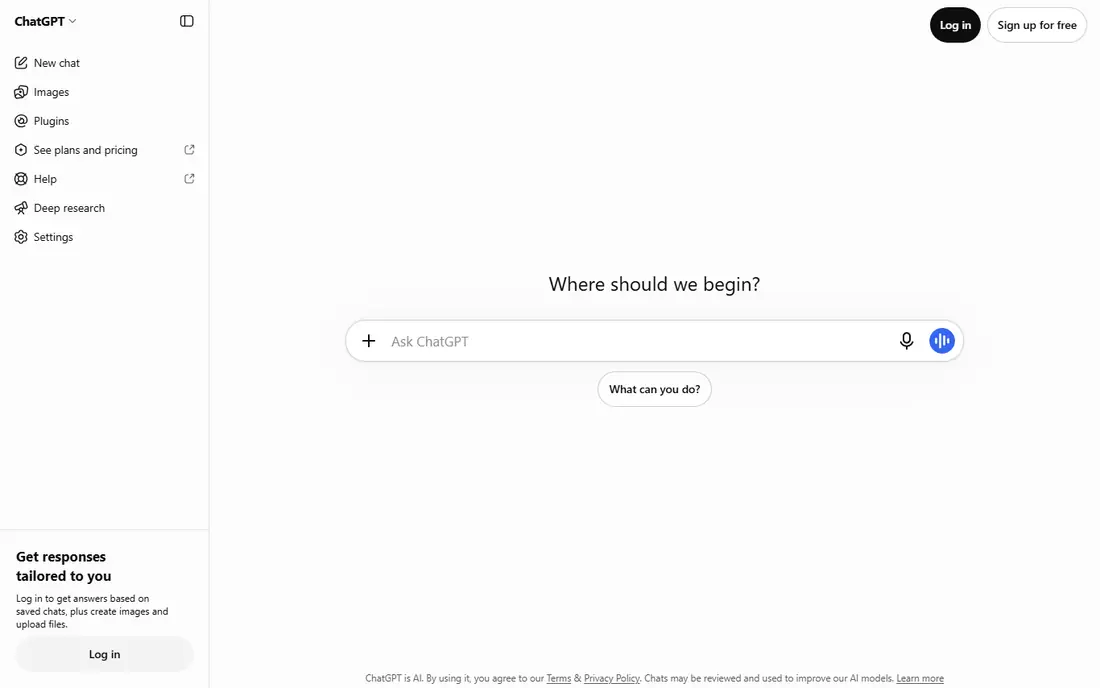
ChatGPT is our pick for most businesses because it covers the widest range of everyday work, from drafting and brainstorming to analysis and image generation. The Business plan adds admin controls and a no-training commitment that casual plans lack.
The free tier is fine for trying it out but limits usage and controls. For anything sensitive, pay for the business plan and keep a human review step on customer-facing output.
- Broadest tool and multimodal support
- Business plan with admin controls
- Strong image generation
- Free tier limits usage
- Business data controls need the paid plan
- Output needs human review
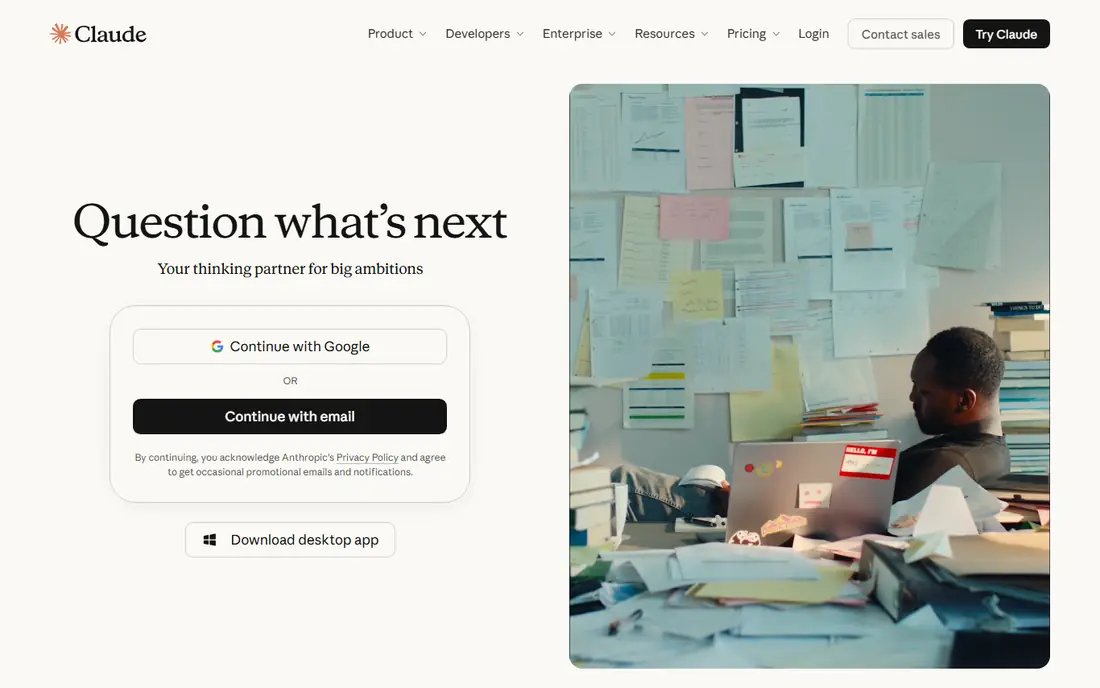
Claude is the assistant to choose when the work is long, careful or policy-heavy, such as contracts, reports and research synthesis. It follows detailed instructions well and handles very long documents without losing the thread.
It has fewer built-in tools and image features than ChatGPT, so teams that want an all-rounder may miss those. For document-heavy teams, its strengths outweigh that gap.
- Strong on long documents and nuanced writing
- Careful instruction following
- Team plan available
- Fewer built-in tools than ChatGPT
- Higher tiers needed for heavy use
- Coding agents cost more
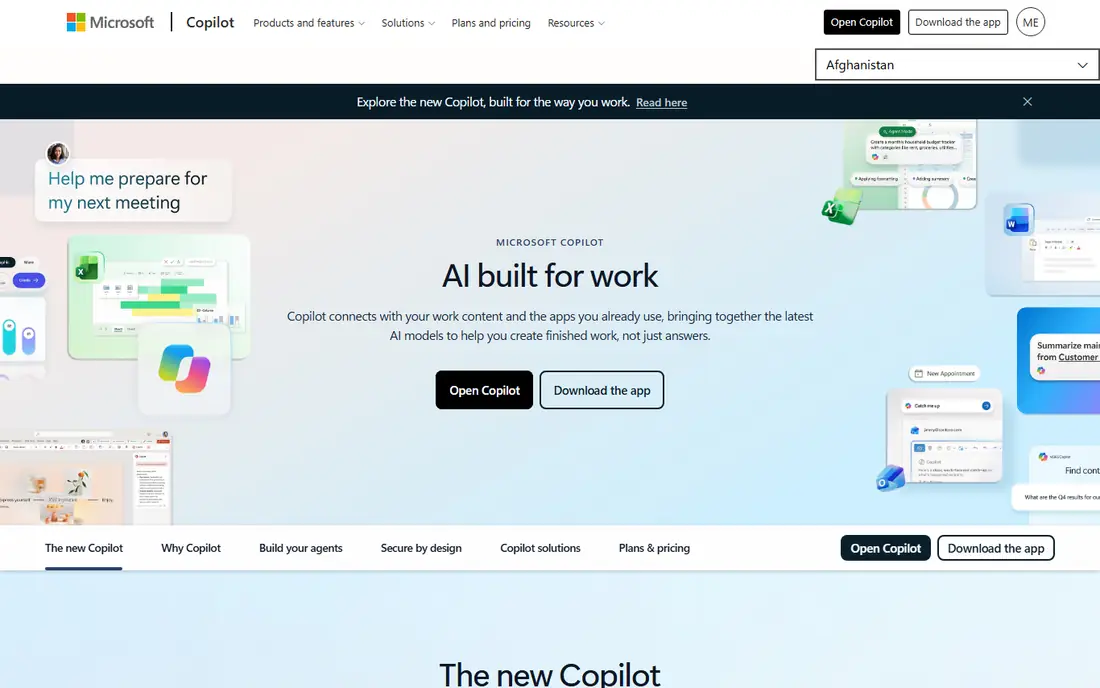
Microsoft 365 Copilot makes most sense if your team already lives in Word, Excel, Outlook and Teams, since it drafts, summarizes and analyzes inside those apps under your existing policies. That in-app help is hard to match with a standalone chatbot.
The price sits on top of a qualifying Microsoft 365 subscription, so the total cost is higher than the headline figure. If your team rarely uses Microsoft apps, a standalone assistant is better value.
- Works inside Word, Excel, Outlook and Teams
- Data stays in your Microsoft tenant
- Agent building tools
- Needs a qualifying Microsoft 365 subscription
- Price is on top of that subscription
- Value depends on Microsoft usage
Google Gemini is the natural pick for Google Workspace teams, since it rewrites email, summarizes threads and takes notes in Meet inside the tools you already open. Its long-context handling suits teams that work with large documents.
Business AI pricing depends on your Workspace plan, so confirm which AI features your tier actually includes. Microsoft-heavy teams will get less from it than Copilot users do.
- Works inside Gmail, Docs and Meet
- Very long document handling
- Consumer AI Pro plan available
- Business pricing varies by Workspace plan
- AI features differ by tier
- Less depth in Microsoft apps
Perplexity earns its place as a research add-on because its answers cite sources you can open and verify, which matters for market research, competitor checks and briefing notes. It complements a general assistant rather than replacing one.
It is not the best drafting tool, and cited sources still need a human check, since an AI can misread a source. Use it for research, then draft in your main assistant.
- Answers cite sources
- Strong for market and competitor research
- Enterprise plan available
- Less suited to long-form drafting
- Free tier limits advanced searches
- Sources still need checking
Jasper suits marketing teams that publish often and need brand voice controls, templates and campaign workflows that a general chatbot does not provide. It is built for content production, not general office work.
At $49 per month for the entry creator plan, it is a poor buy for occasional writing. It only earns its price when content volume is high and brand consistency matters.
- Brand voice controls
- Marketing templates
- Team workflows for campaigns
- Higher price than general assistants
- Best value only for frequent content teams
- Output needs editing
Zapier turns AI output into action by connecting the apps you already use, so a form submission, a CRM update and a Slack message can happen without manual copying. Its AI-assisted builder lowers the barrier for non-technical teams.
The free plan covers only simple, low-volume flows, and task limits can bite as volume grows. Map your highest-volume repetitive process first and automate that one well.
- Connects thousands of apps
- AI-assisted workflow building
- No code needed for common flows
- Paid tiers needed for multi-step and high-volume flows
- Complex logic needs care
- Task limits apply
Notion AI is worth it if your team already plans, documents and tracks work in Notion, since it summarizes pages, drafts content and answers questions over your workspace. That context is its main advantage over a generic chatbot.
If your team does not live in Notion, there is little reason to buy it alone. It is an add-on to a workspace habit, not a replacement for a general assistant.
- AI inside your docs and wikis
- Summaries, drafting and Q and A over workspace content
- Value depends on Notion usage
- AI pricing varies by plan
- Not a standalone assistant
Canva rounds out the list for teams that need marketing assets fast without a designer, from social posts to presentations. Its AI tools speed up first drafts, and brand kits keep output consistent on paid plans.
Template-based design can look generic if you never customize it, and the best AI and brand features sit behind the paid plan. For polished, original brand work, a designer still wins.
- Huge template library
- AI image and design tools
- Brand kits on paid plans
- Free plan limits brand and AI features
- Template-based output can look generic
- Print costs extra
How we picked these
We compared official pricing pages and published business-plan comparisons for each tool, focusing on the entry paid tier, free plan, business controls and ecosystem fit. We did not run controlled productivity tests, so we weighed published features, pricing and integration depth rather than claiming measured time savings. Prices change often, so check the vendor page before buying seats.
How to build an AI stack without overspending
Start by matching the assistant to your office suite. Microsoft shops get the most from Copilot inside Word, Excel, Outlook and Teams, while Google Workspace shops get the most from Gemini inside Gmail, Docs and Meet. A standalone assistant still works, but you lose the in-document help that justifies the seat price.
Next, add one specialist at a time. A research tool helps teams that cite sources, a writing tool helps marketing teams that publish often, and automation helps teams that repeat the same multi-app steps daily. Give each new tool a month and a clear job, and drop it if nobody can point to time saved.
Finally, set rules for data and review. Decide what company data may go into each tool, turn on business controls where offered, and keep a human review step for anything customer-facing or legally sensitive. AI drafts are a starting point, not a finished product.
Sources
Frequently asked questions
What is the best AI tool for business overall?
For most teams, ChatGPT Business or Claude Team is the best general starting point, with Copilot or Gemini winning inside Microsoft or Google shops. The right answer depends on your office suite and whether you value broad tools or careful long-document work.
How much do AI tools for business cost?
Entry paid tiers in this list run from about $20 per user per month for the main assistants to around $30 for Copilot, with automation and marketing tools priced separately. Free tiers cover casual use but limit usage and controls.
Is ChatGPT or Claude better for business writing?
ChatGPT is broader, with stronger image and tool support, while Claude is often preferred for long documents, policy work and careful instruction following. Many teams trial both for a month before standardizing.
Do AI tools train on my business data?
Business and team plans from the major assistants generally state they do not train on your data, but terms vary by plan and vendor. Check the business plan terms and admin controls before entering sensitive company information.
Can one AI tool replace several others?
Partly. A general assistant covers writing, brainstorming and basic analysis, but specialist tools still win for research with sources, marketing workflows and multi-app automation. Most teams settle on two to four tools, not one.