Best AI Tools for Developers in 2026: 9 Tools Compared
By ToolNimba Editorial Team November 4, 2026 10 min read

- Top pick
 GitHub Copilot
Best value and GitHub integration
Starting price$10 per monthCheck out GitHub CopilotRead our review - Runner-up
 Cursor
Agentic multi-file editing
Starting price$20 per monthCheck out CursorRead our review - Also great
 Windsurf
Predictable agent quotas
Starting price$20 per monthCheck out WindsurfRead our review
How we researched this
We compared official pricing and feature pages, app store listings, privacy policies and public user reviews. Prices change, so check the provider's site before you pay.
Key takeaways
- GitHub Copilot is the best value starting point at $10 per month, with wide IDE support and deep GitHub integration.
- Cursor suits developers who want agentic multi-file editing in a dedicated IDE, while Windsurf suits teams that want predictable quotas.
- Claude Code is the pick for terminal-first developers who want an agent that reasons across a whole codebase.
- Pricing changes fast in this category, so confirm the current plan and credit limits on the vendor site before you pay.
Quick comparison
| Name | Best for | Starting price | Free plan | |
|---|---|---|---|---|
| GitHub Copilot | Best value and GitHub integration | $10 per month | Yes | Visit |
| Cursor | Agentic multi-file editing | $20 per month | Yes | Visit |
| Windsurf | Predictable agent quotas | $20 per month | Yes | Visit |
 Claude Code | Terminal-first agentic coding | $20 per month | No | Visit |
 ChatGPT | Debugging and explanations | Free | Yes | Visit |
 Amazon Q Developer | AWS-focused development | Free | Yes | Visit |
 JetBrains AI | JetBrains IDE users | $10 per month | Yes | Visit |
 Zed | Fast, lightweight AI editing | Free | Yes | Visit |
 Sourcegraph Cody | Large codebase search and context | See website | Yes | Visit |
The best ai tools for developers
AI developer tools now cover completions, chat, code review, and full agentic tasks that span many files. The right tool depends on your editor, your codebase size, and whether you want inline help or an agent that runs longer tasks. We compared tools on IDE support, model access, agent features, security controls, pricing, and free plans. Prices in this fast-moving category change often, so treat the figures below as a starting point and check the vendor pricing page.
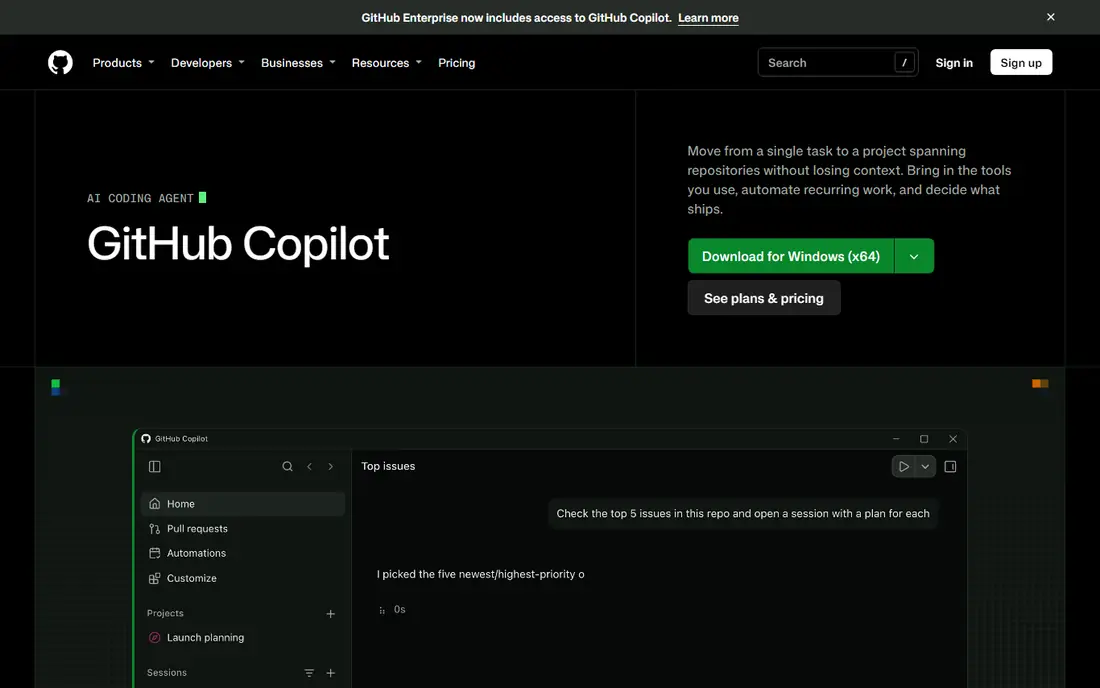
GitHub Copilot remains the safest default for most developers. Pro starts at $10 per month, with a free tier for light use, and it works where most developers already work: VS Code, JetBrains IDEs, Neovim, and GitHub itself. Inline completions stay unmetered on paid plans, while chat and agent work draw on a monthly credit allowance.
The newer credit system is the main thing to understand. Heavy agent use can burn credits faster than simple completions, and higher tiers add larger allowances. For teams standardized on GitHub, with Actions and code review in the same system, Copilot offers the smoothest path and the lowest entry cost.
- Low entry price
- Works in VS Code, JetBrains, and other editors
- Coding agent for pull requests
- Chat and agent features use credits on newer plans
- Model choice is more limited than some rivals

Cursor is built around an agent that understands your whole codebase and can carry changes across many files. Its tab completions are fast, its agent mode handles refactors and feature work, and it offers access to several frontier models. For developers who spend their day on multi-file changes, that agent depth is the main draw.
The cost is switching editors. Cursor is its own IDE, so you leave your current setup behind, and its pricing tiers have changed several times, with Pro listed at $20 per month in many 2026 comparisons. Check the current pricing page carefully, including credit limits. If you want the strongest in-editor agent and accept a new IDE, Cursor is a top pick.
- Strong multi-file agent edits
- Codebase-aware chat
- Fast tab completions
- Requires its own IDE, a VS Code fork
- Pricing and tiers have changed repeatedly

Windsurf, now under Cognition, appeals to developers who dislike surprise bills. Its paid plan, listed at $20 per month, offers unlimited tab completions with agent quotas that refresh on a daily and weekly cycle rather than a credit pool that can drain suddenly. The Cascade agent handles multi-file work with terminal and context awareness.
The trade-off is ecosystem size. It does not match Copilot for GitHub-native workflows, and team pricing structures have changed under new ownership. For a solo developer or small team that wants agentic help with predictable limits, Windsurf is a strong alternative to Cursor.
- Unlimited tab completions on paid plans
- Daily and weekly agent quotas that refresh
- Strong Cascade agent
- Smaller ecosystem than Copilot
- Team pricing can be complex
Claude Code is a terminal-first agent for developers who prefer the command line to an IDE plugin. It reasons across files, plans multi-step changes, runs tests, and iterates on failures, which suits complex refactors and large codebases. It is included with Claude Pro at $20 per month, with Max plans at $100 and $200 per month for heavier use.
The catch is cost at scale. Light use fits Pro, but sustained agentic work often needs Max, which changes the value calculation. It also lacks the inline completion polish of Copilot or Cursor for some workflows. For senior developers who live in the terminal and want a capable agent, Claude Code is a leading choice.
- Strong multi-file reasoning
- Terminal workflow suits senior developers
- Long-context handling
- No free tier beyond Claude trials
- Heavy use pushes you to higher-priced Max plans
ChatGPT is not a coding IDE, but it remains one of the most useful developer tools for understanding code. It explains unfamiliar code clearly, helps debug errors step by step, drafts tests and documentation, and can run code in its interpreter for quick checks. The free tier covers light use, while Plus at $20 per month adds higher limits and newer models.
The limits are workflow and privacy. You must paste code into a chat, which is not suitable for sensitive proprietary code without an approved enterprise plan, and it does not edit your project files directly. Use it as a debugging and learning companion alongside an IDE tool, not as a replacement for one.
- Excellent explanations and debugging help
- Code interpreter
- Free tier for light use
- Not an IDE tool by itself
- Pasting code raises privacy questions for proprietary work
Amazon Q Developer is the natural pick for teams building on AWS. It understands AWS services, helps write and transform code for AWS workloads, reviews code, and assists with upgrades and migrations. A free tier covers individual use, with Pro at $19 per user per month for teams.
Outside AWS, its advantage fades. General coding help is solid but not clearly better than Copilot, and its agent features are tuned to AWS tasks. For a team whose stack is mostly AWS, Q Developer earns its place. For a generalist team, start with Copilot or Cursor instead.
- Free tier for individual use
- AWS service knowledge
- Code transformation and review features
- Best value only inside AWS workflows
- Less general than Copilot or Cursor
JetBrains AI suits developers who already live in IntelliJ IDEA, PyCharm, WebStorm, or another JetBrains IDE. It offers code completion, chat, and code explanation inside the editor, with a free tier that includes unlimited completions and a small credit allowance. Pro is listed at $10 per month, with an Ultimate tier for heavier use.
The drawback is change. JetBrains has restructured AI pricing more than once, so confirm the current plan before you buy. Agent features are also less mature than Cursor or Claude Code for long multi-file tasks. For a loyal JetBrains user who wants native AI without switching editors, it is a good fit.
- Native in IntelliJ, PyCharm, and other JetBrains IDEs
- Unlimited completions on free tier
- Local model options
- Pricing structure has changed several times
- Less agent depth than Cursor or Claude Code
Zed is a fast, modern editor with AI assistance built in, rather than bolted on. It opens large projects quickly, handles collaboration, and offers AI chat and editing features for developers who value speed and a clean interface. The editor itself is free, with paid AI features listed at $10 per month.
The ecosystem is the limitation. Zed has fewer extensions and integrations than VS Code or JetBrains, so some workflows need workarounds. For developers who want a lightweight, fast editor with solid AI help and are happy with a smaller plugin catalog, Zed is a refreshing alternative.
- Very fast editor
- AI features built in
- Open-source core
- Smaller extension ecosystem
- AI paid features start at $10 per month
Sourcegraph Cody is built for large codebases where finding and understanding existing code is half the work. It uses Sourcegraph search to give the AI accurate context from across a repository, which improves answers on big monorepos and legacy systems. It works in VS Code, JetBrains, and other editors, with chat and autocomplete features.
The catch is setup and pricing. Small projects may not need its search depth, and enterprise pricing varies. For a team with a large, complex codebase where developers waste time hunting for code, Cody can be more valuable than a generic completion tool. For a solo project, Copilot is simpler and cheaper.
- Excellent codebase search and context
- Works across large monorepos
- IDE and chat support
- Pricing varies by plan
- Best value needs a Sourcegraph setup for large teams
How we picked these
We compared official pricing pages, product documentation, and recent pricing comparisons, focusing on tools actively offered to developers in 2026. We checked IDE support, agent features, model access, free plans, and team controls, and we favored tools with clear pricing or a usable free tier. We did not claim hands-on testing, and pricing in this category changes fast, so confirm plan prices and credit limits on the vendor site before you buy.
How to pick an AI coding tool without wasting money
Start with your editor, since switching editors is a bigger cost than a monthly fee. If you use VS Code or GitHub heavily, Copilot is the low-friction choice. If you want an agent to carry multi-file work, trial Cursor or Claude Code on a real refactor, not a demo task. Measure whether the agent saves review time or just creates more code to check.
Then watch usage, not just price. Credit-based plans can cost far more than the headline monthly fee at high agent volume, so check your first month of usage before committing yearly. Finally, set team rules: review all AI code, never paste secrets or proprietary code into unapproved tools, and keep tests as the check on AI output. A tool that speeds up writing but weakens review is not a productivity gain.