Best AI Tools for Generating Images in 2026: 9 Tools Compared
By ToolNimba Editorial Team November 11, 2026 9 min read

- Top pick
 Midjourney
Artistic and cinematic images
Starting price$10 per monthCheck out MidjourneyRead our review - Runner-up
 Adobe Firefly
Brand-safe commercial images
Starting price$9.99 per monthCheck out Adobe FireflyRead our review - Also great
 Ideogram
Text, logos, and posters
Starting price$20 per monthCheck out IdeogramRead our review
How we researched this
We compared official pricing and feature pages, app store listings, privacy policies and public user reviews. Prices change, so check the provider's site before you pay.
Key takeaways
- Midjourney still leads for pure image beauty, but it has no free tier and starts at $10 per month.
- Ideogram is our pick when an image needs readable text, such as posters and logos.
- Adobe Firefly suits commercial work, with Adobe's commercial-safety approach for its own models.
- ChatGPT Images and Gemini are the easiest starting points, since image generation sits inside chat plans many people already use.
Quick comparison
| Name | Best for | Starting price | Free plan | |
|---|---|---|---|---|
| Midjourney | Artistic and cinematic images | $10 per month | No | Visit |
| Adobe Firefly | Brand-safe commercial images | $9.99 per month | Yes | Visit |
| Ideogram | Text, logos, and posters | $20 per month | Yes | Visit |
 Leonardo AI | Game art and creator volume | $12 per month | Yes | Visit |
 ChatGPT Images | Conversational image edits | $8 per month | Yes | Visit |
 Google Gemini | Everyday images for Google users | $4.99 per month | Yes | Visit |
 Canva AI | Finished social and marketing designs | Free | Yes | Visit |
 Recraft | Vector-style art and brand graphics | Free | Yes | Visit |
 FLUX | Realistic images and API use | See website | Yes | Visit |
The best AI tools for generating images
AI image tools differ more than their home pages suggest: some excel at beauty, others at readable text, and others at fitting into a design workflow. The tools below cover each strength, with pricing checked from vendor and reviewer price tables.
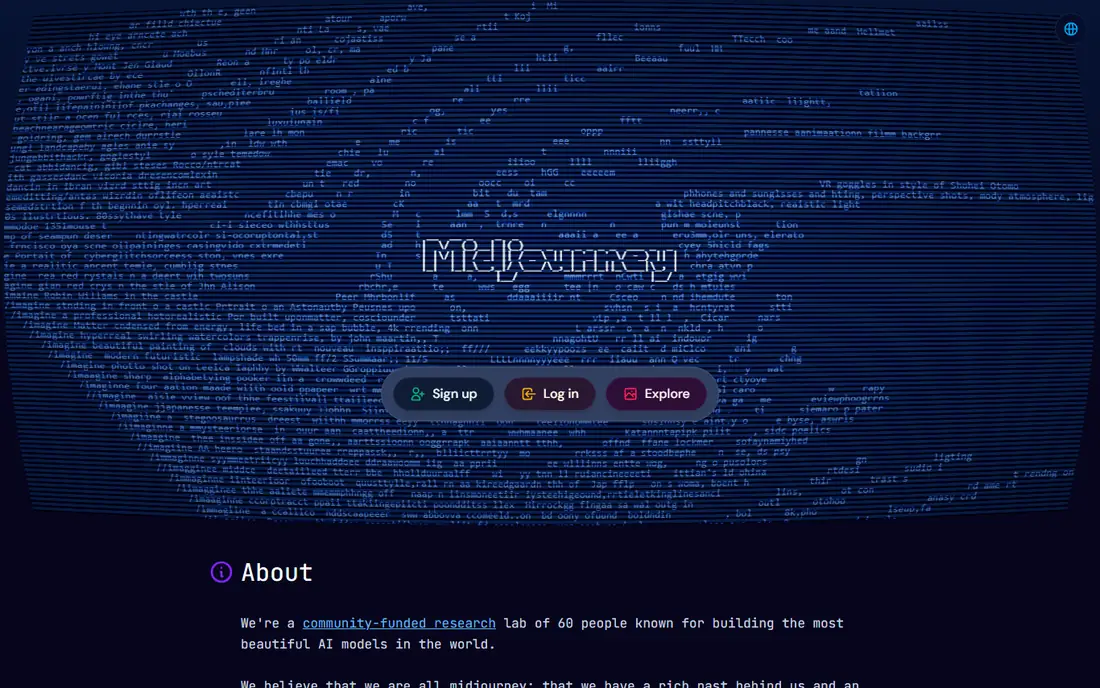
Midjourney remains the tool most artists name first, and for good reason: its images have a painterly, cinematic quality that rivals struggle to match. Plans start at $10 per month for Basic, rising through $30, $60, and $120 tiers for heavier use, with lower monthly rates on annual billing. It suits concept art, illustration, mood boards, and stylized brand imagery.
The trade-offs are real. There is no free tier, so you pay before you see a single image, and the Discord-based history can confuse newcomers, though a web editor now exists. Text inside images is also less reliable than on Ideogram. If beauty is the job, Midjourney is still our pick.
- Strongest overall image aesthetics
- Active community
- Steady model improvements
- No free tier
- Historically Discord-based workflow
- Text in images can be unreliable
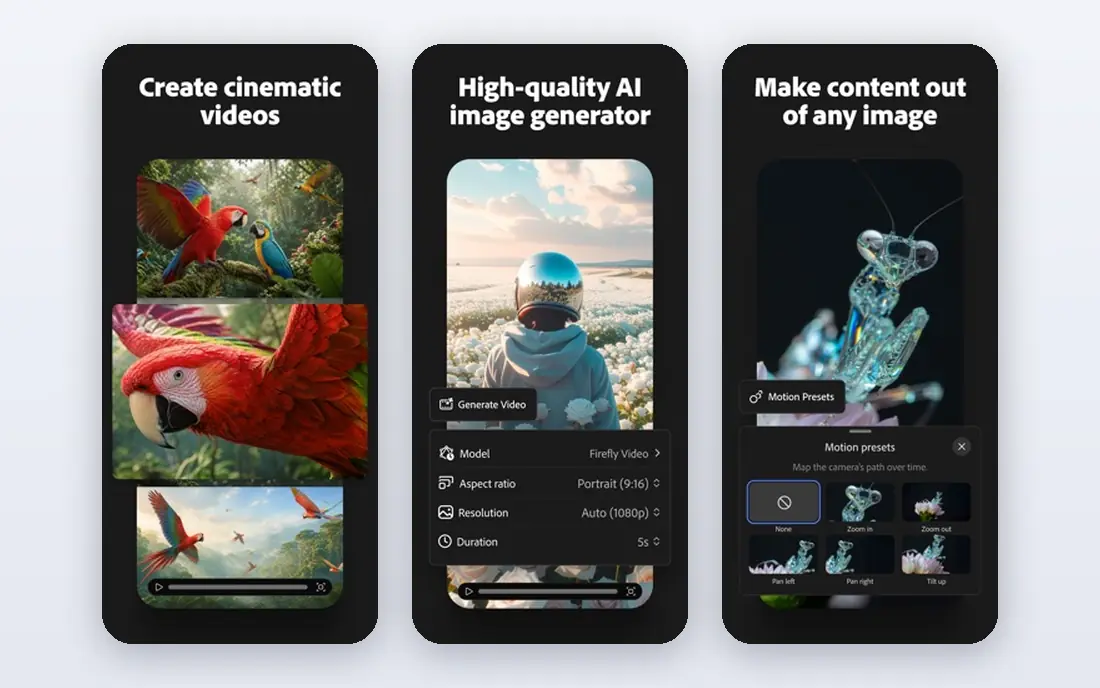
Adobe Firefly is the safest choice for commercial work, because Adobe trains its Firefly models on licensed content and offers indemnification terms on covered plans, which matters for client work. Paid plans start at $9.99 per month, with higher tiers at $19.99, $49.99, and $199.99, and a free tier covers limited generations. Inside Photoshop and Express, generative fill and expand turn Firefly into an editing tool, not just a generator.
Credits are the catch: monthly credits generally do not roll over, so unused capacity is lost. The look can also feel clean and corporate next to Midjourney's drama. For agencies and in-house teams, the safety and the Adobe fit outweigh those limits.
- Commercially safer Adobe-trained models
- Fits Photoshop and Express
- Generative fill tools
- Credits reset monthly
- Higher tiers cost much more
- Style can feel polished rather than raw
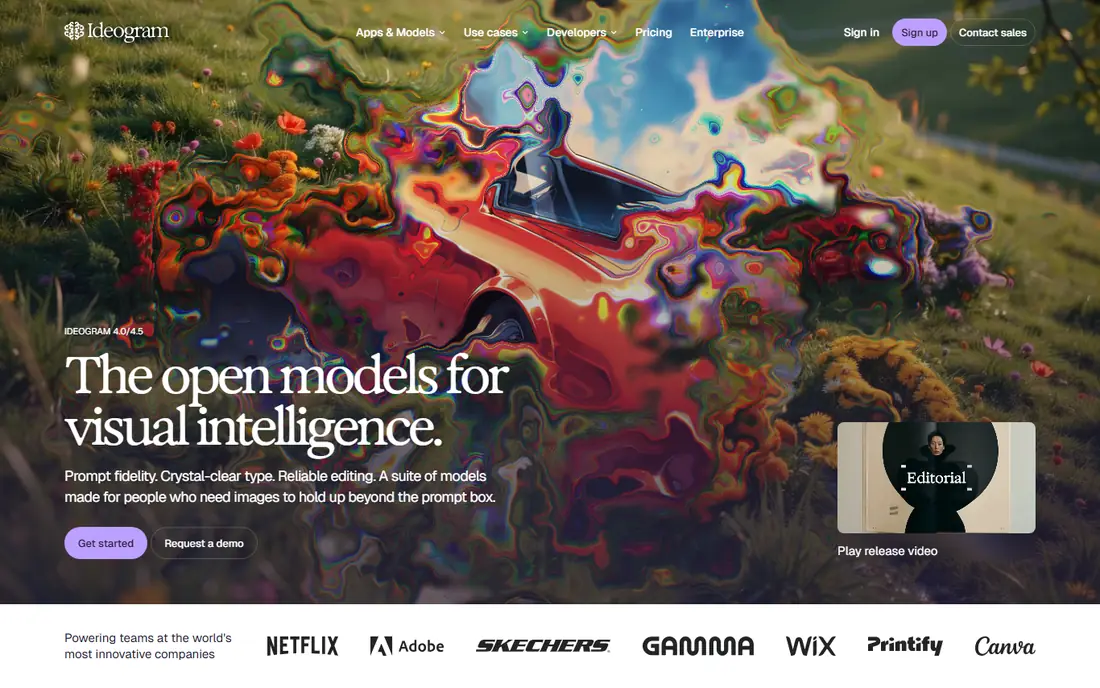
Ideogram is the tool to pick when words must appear correctly inside the picture. Posters, logos, memes, and social graphics with headlines come out readable far more often than on Midjourney or older models. The free tier offers limited weekly credits, while Plus costs $20 per month and Pro $60, with team pricing available.
That paid entry is higher than Firefly or Leonardo, and credits expire monthly, so casual users may waste capacity. But if your work lives or dies on text accuracy, no other tool here matches Ideogram as consistently, and that single strength justifies the price for designers.
- Best readable text in images
- Strong for posters and logos
- Commercial use on paid plans
- Paid entry is higher than rivals
- Priority credits expire monthly
Leonardo AI is a creator favorite for game assets, characters, and product mockups, with a free tier that refreshes tokens daily. Paid plans start at $12 per month, rising to $30 and $60, and include private generations and faster modes. Custom model training lets game teams keep a consistent style across many assets, which is a real production advantage.
The token system takes a while to understand, and free users may wait longer at peak times. Once you learn the economy, though, Leonardo gives high volume for the price, and its canvas editor helps refine images without leaving the tool.
- Generous free tier with daily tokens
- Good for game assets
- Custom model training
- Token math takes learning
- Free tier throttles speed at busy times
ChatGPT Images, built into ChatGPT, is the easiest image tool for most people, because generation and editing happen in conversation: describe a picture, then ask to change one element and see the edit. The free tier allows limited images per day, while paid plans start with Go at $8 per month and Plus at $20, with higher tiers for heavy users.
Caps vary with demand, and fine style control is looser than in Midjourney or Leonardo, so art directors may want a specialist tool as well. For everyday images, social posts, and quick edits, though, ChatGPT Images is often all a casual user needs.
- Edit images by describing changes in chat
- Easy for beginners
- Strong all-round assistant
- Image caps vary with demand
- Style control is looser than specialist tools
Google Gemini, including its image models such as Imagen and the Nano Banana editing models, is a strong everyday image tool, especially for editing a real photo by describing the change. The free tier covers basic generation, Google AI Plus starts at $4.99 per month, and AI Pro at $19.99 adds higher limits and bundled tools.
Style consistency across a series can vary, and power users may hit free limits quickly. For Google users who want quick, capable images and edits without learning a new app, Gemini is an excellent, low-cost starting point.
- Strong photo edits, including its Nano Banana models
- Generous free tier
- Google app fit
- Output style varies by model
- Best features sit behind AI Pro at $19.99
Canva AI is less about raw image generation and more about finished designs: generate an image, drop it into a template, add text, and export a social post or ad. The free tier includes limited AI uses, while Pro costs $144 per year, and heavier AI needs may require an additional AI pass. For small teams that publish daily, that workflow saves more time than a prettier standalone generator.
Pure image quality trails Midjourney, and AI allowances can run out mid-campaign. If your end product is a finished post, flyer, or ad rather than a standalone artwork, Canva AI is the most practical tool here.
- Templates, brand kits, and text layout in one editor
- Easy for non-designers
- Free tier
- AI allowances are limited on free plans
- Heavy AI use needs Pro or an AI pass
Recraft stands out for vector-style graphics: icons, illustrations, and brand art that can be edited and scaled cleanly, rather than only raster images. A free tier covers light use, with paid plans from about $10 to $18 per month depending on tier and seat type. Designers and brand teams who need consistent, editable assets will value that difference.
Photorealistic work is not its strength, and its community is smaller than Midjourney's, so inspiration and shared styles are thinner. For logos, icons, and illustration systems, Recraft fills a gap the other tools here leave open.
- Editable vector-style output
- Strong for icons and illustrations
- Free tier available
- Less suited to photorealistic images
- Smaller community than Midjourney
FLUX, from Black Forest Labs, is known for realistic images and faithful prompt following, and its open-weight models can be run locally or through hosted APIs that charge per image. That pay-per-image model suits builders and high-volume pipelines better than a flat subscription, with per-image costs reported from about two cents on some hosted options.
There is no simple consumer plan to compare directly, so we list it as See website, and hosted prices vary by provider. For developers and teams that need realism at scale, FLUX is a top choice. For casual users, a chat-based tool will feel simpler.
- Strong prompt fidelity and realism
- Open weights can be self-hosted
- Pay-per-image APIs
- No simple flat consumer subscription
- Hosted pricing varies by provider
How we picked these
We compared official pricing pages and reviewer price tables checked in October 2026, plus product descriptions of text rendering, commercial terms, and editing features. We favored tools that exist today, work in the US, and cover distinct strengths: beauty, text, safety, editing, design, vectors, and API use. We did not claim hands-on testing; our notes reflect vendor pages and reviewer findings.
How to choose an image tool
Start with the end use. Choose Midjourney for art, Ideogram for text-heavy graphics, Firefly for client work that needs commercial safety, and Canva for finished social designs. Next, check the credit system: subscriptions, token banks, and pay-per-image APIs behave very differently at high volume.
Test with your own prompts, not demo prompts, and check commercial terms for your plan before publishing client work. A free tier is enough to judge style, but only a paid month reveals the real credit economy.
Sources
- https://www.midjourney.com
- https://www.adobe.com/products/firefly.html
- https://ideogram.ai
- https://leonardo.ai
- https://chatgpt.com
- https://gemini.google.com
- https://www.canva.com
- https://www.recraft.ai
- https://blackforestlabs.ai
- https://dev.to/mckennachapman/best-ai-image-generators-in-2026-12-tools-real-prices-and-the-cost-of-one-image-cec
- https://aipricecompare.org/best/best-ai-image-generator.html
Frequently asked questions
What is the best AI tool for generating images overall?
Midjourney leads for pure image beauty, while ChatGPT Images and Gemini are best for everyday ease. Ideogram wins for text, and Firefly wins for commercial safety. The best overall tool depends on whether you value art, text, safety, or workflow most.
Is there a free AI image generator that is actually good?
Yes. Leonardo AI, Ideogram, Firefly, Gemini, Canva, and Recraft all offer free tiers with real generation, though each caps daily or weekly use. For occasional images, a free tier is enough. For daily production, a paid plan pays for itself in time saved.
Can I use AI-generated images commercially?
It depends on the tool and plan. Adobe Firefly offers indemnification terms on covered plans for its own models, while Midjourney restricts commercial use on its cheapest plan for larger businesses. Read the license for your exact plan before selling or publishing client work.
Why do AI image tools use credits or tokens?
Credits ration computing cost, since each image costs real processing. Subscriptions bundle a monthly allowance, token banks let you spend at your own pace, and APIs charge per image. Compare cost per finished image, not just the monthly fee, if you generate at volume.
Which tool is best for logos and posters?
Ideogram is our pick for logos and posters, because it renders text inside images more reliably than most rivals. Recraft is a strong second choice for vector-style logos that need editing and scaling. Test both with your exact brand words before committing.