Best AI Tools to Build a Website in 2026: 9 Tools Compared
By ToolNimba Editorial Team November 4, 2026 11 min read

- Top pick
 Wix
All-round AI builder
Starting price$17 per monthCheck out WixRead our review - Runner-up
 Framer
Design-led marketing sites
Starting price$10 per monthCheck out FramerRead our review - Also great
 Hostinger
Cheapest hosted AI builder
Starting price$2.99 per monthCheck out HostingerRead our review
How we researched this
We compared official pricing and feature pages, app store listings, privacy policies and public user reviews. Prices change, so check the provider's site before you pay.
Key takeaways
- Wix is our pick for most small businesses because its AI builder pairs with a deep feature set for stores, bookings and blogs.
- Framer is best for design-led marketing sites, with a free plan and polished output that looks like a studio built it.
- Hostinger is the cheapest hosted route, with AI building bundled with hosting from $2.99 per month on long terms.
- Durable is the fastest route to a live business site, generating a full site in about 30 seconds.
- 10Web is the only option here that builds on real WordPress, so you keep full ownership of your site.
Quick comparison
| Name | Best for | Starting price | Free plan | |
|---|---|---|---|---|
| Wix | All-round AI builder | $17 per month | Yes | Visit |
| Framer | Design-led marketing sites | $10 per month | Yes | Visit |
| Hostinger | Cheapest hosted AI builder | $2.99 per month | No | Visit |
 Durable | Fastest business site | $25 per month | Yes | Visit |
 Squarespace | Design-first brands | $19 per month | Free trial | Visit |
 10Web | AI-built WordPress sites | $10 per month | Free trial | Visit |
 Webflow | Designer-grade sites | $15 per month | Yes | Visit |
 GoDaddy | Domain-led small business sites | $24.99 per month | Yes | Visit |
 Jimdo | Solopreneurs who need bookings fast | See website | Yes | Visit |
The best AI tools to build a website
AI website builders fall into two groups. No-code builders such as Wix, Framer, Hostinger and Durable hand you a hosted, visually editable site from a short prompt. Code-generating tools hand you real code you can host anywhere, which suits apps more than brochure sites. Most people searching for an AI website builder want the first group, so this list focuses there, with WordPress and design-led options included.
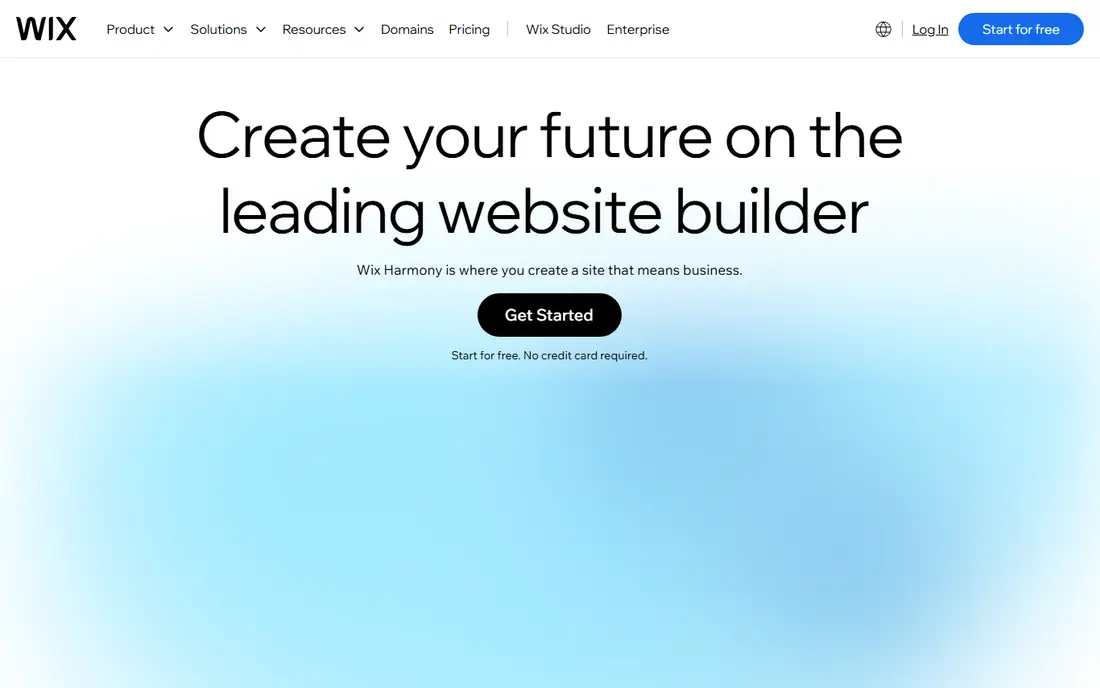
Wix remains the safest default AI website builder for a typical small business. Its AI chat interviews you about your business, then builds a draft site with pages, copy and images that you refine in the drag-and-drop editor, with the Aria AI agent available to help. The Light plan starts at about $17 per month on annual billing, while Core at $29 per month adds payments and stronger business features, and Business at $39 per month adds fuller commerce.
The free plan lets you explore the builder, although a custom domain and payment features need a paid plan. The main long-term limit is portability: a Wix site cannot be moved to another host, so you are committing to the platform. If you want everything under one roof, from bookings and blogs to stores, and room to grow without hiring a developer, Wix is the most complete choice here.
- Prompt-to-site builder plus drag-and-drop editing
- Huge app ecosystem
- Free plan to start
- Payments and ecommerce need Core or higher
- A Wix site cannot move to another host
- Prices vary by region
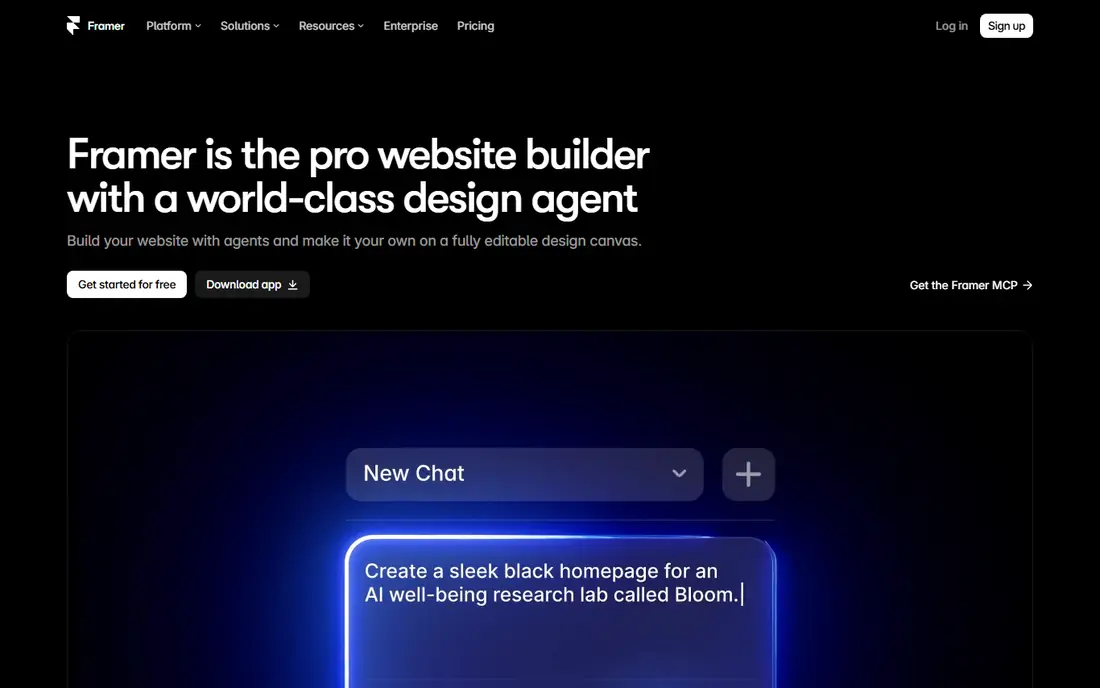
Framer is the pick for startups and designers whose site must look expensive. Its AI agent builds pages, CMS content and code components from a prompt, and the visual canvas gives fine control over layout, animation and typography. The free plan includes 500 AI credits on a Framer subdomain, while Basic costs $10 per month on annual billing and Pro costs $30 per month for CMS features, roles and redirects.
The limits are commerce and ease. Framer has no native full ecommerce store, so product-led businesses should look at Wix or Shopify instead, and the design freedom that makes Framer powerful can slow down a beginner who just wants a simple site. If your site is a marketing asset and appearance drives trust, Framer produces the best-looking results on this list.
- Polished design output
- AI agent builds pages and CMS content
- Free plan with 500 AI credits
- No native full ecommerce store
- Steeper learning curve than Wix
- Design control can overwhelm beginners
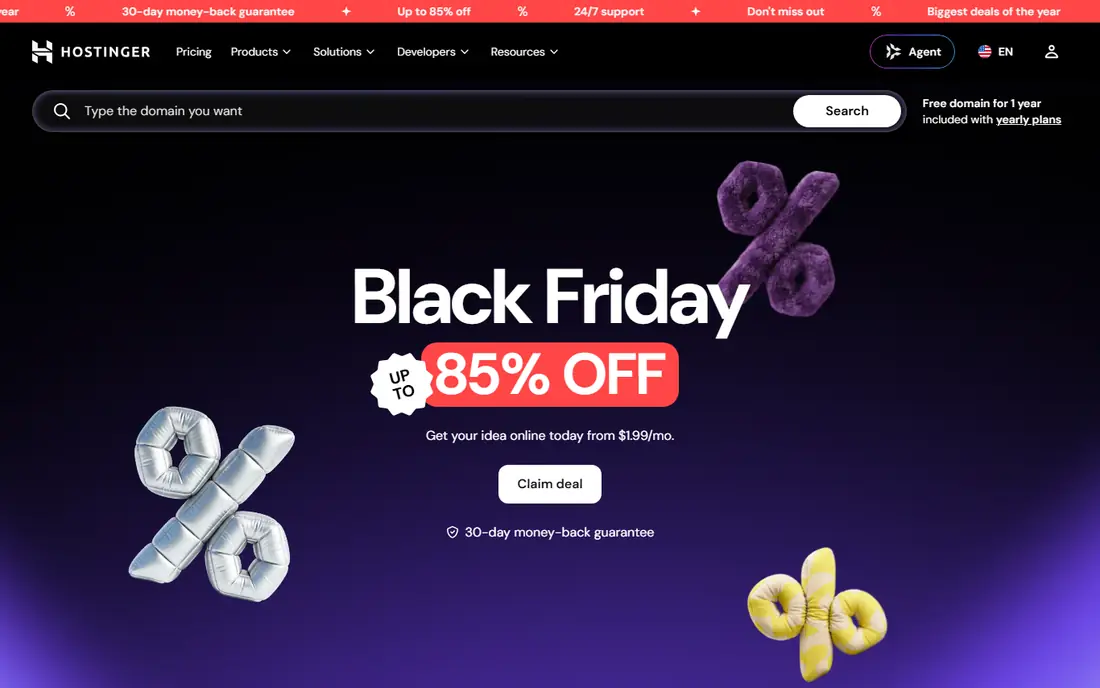
Hostinger is the budget king among AI website builders. The Premium plan starts at $2.99 per month on a 48-month term and bundles hosting, a free domain, SSL and the AI builder, with an agentic AI mode that can build and adjust a site from prompts. For a new business watching every dollar, that single low bill is hard to beat.
Read the renewal terms before you commit. The best rates require a long prepaid term, and the plan renews at $10.99 per month, which is still competitive but far from the headline price. Designs are clean rather than striking, and there is no permanent free plan, although a money-back guarantee applies. If price decides and you are comfortable with a long term, Hostinger is the cheapest credible route to a live site.
- Lowest entry price
- Hosting, domain and AI builder in one bill
- Agentic AI mode included
- Best rates need a 48-month term
- Renews at $10.99 per month
- Designs are plainer than Squarespace
Durable is the speed demon of this list. Type your business name and location, and it generates a complete website with pages, copy and images in about 30 seconds, plus built-in CRM, bookings and invoicing for service businesses. The free plan includes 300 AI credits, while Launch costs $25 per month and Grow costs $49 per month on current pricing, with AI agents for blogs and reviews on higher plans.
The trade-off is design control. Durable sites look clean and professional but share a family resemblance, and the tool is not built for a full ecommerce store with complex product flows. For plumbers, salons, consultants and other local service businesses that need to be online today, that speed is worth more than pixel-level control. If your brand needs a distinctive look, Framer or Squarespace fits better.
- Full site in about 30 seconds
- Built-in CRM, bookings and invoicing
- Free plan to start
- Less design flexibility than canvas tools
- Not built for full ecommerce
- Customization is limited
Squarespace pairs its long-standing design strength with Blueprint AI, a generator that builds a multi-page site from your answers about your business and style. The Basic plan costs $19 per month on annual billing, with Core at $29 per month on annual billing removing the Squarespace store transaction fee. Templates are consistently polished, and blogging, portfolios and commerce sit in one subscription.
The limits are a free plan and fees. There is no permanent free website, only a 14-day trial, and the Basic plan adds a 2 percent transaction fee on store sales. Complex workflows and deep CMS logic are also harder than on Webflow or WordPress. For portfolios, restaurants, creatives and service brands whose site must look premium, Squarespace remains a strong and simple choice.
- Polished templates
- Blueprint AI multi-page generator
- Built-in commerce and blogging
- No permanent free plan, only a 14-day trial
- 2 percent transaction fee on Basic
- Less flexible for complex sites
10Web is the only tool on this list that builds on real WordPress, which matters for ownership. Its AI Starter plan costs $10 per month on annual billing, with Premium at $15 per month and Ultimate at $22.50 per month, and it can generate a site from a prompt, an existing URL or an uploaded file, with managed hosting included. Because the result is a genuine WordPress site, you can export it, extend it with plugins and move hosts later.
The catches are billing and upkeep. Monthly billing costs roughly twice the annual rate, AI credits are capped per plan, and WordPress still needs updates and care, even with managed hosting. A 3-day free trial with 5 AI credits lets you test a build before paying. If you want AI speed without renting your site from a closed platform, 10Web is the best compromise.
- Real WordPress sites you own and can export
- Managed hosting included
- Builds from a prompt, URL or file
- Monthly billing costs about twice the annual rate
- WordPress maintenance still applies
- AI credits are limited
Webflow is the professional-grade option for marketing sites that need precise design without writing code by hand. Its AI tools help generate and refine pages, while the visual canvas gives control over layout, interactions and CMS-driven content that simpler builders cannot match. The Basic site plan costs $15 per month on annual billing, with CMS plans from $25 per month, and a free staging plan lets you design before publishing.
The learning curve is the barrier. Webflow assumes someone on the team understands web design concepts, and nobody owning that role after launch can turn a strong site into a stale one. Ecommerce is also more limited than Shopify's, so product-heavy stores should look elsewhere. For design-led teams that want a governed, high-quality marketing site, Webflow is the most capable no-code tool here.
- Designer-grade visual control
- Clean code output
- Free staging plan to start
- Learning curve is steep
- CMS and team features cost more
- Ecommerce is limited compared with Shopify
GoDaddy's Airo AI suits small businesses that already buy domains from GoDaddy and want one provider for everything. Airo generates a website, logo, social content and marketing suggestions from your business details, and the Starter plan costs $24.99 per month on annual billing, with 150 AI credits and one published site or app. A free plan lets you explore before committing.
The output is practical rather than distinctive, and AI credits cap how much generation you can do without upgrading. Ecommerce depth is also modest compared with Wix or Shopify. If your priority is a simple, working site tied to a domain you already own, with minimal setup, GoDaddy is a convenient choice. If design distinction matters most, Framer or Squarespace will serve you better.
- Airo AI generates site, logo and marketing content
- One bill for domain, hosting and site
- Simple setup
- Less design distinction than Framer or Squarespace
- AI credits are limited
- Ecommerce depth is modest
Jimdo targets solopreneurs who need a working site with bookings and payments quickly, without learning a complex builder. Its AI-assisted setup creates pages from your answers, and built-in tools cover appointments, online payments and small stores. A free plan lets you start, with paid plans adding a custom domain, more storage and commerce features.
The trade-offs are scale and ecosystem. Jimdo's app and template range is smaller than Wix's, design options are more limited than Framer's or Squarespace's, and pricing varies by region, so the exact plan price needs checking on the local site. For a freelancer, coach or small service business that needs bookings live this week, Jimdo is a fast and low-friction option.
- Free plan to start
- Bookings and payments built in
- Simple setup for solo businesses
- Pricing varies by region
- Smaller ecosystem than Wix
- Design options are more limited
How we picked these
We compared official pricing pages, feature pages and recent 2026 comparisons of AI website builders, and we favored tools with a real AI building feature, published or widely reported pricing, and a clear audience, from local service businesses to design-led startups. Where pricing varied by region or billing term, we noted the term rather than presenting a single figure as universal. We did not claim hands-on testing; our comparison is based on vendor pages, pricing pages and public reviews.
Picking between a builder and a code tool
Ask what your site must do. If its job is to present information and convert visitors, through calls, bookings or simple purchases, a no-code builder such as Wix, Durable or Squarespace is the right category. If your site is really an application, with user accounts, custom logic or a real backend, a code-generating tool that outputs React or Next.js code will serve you better, even though it needs more technical skill.
Also check the exit path before you commit. Closed builders are easy to start and hard to leave, since the site itself does not move to another host, while WordPress through 10Web and code-generating tools give you ownership at the cost of more upkeep. For most small businesses, ease wins, and Wix or Durable is the right call. For owners who value portability, 10Web is worth the extra learning.
Sources
- https://www.wix.com
- https://www.framer.com
- https://www.hostinger.com
- https://www.durable.co
- https://www.squarespace.com
- https://10web.io
- https://webflow.com
- https://www.godaddy.com
- https://www.jimdo.com
- https://rankite.com/blog/best-ai-website-builder-tools
- https://www.aipost.tech/2026/10/7-best-ai-website-builders-in-2026.html
- https://news.ssbcrack.com/best-ai-website-builders/