Best AI Tools to Generate Images in 2026: 9 Tools Compared
By ToolNimba Editorial Team November 4, 2026 10 min read

- Top pick
 Midjourney
Artistic image quality
Starting price$10 per monthCheck out MidjourneyRead our review - Runner-up
 DALL-E 3
Conversational prompting
Starting price$20 per monthCheck out DALL-E 3Read our review - Also great
 Adobe Firefly
Commercially safe work
Starting price$9.99 per monthCheck out Adobe FireflyRead our review
How we researched this
We compared official pricing and feature pages, app store listings, privacy policies and public user reviews. Prices change, so check the provider's site before you pay.
Key takeaways
- Midjourney remains the best pick for artistic quality, with plans from 10 dollars a month and a full web app.
- Ideogram leads for images with readable text, which matters for posters, logos, and social graphics.
- Adobe Firefly is the safest commercial pick, with training on licensed content and indemnification for eligible workflows.
- Leonardo AI and Recraft suit game art and brand design respectively, with generous free tiers to test first.
- Free tiers often limit commercial use or keep images public, so check terms before using free images for business.
Quick comparison
| Name | Best for | Starting price | Free plan | |
|---|---|---|---|---|
| Midjourney | Artistic image quality | $10 per month | No | Visit |
| DALL-E 3 | Conversational prompting | $20 per month | Yes | Visit |
| Adobe Firefly | Commercially safe work | $9.99 per month | Yes | Visit |
 Leonardo AI | Game art and characters | $12 per month | Yes | Visit |
 Ideogram | Text in images | $20 per month | Yes | Visit |
 Recraft | Vector and brand graphics | $12 per month | Yes | Visit |
 Stable Diffusion | Free local generation | Free | Yes | Visit |
 Canva Magic Media | Design-ready social graphics | $15 per month | Yes | Visit |
 Microsoft Designer | Free everyday graphics | Free | Yes | Visit |
The best AI tools to generate images
AI image tools turn a text prompt into pictures, but they differ sharply in style, text handling, and rights. Some aim for art, some for photorealism, and some for design-ready graphics you can edit. The tools below cover each path, so pick by what the image is for, not by headline quality alone.
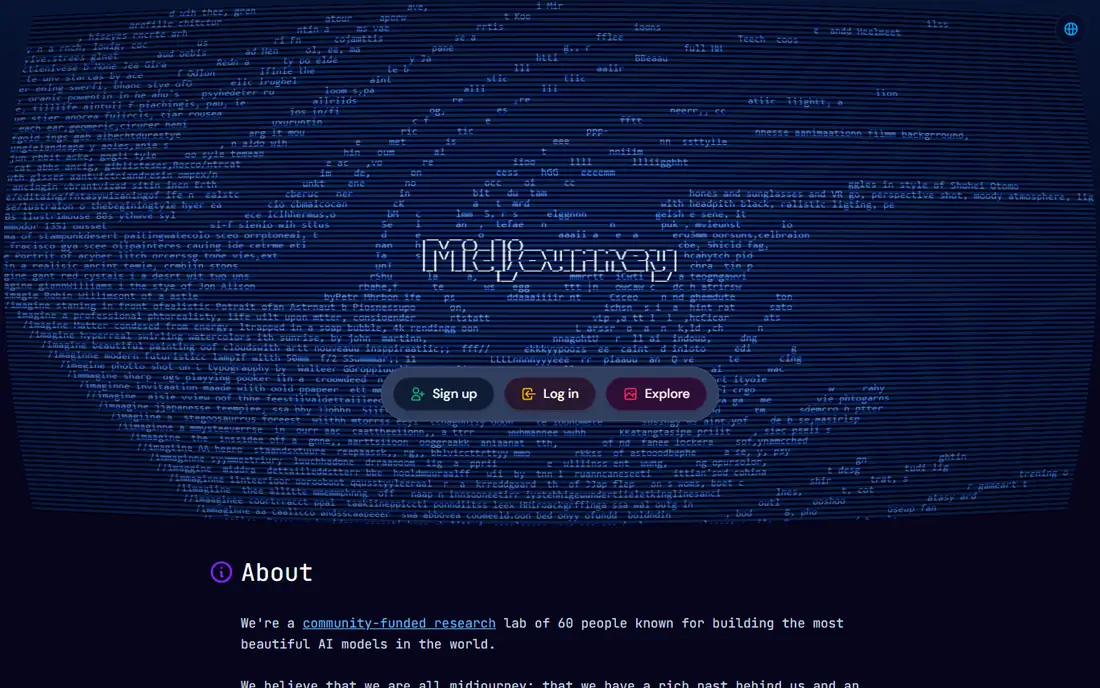
Midjourney is still the benchmark for how good an AI image can look. Its outputs have a polished, cinematic feel that suits thumbnails, editorial art, hero images, and concept work. The web app now removes the old Discord-only barrier, and style references plus character consistency tools help keep a series of images coherent. For creators whose top priority is the image itself, Midjourney leads.
The limits are price and text. There is no free tier, with plans from 10 dollars a month, and accurate text inside images remains weaker than Ideogram. Prompt following is also less literal than DALL-E 3, so precise layouts need more tries. If beauty matters most, accept those trade-offs. If exact text matters most, start with Ideogram instead.
- Outstanding artistic quality
- Strong style control
- Web app plus style and character references
- No free tier
- Weaker at accurate text
- Less literal prompt following than some rivals
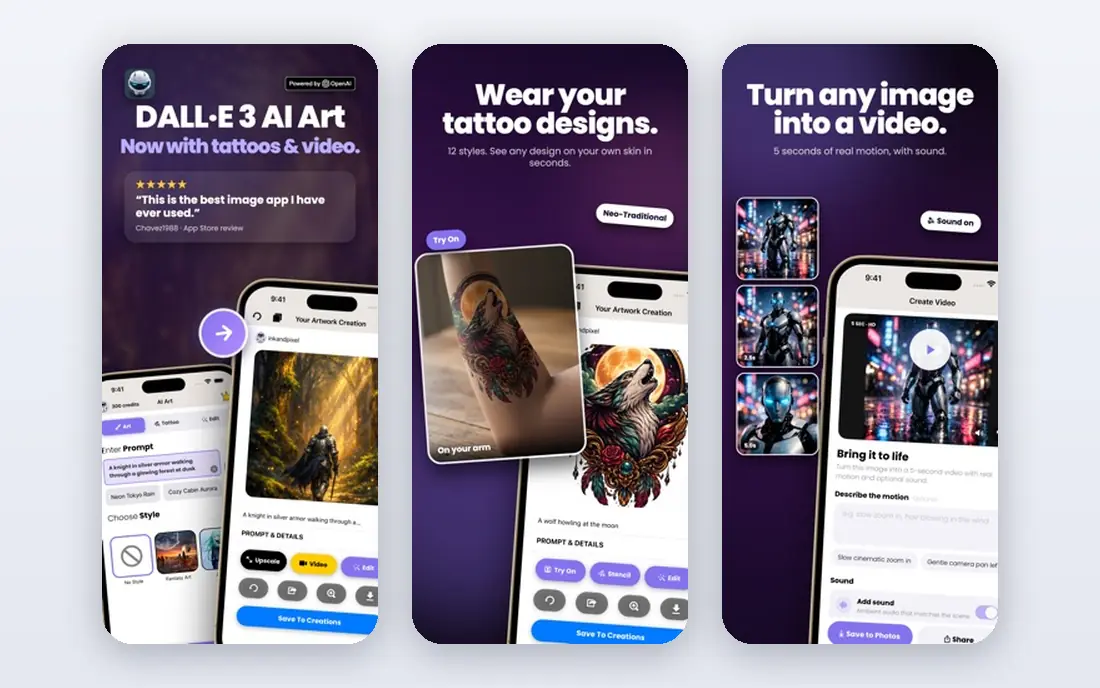
DALL-E 3 is the easiest image tool for most people, because it lives inside ChatGPT. Describe the image in plain words, ask for changes in conversation, and refine it without learning prompt syntax. That conversational flow suits business graphics, blog images, presentations, and quick mockups where accuracy to the brief matters more than gallery-level art.
ChatGPT Plus, at 20 dollars a month, is the usual route to DALL-E 3 image generation, with limited free access also available. Artistic style trails Midjourney for pure art, and heavy users should check API terms as OpenAI shifts image models over time. For general-purpose generation with the least learning curve, DALL-E 3 is our pick.
- Easy conversational prompting inside ChatGPT
- Strong prompt following
- Good for business graphics and edits
- Artistic flair trails Midjourney
- Access runs through ChatGPT plans
- API pricing varies
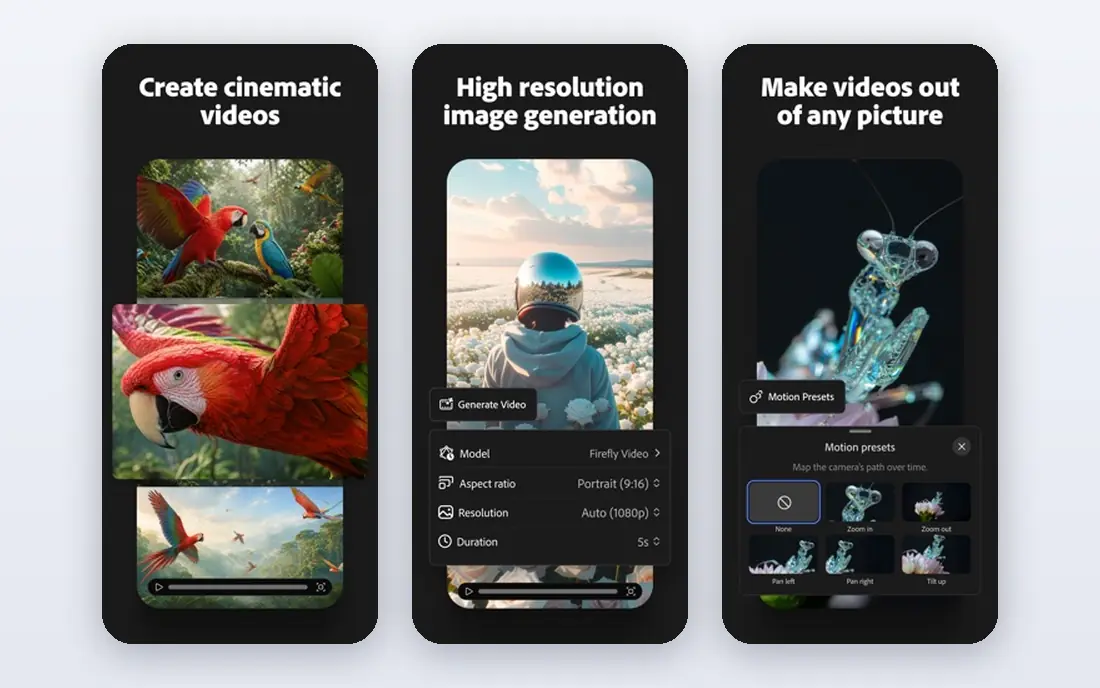
Adobe Firefly is the safest pick for commercial teams. It is trained on licensed content, and Adobe offers indemnification for eligible commercial workflows, which matters when images go into client work, ads, or products. Integration with Photoshop, Illustrator, and Express means generated images drop straight into editable designs rather than sitting as flat files.
The trade-off is style range. Firefly handles brand-safe, clean, and photorealistic work well, but some artistic styles look better from Midjourney. The Standard plan starts at 9.99 dollars a month, with a free tier offering limited daily generations. For client and brand work where rights matter, Firefly is the responsible first choice.
- Trained on licensed content
- Commercial indemnification for eligible workflows
- Deep Photoshop and Express integration
- Artistic range trails Midjourney for some styles
- Credit system needs tracking
- Best inside Adobe apps
Leonardo AI suits game developers, illustrators, and creators who need consistent characters and assets. Fine-tuned models cover fantasy, anime, photorealism, and concept art, and character tools help keep a hero or creature consistent across images. The free tier offers 150 tokens a day, which is enough to test styles before paying.
The breadth can overwhelm newcomers, since model and setting choices change results a lot. Paid plans start at 12 dollars a month, or 10 dollars a month on annual billing in some listings. For game art and character work, Leonardo AI gives more control per dollar than general-purpose tools.
- Strong for game assets and characters
- Daily free tokens
- Character consistency tools
- Many fine-tuned models
- Interface can feel busy
- Best results need model and setting choices
- Paid plan starts at 12 dollars a month
Ideogram is the pick when words must appear correctly inside the image. Posters, logos, social cards, invitations, and product labels all need text that reads right, and Ideogram handles that better than most rivals. Style range is broad, from clean graphic design to illustration, and the editor helps refine layouts after generation.
Pricing starts at 20 dollars a month for the Plus plan, with a limited free tier for testing. Pure artistic depth trails Midjourney, so art-first creators should look there instead. For any design where text is the point, Ideogram is the clear leader in this list.
- Best readable text in images
- Strong for posters, logos, and social graphics
- Good style range
- Paid plan starts at 20 dollars a month
- Free tier is limited
- Less artistic depth than Midjourney for pure art
Recraft stands out for vector graphics. Logos, icons, illustrations, and brand assets come out as scalable vectors you can edit and resize without quality loss, which raster-only tools cannot match. Brand style controls help keep a set of assets coherent, which matters for marketing teams building a visual system.
Photorealism is not its strength, so product photos and realistic scenes belong elsewhere. The free tier suits personal testing, with commercial use tied to paid plans starting at 12 dollars a month. For brand and vector work, Recraft is the most practical pick here.
- Vector output for logos and icons
- Brand style controls
- Good for UI and marketing assets
- Less suited to photorealism
- Free tier limits commercial use
- Paid plan starts at 12 dollars a month
Stable Diffusion is the best free and private path to AI images. The open weights run on your own computer, so prompts and images never leave your device, and the community offers thousands of fine-tuned models for styles, characters, and subjects. Developers can also build it into apps and pipelines without per-image fees.
You become the IT support. Local generation needs a capable GPU for reasonable speed, and setup, updates, and model choice take time. Out-of-box quality also trails Midjourney and Firefly without tuning. For tinkerers, privacy-focused users, and developers, Stable Diffusion offers freedom no subscription tool can match.
- Free open weights
- Runs locally for privacy
- Huge community model library
- Full control and fine-tuning
- Needs a good GPU for fast local use
- Setup and upkeep are on you
- Out-of-box quality trails paid tools
Canva Magic Media is the best pick for non-designers who need a finished graphic, not just an image file. Generate a picture, then place it into a social post, presentation, flyer, or ad template without switching tools. That end-to-end flow saves more time than a small quality gap costs for everyday marketing work.
Image quality trails Midjourney and Ideogram for demanding art or text work, and free Magic Media uses are capped. Canva Pro starts at 15 dollars a month, or 10 dollars a month on annual billing in some listings. If the deliverable is a finished design, Canva wins on workflow. If the image itself is the deliverable, pick a specialist tool.
- Images drop straight into designs
- Huge template library
- Very easy for non-designers
- Team features
- Image quality trails specialist tools
- Free uses are capped at 50 lifetime uses in some listings
- Best inside Canva
Microsoft Designer is the best free everyday option for casual graphics. With a Microsoft account, you can generate images and turn them into social posts, invitations, and marketing graphics with templates and basic editing built in. For a small business owner who needs a quick post today, that zero cost and low learning curve are hard to beat.
Control and quality do not match specialist tools. Complex prompts, precise text, and production-grade art need Midjourney, Ideogram, or Firefly instead. Use Designer for fast, everyday graphics, and upgrade to a specialist tool when the image carries a campaign or a client deliverable.
- Free with a Microsoft account
- Easy social and marketing graphics
- Templates and editing built in
- Less control than specialist tools
- Quality varies by prompt
- Best for quick graphics, not final production art
How we picked these
We compared official feature pages, pricing pages, and terms of use, and we checked that each homepage loads and belongs to the product named. We looked for real generation quality across art, text, photorealism, and design use, not just a demo image. We included free, budget, and premium tools, and we flagged commercial-use limits where free tiers restrict business use.
How to choose the right AI image tool
Start with the job for the image. Art and editorial work points to Midjourney. Text-heavy posters and logos point to Ideogram. Brand-safe client work points to Adobe Firefly. Game assets point to Leonardo AI, vectors point to Recraft, and finished social designs point to Canva. A tool that excels at one job often trails at another, so match the strength to the deliverable.
Next, check rights before business use. Free tiers often limit commercial use, keep images public, or cap generations, so read the current terms for the plan you will actually use. Paid plans usually grant broader commercial rights, but indemnification and training-data policies still differ. When in doubt, use a paid plan from a vendor with clear commercial terms.
Finally, test with your real prompts. Generate the same brief in two or three finalists, and judge text accuracy, style consistency, and editability, not just the best single image. The tool that gives usable results most often, at a price you will keep paying, is the right one, even if another tool wins on a single showcase image.