Best AI Translation Tools in 2026: 9 Tools Compared
By ToolNimba Editorial Team November 11, 2026 9 min read

- Top pick
 DeepL
Business document quality
Starting priceFreeCheck out DeepLRead our review - Runner-up
 Google Translate
Free everyday translation
Starting priceFreeCheck out Google TranslateRead our review - Also great
 Microsoft Translator
Azure-based products
Starting priceFreeCheck out Microsoft TranslatorRead our review
How we researched this
We compared official pricing and feature pages, app store listings, privacy policies and public user reviews. Prices change, so check the provider's site before you pay.
Key takeaways
- DeepL is our pick for business documents in European languages, where its output usually needs the least editing.
- Google Translate remains the best free everyday tool because of its huge language coverage and camera and voice features.
- Microsoft Translator and Amazon Translate are the sensible API choices for teams already on Azure or AWS.
- Smartling and Lokalise suit companies running ongoing website and product localization, not one-off translations.
Quick comparison
| Name | Best for | Starting price | Free plan | |
|---|---|---|---|---|
| DeepL | Business document quality | Free | Yes | Visit |
| Google Translate | Free everyday translation | Free | Yes | Visit |
| Microsoft Translator | Azure-based products | Free | Yes | Visit |
 Reverso | Context and examples | Free | Yes | Visit |
 Papago | Korean and Asian languages | Free | Yes | Visit |
 SYSTRAN | Regulated and technical translation | See website | Free trial | Visit |
 Smartling | Brand-consistent localization | See website | Yes | Visit |
 Lokalise | Product and app localization | See website | Free trial | Visit |
 Amazon Translate | AWS-based workflows | See website | Yes | Visit |
The best AI translation tools
AI translation has split into two jobs: quick translations for people, and production translation for businesses. The tools below cover both, from a free phone app to platforms that manage glossaries, human review, and website publishing. We compared official pricing pages and feature pages to sort them by real use.
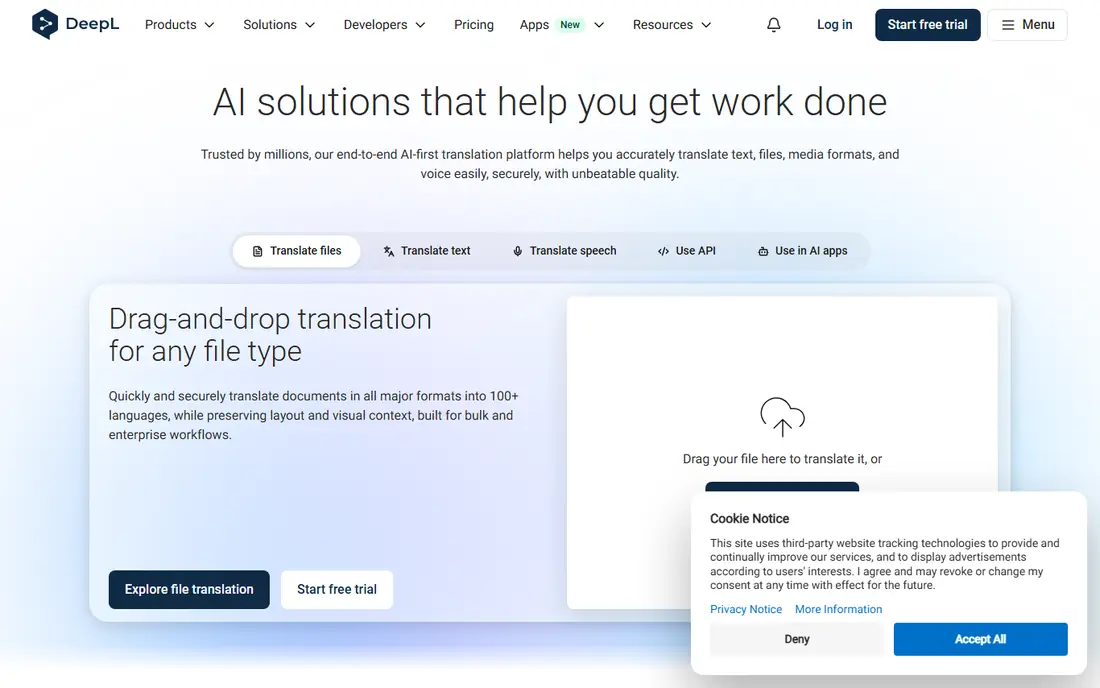
DeepL built its reputation on quality rather than coverage. For English, German, French, Spanish, and other European pairs, its translations often read more naturally than rivals, which means less editing time for business documents. Document translation keeps much of the original formatting, and glossaries let teams lock in approved terms for product names and legal phrases.
The free tier has character limits, and paid Pro plans start at a per-user monthly rate, with API pricing charged separately. Language coverage is narrower than Google Translate, so less common pairs may not be available. If your work centers on European languages and document quality, DeepL is the tool we would pay for first.
- Natural-sounding output in European languages
- Document translation with formatting kept
- Glossaries for consistent terms
- Fewer languages than Google
- Paid plans needed for higher volumes
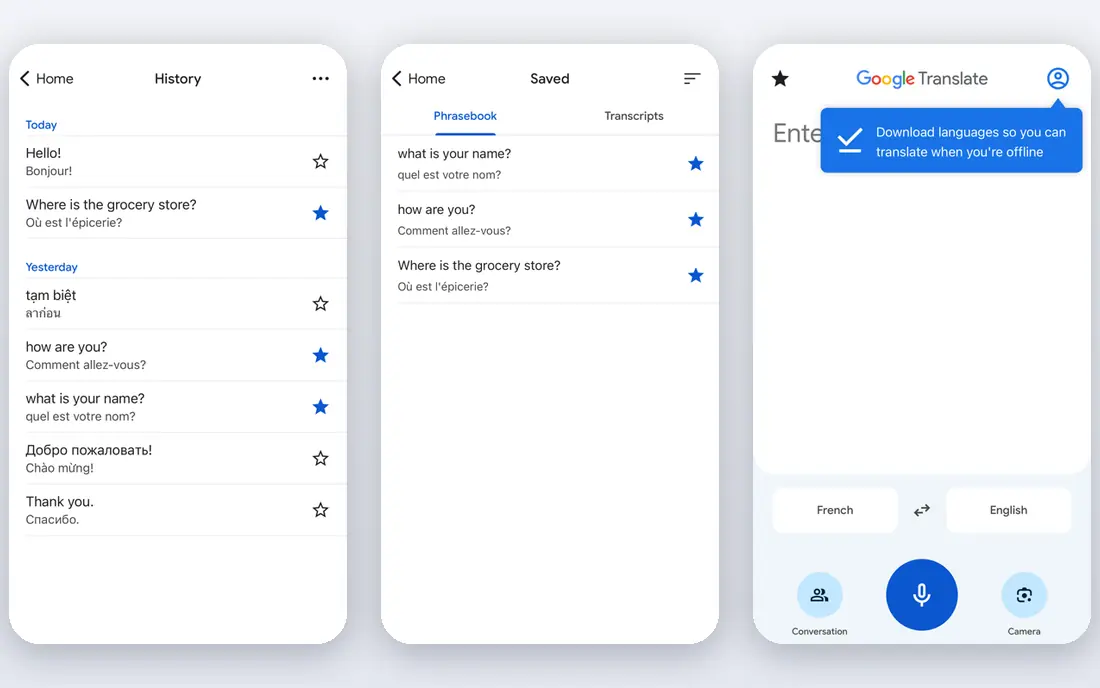
Google Translate is the tool most people already have, and for everyday use that is enough. It covers far more languages than any rival here, and its phone app translates text in photos, spoken conversations, and typed phrases. For travel, study, and quick understanding, it is fast and free.
Its weakness is consistency. Output quality varies by language pair, and there is little control over terminology or tone, so business documents still need a human check. Developers who need translation at scale should look at Google Cloud Translation, which charges per character beyond a free tier. For personal use, though, nothing beats Google Translate on coverage and price.
- Huge language coverage
- Free for everyday use
- Camera, voice, and conversation modes
- Quality varies by language pair
- Not built for brand or terminology control
Microsoft Translator serves two audiences: people using the free translator app and website, and developers building on Azure. The API free tier covers a large monthly character allowance, and paid use is priced per million characters, which makes it one of the cheaper APIs at scale. Office and Teams integrations help companies that already live in Microsoft tools.
In head-to-head quality tests, Microsoft often trails DeepL on idiomatic phrasing, though it is strong on straightforward business text. Setup through Azure is more work than opening an app, so small teams without developers may prefer DeepL or Google. For a Microsoft shop building translation into a product, Translator is the natural and economical choice.
- Generous free API tier
- Strong fit with Azure and Office
- Conversation and document features
- Idiomatic nuance can lag DeepL
- API setup needs Azure knowledge
Reverso stands out for a simple reason: it shows translations in context. Instead of one bare equivalent, you see example sentences drawn from real texts, which helps you pick the right word when several options exist. That makes it a favorite for language learners, writers, and anyone translating a tricky phrase rather than a whole document.
The free version covers everyday translation well, while Premium adds more document translation and fewer limits. Language coverage is narrower than Google or Microsoft, so it works best as a second tool alongside a broad translator. When a single word could change the meaning of a sentence, Reverso is the check we run before sending it.
- Context examples show how words are really used
- Good for learning
- Document translation available
- Narrower language set than Google
- Premium features sit behind a subscription
Papago, from Naver, is the tool to know if Korean is in the mix. Its Korean to English and Korean to Japanese translations are widely regarded as stronger than general translators, thanks to Naver's focus on those pairs. The app also handles image and voice translation, which helps with signs, menus, and conversations while traveling.
Outside Asian languages it is less competitive, and it lacks the glossaries and team features of business tools. That narrow strength is still valuable: many general translators struggle with Korean honorifics and sentence structure, and Papago handles them better. Keep it on your phone for Korea or Japan, even if DeepL handles your office documents.
- Strong Korean translation
- Image and voice translation
- Handy for travel in Korea and Japan
- Weaker outside Asian language pairs
- Fewer business features than DeepL
SYSTRAN has sold machine translation for decades, and its focus shows: technical, legal, and regulated content where accuracy on specialized terms matters more than smooth prose. It offers cloud and on-premise deployment, which appeals to defense, government, and industrial buyers who cannot send documents to a public cloud.
Pricing is not published, and a trial is the route to a quote, which slows down casual evaluation. The product also feels less polished than DeepL or Smartling for everyday users. Choose SYSTRAN when data control and specialized terminology outweigh ease of use, such as for manuals, patents, or internal technical documents.
- Specialized models for technical fields
- Private deployment options
- Long history in machine translation
- Pricing not published
- Interface feels dated next to newer rivals
Smartling is a localization platform, not just a translator. It combines machine translation with human review, keeps a translation memory so repeated phrases are reused, and connects to websites, apps, and content systems so translated content publishes without manual copying. A free Core plan exists for getting started, with paid machine and human translation priced per word.
That power is overkill for translating a single document. Smartling earns its place when a company publishes in many languages on a regular schedule and needs consistent brand voice across all of them. If your translation needs are continuous rather than occasional, Smartling turns a messy process into a managed one.
- AI plus human review workflows
- Translation memory and glossaries
- Website and app integrations
- Built for ongoing programs, not one-off jobs
- Pricing is usage-based and needs a quote for full programs
Lokalise is designed for teams shipping software in several languages. Developers push strings from code, translators work in a shared editor with context and screenshots, and reviewed translations flow back into the product. That workflow prevents the classic problem of translated text breaking a button or arriving after release.
It is not the right tool for translating a contract or a marketing brochure from scratch. Pricing is not published as a single simple rate, so teams should trial it with a real project and confirm seat costs. For product teams that localize every release, Lokalise is one of the most practical platforms available.
- Built for software strings and app content
- Collaboration and review tools
- Many integrations
- Not a general document translator
- Pricing scales with seats and features
Amazon Translate is a developer API rather than a consumer app. It plugs into AWS workflows to translate text and documents, including Office files, and its free tier covers a generous monthly character allowance for the first twelve months. Paid use is priced per million characters, with higher rates for document translation and custom models.
Individuals looking for a quick translation will prefer Google or DeepL. Teams already running on AWS, however, will find Amazon Translate easy to add to an existing pipeline, with familiar billing and security controls. It is the quiet, practical choice for cloud teams that need translation as a service, not as a destination.
- Simple API pricing
- Free tier for the first year
- Fits AWS pipelines and document workflows
- Needs AWS setup
- Less polished as a standalone app for individuals
How we picked these
We compared official pricing pages, feature pages, and API documentation for AI translation tools, and we kept tools that are available in 2026 for either personal or business use. We included free apps, document translators, developer APIs, and localization platforms so the list covers different needs. We left out tools that only offer human translation with no AI component, since this list is about AI translation.
How to choose an AI translation tool
Match the tool to the content and the stakes. A menu translation can be rough; a contract cannot. The right choice depends more on language pair, volume, and review needs than on any single quality claim.
Test your own language pairs
Published benchmarks favor European languages, where DeepL often leads. For less common pairs, Google or Microsoft may cover the language at all while DeepL does not. Run the same ten sentences from your real work through two tools and compare the edits you must make.
Decide how much human review you need
Machine output still needs a human check for legal, medical, and published marketing text. If you publish in many languages, a platform with translation memory and human review, like Smartling or Lokalise, saves more than a cheaper raw API. For internal drafts, a free app plus a quick read may be enough.
Watch API pricing at scale
Per-character pricing looks tiny until volume grows. Compare free tiers, per-million-character rates, and document rates for your expected monthly volume, and remember that retranslating repeated text costs money unless you use translation memory. A glossary also cuts editing time, which is often the larger cost.
Sources
Frequently asked questions
Which AI tool is best for translation?
DeepL is the best overall pick for business documents in European languages, while Google Translate is best for free everyday use across many languages. The right answer depends on your language pair, so test both on your own text before committing.
What is the best AI translation app for travel?
Google Translate is the best travel app because it covers many languages and translates photos, speech, and conversations for free. Papago is a strong second app to carry if you are visiting Korea or Japan.
Is DeepL free?
Yes, DeepL offers a free tier with character limits for everyday translation. Paid Pro plans raise those limits and add document features, glossaries, and team controls for business use.
Can AI translation replace human translators?
Not for high-stakes content. AI handles drafts and routine text well, but legal, medical, and published marketing translations still need human review. The best setup uses AI for speed and humans for accuracy checks.
What is the best AI tool for translating documents?
DeepL is our pick for document translation because it preserves much of the original formatting and handles glossaries well. Smartling suits companies that translate documents and websites on an ongoing schedule with review workflows.