Best AI Video Dubbing Tools in 2026: 9 Tools Compared
By ToolNimba Editorial Team November 11, 2026 9 min read

- Top pick
 HeyGen
Lip-synced video translation
Starting price$29 per monthCheck out HeyGenRead our review - Runner-up
 ElevenLabs
Natural voice cloning for audio
Starting price$6 per monthCheck out ElevenLabsRead our review - Also great
 Rask AI
Professional localization teams
Starting price$60 per monthCheck out Rask AIRead our review
How we researched this
We compared official pricing and feature pages, app store listings, privacy policies and public user reviews. Prices change, so check the provider's site before you pay.
Key takeaways
- HeyGen is the strongest all-round choice when you need lip sync, since it translates and resyncs the mouth in one workflow.
- ElevenLabs gives the most natural cloned voice for audio dubbing, but it does not do lip sync itself.
- Rask AI suits professional localization teams, while Dubverse and VideoDubber suit creators watching cost per minute.
- Always check a dub with a native speaker before publishing, since fluent-sounding output can still carry translation errors.
Quick comparison
| Name | Best for | Starting price | Free plan | |
|---|---|---|---|---|
| HeyGen | Lip-synced video translation | $29 per month | Yes | Visit |
| ElevenLabs | Natural voice cloning for audio | $6 per month | Yes | Visit |
| Rask AI | Professional localization teams | $60 per month | Free trial | Visit |
 Dubverse | Low-cost creator dubbing | $18 per month | Yes | Visit |
 Murf AI | Studio voiceover and dubbing | $29 per month | Yes | Visit |
 VEED | All-in-one browser editing and dubbing | $12 per month | Yes | Visit |
 Kapwing | Social video translation | See website | Yes | Visit |
 Wavel AI | Voiceover and dubbing in many languages | $25 per month | Yes | Visit |
 VideoDubber | Budget dubbing by the minute | $9 per month | Free trial | Visit |
The best ai video dubbing tools
AI dubbing translates spoken video into another language and replaces the voice, sometimes with lip sync that matches the new audio. The tools below differ in voice quality, lip sync, language count and price per minute, so the right pick depends on whether you publish marketing videos, courses or social clips. Get consent before cloning any real persons voice, and label AI-dubbed content where your platform requires it.
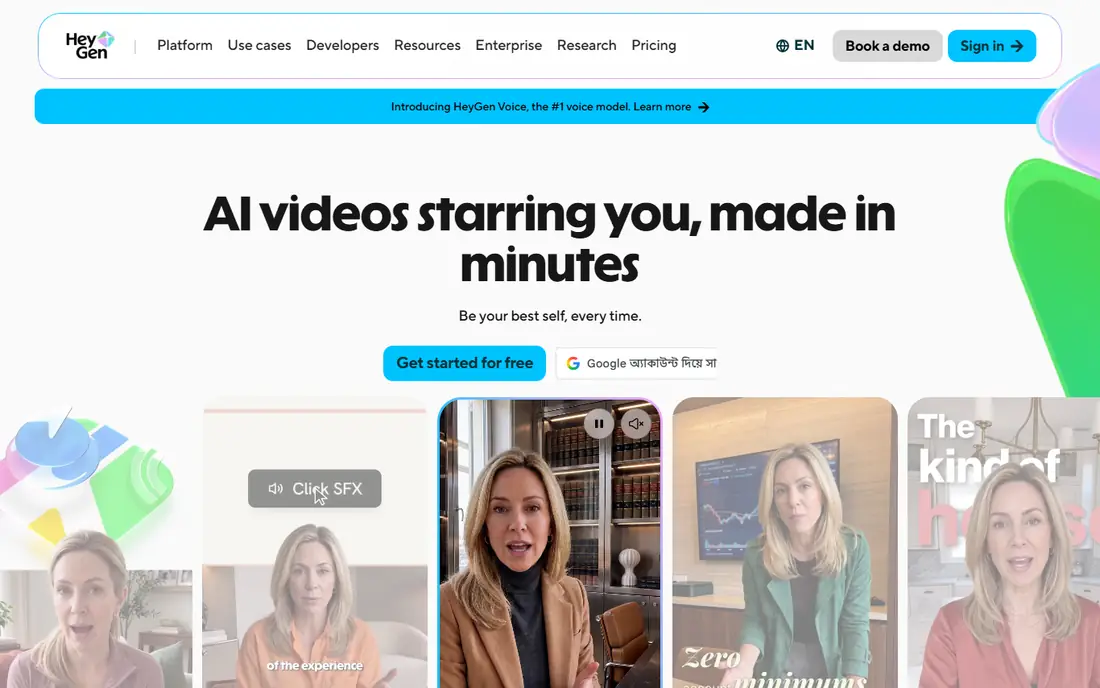
HeyGen is our pick for most creators because it handles the whole dubbing job: translate, clone the voice and resync the lips. Its free plan translates a few short videos per month, and paid plans start at $29 per month, with credits that also cover avatar video. That sharing is worth noting if you use both features heavily.
The output quality is strong for talking-head videos, which is the format most creators dub. Complex scenes with multiple speakers, music or overlapping dialogue still need checking. For training and marketing videos, HeyGen saves the most production time of any tool here.
- Lip sync included on translations
- Voice cloning keeps the original speaker sound
- Supports many languages
- Credits are shared with avatar video
- Higher plans needed for heavy volume
- Output needs human review
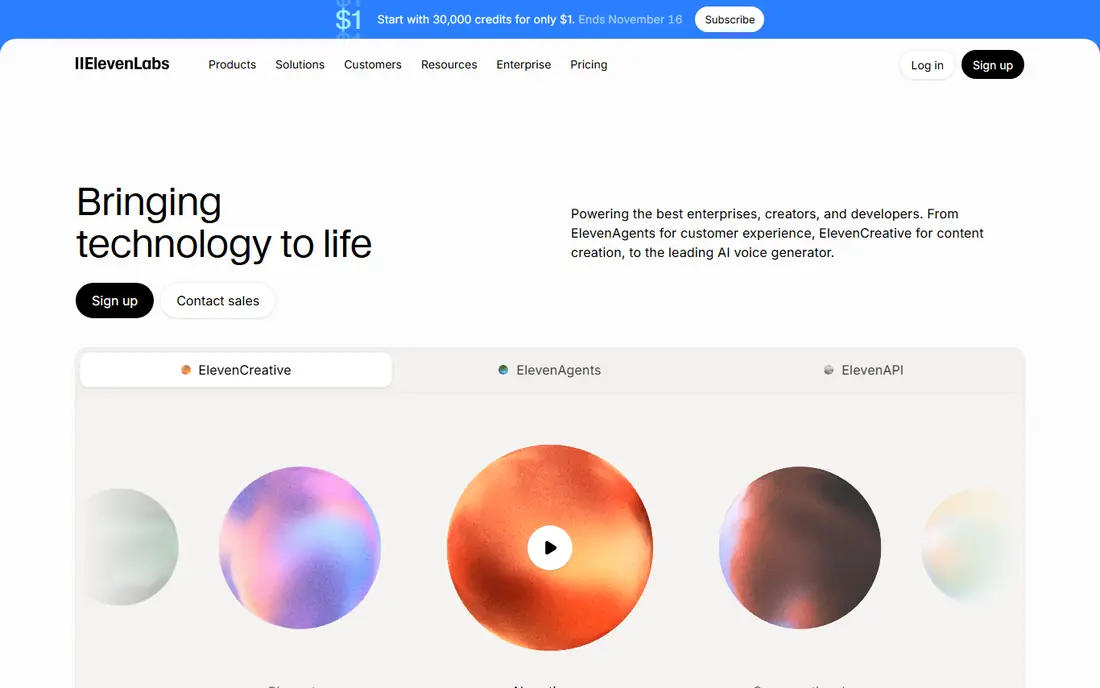
ElevenLabs built its name on voice quality, and its Dubbing Studio shows it. You upload a video, it transcribes and translates the speech, and it generates a dub in a clone of the original speaker. A free tier covers short tests, and Starter starts at $6 per month, with Creator at $22 per month for more minutes.
The limit is video: ElevenLabs dubs audio, it does not resync lips. If your video shows a talking face, pair it with a lip sync tool or accept that mouths will not match. For podcasts, narration and faceless videos, its voice quality is hard to beat.
- Very natural cloned voices
- Strong dubbing studio for review
- Large language support
- No lip sync
- Dubbing minutes are limited on lower plans
- Costs rise with volume
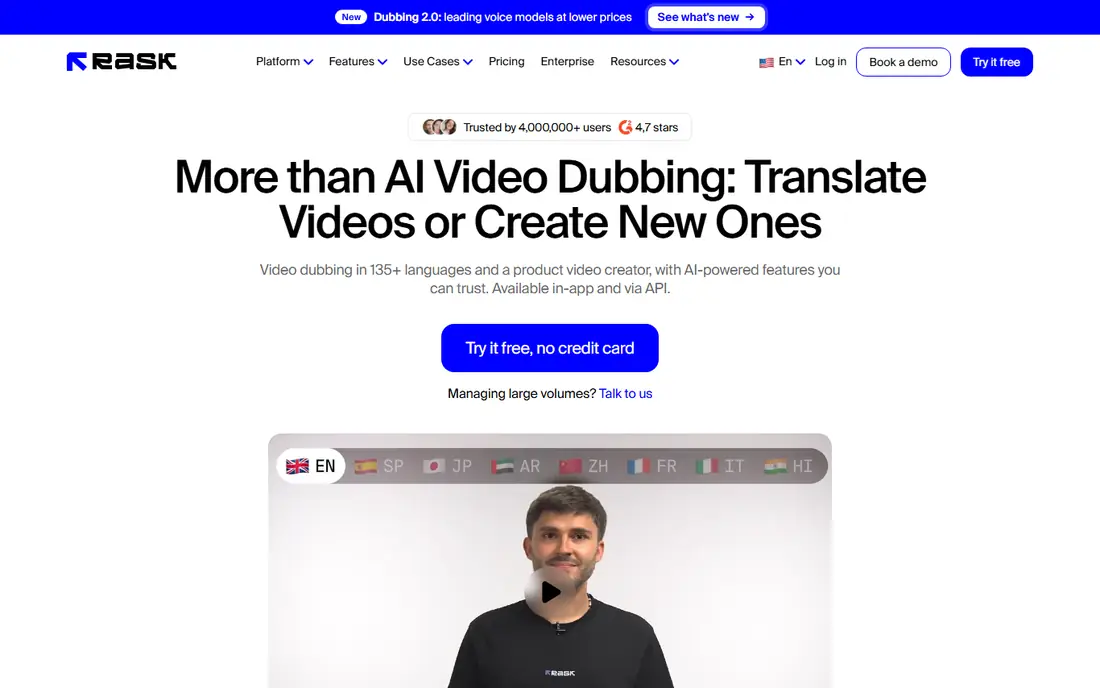
Rask AI is built for teams localizing courses, corporate training and YouTube channels at volume. Its Creator plan starts at $60 per month with a monthly minute pool, and Creator Pro adds lip sync and a larger pool. Voice cloning covers dozens of languages, and the editor lets translators fix timing and wording before export.
The price is the barrier for casual creators. At $60 per month, Rask only makes sense if you dub regularly or need its team workflow. Solo creators with one video a month will get better value from HeyGen or Dubverse.
- Voice cloning in many languages
- Multi-speaker handling
- Transcript editor for corrections
- Expensive entry price
- Lip sync needs a higher tier
- Extra minutes cost more
Dubverse appeals to creators who want a cheap way to test dubbing. Pro starts at $18 per month with a credit pool that covers roughly a dozen dubbed minutes, since each finished minute costs several credits. A free tier lets you try the workflow before paying.
That credit math is the catch. Dubverse is cheap to start but not cheap per minute at volume, so estimate your monthly minutes before subscribing. For a channel dubbing one short video a week, it works. For a course library, Rask or HeyGen will scale better.
- Low entry price
- Simple workflow
- Supports many languages
- Credit math limits minutes on the entry plan
- Voice cloning sits on higher plans
- Lip sync is limited
Murf AI is a voice studio first. You write or import a script, place it on a timeline against video, choose voices and adjust timing, which suits course creators and marketers who think in projects. Studio Free includes 10 minutes of voice generation, Creator costs $29 per month or about $19 per month billed annually, and Business is higher.
Murf is less of a one-click dubbing tool than HeyGen or Rask. You do more manual work, but you get more control over pacing and emphasis. That trade suits narration-heavy videos where timing matters more than lip sync.
- Timeline studio for aligning voice to video
- Large voice library
- Canva integration on paid plans
- Dubbing is one part of a voiceover tool
- Voice cloning needs higher tiers
- Annual billing lowers the monthly rate
VEED is the pick if you want to edit, subtitle, translate and dub in one browser tab. Its Creator plan costs about $12 per user per month billed annually, Pro about $22, and each plan includes AI credits for voice, translation and other features. A free plan lets you test the editor with watermarked exports.
The breadth is both the appeal and the cost. If you only need dubbing, a specialist tool gives more minutes per dollar. If you already edit in VEED, adding translation there saves exporting between tools and keeps one project file for the whole job.
- Full browser editor with subtitles and translation
- No software to install
- Clean sharing workflow
- Dubbing shares credits with other AI features
- Translation language count varies by plan
- Free exports are watermarked
Kapwing suits social teams that cut short clips and need a quick translation pass. Its browser editor handles trimming, captions, resizing for platforms and AI translation in one place, and a free tier covers basic testing. Paid pricing changes often, so check the vendor site for the current plan that includes dubbing minutes.
Do not pick Kapwing for a full course or film localization. Its strength is speed on short content, not voice cloning depth or multi-speaker handling. For a TikTok or Reel that needs a second language fast, it is a practical choice.
- Fast browser editor
- Good for short social clips
- Built-in subtitles and translation
- Dubbing depth is less than specialists
- Free exports carry limits
- Check current pricing before buying
Wavel AI covers voiceover, dubbing, subtitles and translation in a straightforward web tool. Basic starts at $25 per month, with Pro and Premium above it for more minutes and features. A free tier lets you test voices and workflow before committing.
Wavel is a solid mid-range option, especially for teams that also need plain voiceovers. Its voices are good but not quite at ElevenLabs level in every language, so test your target languages during the trial rather than assuming quality transfers across all of them.
- Simple voiceover workflow
- Dubbing and subtitles in one tool
- Free tier to test
- Voice quality varies by language
- Smaller ecosystem than HeyGen or ElevenLabs
- Higher plans needed for volume
VideoDubber positions itself on price, starting at $9 per month with per-minute rates well below Rask and Dubverse on paper. It supports many languages, includes lip sync options and offers a full editor for timing fixes. For creators testing whether dubbed videos earn their keep, that low entry cost is attractive.
The caution is maturity. VideoDubber has a smaller track record than HeyGen, ElevenLabs or Rask, so run a paid test video in your exact languages before moving a whole channel to it. If the voices pass your review, the savings are real.
- Very low entry price
- Low per-minute cost claims
- Lip sync included on higher plans
- Newer and less proven than rivals
- Voice library is smaller
- Check minute math on your plan
How we picked these
We compared official pricing pages, feature documentation and recent pricing roundups for tools that dub existing video into another language and are available to new customers in 2026. We favored tools with a free tier or trial, published prices, and real dubbing workflows rather than pure text-to-speech apps. Prices are starting prices checked in October 2026, and credit systems mean the effective cost per minute depends on your plan and settings.
How to judge a dub before you publish
Watch the dubbed video once without reading the transcript. If the pacing feels rushed, pauses land in odd places, or emotion does not match the scene, viewers will notice even if the words are correct. Then have a native speaker check accuracy, since AI translation can sound fluent while changing meaning, especially with idioms, humor and technical terms.
Also check the legal side. Cloning a real persons voice needs their consent, and some platforms require AI-generated media to be labeled. Keep the original audio and transcript files, so you can fix errors without re-running the whole job.
Lip sync, voice cloning and subtitles
These are three separate features, and vendors bundle them differently. Lip sync resyncs the mouth to new audio. Voice cloning copies the original speaker. Subtitles translate text on screen. A tool can offer one without the others, so confirm which combination your plan includes before you pay.
Budgeting by the minute
Count finished minutes, not source minutes. Dubbing a 10-minute video into three languages is 30 finished minutes, and lip sync or re-renders can consume extra credits. Start with a monthly minute budget, then pick the plan whose included minutes cover it, since extra minutes are usually the most expensive minutes.
Sources
Frequently asked questions
What is the best AI video dubbing tool for YouTube?
HeyGen is the best all-round pick for YouTube talking-head videos because it adds lip sync. ElevenLabs is better if you only need audio and want the most natural cloned voice.
Does AI dubbing include lip sync?
Some tools do and some do not. HeyGen includes lip sync on translations, Rask adds it on higher tiers, and ElevenLabs dubs audio only. Always confirm lip sync on your exact plan, since it is often a separate feature.
How many languages do AI dubbing tools support?
Most tools here support dozens to well over 100 languages, but voice quality varies by language. Test your specific target languages during the free trial, since a tool that sounds great in Spanish may sound weaker in Hindi or Japanese.
Is AI dubbing legal?
Dubbing your own content is legal, but cloning someone elses voice without consent is not, and rules vary by state and country. Get written consent from any speaker you clone, and follow platform rules on labeling AI-generated media.
How much does AI dubbing cost per minute?
It varies widely, from well under a dollar per minute on budget plans to several dollars per minute on professional plans with lip sync. Credit systems make headline monthly prices misleading, so divide your plan price by the finished minutes it actually includes.