Best AI Video Upscaling Tools in 2026: 9 Tools Compared
By ToolNimba Editorial Team November 10, 2026 11 min read

- Top pick
 Topaz Video AI
Dedicated upscaling and restoration
Starting price$299 per yearCheck out Topaz Video AIRead our review - Runner-up
 DaVinci Resolve Studio
Editors who also upscale
Starting price$295 one-timeCheck out DaVinci Resolve StudioRead our review - Also great
 Adobe Premiere Pro
Adobe editors with light upscaling
Starting priceSee websiteCheck out Adobe Premiere ProRead our review
How we researched this
We compared official pricing and feature pages, app store listings, privacy policies and public user reviews. Prices change, so check the provider's site before you pay.
Key takeaways
- Topaz Video AI is the reference for dedicated upscaling, with multiple models for faces, noise and old footage, at $299 per year.
- DaVinci Resolve Studio gives editors a one-time $295 option with Super Scale, while Premiere Pro suits editors already in Adobe Creative Cloud.
- Video2X is the best free, open-source pick, but it needs more setup and patience than paid tools.
- Upscaling cannot invent detail that was never filmed. Test a short, hard clip at full size before you commit to a long render or a yearly plan.
Quick comparison
| Name | Best for | Starting price | Free plan | |
|---|---|---|---|---|
| Topaz Video AI | Dedicated upscaling and restoration | $299 per year | No | Visit |
| DaVinci Resolve Studio | Editors who also upscale | $295 one-time | Yes | Visit |
| Adobe Premiere Pro | Adobe editors with light upscaling | See website | No | Visit |
 Video2X | Free open-source upscaling | Free | Yes | Visit |
 HitPaw VikPea | Simple one-click enhancement | See website | No | Visit |
 AVCLabs Video Enhancer AI | Easy desktop enhancement | See website | No | Visit |
 UniFab Video Upscaler | Upscaling with format tools | See website | No | Visit |
 DVDFab Video Enhancer AI | DVD and old video upscaling | See website | No | Visit |
 Winxvideo AI | Upscaling plus conversion | See website | No | Visit |
The best AI video upscaling tools
AI upscaling can sharpen old clips and lift low-resolution footage to 4K, but quality, speed and cost depend on your hardware and footage. These nine tools cover dedicated upscalers, editors with upscaling and free open-source options.

Topaz Video AI suits creators and archivists who upscale often, because its model choice and restoration quality set the standard other tools are judged against. For buyers, the clearest strength is Multiple AI models for faces, noise and old footage, and that advantage shows up most when the tool is used for dedicated upscaling and restoration. Pricing starts at $299 per year, with a free plan listed as No, so check the current plan page for limits on seats, usage or features before you rely on that price.
What stands out in daily use is up to 8k output. The honest catch is Needs a strong GPU, and a second limit to weigh is yearly cost. If those limits do not block your main workflow, this is a solid shortlist pick. If they do, move to the next option in this list rather than forcing a tool to fit a job it handles poorly.
- Multiple AI models for faces, noise and old footage
- Up to 8K output
- Batch queue
- Needs a strong GPU
- Yearly cost
- Demo exports are watermarked
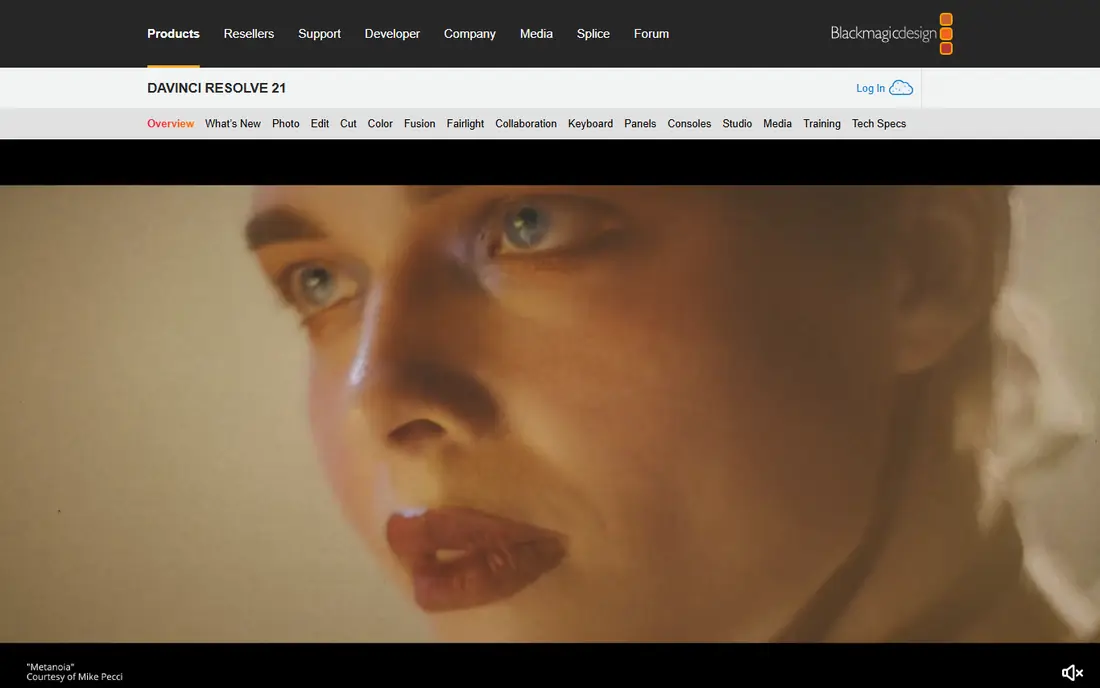
DaVinci Resolve Studio suits editors who want upscaling inside the same project as color, audio and delivery, without a separate subscription for every job. For buyers, the clearest strength is Super Scale upscaling inside a full editor, and that advantage shows up most when the tool is used for editors who also upscale. Pricing starts at $295 one-time, with a free plan listed as Yes, so check the current plan page for limits on seats, usage or features before you rely on that price.
What stands out in daily use is one-time studio price. The honest catch is Super Scale is capped in the free tier, and a second limit to weigh is full studio still needs a capable gpu. If those limits do not block your main workflow, this is a solid shortlist pick. If they do, move to the next option in this list rather than forcing a tool to fit a job it handles poorly.
- Super Scale upscaling inside a full editor
- One-time Studio price
- Strong color tools
- Super Scale is capped in the free tier
- Full Studio still needs a capable GPU
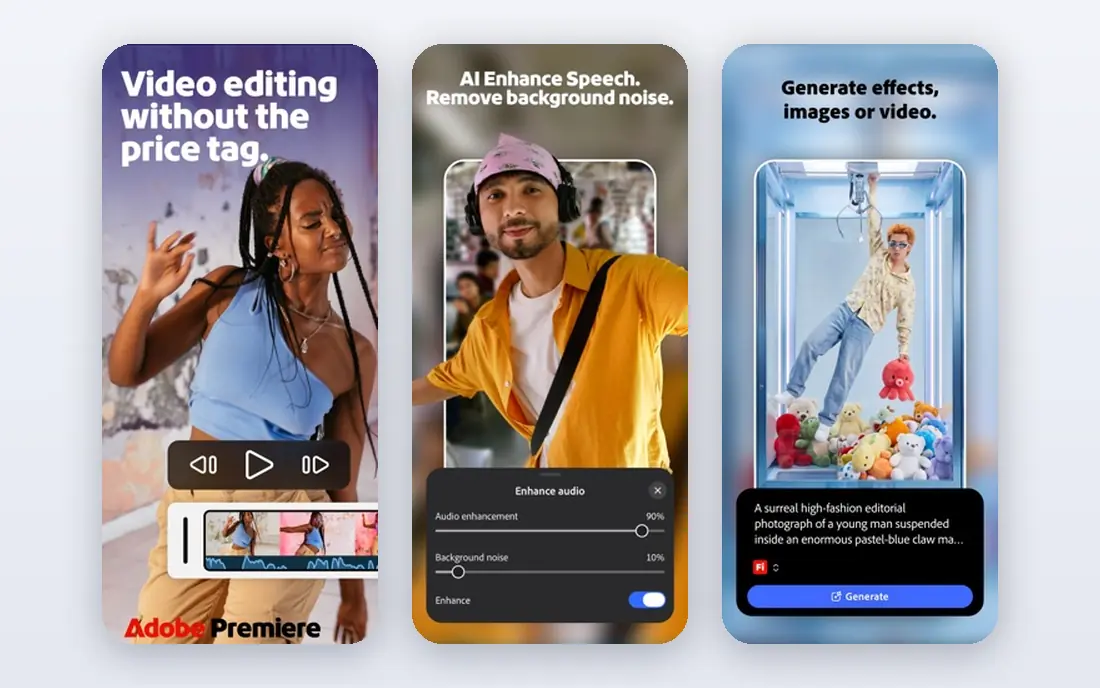
Premiere Pro suits editors already paying for Creative Cloud who need occasional upscaling, rather than buyers who need a dedicated restoration tool. For buyers, the clearest strength is Full editing timeline, and that advantage shows up most when the tool is used for adobe editors with light upscaling. Pricing starts at See website, with a free plan listed as No, so check the current plan page for limits on seats, usage or features before you rely on that price.
What stands out in daily use is effects and delivery in one app. The honest catch is Upscaling is limited compared with Topaz, and a second limit to weigh is subscription cost adds up. If those limits do not block your main workflow, this is a solid shortlist pick. If they do, move to the next option in this list rather than forcing a tool to fit a job it handles poorly.
- Full editing timeline
- Effects and delivery in one app
- Broad format support
- Upscaling is limited compared with Topaz
- Subscription cost adds up
Video2X suits patient, technical users who want free upscaling and do not mind command-line setup, slower renders and manual tuning. For buyers, the clearest strength is Free and open source, and that advantage shows up most when the tool is used for free open-source upscaling. Pricing starts at Free, with a free plan listed as Yes, so check the current plan page for limits on seats, usage or features before you rely on that price.
What stands out in daily use is several upscaling algorithms. The honest catch is Windows only in most builds, and a second limit to weigh is setup is technical. If those limits do not block your main workflow, this is a solid shortlist pick. If they do, move to the next option in this list rather than forcing a tool to fit a job it handles poorly.
- Free and open source
- Several upscaling algorithms
- Video, image and GIF support
- Windows only in most builds
- Setup is technical
- Renders can be slow
HitPaw VikPea suits beginners who want a simple enhancer for phone clips and social video, without learning model settings or a full editor. For buyers, the clearest strength is Simple interface, and that advantage shows up most when the tool is used for simple one-click enhancement. Pricing starts at See website, with a free plan listed as No, so check the current plan page for limits on seats, usage or features before you rely on that price.
What stands out in daily use is models for faces, animation and general video. The honest catch is Quality varies by footage, and a second limit to weigh is pricing and model details need checking. If those limits do not block your main workflow, this is a solid shortlist pick. If they do, move to the next option in this list rather than forcing a tool to fit a job it handles poorly.
- Simple interface
- Models for faces, animation and general video
- Batch processing
- Quality varies by footage
- Pricing and model details need checking
AVCLabs suits users who want a straightforward desktop upscaler with face and denoise options, and who prefer a guided workflow over deep manual controls. For buyers, the clearest strength is AI models for upscaling, denoise and face recovery, and that advantage shows up most when the tool is used for easy desktop enhancement. Pricing starts at See website, with a free plan listed as No, so check the current plan page for limits on seats, usage or features before you rely on that price.
What stands out in daily use is simple workflow. The honest catch is Needs a strong GPU for 4K, and a second limit to weigh is subscription pricing can add up. If those limits do not block your main workflow, this is a solid shortlist pick. If they do, move to the next option in this list rather than forcing a tool to fit a job it handles poorly.
- AI models for upscaling, denoise and face recovery
- Simple workflow
- Batch jobs
- Needs a strong GPU for 4K
- Subscription pricing can add up
UniFab suits users who also convert and process video formats, because upscaling sits next to conversion, compression and other video tools in one app. For buyers, the clearest strength is Upscaling to 4K with denoise and deinterlace options, and that advantage shows up most when the tool is used for upscaling with format tools. Pricing starts at See website, with a free plan listed as No, so check the current plan page for limits on seats, usage or features before you rely on that price.
What stands out in daily use is broad format support. The honest catch is Needs a strong GPU, and a second limit to weigh is pricing varies by license. If those limits do not block your main workflow, this is a solid shortlist pick. If they do, move to the next option in this list rather than forcing a tool to fit a job it handles poorly.
- Upscaling to 4K with denoise and deinterlace options
- Broad format support
- Batch queue
- Needs a strong GPU
- Pricing varies by license
DVDFab suits people digitizing DVDs and older collections, because its workflow starts with disc and older video sources rather than modern camera files. For buyers, the clearest strength is Designed for DVD and older video sources, and that advantage shows up most when the tool is used for dvd and old video upscaling. Pricing starts at See website, with a free plan listed as No, so check the current plan page for limits on seats, usage or features before you rely on that price.
What stands out in daily use is upscaling and enhancement models. The honest catch is Interface feels dated, and a second limit to weigh is best value is for disc-based sources. If those limits do not block your main workflow, this is a solid shortlist pick. If they do, move to the next option in this list rather than forcing a tool to fit a job it handles poorly.
- Designed for DVD and older video sources
- Upscaling and enhancement models
- Batch support
- Interface feels dated
- Best value is for disc-based sources
Winxvideo AI suits users who want one tool for upscaling, converting and shrinking video files, especially for playback on phones, TVs and older devices. For buyers, the clearest strength is AI upscaling with video conversion and compression, and that advantage shows up most when the tool is used for upscaling plus conversion. Pricing starts at See website, with a free plan listed as No, so check the current plan page for limits on seats, usage or features before you rely on that price.
What stands out in daily use is simple interface. The honest catch is Quality trails Topaz on hard footage, and a second limit to weigh is some features need a paid license. If those limits do not block your main workflow, this is a solid shortlist pick. If they do, move to the next option in this list rather than forcing a tool to fit a job it handles poorly.
- AI upscaling with video conversion and compression
- Simple interface
- GPU acceleration
- Quality trails Topaz on hard footage
- Some features need a paid license
How we picked these
We compared vendor pages, pricing pages and recent upscaling guides for models, output resolution, GPU needs and prices, and we favored tools that name upscaling as a core feature. We did not claim hands-on testing. Render speed depends heavily on GPU and clip length, so test your own footage before you buy.
How to choose an AI video upscaling tool
Match the model to the footage. Face-focused clips, noisy phone video, animation and old film each respond to different models, and the wrong model can sharpen noise or smooth faces. Run the same 30-second clip through two tools and compare faces, text and motion at full size, not on a small preview.
Next, check hardware and total cost. Dedicated upscalers need a strong GPU and can take hours for 4K output, while cloud tools charge per minute but need no GPU. If you upscale rarely, a cloud or per-clip tool may cost less than a yearly desktop license.
Sources
- https://www.topazlabs.com/topaz-video
- https://www.blackmagicdesign.com/products/davinciresolve
- https://www.adobe.com/products/premiere.html
- https://github.com/k4yt3x/video2x
- https://www.hitpaw.com/video-enhancer.html
- https://www.avclabs.com/video-enhancer-ai.html
- https://unifab.ai/video-upscaler.htm
- https://www.dvdfab.cn/video-enhancer-ai.htm
- https://www.winxdvd.com/winxvideo-ai/
Frequently asked questions
What are the best free AI video upscaling tools?
Video2X is the best free, open-source option, and DaVinci Resolve offers a free tier with capped Super Scale. Topaz offers a watermarked demo, but clean exports need a paid plan. Free tools usually need more setup and a strong GPU.
Is Topaz Video AI worth it?
For regular restoration and upscaling work, yes, because its model range and quality are hard to match. For one clip, a cloud tool or a trial may be cheaper, since Topaz costs $299 per year and needs a capable GPU.
Can AI upscaling turn 1080p into true 4K?
It can produce a 4K file that looks sharper and cleaner, but it cannot recover detail that was never captured. Results look best on clean, well-lit footage and weakest on heavily compressed or very low-resolution clips.
Do I need a powerful GPU for AI upscaling?
For desktop tools, yes. Topaz and similar tools recommend a modern GPU with ample video memory, and 4K jobs can take hours on mid-range hardware. Cloud tools avoid that need but charge per minute.
Which tool is best for old footage?
Topaz Video AI is a common pick for old footage, with models for denoising, deinterlacing and face recovery. DaVinci Resolve Studio is a good editor-first alternative when you also need color and editing in the same project.