Best AI Voice Apps in 2026: 9 Apps Compared
By ToolNimba Editorial Team November 1, 2026 10 min read

- Top pick
 ElevenLabs
Realistic narration and cloning
Starting price$6 per monthCheck out ElevenLabsRead our review - Runner-up
 Murf AI
Studio voiceovers for video
Starting price$29 per monthCheck out Murf AIRead our review - Also great
 Speechify
Listening to documents aloud
Starting price$29 per monthCheck out SpeechifyRead our review
How we researched this
We compared official pricing and feature pages, app store listings, privacy policies and public user reviews. Prices change, so check the provider's site before you pay.
Key takeaways
- ElevenLabs is our pick for most creators because its free plan is usable and its paid Starter plan starts at $6 per month.
- Murf and Descript suit people who want an editor around the voice, not just an audio file to download.
- Speechify and NaturalReader are mainly listening tools, so they fit reading and study better than publishing voiceovers.
- Voice cloning is useful only with clear consent, and free plans usually block commercial use, so check rights before you publish.
- PlayHT and Lovo AI (Genny) were left out because recent reports in 2026 describe them as shut down or unavailable for new work.
Quick comparison
| Name | Best for | Starting price | Free plan | |
|---|---|---|---|---|
| ElevenLabs | Realistic narration and cloning | $6 per month | Yes | Visit |
| Murf AI | Studio voiceovers for video | $29 per month | Yes | Visit |
| Speechify | Listening to documents aloud | $29 per month | Yes | Visit |
 Descript | Editing audio by editing text | $24 per month | Yes | Visit |
 Resemble AI | Developer voice cloning and APIs | See website | Free trial | Visit |
 WellSaid Labs | Consistent corporate narration | See website | Free trial | Visit |
 Cartesia | Fast real-time voice for apps | See website | Yes | Visit |
 NaturalReader | Reading PDFs and books aloud | $13.90 per month | Yes | Visit |
 Listnr | Podcast and article audio | $19 per month | Yes | Visit |
The best AI voice apps
We compared official feature pages, pricing pages, app store listings, and public reviews, and we focused on tools that are still available for new users in October 2026.
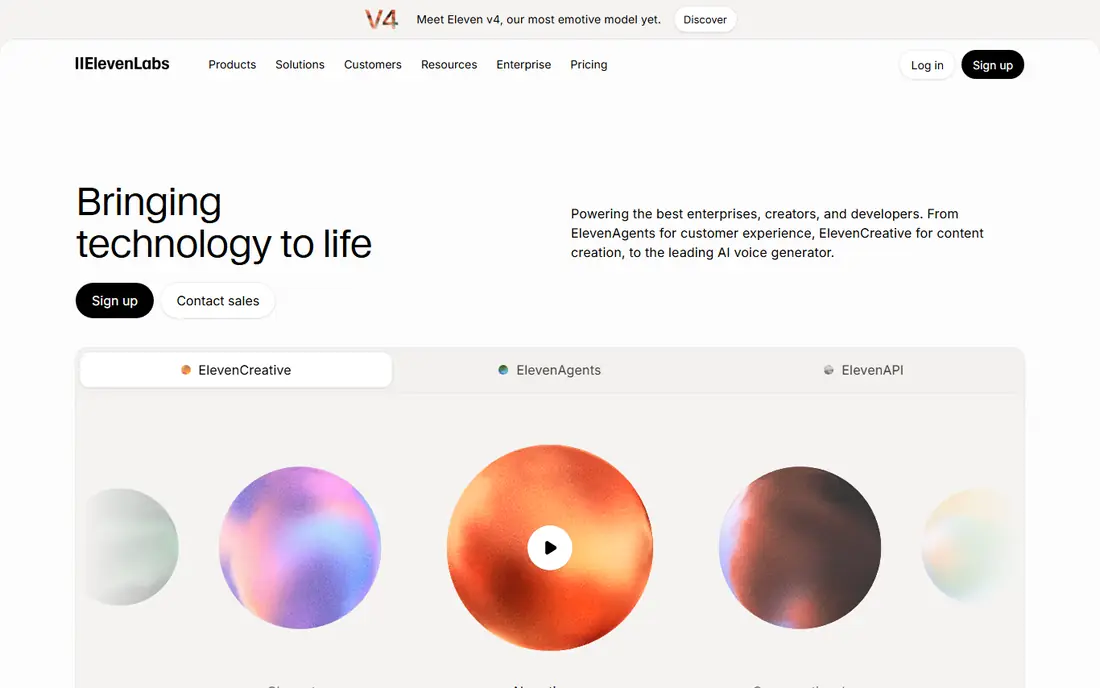
ElevenLabs is the easiest recommendation for most people who need a voice app rather than a full video editor. Its free plan gives 10,000 credits a month, which is roughly 10 minutes of speech, and it is enough to judge voice quality before paying. The Starter plan costs $6 per month and adds a commercial license and instant voice cloning, which is the point where most small creators should start.
The catch is the credit system. One credit is roughly one character on standard models, so long scripts add up quickly, and dubbing can use a large share of a monthly allowance. If you narrate audiobooks or long courses, Creator at $22 per month is a more realistic starting point than Starter. For short ads, lessons, and YouTube voiceovers, Starter is a strong value.
- Very natural voices
- Instant and professional cloning options
- Dubbing and API tools on paid plans
- Credits run out fast on lower plans
- Commercial use is not included on the free plan
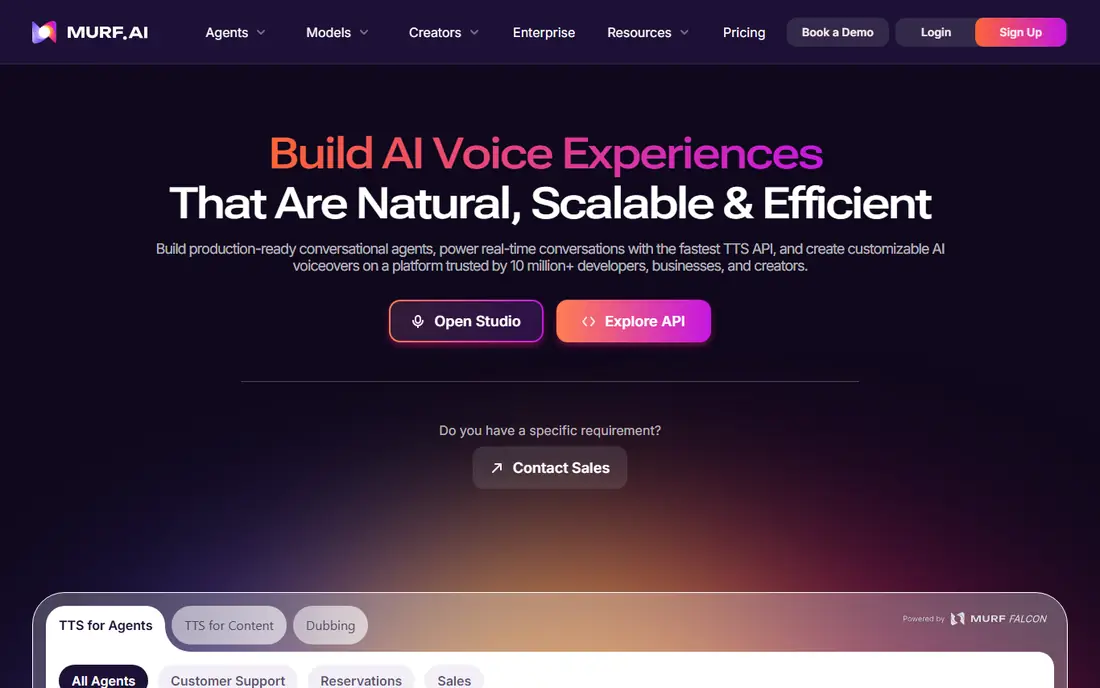
Murf feels more like a production studio than a simple text-to-speech box. You can time a voice to visuals, adjust pauses and emphasis, and keep a project organized when a script changes. That structure helps for training videos, product explainers, and course modules where timing matters as much as tone.
Pricing needs a careful read. Creator is $29 per month on monthly billing or $19 per month when billed annually, and Business is $99 per month monthly or $66 per month annually. The free plan is useful for a test, but its 10 minutes are a one-time allowance and do not include commercial rights. If more than one person needs to edit, check Enterprise terms first, since paid plans below that level include only one editor seat.
- Timeline-style studio for voice and video
- Large voice library
- Dubbing and translation tools
- Only one editor seat on Creator and Business plans
- Free plan gives 10 minutes in total, not monthly
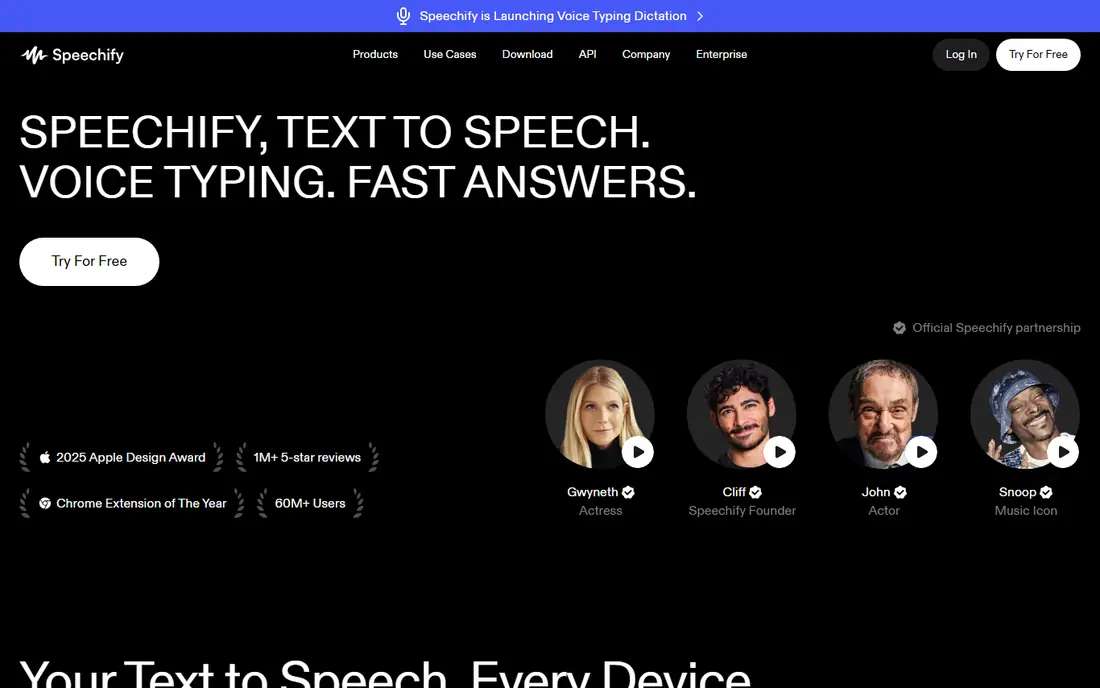
Speechify is best understood as a reading app first and a voice creation app second. The free Reader plan includes basic voices and playback up to 1.5x speed, which is enough to test whether listening fits your study or work routine. Premium costs $29 per month, or $139 per year, and adds natural voices, faster speeds, scanning, and AI summaries.
Do not buy Reader expecting to export commercial voiceovers. Speechify Studio is a separate product for voiceover creation, with its own pricing, and buying one does not include the other. For students and professionals who mainly want to get through reading faster, Reader Premium is a clear fit. For creators who need publishable audio, compare Murf and ElevenLabs first.
- Reads articles, PDFs, and books on phone and desktop
- Many natural voices on Premium
- Fast playback speeds
- Reader and Studio are separate subscriptions
- Premium monthly billing is steep for casual readers
Descript earns its place here because its AI voice tools sit inside a real editor. You can record or upload a podcast, delete words from the transcript, and have the audio follow that edit. Overdub lets you type a correction in your own cloned voice, which is handy when a name or number needs fixing after recording.
The pricing model is different from pure voice generators. Hobbyist is $24 per month, Creator is $35 per month, and Business is $65 per month, with lower monthly equivalents on annual billing. Unused media minutes and AI credits do not roll over, so check how much media you will actually upload each month. If you only need a voice file and never edit video or podcasts, a simpler voice app will cost less.
- Transcript-based editing
- Filler word removal and Studio Sound cleanup
- Overdub voice cloning
- Pricing is per editor seat and metered by media hours and AI credits
- Free exports are watermarked at 720p
Resemble AI is aimed at builders who want a voice inside an app, a game, or a customer service flow. Its cloning tools and API make it a good fit when a project needs the same voice across many generated clips, and its safety tools, including watermarking and detection, matter when synthetic voices could be misused. Public pricing reports describe usage-based Flex pricing, but the exact current rates should be confirmed on the vendor pricing page before you commit.
The trade-off is simplicity. Resemble is not the friendliest first voice app for someone who just wants one narration file this week. It rewards teams that can plan usage, handle API integration, and manage consent for cloned voices. If that describes your project, it belongs on a shortlist next to ElevenLabs and Cartesia.
- Rapid and professional cloning options
- API access for apps
- Detection and watermarking tools
- Pricing is less clear for casual users
- Best value is for developers and teams, not one-off narration
WellSaid Labs targets companies that need the same steady voice across training modules, product guides, and internal updates. Its voices are designed to sound professional rather than dramatic, which suits compliance training and e-learning better than character-driven ads. Team features and API access help larger groups keep pronunciation and style consistent.
The main catch is price and scope. WellSaid is not positioned as a cheap solo creator tool, and its library is more English-focused than the broad multilingual libraries of ElevenLabs or Murf. If your priority is a brand-safe, consistent voice for workplace content, that focus is a strength. If you need many languages or a low monthly bill, start elsewhere.
- Clear, consistent English voices for training and corporate work
- Team and enterprise controls
- API access on higher plans
- English-focused library
- Pricing is not a simple low-cost creator plan
Cartesia stands out when speed matters. Its Sonic models are built for real-time conversation, which makes it a strong choice for voice agents, games, and interactive apps where a long pause breaks the experience. A free plan with credits lets developers test voices and latency before choosing a paid tier.
For simple narration, Cartesia may feel like more tool than you need. Its pricing mixes TTS credits with agent time, so a straight comparison with a flat monthly voiceover plan is hard. Choose Cartesia when your app must respond in near real time. Choose a studio tool when your main job is producing finished audio files.
- Very low latency for conversational apps
- Streaming voices
- Cloning options for developers
- Developer-focused setup
- Credit and agent pricing can be confusing for non-technical users
NaturalReader is a practical pick for students, professionals, and readers who want documents read aloud without a complex setup. The free Personal plan includes free voices and daily character allowances, while paid Personal plans start with Lite at $13.90 per month or $79 per year. Plus and Pro add more premium voices and larger daily allowances.
Read the license line carefully. Personal plans are for personal listening, even on paid tiers, and audio generated under them cannot be used commercially or redistributed. NaturalReader Commercial is a separate product for published narration. That split is clear once you know it, but it is easy to miss, so match the product to your goal before paying.
- Reads many file types including PDF, DOCX, and EPUB
- Web reader, mobile apps, and Chrome extension
- Separate commercial product
- Personal plans do not include commercial use or redistribution
- MP3 conversion has separate limits
Listnr fits publishers and bloggers who want audio versions of written content without hiring a narrator for every post. You can generate audio for articles, embed a player on a site, and build a simple podcast feed from written work. Its Individual plan is listed at $19 per month, with higher Solo and Agency tiers for larger output.
Listnr is not the first choice for precise voice cloning or real-time apps, and its library does not match the depth of ElevenLabs for that kind of work. For the narrower job of turning text into listenable audio at a fair price, it is a solid option. Start with the free plan and compare a few voices on your own articles before upgrading.
- Turns articles and scripts into podcast-style audio
- Embeddable players for websites
- Free plan for testing
- Smaller profile than the largest voice platforms
- Voice quality varies by voice and language
How we picked these
We compared official feature pages, pricing pages, app store listings, privacy policies, and public reviews for tools that are still available in October 2026. We favored products with a clear free plan or trial, published pricing, and a real use case for narration, reading, or voice apps, and we removed tools with credible reports of shutdown. We did not claim hands-on testing, and we checked that each website field points to the product official homepage.
What to check before you pay
Match the meter to your script
Credit, character, minute, and word meters are not the same. Count a typical script before you subscribe, and remember that dubbing, long audiobooks, and repeated revisions use far more allowance than a short ad.
Check commercial rights and consent
Free plans often block commercial use. Cloned voices need clear consent from the voice owner, and you should keep a record of that consent. If a client will publish the audio, buy a plan that includes commercial rights.
Test voices on your own text
Demo clips are usually chosen to sound their best. Paste in your own script, including names, numbers, and technical terms, and listen for mispronunciations and flat delivery before you commit.