Best AI Voice Over Apps in 2026: 8 Apps Compared
By ToolNimba Editorial Team November 1, 2026 9 min read

- Top pick
 ElevenLabs
Natural voices and cloning
Starting price$6 per monthCheck out ElevenLabsRead our review - Runner-up
 Murf
Marketing and training studio
Starting price$19 per monthCheck out MurfRead our review - Also great
 WellSaid Labs
Consistent brand narration
Starting price$10 per monthCheck out WellSaid LabsRead our review
How we researched this
We compared official pricing and feature pages, app store listings, privacy policies and public user reviews. Prices change, so check the provider's site before you pay.
Key takeaways
- ElevenLabs is our pick for most creators because it pairs natural-sounding voices with voice cloning and wide language support.
- Murf is the stronger studio choice for marketing and training narration, with timeline editing built in.
- WellSaid Labs suits brands that need a consistent English voice across many scripts.
- Speechify is better for listening to text than for producing polished commercial voiceovers, so check which Speechify product you are buying.
- Voice cloning needs consent and care: only clone voices you own or have clear permission to use.
Quick comparison
| Name | Best for | Starting price | Free plan | |
|---|---|---|---|---|
| ElevenLabs | Natural voices and cloning | $6 per month | Yes | Visit |
| Murf | Marketing and training studio | $19 per month | Yes | Visit |
| WellSaid Labs | Consistent brand narration | $10 per month | Free trial | Visit |
 Speechify Studio | Voiceovers and dubbing | See website | Yes | Visit |
 Descript | Editing audio by editing text | See website | Yes | Visit |
 Resemble AI | Cloning with watermarking | See website | No | Visit |
 Fliki | Text-to-video with voice | See website | Yes | Visit |
 Cartesia | Real-time voice for apps | $5 per month | Yes | Visit |
The best AI voice over apps
A good voiceover app does more than read text aloud. It lets you pick a voice that fits the script, adjust pace and pauses, fix mispronounced words, and export clean audio for video, training or ads. The apps below cover creators, marketers, trainers and developers, with different strengths on quality, control and price.
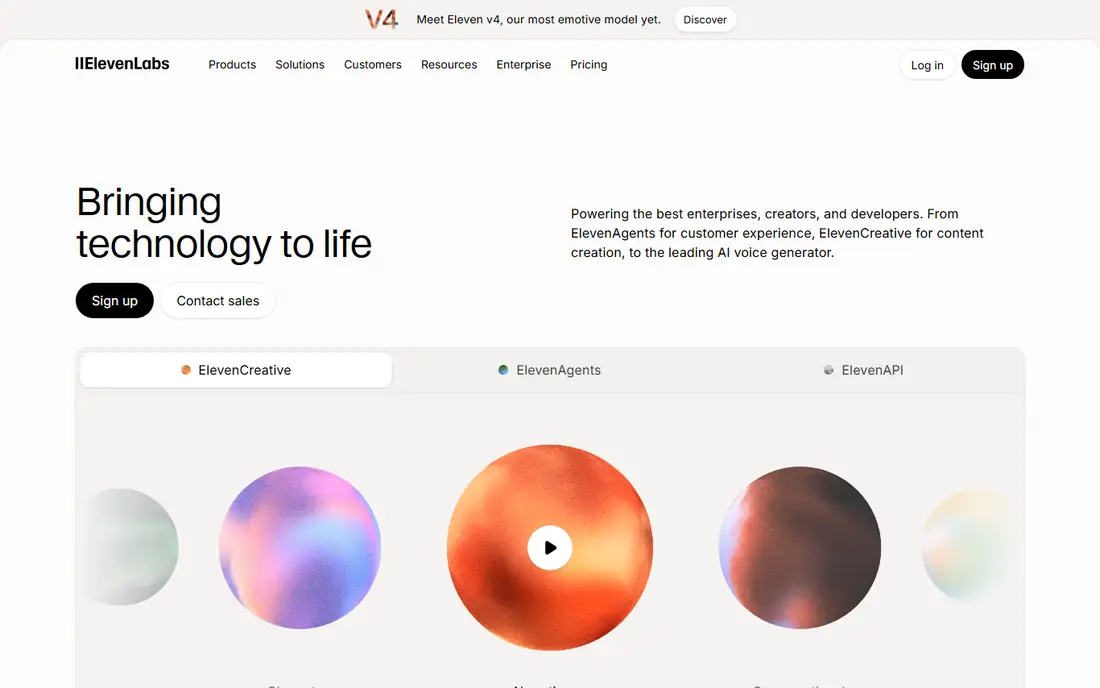
ElevenLabs has become the reference point for AI voice quality. Its voices handle pacing, emphasis and pauses in a way that sounds closer to a human read than many older text-to-speech tools. Creators use it for narration, video voiceovers, audiobooks and character voices, and developers use its API in apps.
The free plan gives a small monthly credit allowance, which is enough to test voices and short scripts. Paid plans start at $6 per month for Starter, with larger credit pools on higher tiers. If you clone a voice, keep consent and usage rights in writing, since realistic clones raise clear ethical and legal questions.
- Very natural-sounding voices
- Instant and professional voice cloning
- Wide language support
- Monthly credits cap output on lower plans
- Professional cloning is gated to higher plans
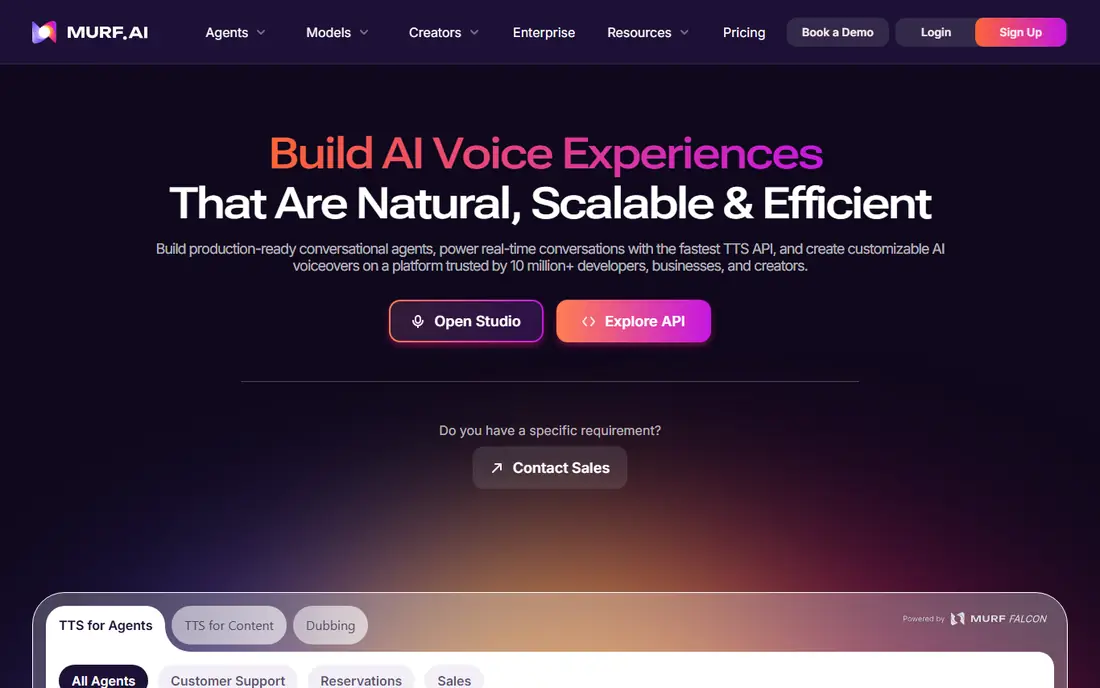
Murf feels like a voiceover studio rather than a simple converter. You paste a script, split it into blocks, assign voices, add pauses and music, and line narration up with slides or video. That workflow suits marketing videos, product explainers and e-learning courses where timing matters as much as tone.
Pricing is minute-based, which makes the bill easier to predict than credit systems for some teams. Creator plans are listed around $19 per month on annual billing, with a limited free tier for testing. The main catch is cloning: if a custom brand voice is essential, Murf may push you toward enterprise pricing.
- Visual studio with timeline editing
- Background music and slide sync
- Predictable minute-based billing
- Voice cloning is mainly an enterprise feature
- Raw realism trails the very best voices
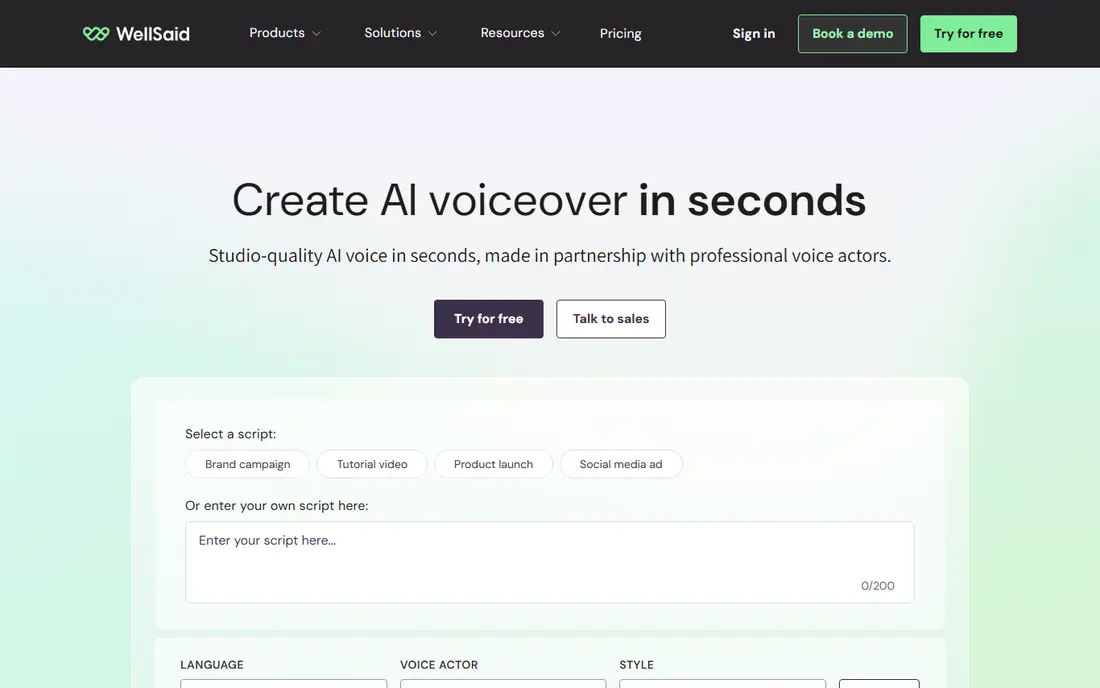
WellSaid Labs targets teams that publish a lot of similar narration. Training modules, help videos and product walkthroughs sound steadier when one voice carries across dozens of scripts, and WellSaid is built for that repeatable output. Its Starter plan is listed around $10 per month on annual billing, with a small trial allowance.
The trade-off is scope. If you need many languages or expressive character acting, other tools offer more range. For English-language corporate and training content, though, consistency and a clear metering model are real advantages, and the trial lets you test voice fit before committing.
- Consistent English voices for training and product content
- Download-minute metering
- Custom brand voices on higher plans
- Language range is narrower than global rivals
- Download caps matter for high-volume teams
Speechify is two products under one brand, and that causes confusion. The reader app turns articles and documents into audio for listening. Speechify Studio is the production tool for voiceovers and dubbing, with its own pricing and credits. Check which product a price quote refers to before you buy.
For creators, Studio offers a free credit allowance to test voices, then paid plans for regular production. It works well for short-form video narration and dubbed clips, but teams that need a single consistent brand voice or deep studio editing may prefer Murf or WellSaid. Read the commercial-use terms on your plan before publishing client work.
- Studio voiceover and dubbing tools
- Large voice library
- Credit-based plans for creators
- Easy to confuse with the separate Speechify reader app and its pricing
- Cloning and commercial use need the right plan
Descript takes a different route to voiceover. You record or import audio, get a transcript, and fix mistakes by deleting or typing words in the text. Overdub can then generate new words in your own cloned voice, which is handy for correcting a line without re-recording a whole session.
That power needs care. Overdub is meant for your own voice, with verification steps, and it is not a shortcut to impersonate someone else. Descript offers a free plan for basic editing, with paid plans for longer transcription and fuller features. Podcasters and video creators who already edit in Descript get the most value here.
- Edit audio and video by editing a transcript
- Overdub creates a voice model from your own voice
- Strong podcast workflow
- Overdub needs a voice sample and consent checks
- Full features sit on paid plans
Resemble AI suits developers and teams that care about provenance as much as sound. It offers text-to-speech, voice cloning and tools to detect and watermark synthetic audio, which helps when clients ask how a voice was made. A flexible pay-as-you-go tier lets light users avoid a large monthly plan, with credits that do not expire on that tier.
The downside is polish. Casual creators may find the studio less friendly than ElevenLabs or Murf, and cloning add-ons can lift the bill. If your priority is a documented, consented clone with safety tooling around it, Resemble is a serious option. If you just need a quick narration, a simpler studio will be faster.
- Voice cloning and detection tools
- Watermarking for synthetic audio
- Flexible pay-as-you-go option
- Dashboard feels less polished for casual creators
- Clone seats and add-ons add cost
Fliki is the pick when the voiceover is only half the job. You paste a script, pick a voice, and Fliki builds a video with stock visuals, captions and music. That speed suits social creators, news-style explainers and faceless channels that publish often and need a repeatable format.
Quality depends on how much you customize. Stock-heavy videos can feel generic, so add your own footage, branding and editing where it matters. The free tier lets you test the format, while paid plans raise minute limits and remove watermarks. Treat Fliki as a production shortcut, not a replacement for a filmed video when the subject needs it.
- Turns scripts into video with voice, images and captions
- Large voice library
- Fast for social video
- Video templates can look generic without custom footage
- Higher tiers needed for longer output
Cartesia is aimed at live voice rather than recorded narration. Its Sonic voices are built for real-time agents, assistants and interactive apps where a reply must start in well under a second. Developers get an API-first product with a $5 per month entry plan and a free credit allowance for testing.
That focus means it is less useful as a drag-and-drop studio for marketing videos. If you are building a voice agent, a game character or an interactive demo, Cartesia deserves a test alongside the bigger APIs. If you are producing a finished video voiceover, ElevenLabs or Murf will feel more direct.
- Very low latency for live voice apps
- Instant cloning on paid plans
- Affordable entry plan
- Built for developers and live agents more than studio narration
- Voice library is smaller than creator studios
How we picked these
We compared official pricing pages, feature pages and public reviews for voice tools that are still available in October 2026. We checked for natural voice quality, language support, cloning controls, commercial-use terms and export options. We excluded tools reported as discontinued in 2026, including PlayHT and Lovo, even though older lists still mention them. We did not claim hands-on testing, and prices should be checked on each vendor page before purchase.
What to check before you buy
Start with a real script, not a demo sentence. Demo voices often sound best on short, simple lines. Test your longest paragraph, a list of product names, numbers, and any words your audience will notice if mispronounced. Most tools let you add pronunciation guides or custom spellings, so check that feature early.
Next, match the billing model to your volume. Credit systems suit short, varied scripts. Minute-based plans suit steady narration. Pay-as-you-go suits irregular work. A cheap monthly plan that runs out halfway through a project costs more in lost time than a slightly dearer plan with room to spare.
Finally, sort out rights before you publish. Confirm commercial use on your plan, keep consent for any cloned voice, and note whether the tool watermarks audio or claims any rights in outputs. For client work, save the licence terms with the project files so there is no dispute later.