Best Apps for Calorie Counting in 2026: 9 Apps Compared
By ToolNimba Editorial Team November 10, 2026 10 min read

- Top pick
 MyFitnessPal
Largest food database
Starting priceFreeCheck out MyFitnessPalRead our review - Runner-up
 Lose It
Simple daily logging
Starting priceFreeCheck out Lose ItRead our review - Also great
 Cronometer
Detailed nutrient tracking
Starting priceFreeCheck out CronometerRead our review
How we researched this
We compared official pricing and feature pages, app store listings, privacy policies and public user reviews. Prices change, so check the provider's site before you pay.
Key takeaways
- MyFitnessPal has the broadest food database, but barcode scanning now sits behind its paid plan.
- Cronometer and FatSecret offer the most useful free plans, with barcode scanning included at no cost.
- MacroFactor is the strongest choice for people who want targets that adjust as their weight changes.
- Noom costs far more than a basic tracker because it adds coaching and daily lessons.
- This is not medical advice. Talk with a clinician before changing your diet, especially if you manage a health condition.
Quick comparison
| Name | Best for | Starting price | Free plan | |
|---|---|---|---|---|
| MyFitnessPal | Largest food database | Free | Yes | Visit |
| Lose It | Simple daily logging | Free | Yes | Visit |
| Cronometer | Detailed nutrient tracking | Free | Yes | Visit |
 YAZIO | Fasting and recipes | Free | Yes | Visit |
 Lifesum | Diet plans and meal ideas | Free | Yes | Visit |
 Noom | Behavior coaching | See website | No | Visit |
 FatSecret | Free core tracking | Free | Yes | Visit |
 MacroFactor | Adaptive macro targets | $11.99 per month | Free trial | Visit |
 Carb Manager | Low carb and keto tracking | Free | Yes | Visit |
The best apps for calorie counting
Calorie counting works only if logging stays quick. The apps below differ mainly in what is free, how deep the nutrient detail goes, and how much coaching you get for the price.
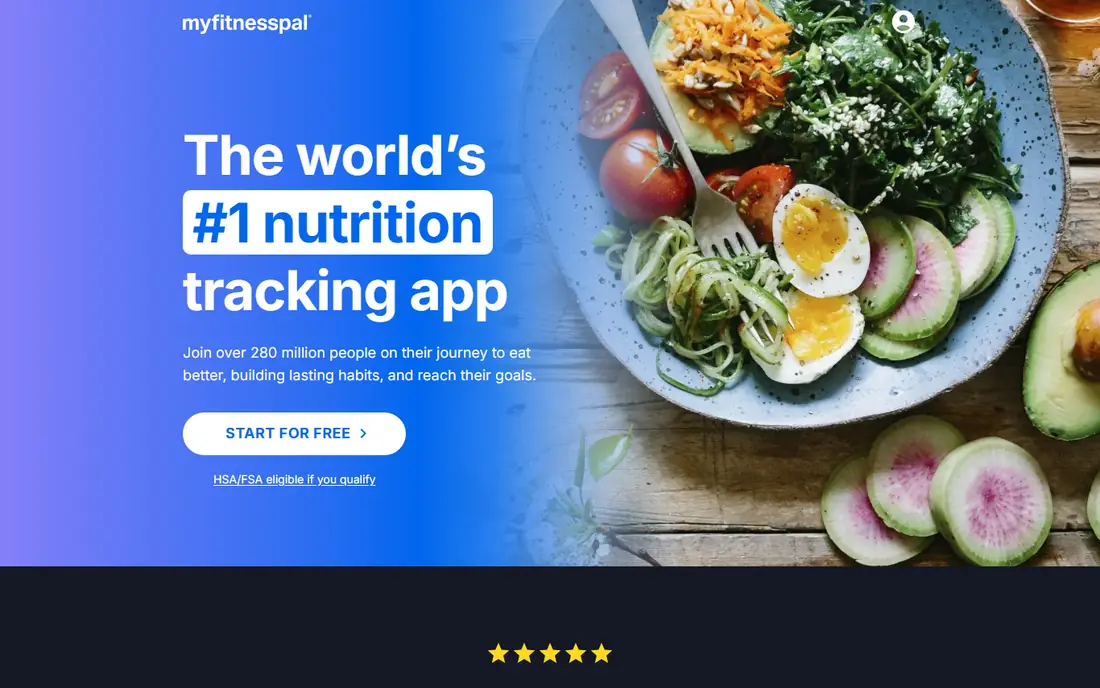
MyFitnessPal remains our pick for most people who want a food entry to be found fast. Its database covers branded foods, restaurant items, and common home-cooked dishes, so you spend less time typing in nutrition facts by hand. It also connects with Apple Health, Fitbit, Garmin, and many other fitness apps, which helps keep activity and food in one place.
The catch is the free plan. Basic manual logging is free, but barcode scanning, voice logging, and meal scanning require Premium, listed at $19.99 per month or $79.99 per year. If you scan packaged foods often, that paywall matters. Still, for sheer coverage, no other app on this list finds obscure foods as reliably.
- Very large food database
- Works with many fitness devices
- Recipe import on paid plans
- Barcode scanning requires Premium
- Free version shows ads
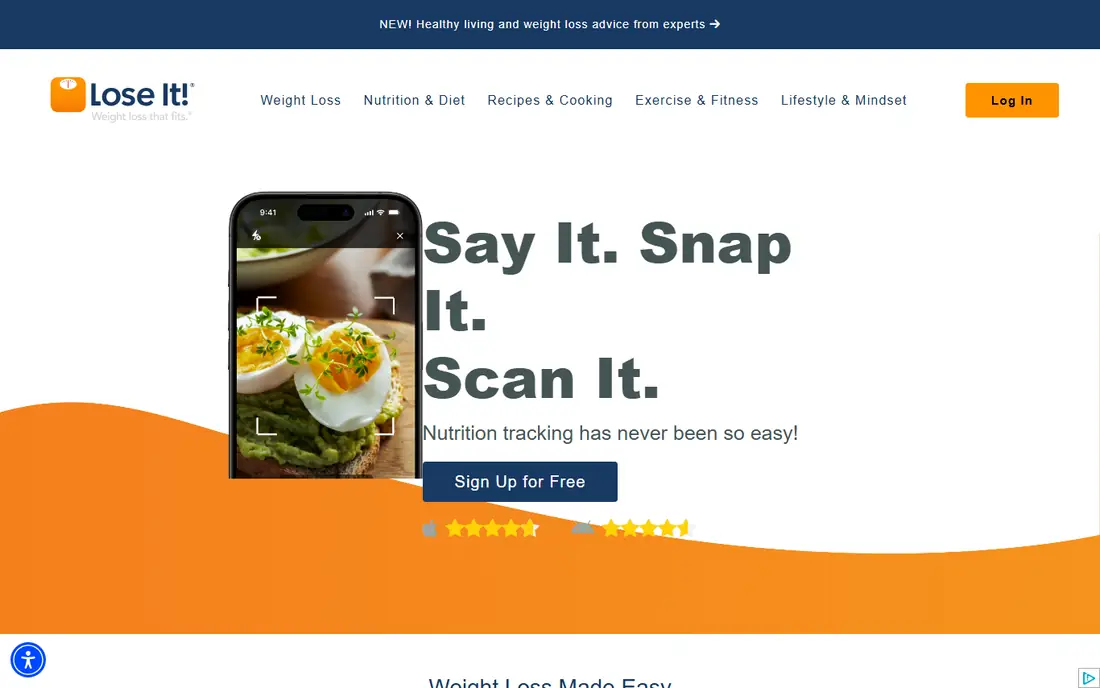
Lose It keeps the daily view simple: a calorie budget, what you have eaten, and what is left. That plain layout suits beginners who do not want charts for dozens of nutrients on the first screen. Photo logging, known as Snap It, and barcode scanning sit on the Premium plan, listed at $79.99 per year.
We like Lose It for people who have tried trackers before and quit because logging felt like work. The trade-off is depth. If you need to watch sodium, potassium, or specific vitamins closely, Cronometer gives you more detail for free. For a straightforward weight loss diary, though, Lose It is hard to beat on ease.
- Clean daily budget view
- Photo logging on Premium
- Group challenges for motivation
- Barcode scanning requires Premium
- Nutrient detail is thinner than Cronometer

Cronometer is the app we point nutrient-focused readers toward. Its free plan includes barcode scanning and tracking for a long list of vitamins and minerals, using verified data sources rather than only user-submitted entries. That makes it a strong choice if a clinician has asked you to watch a specific nutrient.
Gold costs $10.99 per month or $59.99 per year and adds photo logging, voice logging, and extra planning tools. The interface takes a day or two to learn because it shows so much detail. Once you set it up, though, it is one of the most honest trackers here about what is actually in your food.
- Barcode scanning free
- Tracks up to 84 nutrients
- Verified food data sources
- Interface feels dense at first
- Photo and voice logging require Gold
YAZIO pairs calorie counting with intermittent fasting timers and a large set of recipes, which suits people who plan meals around a fasting window. The free plan covers basic logging and fasting schedules, while Pro is listed at $47.90 per year and adds more recipes, meal plans, and detailed nutrient views.
The main limit is platform. YAZIO works on phones but has no full web app, so desktop logging is awkward. If you mostly log on your phone and want fasting support in the same app, it is a tidy fit. If you log at a desk all day, MyFitnessPal or Cronometer will feel easier.
- Built-in fasting timers
- Large recipe collection
- Clear daily overview
- Some planning tools require Pro
- No web app for desktop logging
Lifesum feels more like a guided eating plan than a bare logbook. It offers diet styles, meal ideas, and a polished daily view that some readers find more motivating than a plain spreadsheet of numbers. Monthly pricing is listed around $7.49, with annual pricing that varies with promotions.
That pricing variation is the honest catch. The amount you pay can depend on the offer shown at signup, so check the checkout total before you commit. Lifesum also suits people who want meal inspiration built in, rather than people who only want to record what they already ate.
- Guided diet plans including keto and Mediterranean styles
- Attractive meal plans
- Fasting tools
- Promotional pricing makes the real annual cost hard to pin down
- Barcode features vary by plan
Noom is not really a calorie tracker with coaching added on. It is a behavior program that happens to include food logging. Daily lessons cover habits, triggers, and mindset, and coaches check in as you work through the program. Annual pricing is commonly reported around $209, though Noom prices vary by plan length and offer.
That price only makes sense if you will actually read the lessons and talk with a coach. If you only want to log meals, a free app will do the job for far less. Noom is the pick for readers who have logged before, know the numbers, and still struggle to stick with a routine.
- Daily psychology-based lessons
- Human coaching
- Color-coded food guidance
- Most expensive option here
- No permanent free plan
- Food logging is basic
FatSecret is our pick for readers who want the core job done for free. Barcode scanning, food logging, macro goals, and calorie cycling are included without paying, and Premium, listed at $14.99 per month or $59.99 per year, mainly adds meal plans and extra tracking. It also has a long-running community for challenges and support.
The app looks less polished than MyFitnessPal or Lifesum, and the free version shows ads. It also lacks offline logging, so you need a connection to record meals. If cost is the deciding factor and you can live with ads, FatSecret gives you more free function than most paid rivals.
- Barcode scanner free
- Calorie and macro goals free
- Community and challenges
- Ads on the free plan
- Interface looks dated
- No offline logging
MacroFactor takes a different approach from fixed calorie goals. It reviews what you log and how your weight moves, then adjusts your calorie and macro targets each week. That adaptive coaching suits lifters and people cutting or bulking who want targets that respond to real progress rather than a single calculator result.
There is no free plan, only a trial, and pricing is $11.99 per month or $71.99 per year. It also needs honest, consistent logging to work well. Skip days often and the adjustments lose their value. For disciplined loggers, though, it is the most thoughtful macro tool on this list.
- Targets adjust weekly based on your logged data
- Strong macro focus
- No ads in paid app
- No permanent free plan
- Needs consistent logging to adapt well
- Less recipe content
Carb Manager is built for low carb and keto eaters first, and general calorie counters second. Net carbs, keto recipes, and low carb meal plans sit at the center of the app, and the free plan already covers net carb tracking and barcode scanning. Premium is listed at $39.99 per year and adds per-meal targets and more planning tools.
If you eat a standard diet, the keto focus can feel like extra clutter. If you count net carbs daily, though, Carb Manager saves you the manual math that other apps make you do. It is the most focused app here, and that focus is exactly its strength for the right reader.
- Net carb tracking free
- Keto recipes and meal plans
- Barcode scanning free
- Less useful if you do not follow low carb eating
- Some advanced tools require Premium
How we picked these
We compared official feature pages, pricing pages, and app store listings for the leading calorie counting apps, plus public reviews that described free plan limits. We checked which everyday features, such as barcode scanning, sit behind a paywall, because that detail changes the real cost more than the headline price. We did not claim hands-on testing we did not do. Our ranking favors apps that are still actively maintained, that truly fit calorie counting, and that offer a clear free or trial path before you pay.
What to check before you pay
Start with the free plan for two weeks
Log honestly for two weeks before you subscribe. That test shows whether you will keep logging, which matters more than any feature list. If logging feels like a chore in week one, a paid plan will not fix it. Switch apps while you are still free.
Check what is actually behind the paywall
Barcode scanning, photo logging, and custom macro targets move between free and paid plans often. Open the pricing page and the app store listing on the day you sign up, and read the checkout screen for the billing period. Annual plans look cheaper per month but lock you in for a year.
Match the app to your eating style
A keto eater, a fasting fan, and a person tracking micronutrients for a health reason need different tools. Pick the app whose home screen already shows the numbers you care about. You will log more often when the right numbers are in front of you, and less often when you have to dig for them.
Remember the limits of tracking
Food databases contain errors, especially for user-submitted entries, so check labels for packaged foods when accuracy matters. Calorie needs also vary with activity, age, and health, so treat any app target as a starting point. This is not medical advice, and a clinician or registered dietitian can help set a safe target for your situation.
Sources
- https://www.myfitnesspal.com
- https://www.loseit.com
- https://www.cronometer.com
- https://www.yazio.com
- https://www.lifesum.com
- https://www.noom.com
- https://www.fatsecret.com
- https://www.macrofactorapp.com
- https://www.carbmanager.com
- https://www.mynetdiary.com/best-macro-tracking-apps.html
- https://bodybuddy.app/blog/7-best-calorie-counter-apps-in-2026-tested-and-ranked
Frequently asked questions
What is the best calorie counting app?
For most people, MyFitnessPal is the easiest starting point because its database finds foods fast. Cronometer is better if you need detailed nutrient tracking, and FatSecret is better if you want strong features for free. The best app is the one you will still be using in a month.
What is the best free calorie counting app?
FatSecret and Cronometer offer the most useful free plans, since both include barcode scanning at no cost. Cronometer adds deeper nutrient detail, while FatSecret adds community challenges and meal plans on its free tier. MyFitnessPal and Lose It are free for basic logging but charge for barcode scanning.
Are calorie counting apps accurate?
They are estimates, not lab measurements. Verified databases tend to be more reliable than user-submitted entries, and packaged food labels are the best check for a single item. Portion sizes cause more error than the app itself, so weighing food for a week can improve accuracy a lot.
Do I need to pay for a calorie counting app?
Most people do not. Free plans from Cronometer, FatSecret, YAZIO, and Carb Manager cover daily logging well. Pay only if you need a specific paid feature, such as photo logging, adaptive macro coaching, or a guided diet plan, and only after the free plan has proven that you will log regularly.
Which calorie counting app is best for keto?
Carb Manager is built for keto, with net carb tracking, keto recipes, and meal plans at its core. Lifesum also offers a keto diet plan, and Cronometer can track net carbs with careful setup. For daily net carb math with the least manual work, Carb Manager is the simplest fit.
Is calorie counting safe for everyone?
No. Calorie counting can be unhelpful or harmful for people with a history of disordered eating, and it is not a substitute for medical care. This article is not medical advice. If you have a health condition, are pregnant, or are feeding a child, talk with a clinician before setting a calorie target.