Best App for Tracking Macros in 2026: 9 Apps Compared
By ToolNimba Editorial Team November 10, 2026 9 min read

- Top pick
 MacroFactor
Adaptive macro coaching
Starting price$11.99 per monthCheck out MacroFactorRead our review - Runner-up
 Cronometer
Micronutrients and accuracy
Starting priceFreeCheck out CronometerRead our review - Also great
 MyFitnessPal
Largest food database
Starting priceFreeCheck out MyFitnessPalRead our review
How we researched this
We compared official pricing and feature pages, app store listings, privacy policies and public user reviews. Prices change, so check the provider's site before you pay.
Key takeaways
- MacroFactor is our pick for serious lifters and athletes, because its targets adjust from your logged intake and weight trend.
- Cronometer is the best free starting point for people who also care about vitamins and minerals, not just protein, carbs and fat.
- MyNetDiary gives the best balance of a free plan, verified foods and custom gram targets without paying.
- MyFitnessPal still has the largest food database, but gram-level macro targets require Premium.
- This article is not medical or nutrition advice, so talk to a clinician or dietitian before changing your diet for a health condition.
Quick comparison
| Name | Best for | Starting price | Free plan | |
|---|---|---|---|---|
| MacroFactor | Adaptive macro coaching | $11.99 per month | Free trial | Visit |
| Cronometer | Micronutrients and accuracy | Free | Yes | Visit |
| MyFitnessPal | Largest food database | Free | Yes | Visit |
 Lose It | Beginner-friendly tracking | Free | Yes | Visit |
 MyNetDiary | Balanced free tracking | Free | Yes | Visit |
 Carb Manager | Low-carb and keto macros | Free | Yes | Visit |
 Yazio | Simple tracking with fasting | Free | Yes | Visit |
 Lifesum | Guided plans and recipes | Free | Yes | Visit |
 Eat This Much | Meal planning around macros | Free | Yes | Visit |
The best macro tracking apps
Macro tracking means setting daily targets for protein, carbohydrates and fat in grams, then logging food to hit those targets. The best app for macro tracking depends on whether you want coaching, accuracy, simplicity or meal planning. We compared official pricing pages, app store listings and feature pages for the apps below.

MacroFactor stands out because it does not just hand you a fixed target and leave you alone. Its expenditure algorithm watches your logged food and weight changes, then adjusts your calorie and macro targets over time. That suits lifters and athletes whose needs change as training and body weight change.
The downside is the price and the lack of a free tier, with only a short trial to test it. You also need to log consistently and weigh yourself regularly for the algorithm to work well. If you will do that, it is our pick for the best macro tracking app.
- Targets adjust from intake and weight data
- Custom gram targets
- Verified food database
- No free tier
- No recipe URL import on some plans
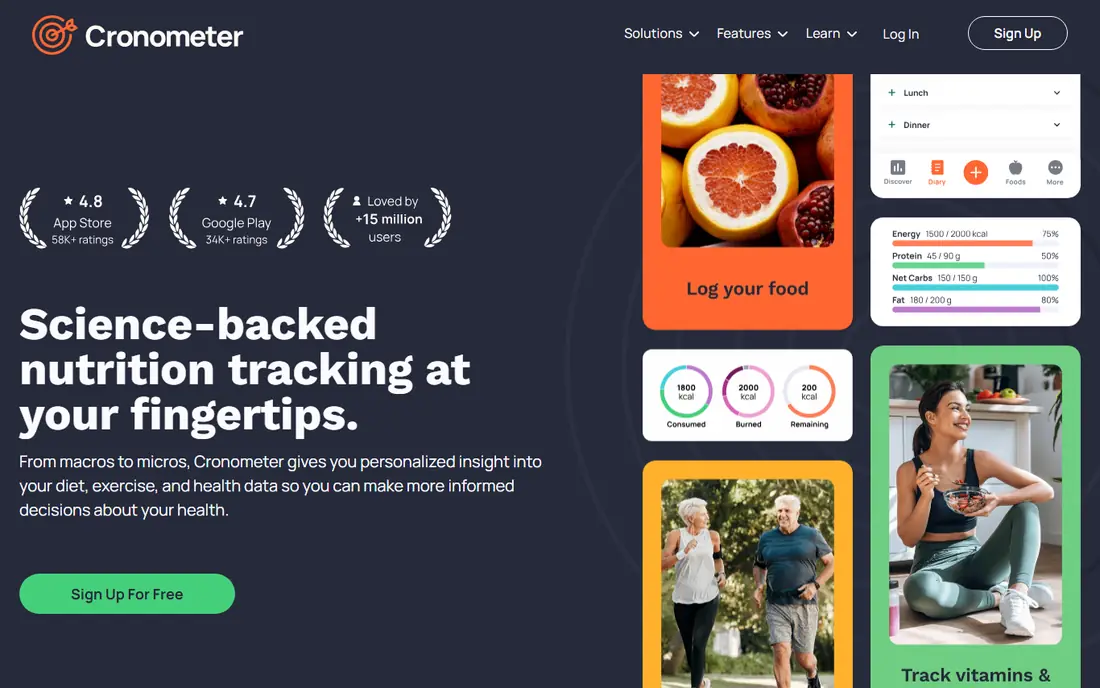
Cronometer is the app we point to when accuracy matters more than speed. Its food entries lean on verified and lab-analysed sources, and it tracks far more than macros, including vitamins, minerals and amino acids. Custom macro targets by gram are available on the free plan, which is rare.
The interface packs in a lot of detail, so new users may need a few days to feel comfortable. Gold adds custom charts, a macro scheduler and more device integrations for $59.99 per year. If you want depth and trust in the numbers, start here.
- Verified food data
- Up to 95 nutrients tracked
- Free barcode scanning
- Logging can feel slower than lighter apps
- Steeper learning curve
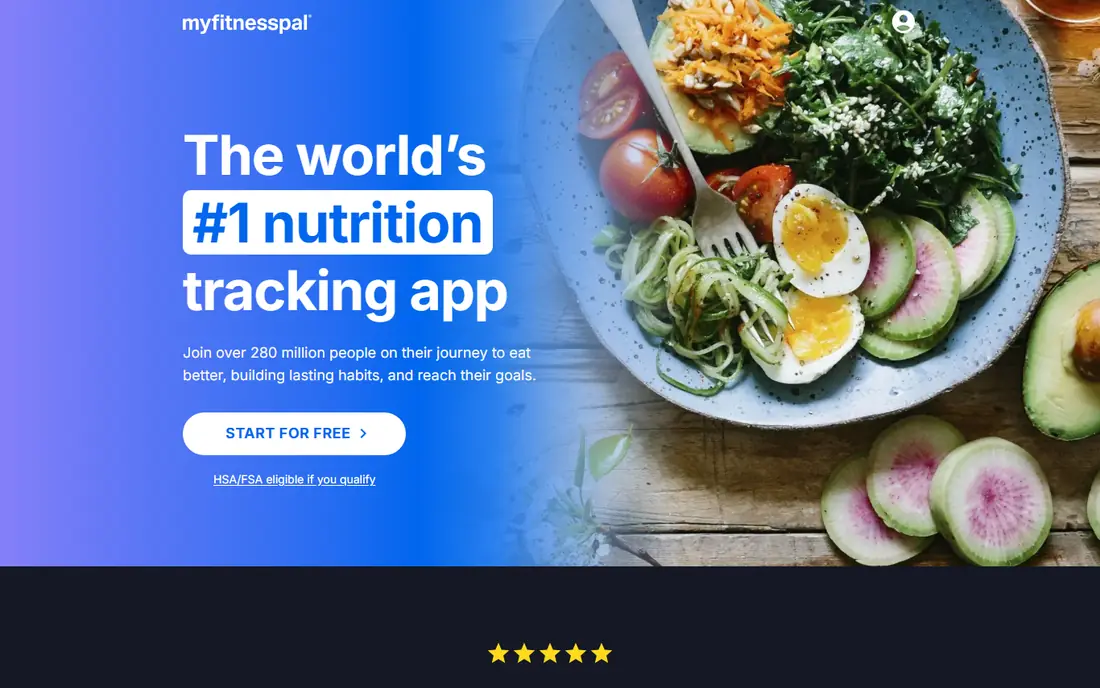
MyFitnessPal remains popular for a simple reason: you can usually find the exact branded food you ate. That huge database makes logging faster, especially for packaged foods and restaurant items, and the app connects with many fitness devices and apps.
The free plan only sets macro targets by percentage, while gram targets and some scanning features sit behind Premium at $79.99 per year. Crowdsourced entries also vary in accuracy, so check entries against the label for foods you eat often. It is a solid choice if database size matters most to you.
- Very large food database
- Widely supported by devices
- Simple daily diary
- Gram targets and barcode scanning require Premium
- User-submitted entries vary in quality
Lose It keeps macro tracking simple, with a clean diary, a clear daily budget and photo logging to speed up entries. Beginners who felt overwhelmed by detailed nutrition apps often stick with Lose It longer, and that consistency matters more than any single feature.
Premium costs $79.99 per year and adds custom macro targets and more detailed planning. If you only need basic protein, carb and fat totals and a friendly layout, the free plan is a good test. Serious athletes may outgrow it and move to MacroFactor or Cronometer.
- Clean and simple diary
- Photo logging
- Easy goal setup
- Custom macro targets require Premium
- Smaller nutrient detail than Cronometer
MyNetDiary is a quiet achiever in this list, because it gives away a lot for free: custom macro targets by grams or percentages, a barcode scanner and a verified food database. That combination makes it one of the best macro tracking apps for people who do not want to pay yet.
Premium at $59.99 per year adds advanced planning, more detailed analysis and extra features. The look is less flashy than Lose It or Lifesum, but the logging flow is fast and the data feels trustworthy. Try it first if you want a strong free plan.
- Custom gram targets free
- Verified foods
- No ads on the free plan in some listings
- Premium plans add up if you want the full feature set
- Design feels plain
Carb Manager is built around net carbs, which makes it the natural pick for keto and low-carb eaters. The free plan covers net carb tracking, an unlimited barcode scanner and custom daily targets, so you can follow a low-carb plan without paying.
Premium at $39.99 per year adds meal planning, recipes, a fasting timer and more nutrients. Outside keto, the app feels less complete than Cronometer or MyNetDiary, since much of its design assumes carb restriction. For keto macros, though, it is hard to beat.
- Net carbs front and centre
- Free custom targets
- Fasting timer in Premium
- Narrower outside keto
- Deeper nutrient tracking requires Premium
Yazio offers a clean, calm way to track macros, with a clear daily dashboard and a built-in fasting timer for people who combine macro tracking with intermittent fasting. The app feels friendly on mobile, and recipes help when you run out of meal ideas.
The catch is that full macro detail and custom targets sit behind Yazio Pro, listed at $47.90 per year. The free plan still works for basic calorie and macro totals, but athletes who need gram-level control should check what Pro adds before paying.
- Clean macro dashboard
- Fasting timer
- Recipe ideas
- Full macro detail and custom targets require Pro
- Database smaller than MyFitnessPal
Lifesum suits people who want guidance, not just a blank diary. It offers diet plans, recipes and meal ideas alongside macro tracking, which helps if you know your targets but struggle to turn them into meals. The design is polished and pleasant to use each day.
The trade-off is depth. Lifesum does not match Cronometer for nutrient detail, and its Premium price can vary by app store and promotion, so check the price inside the app before subscribing. It is a good pick for general healthy eating rather than precise athletic programming.
- Guided diet plans
- Recipes and meal ideas
- Clean design
- Macro detail is less deep than Cronometer
- Premium price varies by store listing
Eat This Much flips the usual process: instead of logging food and hoping it fits your macros, it builds a day of meals designed to hit your targets. That helps people who find meal planning harder than logging, and its grocery lists make shopping simpler.
As a pure tracker, it is lighter than MacroFactor or Cronometer, and Premium at around $5 per month adds the full planning features. Pair it with a detailed logger if you need both planning and precise tracking, or use it alone if planning is your main problem.
- Builds meal plans to hit your macros
- Automatic grocery lists
- Flexible diet settings
- Tracking is less detailed than dedicated loggers
- Best features require Premium
How we picked these
We compared official pricing pages, app store listings and feature pages, plus public reviews, to check that each app still offers macro targets, food logging and a current price or free plan. We included a mix of coaching apps, accuracy-focused apps, simple apps and meal planners, so different goals are covered. We did not claim hands-on testing, and app store prices can vary by region and promotion, so confirm the price in your app store before subscribing.
How to choose the right macro app
Start by deciding what you actually need from a tracker. If you need targets that adjust as your weight changes, pick a coaching app. If you care about food quality and micronutrients, pick an accuracy-focused app. If you just need to log quickly and stay consistent, pick the simplest app you will open every day.
Targets, database and price
Check whether gram targets are free or paid, since that single detail separates many apps on this list. Test the barcode scanner on foods you eat often, and check that your favourite branded items appear with correct labels. Then compare the annual price, not just the monthly figure, and set a reminder before any trial or annual renewal ends.
Staying consistent without overdoing it
Logging works best when it fits your routine, so use saved meals, recipes and recent foods to cut down on repeat entries. Weigh portions for foods you eat often, but do not chase perfect numbers for every snack, since small errors average out over a week. This article is not medical or nutrition advice, and if you have a health condition, an eating disorder history or a specific medical diet, talk to a clinician or dietitian first.
Sources
Frequently asked questions
What is the best app for tracking macros?
MacroFactor is our pick for serious athletes, thanks to its adaptive targets, while Cronometer is the best free option for detailed nutrition. MyNetDiary is a strong middle ground, with free gram targets and verified foods. The best macro tracking app for you is the one you will use daily.
What is the best free macro tracking app?
Cronometer and MyNetDiary both offer custom gram targets on their free plans, which makes them stand out. MyFitnessPal and Lose It also have free plans, but they limit gram-level targets to Premium, so check that detail before choosing.
What is the best app for macro tracking on keto?
Carb Manager is built for keto, with net carbs as the main number and free custom targets. MacroFactor also works well for keto if you want adaptive coaching, and Cronometer gives deeper nutrient detail for low-carb eaters who track more than macros.
Do I need Premium to set custom macro targets?
It depends on the app. Cronometer, MyNetDiary and Carb Manager let you set custom targets free, while MyFitnessPal and Lose It require Premium for gram-level targets. MacroFactor has no free tier, so all of its targeting sits behind its subscription.
Is macro tracking safe for everyone?
Macro tracking is a tool, not a diet by itself, and it does not suit everyone, especially people with a history of disordered eating. This is not medical or nutrition advice, so if you have a health condition or are pregnant, breastfeeding or managing a medical diet, get personal advice from a clinician or dietitian.