Best App for Tracking Weekly Spending in 2026: 9 Apps Compared
By ToolNimba Editorial Team November 10, 2026 11 min read

- Top pick
 PocketGuard
Simple weekly safe-to-spend view
Starting priceFreeCheck out PocketGuardRead our review - Runner-up
 YNAB
Hands-on weekly budgeting
Starting price$14.99 per monthCheck out YNABRead our review - Also great
 Monarch Money
Shared household tracking
Starting price$14.99 per monthCheck out Monarch MoneyRead our review
How we researched this
We compared official pricing and feature pages, app store listings, privacy policies and public user reviews. Prices change, so check the provider's site before you pay.
Key takeaways
- PocketGuard is the simplest weekly check, since it shows how much is safe to spend after bills and goals are set aside.
- YNAB suits hands-on budgeters who want to assign every dollar before the week starts, while Monarch suits households that want a shared overview.
- Empower offers the best free dashboard for spending and net worth, though it is less of a strict weekly budget tool.
- A weekly review matters more than the app itself, so pick a tool that you will actually open every week.
Quick comparison
| Name | Best for | Starting price | Free plan | |
|---|---|---|---|---|
| PocketGuard | Simple weekly safe-to-spend view | Free | Yes | Visit |
| YNAB | Hands-on weekly budgeting | $14.99 per month | Free trial | Visit |
| Monarch Money | Shared household tracking | $14.99 per month | Free trial | Visit |
 Quicken Simplifi | Projected cash flow and watchlists | $5.99 per month | Free trial | Visit |
 Empower | Free spending and net worth dashboard | Free | Yes | Visit |
 Rocket Money | Subscription and bill tracking | Free | Yes | Visit |
 Goodbudget | Manual envelope budgeting | Free | Yes | Visit |
 EveryDollar | Simple zero-based templates | Free | Yes | Visit |
 Copilot Money | Clean Apple-focused tracking | See website | Free trial | Visit |
The best apps for tracking weekly spending
Weekly spending tracking works best when the app shows a short horizon, not just a monthly total. The apps below all support weekly reviews, whether through weekly budgets, spending alerts, or clear category summaries. This is not financial advice, and readers should check bank connection support for their own banks before paying.
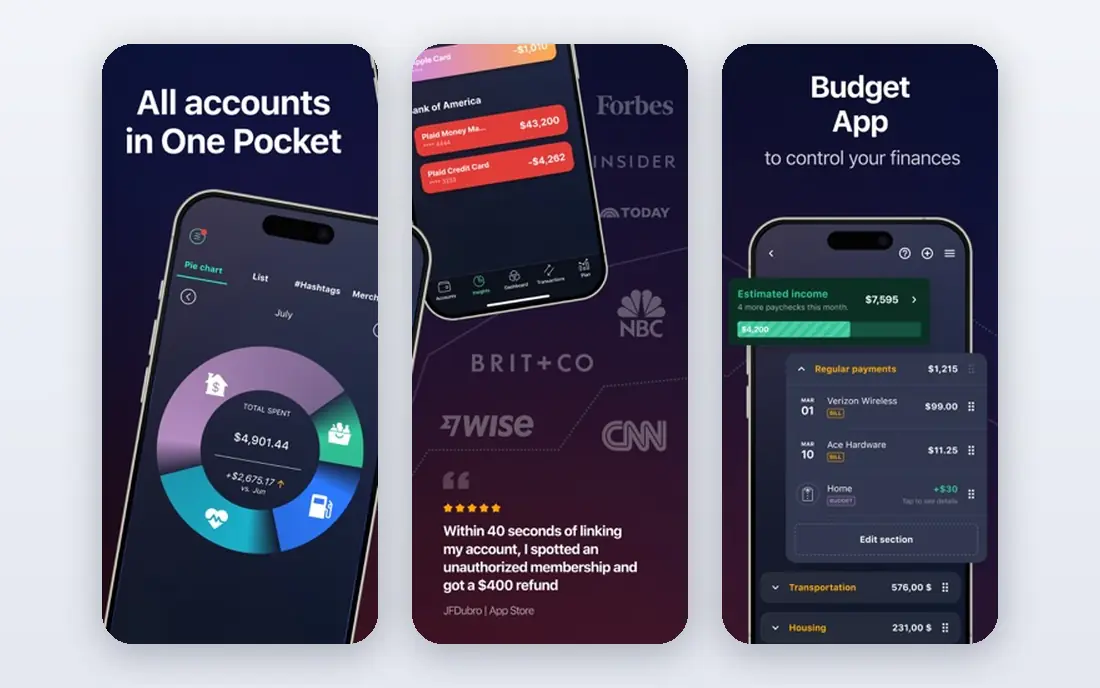
PocketGuard is our pick for weekly spending because its main number answers the weekly question directly: after bills, goals, and savings, how much is safe to spend? That figure helps users avoid overspending mid-week without studying a full monthly budget. Setup is quick, with bank connections and category suggestions that get most users started in minutes.
Weekly tracking is straightforward. Transactions sort into categories, spending alerts flag when a category nears its limit, and the dashboard shows progress at a glance. For users who want a guardrail rather than a detailed plan, PocketGuard hits the right level of detail.
The free version covers basic tracking, while Plus adds unlimited accounts, bill negotiation, and more customization. PocketGuard is less powerful than YNAB for zero-based planning, and it lacks the investment depth of Monarch or Empower. For a simple weekly check, though, it is hard to beat.
- Clear safe-to-spend number
- Simple setup
- Spending alerts
- Paid plan needed for full features
- Fewer planning tools than YNAB
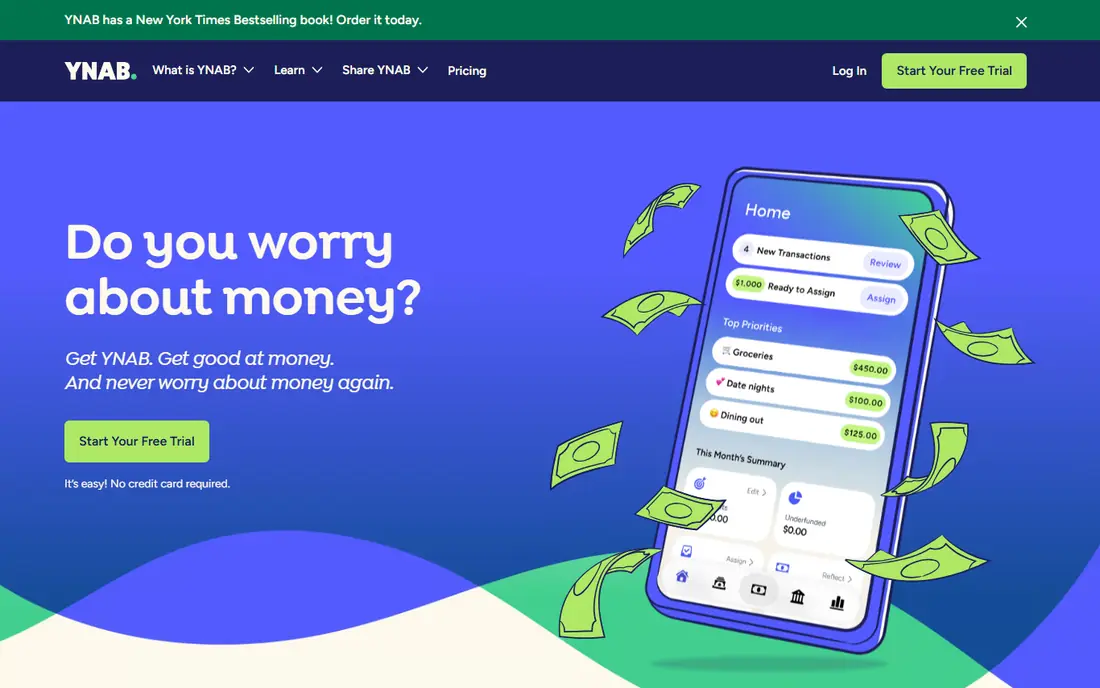
YNAB, short for You Need A Budget, is built around giving every dollar a job before it is spent. That method works well for weekly tracking, since users can fund categories for the week ahead and move money between categories when plans change. The 34-day trial gives enough time to learn the system before paying.
Weekly reviews in YNAB are active, not passive. Users check category balances, adjust for overspending, and plan for irregular costs such as car repairs or annual bills. Credit card handling is also strong, which helps users avoid carrying balances while tracking spending. Shared budgets support couples and households.
The price and learning curve are the main barriers. At 14.99 dollars per month or 109 dollars per year, YNAB costs more than most rivals, and new users need a few weeks to feel comfortable. YNAB suits users who want control and are willing to check in weekly, not users who want a set-and-forget dashboard.
- Strong zero-based method
- Great for debt payoff
- Detailed weekly control
- Highest monthly price here
- Learning curve of a few weeks
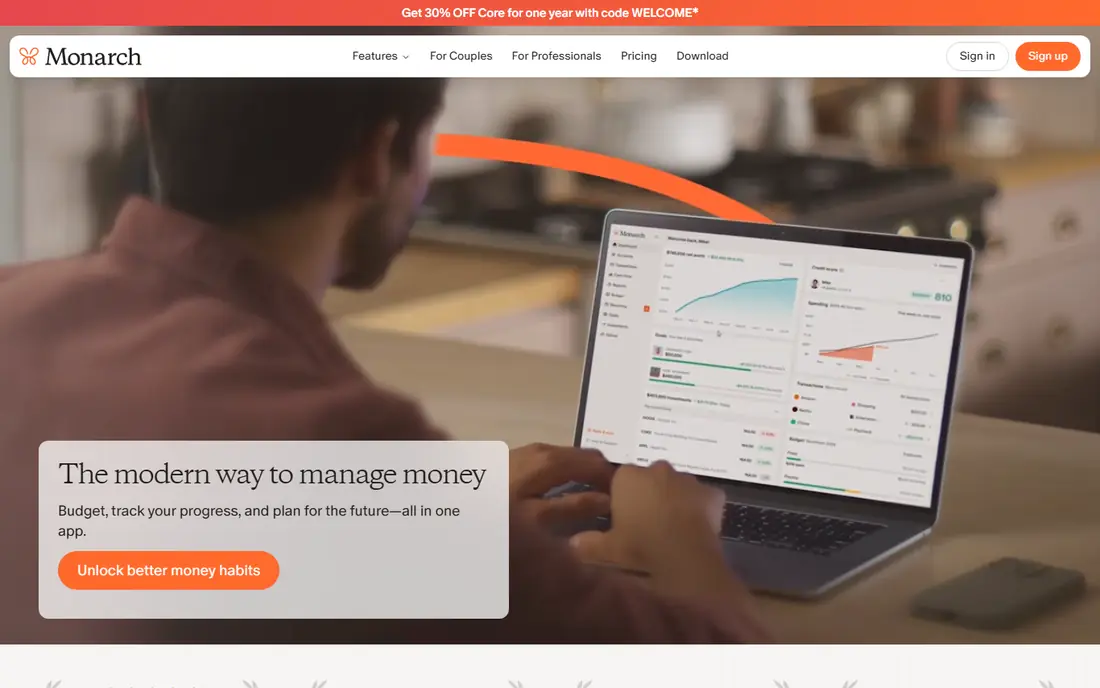
Monarch Money is a strong choice for households that want one shared view of spending, accounts, and goals. The dashboard is clean, categories are easy to customize, and partners can share budgets without sharing login details. Weekly spending summaries help couples spot trends before the month ends.
Customization is a strength. Users can build custom categories, rules, and reports, and track cash flow alongside investments and net worth. That breadth makes Monarch useful beyond weekly spending, since it also covers longer-term planning. The mobile app is polished and easy to check during a weekly review.
The drawback is price and the lack of a free tier. Monarch costs 14.99 dollars per month or 99.99 dollars per year, with only a short trial. Solo users who only need weekly spending tracking may find PocketGuard or Empower cheaper. Monarch earns its price for households that want a shared, customizable hub.
- Clean shared dashboard
- Strong customization
- Good investment view
- No free tier beyond trial
- Price is high for solo users
Quicken Simplifi offers strong value for weekly tracking, at 5.99 dollars per month billed annually. Its spending plan shows income, bills, savings goals, and safe-to-spend amounts in one view, which helps users plan the week ahead. Watchlists let users track specific categories, such as dining or groceries, without building a full budget.
Projected cash flow is a useful extra. Simplifi forecasts upcoming bills and balances, which helps users avoid surprises mid-week. Reports break spending down by category and payee, and the app supports bank connections for automatic transaction imports. For users who want a middle ground between PocketGuard and YNAB, Simplifi fits well.
The interface can feel busy at first, and Simplifi is less strict than YNAB for zero-based budgeting. Users who want hard envelope limits may prefer Goodbudget. Simplifi is best for users who want a clear weekly plan, good forecasts, and a lower price than Monarch or YNAB.
- Good value
- Projected cash flow
- Spending watchlists
- Less hands-on budgeting than YNAB
- Interface can feel busy
Empower, formerly Personal Capital, offers the best free dashboard on this list for seeing spending alongside net worth. Users link bank, card, loan, and investment accounts, and Empower sorts transactions into categories with weekly and monthly summaries. That overview helps users spot spending drift without paying for a subscription.
The free dashboard covers spending tracking, cash flow, and retirement planning tools, which gives it depth beyond a simple tracker. The interface is clean, and alerts flag large transactions and fee changes. For users who mainly want to watch spending and net worth in one place, Empower is hard to beat at zero cost.
The trade-off is budgeting strictness. Empower does not enforce weekly category limits as firmly as YNAB or PocketGuard, and it promotes optional wealth management services. Users who need hard weekly limits should pair Empower with a stricter tool, or choose PocketGuard instead. As a free weekly check, though, Empower is excellent.
- Free dashboard
- Strong net worth and investment view
- Easy account linking
- Less strict weekly budgeting
- Wealth management upsells
Rocket Money is best known for finding subscriptions and recurring charges, which makes it a useful weekly spending tool in a different way. Many weekly overspends come from forgotten subscriptions, and Rocket Money surfaces those charges clearly. Users can cancel or negotiate bills from inside the app in supported cases.
Spending tracking covers transactions, categories, and budgets, with alerts for upcoming bills and unusual spending. The free tier handles basic tracking, while premium adds bill negotiation, autopilot savings, and unlimited budgets. That mix suits users whose main problem is recurring costs rather than daily discretionary spending.
The budgeting depth is thinner than YNAB or Monarch, and premium pricing varies by plan. Rocket Money is best as a subscription cleanup tool plus a light weekly tracker, rather than as a strict budget system. Pair it with PocketGuard or Simplifi for tighter weekly control.
- Finds subscriptions
- Bill negotiation help
- Free basic tracking
- Premium features cost extra
- Budgeting is less detailed than YNAB
Goodbudget uses the envelope method, where users assign money to virtual envelopes for groceries, dining, transport, and other categories. That method works well for weekly spending, since users can see exactly how much remains in each envelope for the week. Couples can share envelopes and sync across devices.
A key advantage is privacy and control. Goodbudget does not require bank linking, so users enter transactions manually or import them. That manual step slows spending decisions in a useful way, and it avoids bank connection issues that affect other apps. The interface is simple and focused on envelopes, not investments.
The downside is effort. Manual entry takes time, and the free tier limits the number of envelopes and history length. Premium, at 10 dollars per month or 80 dollars per year, removes those limits. Goodbudget suits users who like the envelope method and do not mind entering transactions by hand.
- Clear envelope method
- Good for couples
- No bank link required
- Manual entry takes time
- Free tier limits envelopes and history
EveryDollar offers a simple path to zero-based budgeting, where income minus planned spending equals zero each month. Weekly tracking follows naturally, since users can check category balances each week and adjust before the month ends. Templates make setup fast for common budget types.
The free version covers manual budgeting, which suits users who do not want to link banks. Premium, at 79.99 dollars per year, adds bank connections, custom reports, and bill reminders. That split lets users start free and upgrade only if automatic imports matter.
The limits are reporting depth and bank features. EveryDollar has fewer investment and cash flow tools than Monarch or Simplifi, and bank connection requires the paid tier. It is best for users who want a simple, template-driven weekly budget without a steep learning curve.
- Simple zero-based setup
- Easy templates
- Ramsey-style method
- Bank connection requires premium
- Fewer reports than rivals
Copilot Money is a polished spending tracker with a strong focus on Apple devices. The interface is clean, categorization is smart, and weekly spending summaries are easy to read at a glance. Users can track accounts, budgets, and cash flow without a cluttered dashboard.
Smart features include automatic categorization, recurring transaction detection, and spending insights that highlight trends. The app feels modern and fast, and it suits users who check spending on an iPhone or Mac each week. Support for shared budgets and reports adds value for households.
The drawbacks are platform focus and price. Copilot is Apple-focused, with weaker Android and web options, and it costs around 95 dollars per year with only a trial for free use. Users on Android or Windows should pick Simplifi or Monarch instead. Apple users who value design will find Copilot worth the price.
- Beautiful interface
- Smart categorization
- Good Apple device support
- Apple-focused
- No free tier beyond trial
- Higher price than Simplifi
How we picked these
We compared official pricing pages, bank connection options, weekly budgeting features, and app store listings, and we favored apps with clear weekly views, spending alerts, and current US availability. We did not claim hands-on testing with real bank accounts, and we treated pricing as variable, since subscription prices change. We excluded apps that had shut down or no longer support US banks.
How to build a weekly spending habit
Pick one app and one weekly review time, such as Sunday evening or Monday morning. During the review, check category balances, upcoming bills, and any unusual transactions. Adjust the next week plan based on what actually happened, rather than starting from scratch each month.
Weekly checks that catch overspending early
Look at dining, groceries, transport, and subscriptions first, since those categories drift most often. Set alerts for large transactions and for categories near their limits. If a category is over budget two weeks in a row, raise the budget or cut spending elsewhere, rather than ignoring the gap.
Sources
Frequently asked questions
What is the best app for tracking weekly spending?
PocketGuard is the best simple pick for weekly spending, since it shows a safe-to-spend number after bills and goals. YNAB suits hands-on budgeters, while Monarch suits shared households. The best app is the one you will open every week.
Can I track weekly spending for free?
Yes, Empower offers a strong free dashboard, PocketGuard has a free tier, and Goodbudget and EveryDollar offer free manual budgeting. Free tiers often limit accounts or features, so check limits before relying on one for a household budget.
How do I set a weekly spending budget?
Start with monthly income and fixed bills, then divide the remaining amount by four for a rough weekly target. Split that target across categories such as groceries, dining, and transport. Review each week, move money between categories as needed, and adjust the target after a month of real data.
Is YNAB worth it for weekly tracking?
YNAB is worth it for users who want strict zero-based control and are willing to check in weekly. The price is higher than rivals, and the learning curve takes a few weeks. Users who want a simpler weekly check may prefer PocketGuard or Simplifi at a lower cost.
What app is best for couples tracking spending?
Monarch Money and Goodbudget are strong for couples, since both support shared budgets and synced devices. Monarch offers automatic bank imports and a shared dashboard, while Goodbudget offers shared envelopes without bank linking. Choose based on whether automatic imports matter.
Does tracking weekly spending help save money?
Weekly tracking helps because it catches overspending early, before a small gap becomes a monthly shortfall. A short weekly review, with alerts for categories near their limits, tends to work better than a monthly review alone. The habit matters more than the specific app.