Best App to Learn Chess in 2026: 9 Apps Compared
By ToolNimba Editorial Team November 10, 2026 9 min read

- Top pick
 Lichess
Free all-round learning
Starting priceFreeCheck out LichessRead our review - Runner-up
 Chess.com
Guided lessons and large community
Starting priceFreeCheck out Chess.comRead our review - Also great
 Chessable
Memorizing openings and patterns
Starting priceFreeCheck out ChessableRead our review
How we researched this
We compared official pricing and feature pages, app store listings, privacy policies and public user reviews. Prices change, so check the provider's site before you pay.
Key takeaways
- Lichess is our pick for most learners because every core feature, including puzzles and engine analysis, is free.
- Chess.com is the best choice for learners who want guided lessons, videos, and a very large playing pool in one app.
- Beginners who want a coach that talks through moves should look at Dr. Wolf before buying a general platform subscription.
- Tactics specialists and opening students will still want a second app, since no single app is best at every skill.
Quick comparison
| Name | Best for | Starting price | Free plan | |
|---|---|---|---|---|
| Lichess | Free all-round learning | Free | Yes | Visit |
| Chess.com | Guided lessons and large community | Free | Yes | Visit |
| Chessable | Memorizing openings and patterns | Free | Yes | Visit |
 Dr. Wolf | Absolute beginners who want coaching | Free | Yes | Visit |
 Chess Tempo | Serious tactics training | Free | Yes | Visit |
 Aimchess | Spotting weaknesses in your games | See website | Free trial | Visit |
 DecodeChess | Plain-language game explanations | Free | Yes | Visit |
 ChessKid | Children learning chess safely | Free | Yes | Visit |
 Old School Chess | Adult learners who want a personal coach | Free | Yes | Visit |
The best app to learn chess
We compared official app pages, app store listings, and public reviews, focusing on lessons, puzzles, game analysis, and how much is truly free.
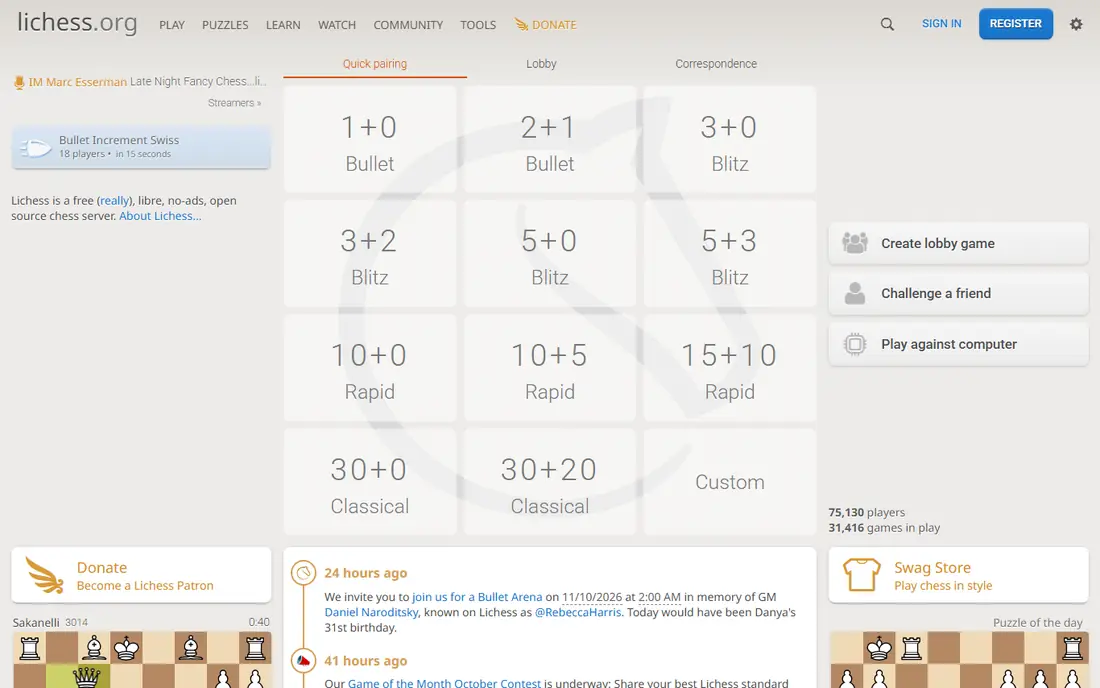
Lichess gives every learner the tools that other apps often put behind a paywall. Puzzles, studies, opening explorer, and Stockfish analysis are all free, with no ads interrupting practice. A beginner can play, solve puzzles, review mistakes, and study master games without paying anything.
The weakness is guidance. Lichess has learning material, but it does not offer the same library of structured video lessons as Chess.com. Learners who need a clear path may pair it with a course app, but as a free daily practice home, it is hard to beat.
- Unlimited puzzles and analysis
- No ads
- Open source and donation funded
- Less guided video teaching
- Interface feels plainer than Chess.com
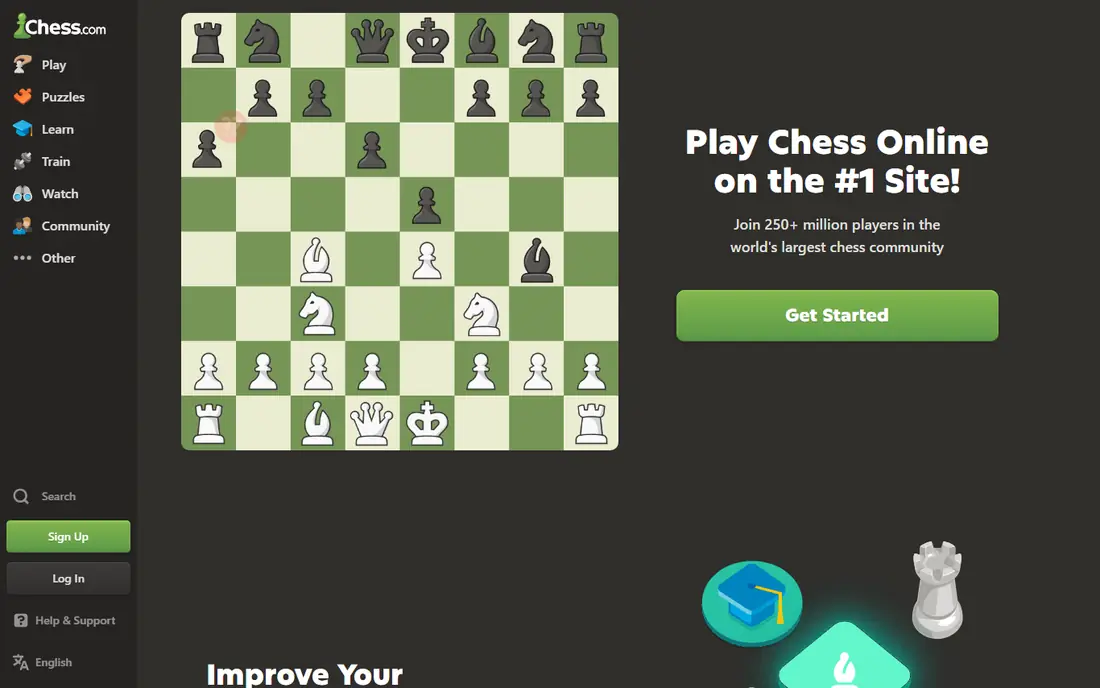
Chess.com is the easiest app to recommend to a complete beginner who wants everything in one place. Lessons walk through basics step by step, puzzles adjust to skill, and finding a game at any hour is easy because the player pool is so large. Bots at set levels also let new players practice without facing a stranger.
The free tier covers casual play and some lessons, but unlimited game review, deeper analysis, and many puzzles sit behind a subscription. That is fine for a casual learner, but a serious improver should price the paid plan before relying on those features daily.
- Large lesson and video library
- Huge player pool
- Polished mobile app
- Advanced analysis and unlimited reviews need a paid plan
- Free tier feels limited
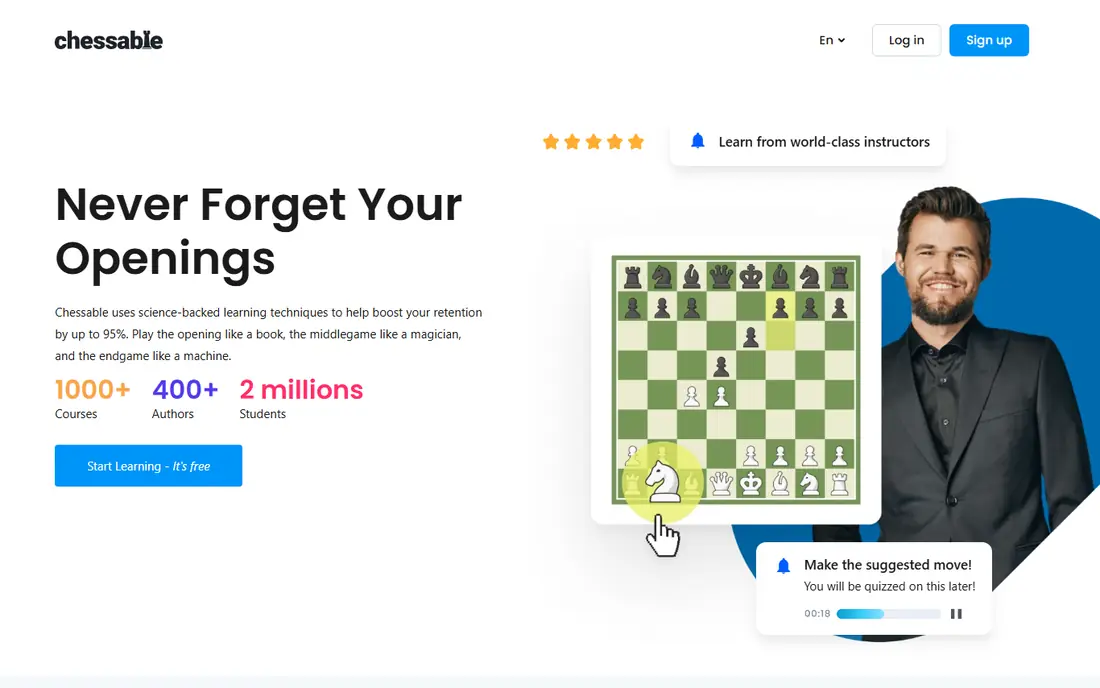
Chessable uses spaced repetition to help learners remember openings, tactics, and endgame patterns over time. Instead of reading a line once and forgetting it, the app brings it back at intervals until it sticks. Many courses are free to start, and paid courses cover specific openings in depth.
It is not a complete chess home. There is no live play against a large pool and no full game analysis in the same way Lichess or Chess.com offer. Use it alongside a playing app, and treat it as the study tool for the lines you actually play.
- Spaced repetition for openings
- Many free courses
- Clear progress tracking
- No live play or full game analysis
- Best as a second app
Dr. Wolf, maintained by Chess.com, talks through the reasoning behind moves while you play, which is very different from reading a lesson and then forgetting it in a real game. It flags mistakes at the moment they happen and offers coaching voices with different styles. For a true beginner, that immediate feedback builds good habits fast.
Stronger players will outgrow it. The coaching format suits fundamentals and early strategy, not deep opening preparation or advanced endgames. Start here if you are new, then move to Lichess or Chess.com for broader practice once the basics feel solid.
- Coach explains moves as you play
- Structured beginner lessons
- Hints and undos
- Players outgrow it as they improve
- Full curriculum needs a subscription
Chess Tempo is a specialist tool for players who know tactics decide most games below expert level. Its puzzles carry ratings, so the problems stay near your level instead of jumping from trivial to impossible. That steady difficulty makes daily practice more useful than random puzzle sets.
The trade-off is scope. It will not teach openings in a structured course or review full games with narrative explanations. Pair it with a playing app, and use it for short, focused sessions where the only goal is sharper pattern recognition.
- Large rated puzzle set
- Difficulty matched to your rating
- Endgame training included
- Narrow focus on tactics
- Interface is functional rather than pretty
Aimchess reads your played games and reports where you lose points, broken down by opening, middlegame, and endgame. That phase view helps a learner stop guessing about what to study next. If the report shows endgame losses, the fix is endgame work, not another opening course.
It depends on your game history, so a player with few recorded games gets a thinner report. It also works best as a companion to a playing platform, not as a replacement for one. Check the current plan and trial terms before subscribing.
- Weekly reports by game phase
- Connects to Chess.com and Lichess games
- Targeted drills
- Pricing is not always clear at a glance
- Needs imported games to be useful
DecodeChess answers the question many learners ask after a loss: why was that move good, and why was mine bad. It turns engine evaluations into readable explanations instead of leaving a player to interpret numbers and arrows. That makes post-game review feel like a lesson rather than a puzzle.
The free tier limits how many analyses you get each day, so heavy reviewers may need a paid plan. It also does not replace a tactics trainer or an opening course. Its strength is understanding, and it pairs well with Lichess analysis for players who want words with their numbers.
- Explains engine moves in plain words
- Useful for self-review
- Clear move-by-move notes
- Free daily analyses are limited
- Less useful for opening study
ChessKid, also from the Chess.com family, is built for children, with lessons, puzzles, videos, and bots presented in a friendly style. The environment is moderated and safer than an open adult platform, which matters for parents choosing a first chess app. Kids can learn rules, tactics, and sportsmanship without chat risks from strangers.
Adults should look elsewhere, since the tone and depth are aimed at younger learners. Some of the fuller curriculum sits behind a paid plan, so parents should check what the free tier includes before promising a child the whole library.
- Kid-friendly lessons and videos
- Safe, moderated environment
- Fun puzzles and bots
- Too basic for adult improvers
- Best features need a paid plan
Old School Chess centers on a coach who guides learning, explains ideas when they matter, and adapts to the player level. That structure suits adults returning to chess after years away, or beginners who feel lost in a large content library. The focus is understanding, not just grinding puzzles.
It cannot match Chess.com or Lichess for live opponents and tournaments. Treat it as the teaching app, and keep a main playing app for games. For learners who quit other apps because they felt unguided, that coaching focus can be the difference.
- Coach-led learning path
- Adapts to your level
- Encouraging tone for returning players
- Smaller community than big platforms
- Less live play variety
How we picked these
We compared official feature pages, pricing and app store listings, and public reviews, and we kept only apps that are available and maintained in 2026. We favored apps with a real learning path, not just a board for playing, and we mixed free platforms, coaching apps, and specialist trainers. We did not claim hands-on testing, and prices can change, so readers should confirm the current price on the vendor site or store listing before buying.
How to choose the right chess app
Start with your level and your weak spot. A complete beginner needs rules, basic tactics, and guided games. An intermediate player usually needs tactics, game review, and one opening plan, not ten new openings. Matching the app to that gap saves money and keeps practice focused.
Next, set a simple routine you can keep. Fifteen minutes of puzzles, one slow game, and a short review beats an hour of random content once a week. Pick an app whose daily loop fits that routine, and check whether its best features are free or paid before you build a habit around them.
Finally, play real games. Lessons and puzzles help, but slow games against real opponents teach time use, nerves, and practical decisions. Use the analysis tools after the game, note one lesson, and carry that lesson into the next game.
A simple weekly plan
- Three days: puzzles and one tactics set, about 20 minutes each day.
- Two days: one slow game, then a short review of the biggest mistake.
- One day: study one opening line or endgame idea you actually use.
- One rest day: watch a lesson or play a casual bot game for fun.
Sources
Frequently asked questions
What is the best free app to learn chess?
Lichess is the strongest free option, since puzzles, analysis, and studies are all free with no ads. Chess.com also has a useful free tier, but its deeper analysis and unlimited reviews need a paid plan.
Is Chess.com or Lichess better for beginners?
Chess.com is better for guided lessons and videos, while Lichess is better for free practice and analysis. Many beginners start with both: Chess.com for lessons and Lichess for unlimited puzzles and review.
Can I learn chess only from an app?
Yes, for the basics and well into intermediate play, if you combine lessons, puzzles, and slow games with review. A coach or club helps later, but an app covers rules, tactics, openings, and endgames for most learners.
How long does it take to learn chess?
Rules take an evening, basic tactics take a few weeks of regular practice, and steady improvement takes months. Short daily practice beats long, irregular sessions, and playing slow games speeds learning more than fast blitz games.
Do I need a paid chess app?
No, not at first. Lichess and the free tiers of Chess.com and Chessable cover the core skills. Pay only when a specific paid feature, such as unlimited reviews or a full course, matches a clear weakness in your play.
What app is best for kids learning chess?
ChessKid is the best fit for children, with kid-friendly lessons and a moderated environment. Parents should still check the free tier limits and supervise account settings.