Best Application Security Testing Tools in 2026: 9 Tools Compared
By ToolNimba Editorial Team November 11, 2026 11 min read

- Top pick
 Snyk
Developer-first security
Starting priceFreeCheck out SnykRead our review - Runner-up
 Semgrep
Custom rules and fast SAST
Starting priceFreeCheck out SemgrepRead our review - Also great
 SonarQube
Code quality plus security
Starting priceFreeCheck out SonarQubeRead our review
How we researched this
We compared official pricing and feature pages, app store listings, privacy policies and public user reviews. Prices change, so check the provider's site before you pay.
Key takeaways
- No single tool covers all security testing, since SAST scans code, DAST tests running apps, and SCA checks dependencies, and most teams need at least two.
- Snyk, Semgrep, and SonarQube give developers a fast, low-cost start, while Checkmarx and Veracode suit enterprises with compliance needs.
- Burp Suite and OWASP ZAP remain the standard choices for manual and automated dynamic testing, at very different price points.
- Aikido is the strongest all-in-one option for small teams that want SAST, SCA, DAST, and cloud checks in one platform.
Quick comparison
| Name | Best for | Starting price | Free plan | |
|---|---|---|---|---|
| Snyk | Developer-first security | Free | Yes | Visit |
| Semgrep | Custom rules and fast SAST | Free | Yes | Visit |
| SonarQube | Code quality plus security | Free | Yes | Visit |
 Checkmarx | Enterprise all-in-one AST | See website | No | Visit |
 Veracode | Enterprise compliance scanning | See website | No | Visit |
 Burp Suite Professional | Manual DAST testing | $449 per user per year | Free trial | Visit |
 OWASP ZAP | Free open-source DAST | Free | Yes | Visit |
 Aikido Security | All-in-one for small teams | $350 per month | Yes | Visit |
 Invicti | Proof-based DAST scanning | See website | No | Visit |
The best application security testing tools
Application security testing, or AST, covers several methods. Static testing (SAST) reads source code without running it. Dynamic testing (DAST) attacks a running app from outside. Software composition analysis (SCA) checks third-party libraries for known flaws. The tools below cover one or more of those methods, and prices come from vendor pages and recent roundups checked in October 2026.
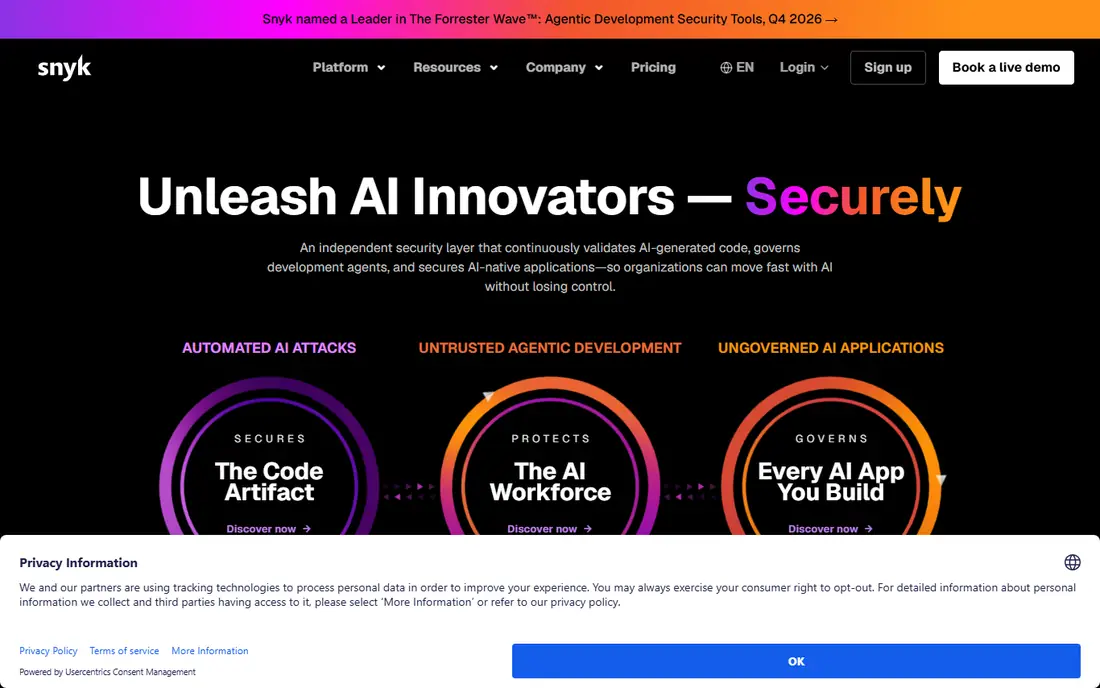
Snyk is the easiest security tool for developers to adopt, because it meets them where they already work. It scans code, dependencies, containers, and infrastructure files, flags issues in the IDE and in pull requests, and suggests fixes that a developer can apply without leaving the workflow. Its dependency scanning is widely regarded as its strongest area, which matters as AI-generated code pulls in more third-party packages.
The catch is depth and cost at scale. Snyk Code, its SAST product, is less mature than its dependency scanning, so teams needing deep static analysis may pair it with another tool. The free tier covers limited monthly tests, and the Team plan at $25 per developer per month adds up for larger teams. For developer-led teams starting a security program, Snyk is still the best first buy.
- Fast scans in IDEs and pull requests
- Strong dependency and container scanning
- Free tier with real limits
- SAST depth trails some specialist tools
- Team plan starts at $25 per developer per month and adds up at scale
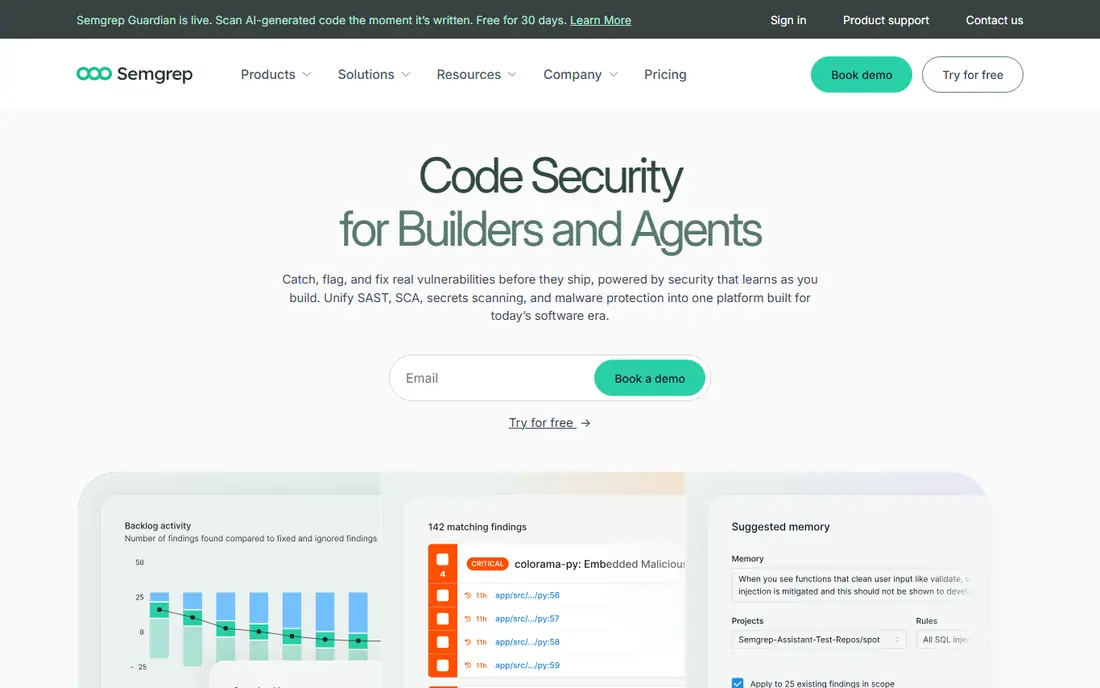
Semgrep gives security teams a fast static scanner they can shape to their own code. Its open-source engine scans in seconds in many cases, and teams can write custom rules for their own frameworks, internal APIs, and risky patterns, rather than relying only on vendor rules. Small teams get the full platform free for up to ten contributors in recent pricing, with paid plans from around $30 per contributor per month.
Custom rules are both the strength and the cost. Writing good rules takes security knowledge and upkeep, and a team that never writes rules gets less value than one that does. Semgrep also focuses on static analysis, so it does not replace dynamic testing or dependency scanning on its own. For teams that want developer-owned security with control over rules, it is an excellent pick.
- Fast scans with custom rules
- Open-source engine
- Free for small teams
- Good CI integration
- Full platform features need a paid plan
- Rule writing takes effort to do well
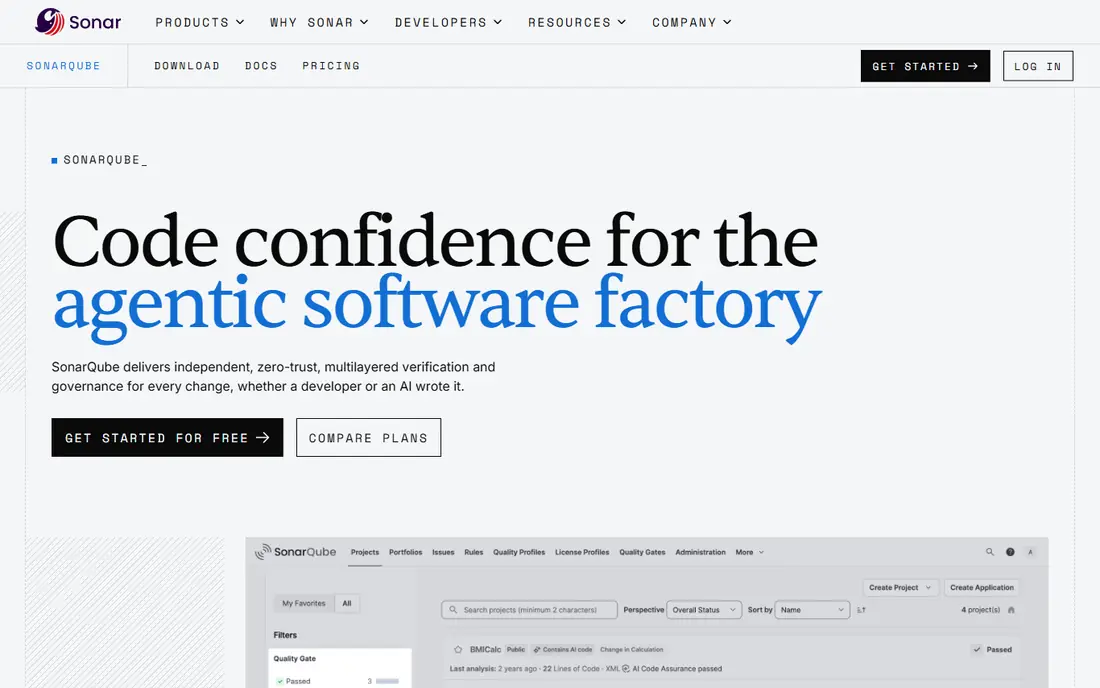
SonarQube appeals to teams that want one tool for both code quality and security. It scans for bugs, code smells, and security flaws together, so a pull request review covers maintainability and risk in one pass. The Community Build is free, Cloud Free covers small projects, and Cloud Team plans start around $34 per month in recent pricing, making it easy to try.
The trade-off is specialization. SonarQube finds many common flaws, but its security analysis is less deep than Checkmarx or Semgrep for complex data flows. Paid pricing by lines of code or seats also needs careful modeling for large codebases. If your team already cares about code quality and wants security added without a second tool, SonarQube is a practical choice.
- Combines code quality and security in one scan
- Free Community Build
- Wide language support
- Security depth trails specialist SAST tools
- Paid tiers priced by code size or seats
Checkmarx One is the enterprise all-in-one option, combining static, dynamic, composition, API, and container scanning under one platform with a correlation engine that links findings across methods. That unified view saves triage time when hundreds of applications are scanned, and its compliance reporting maps findings to frameworks auditors expect, including PCI DSS, HIPAA, and SOC 2.
The price is the barrier. Checkmarx does not publish a flat rate, and enterprise costs are typically tens of thousands per year, so it is not a small-team buy. Scans can also run longer than developer-first tools, which can slow pull request feedback. For large organizations with compliance duties and many applications, Checkmarx is worth the quote process. For smaller teams, start with Snyk or Semgrep.
- SAST, SCA, DAST, API, and container scanning in one platform
- Strong compliance reporting
- Correlated findings
- Quote-only pricing
- Scans can be slower than developer tools
- No free tier
Veracode takes a different approach by analyzing compiled binaries, so it does not need source code access, which some compliance-heavy organizations prefer. Its platform covers static, dynamic, and composition testing, and its reporting is built for audit and policy enforcement. Teams in finance, healthcare, and government often shortlist Veracode for that reason.
Cost and speed are the limits. Veracode uses custom quotes, and per-application licensing gets expensive fast for microservice architectures with many services. Full scans can also take hours, so it fits scheduled and release-gate scanning better than instant pull request feedback. If compliance and audit trails drive your choice, Veracode is a strong enterprise pick.
- Binary analysis without source access
- SAST, DAST, and SCA in one platform
- Strong compliance focus
- Quote-only pricing
- Licensing per application gets costly for microservices
- Full scans can take hours
Burp Suite Professional is the standard tool for manual web security testing. Penetration testers use its proxy, repeater, intruder, and scanner to explore an application, craft requests, and confirm flaws by hand, which automated scanners alone cannot do well. Its extension library adds checks for specific frameworks and APIs, and its scanner covers many common dynamic flaws.
Burp Suite is not a set-and-forget scanner. It rewards skilled testers and gives less value to a team that only runs automated scans. At $449 per user per year, it is affordable for a security team but not a casual purchase for every developer. If you run manual tests, bug bounty triage, or release security reviews, Burp Suite belongs in the toolkit alongside a SAST tool.
- Industry-standard manual testing toolkit
- Powerful scanner and intruder tools
- Large extension library
- Needs skilled testers to get full value
- Per-user price adds up for large teams
OWASP ZAP, often called ZAP, is the best free dynamic testing tool available. It proxies traffic, spiders a site, runs automated scans, and supports manual testing and API checks, all without a license fee. Its plugin ecosystem extends it for many frameworks, and it integrates with CI pipelines for teams willing to configure it.
The cost is effort, not money. ZAP is less polished than Burp Suite or Invicti, and CI integration, authentication handling, and false positive tuning take setup time. Support comes from the community, not a vendor SLA. For startups, students, and teams adding their first dynamic scans, ZAP covers real ground for free, and it pairs well with a SAST tool like Semgrep.
- Completely free and open source
- Automated and manual testing
- API testing support
- Large plugin ecosystem
- Less polished than paid DAST tools
- Needs setup and tuning for CI use
Aikido Security is built for developer teams that want one platform instead of four separate tools. It combines static scanning, dependency checks, dynamic scanning, infrastructure checks, and cloud posture in a single dashboard, with a free developer plan for small teams and a Basic plan around $350 per month including ten users in recent pricing. Setup is fast, and findings are grouped to reduce noise.
As a newer vendor, Aikido lacks the long compliance track record of Checkmarx or Veracode, and very large enterprises may find its reporting thinner. For startups and mid-size teams, that trade is usually worth it, since one tool that developers actually use beats four tools that sit idle. If you want an all-in-one start without enterprise pricing, Aikido is our pick.
- SAST, SCA, DAST, and cloud checks in one platform
- Free developer plan
- Fast setup
- Newer vendor than Checkmarx or Veracode
- Enterprise compliance depth still growing
Invicti, formerly Netsparker, focuses on dynamic scanning that proves a flaw is exploitable before reporting it, which cuts false positives and saves triage time. It covers websites and APIs, handles authenticated scanning, and suits teams that run scheduled scans before release. That proof-based approach is its main advantage over generic scanners.
Pricing is quote-based, so budgeting needs a sales conversation, and Invicti is an automated scanner, not a manual testing toolkit like Burp Suite. Teams that need both should budget for both. For organizations that want reliable, low-noise dynamic scanning as part of a release gate, Invicti is a strong enterprise-grade choice.
- Proof-based scanning confirms exploitable flaws
- Strong web and API coverage
- Good for scheduled scans
- Quote-based pricing
- Less suited to manual penetration testing than Burp Suite
How we picked these
We compared vendor pricing pages, product documentation, and recent AST roundups, and we kept tools that are available in October 2026 and cover at least one core AST method well. We favored a mix of free open-source tools, developer-first platforms, and enterprise suites, so readers can match tool to team size and compliance needs. We excluded tools that had closed, tools with no clear AST function, and tools that only sold consulting, since this article covers software you can buy and run.
How to choose the right security testing tool
Start with what you build and where risk sits. A team shipping web apps needs SAST for code and DAST for the running app, plus SCA for dependencies, since most flaws now arrive through libraries. A team shipping embedded C code needs deep static analysis more than a generic scanner. Map your stack first, then shortlist tools that cover your languages and frameworks, not just the most popular tool overall.
Then test on your own code, not on a vendor demo project. Run each shortlisted tool against a real repository, count false positives, measure scan time in your CI pipeline, and check how fixes appear in pull requests. Ask about pricing by developer, application, or lines of code, since each model produces a different bill at scale. The best tool is the one developers keep using after the first month, because a scanner nobody runs finds nothing.
Sources
- https://dev.to/rahulxsingh/11-best-sast-tools-in-2026-static-application-security-testing-compared-4ajo
- https://il.ly/blog/sast-tools
- https://savedelete.com/article/5-best-software-application-security-tools-to-protect-your-sdlc/
- https://www.snyk.com
- https://www.semgrep.dev
- https://www.sonarqube.org
- https://www.checkmarx.com
- https://www.veracode.com
- https://www.portswigger.net
- https://www.zaproxy.org
- https://www.aikido.dev
- https://www.invicti.com
Frequently asked questions
What is the best application security testing tool?
There is no single best tool, since SAST, DAST, and SCA solve different problems. Snyk is the best developer-first start, Semgrep is best for custom static rules, Burp Suite is best for manual dynamic testing, and Checkmarx is best for enterprise all-in-one coverage. Most mature teams use at least one SAST tool, one DAST tool, and one SCA tool together.
What is the best tool for security testing on a budget?
Semgrep, SonarQube Community Build, Snyk free tier, and OWASP ZAP together cover static, quality, dependency, and dynamic testing for free or at low cost. That stack needs setup time, but it finds real flaws without enterprise pricing. Aikido free plan is another low-cost start if you prefer one dashboard over several tools.
What is the difference between SAST and DAST?
SAST reads source code without running the app and finds flaws such as injection, hardcoded secrets, and insecure data flows early in development. DAST tests a running application from outside, sending crafted requests and watching responses, which catches runtime issues such as authentication flaws and misconfigurations. Use both together, since each finds flaws the other misses.
Which app security testing solution is best for enterprises?
Checkmarx and Veracode are the strongest enterprise choices, thanks to broad coverage, compliance reporting, and audit trails. Checkmarx suits teams wanting one correlated platform, while Veracode suits teams that prefer binary analysis without source access. Both use custom pricing, so run a proof of concept on your own applications before committing.
How much do application security testing tools cost?
Free tools include OWASP ZAP, Semgrep open source, and SonarQube Community Build. Mid-range tools cost roughly $15 to $35 per developer per month, with Snyk Team at $25 and Semgrep paid plans from around $30 per contributor per month. Enterprise suites like Checkmarx and Veracode use custom quotes that often reach tens of thousands per year, depending on scale.