Best Apps for ADHD College Students in 2026: 9 Apps Compared
By ToolNimba Editorial Team November 1, 2026 10 min read

- Top pick
 Todoist
Fast task capture and reminders
Starting priceFreeCheck out TodoistRead our review - Runner-up
 Forest
Focused study sessions without phone distraction
Starting price$3.99 one-timeCheck out ForestRead our review - Also great
 Habitica
Gamified habits and daily tasks
Starting priceFreeCheck out HabiticaRead our review
How we researched this
We compared official pricing and feature pages, app store listings, privacy policies and public user reviews. Prices change, so check the provider's site before you pay.
Key takeaways
- Start with one app for your biggest problem, not five apps at once: tasks, focus, or notes, in that order.
- Todoist is our pick for task capture, Forest is our pick for focused study sessions, and Habitica suits students who need game-style motivation.
- Notion and Google Calendar work best together for class notes and time-blocking, while Trello suits visual planners who like boards.
- These apps are organization tools, not treatment: they support study habits, but they do not replace diagnosis, medication, or professional support.
Quick comparison
| Name | Best for | Starting price | Free plan | |
|---|---|---|---|---|
| Todoist | Fast task capture and reminders | Free | Yes | Visit |
| Forest | Focused study sessions without phone distraction | $3.99 one-time | No | Visit |
| Habitica | Gamified habits and daily tasks | Free | Yes | Visit |
 Notion | Class notes and planning in one workspace | Free | Yes | Visit |
 Google Calendar | Time-blocking and layered reminders | Free | Yes | Visit |
 Trello | Visual boards for projects and deadlines | Free | Yes | Visit |
 Microsoft OneNote | Lecture notes and searchable notebooks | Free | Yes | Visit |
 Anki | Spaced repetition for exams | Free | Yes | Visit |
 Tiimo | Visual daily planning designed for ADHD | See website | Free trial | Visit |
The best apps for ADHD college students
We compared official feature pages, pricing pages, and app store listings, and we favored apps with low-friction capture, clear visual progress, gentle reminders, and support across phone and computer, since college work moves between both.
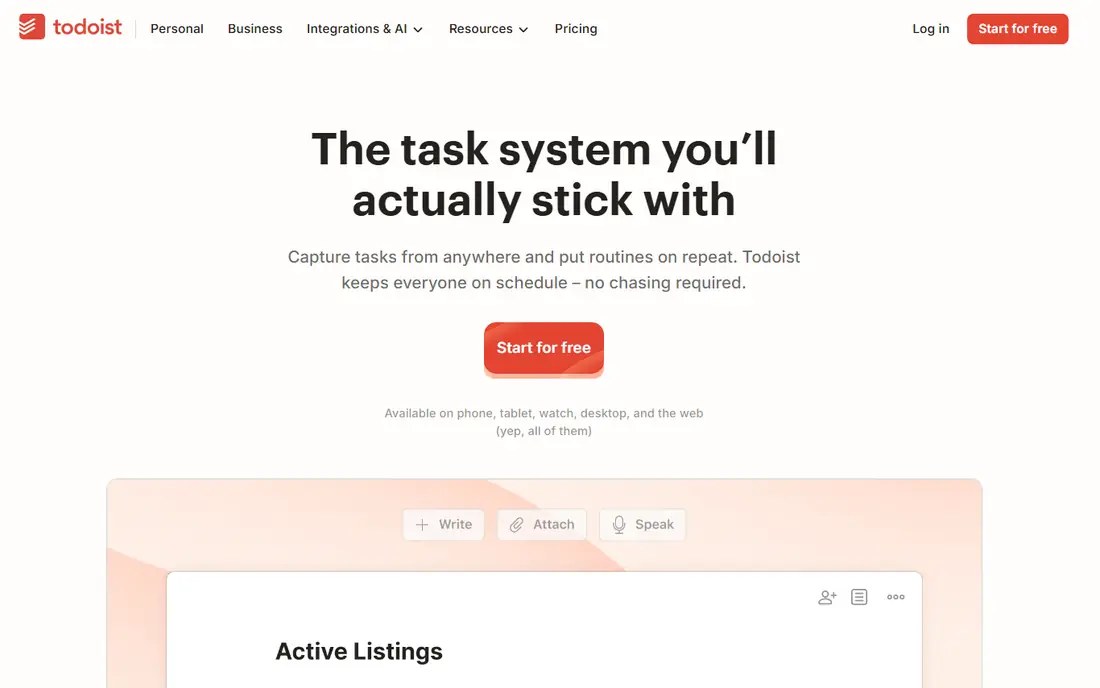
Todoist is the best ADHD productivity app for getting tasks out of your head fast. You can type a task in plain words, such as a homework title with a day and time, and Todoist sets the date for you. That low friction matters for ADHD, because a task system you abandon after a week helps no one.
Projects, labels, and priority levels let you split a large assignment into smaller steps, which makes starting less daunting. The free tier covers daily task lists well, while Pro adds reminders, filters, and more projects. If you only adopt one app from this list, Todoist is a strong first choice for organization.
- Natural language task entry
- Recurring tasks for classes
- Reminders and priority levels
- Advanced filters and reminders need Pro
- No built-in focus timer
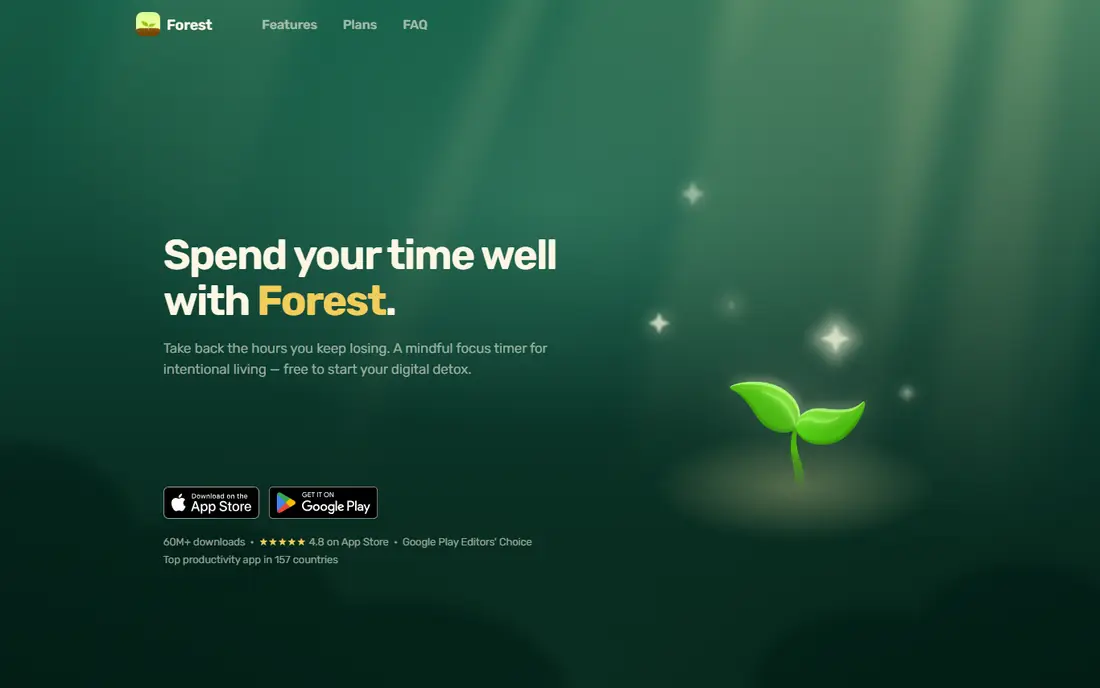
Forest turns focus into a visible reward. You plant a virtual tree, set a timer, and stay off your phone until the session ends. If you leave the app to scroll, the tree dies. That simple consequence helps many students with ADHD stay in a study session longer than a plain timer would.
Forest does not manage tasks, deadlines, or notes, so pair it with Todoist or a calendar. Its one-time purchase price, listed around $3.99 on app stores, keeps long-term cost low. For students whose main problem is phone distraction during study, Forest is one of the most effective single-purpose tools here.
- Simple timer that grows a virtual tree
- Phone use kills the tree, which discourages distraction
- Low one-time cost
- No task management inside the app
- Paid app with no free tier on most stores
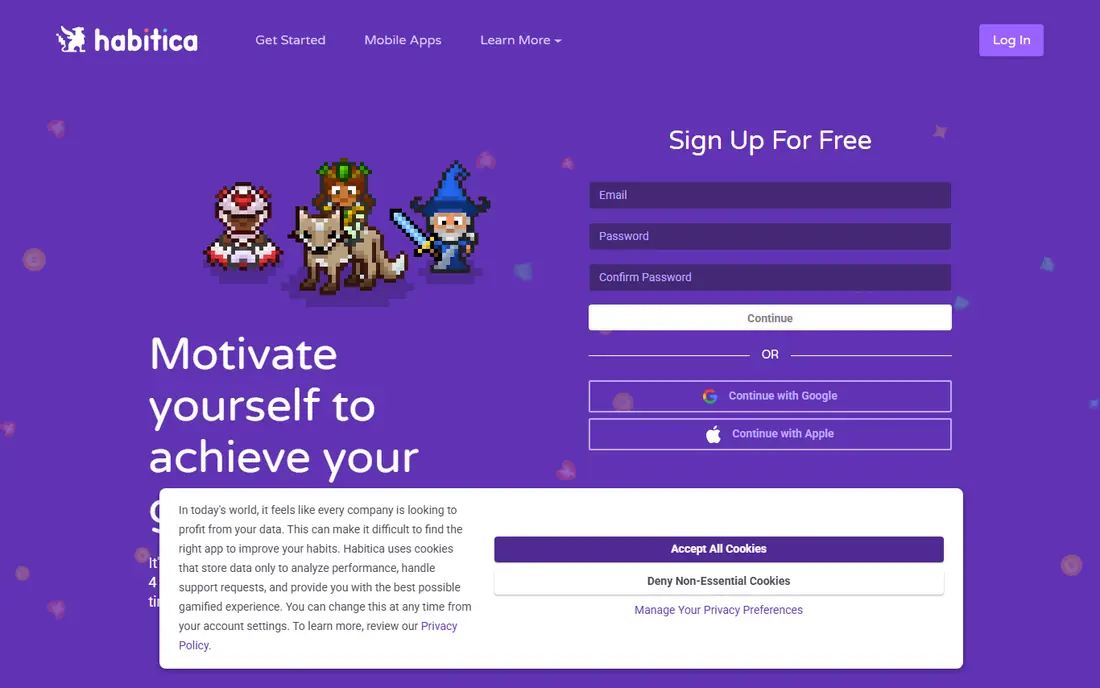
Habitica is the best ADHD organization app for students who need motivation for boring tasks. Completing homework, habits, and daily routines earns experience, gold, and items for a game character, which gives low-reward chores a small immediate payoff. That game loop helps when willpower alone does not carry you through a dull assignment.
The game layer is also the risk. Some students spend more time customizing a character than doing tasks, and the app needs a short setup period to feel useful. If plain to-do lists have failed you before, Habitica is worth two weeks of honest testing before you judge it.
- Turns tasks and habits into a role-playing game
- Rewards and streaks motivate low-reward chores
- Free core features
- Game elements can distract some users
- Setup takes longer than a plain to-do list
Notion suits college students who want notes, tasks, and semester plans in one place. You can keep lecture notes, assignment trackers, and reading lists in a single workspace, and link them so a deadline sits next to the notes for that class. Templates help you start without building a system from nothing.
That freedom can backfire for ADHD. Endless customization tempts some students to redesign pages instead of studying. Start with one simple template, keep the workspace small, and add features only when a real need appears. Used that way, Notion is a strong hub for college organization.
- Free for students with an education plan
- Flexible pages for notes, tasks, and databases
- Templates for class planning
- Flexibility can become a distraction
- Setup takes time if you build from scratch
Google Calendar is the backbone of many ADHD college systems, because it turns plans into visible time. Color-coded calendars for each class, work shifts, and study blocks help you see the whole week at a glance, and reminders reduce reliance on memory for deadlines and appointments.
The key is restraint. One or two reminders per event work better than five, since too many alerts teach you to ignore them all. Pair Google Calendar with Todoist for task detail: the calendar holds when you will work, while Todoist holds what you must finish. Both are free, which keeps this system affordable.
- Free and already on most phones
- Color-coded calendars for classes, work, and study
- Reminders across devices
- No task breakdown inside events
- Easy to ignore if you set too many alerts
Trello suits visual planners who like to see work move. A board for a semester, a project, or a single large assignment can hold cards for each step, with checklists, due dates, and attachments. Dragging a card from doing to done gives a clear sense of progress that a plain list sometimes lacks.
Trello works best for projects with stages, such as a research paper or group presentation, rather than for daily recurring chores. Keep boards small and archive finished cards each week, or the visual clarity fades. For group work, Trello also helps teammates see who owns each step.
- Drag-and-drop boards make progress visible
- Checklists break projects into steps
- Free tier covers student use
- No built-in focus timer
- Large boards can get cluttered without regular cleanup
OneNote is a strong pick for lecture capture. You can type, handwrite, paste slides, and record audio in one notebook, then search across pages later when exams approach. Organizing notebooks by class keeps notes separate without a complex setup.
OneNote is weaker as a task manager, so use it for notes and pair it with a calendar or Todoist for deadlines. Students in schools that use Microsoft tools will find the fit especially smooth, since OneNote works well with other Microsoft apps. For note-heavy courses, it remains one of the best free options.
- Free with a Microsoft account
- Flexible notebooks by class
- Audio notes and search across handwritten and typed notes
- Sync and layout can feel uneven across devices
- Fewer task features than Todoist or Notion
Anki helps with the exam problem many ADHD students face: learning material, then forgetting it before the test. Its spaced repetition system shows you a flashcard again just before you are likely to forget it, which builds long-term recall with short daily reviews. Shared decks exist for many subjects, though making your own cards usually works better.
The interface is plain, and new users need a short guide to set up decks and review settings. The iOS app carries a one-time purchase price, while desktop and Android versions are free. For courses with heavy memorization, such as languages, medicine, or law, Anki is worth the learning curve.
- Spaced repetition is backed by strong learning research
- Huge shared deck library
- Free on desktop and Android
- Interface looks dated
- IOS app is paid
- Making good cards takes practice
Tiimo is the most ADHD-specific planner on this list. It shows your day as a visual timeline, with routines and tasks laid out in order, which helps with time blindness and transitions between activities. Prompts and checklists support morning and study routines without a wall of text.
Tiimo is newer and smaller than the general tools here, so integrations and templates are fewer. Check the current pricing and trial terms on the vendor site before subscribing. If general planners have felt too abstract, Tiimo visual approach may click where lists and boards did not.
- Visual timeline for the day
- Designed with ADHD and autism needs in mind
- Gentle prompts for routines
- Smaller community and fewer integrations than Notion or Google Calendar
- Pricing varies by plan
How we picked these
We compared official feature pages, pricing pages, and app store listings, and we favored apps that reduce friction: fast capture, visual progress, clear reminders, and cross-device sync. We included task, focus, note, and planning apps, because ADHD college challenges span all four areas. We left out apps that only track medication or only offer meditation, since this list focuses on productivity and organization.
We did not claim hands-on lab testing, and we do not present these apps as medical treatment. Our judgments rest on documented features, published pricing, and public reviews, plus guidance from ADHD organizations on low-friction capture and visual tracking.
How to choose the right app for your semester
Start with your biggest pain point. If you forget deadlines, start with Todoist and Google Calendar. If you start studying but drift to your phone, start with Forest. If boring tasks never get done, try Habitica for two weeks. Adding a second app only after the first one sticks will help more than installing five apps on day one.
Next, keep the system visible. Put a widget on your phone home screen, set one daily reminder, and tie app use to an existing routine, such as opening Todoist with morning coffee or starting Forest when you sit down to study. For notes, pick one home: Notion or OneNote, not both. Finally, use campus support if you need it: disability services, tutoring, and counseling can help with accommodations and study plans that no app can provide alone.
Sources
- https://todoist.com
- https://www.forestapp.cc
- https://habitica.com
- https://www.notion.com
- https://calendar.google.com
- https://trello.com
- https://www.onenote.com
- https://apps.ankiweb.net
- https://www.tiimoapp.com
- https://toolfinder.com/best/adhd-apps-students
- https://neurolaunch.com/how-to-stay-organized-in-college-with-adhd/