Best Apps for Electricians in 2026: 9 Apps Compared
By ToolNimba Editorial Team November 10, 2026 10 min read

- Top pick
 ServiceTitan
Large electrical operations
Starting priceSee websiteCheck out ServiceTitanRead our review - Runner-up
 Jobber
Small crews getting organised
Starting price$29 per monthCheck out JobberRead our review - Also great
 Housecall Pro
Mobile-first small teams
Starting price$59 per monthCheck out Housecall ProRead our review
How we researched this
We compared official pricing and feature pages, app store listings, privacy policies and public user reviews. Prices change, so check the provider's site before you pay.
Key takeaways
- Jobber and Housecall Pro are the easiest starting points for small electrical shops, with published monthly pricing and short setup times.
- ServiceTitan and FieldEdge suit larger operations that need deeper reporting, marketing tracking, and a structured pricebook.
- Flat-rate tools such as Service Fusion can cost less as a crew grows, since the bill does not rise with every added user.
- Always compare the full monthly cost, including payment processing, add-ons, and any required contract term, before you switch.
Quick comparison
| Name | Best for | Starting price | Free plan | |
|---|---|---|---|---|
| ServiceTitan | Large electrical operations | See website | No | Visit |
| Jobber | Small crews getting organised | $29 per month | Free trial | Visit |
| Housecall Pro | Mobile-first small teams | $59 per month | Free trial | Visit |
 FieldEdge | Pricebook-driven contractors | See website | No | Visit |
 Service Fusion | Growing crews on flat-rate pricing | $195 per month | No | Visit |
 simPRO | Project and maintenance work | See website | No | Visit |
 Workiz | On-demand booking and calls | $198 per month | Free trial | Visit |
 FieldPulse | Simple job and customer tracking | See website | Free trial | Visit |
 Kickserv | Budget-conscious small shops | Free | Yes | Visit |
The best apps for electricians
Electricians need software that handles the full job cycle, from the first call to the final payment, without slowing down the tech in the field. We compared official feature pages, published pricing, app store listings, and public reviews to build this list.

ServiceTitan is built for established residential and commercial operations that run many techs and want tight control over sales, dispatch, and marketing results. Its pricebook supports good, better, and best options, which helps a tech present a clear choice on site instead of improvising a number. Dispatch, call booking, and customer history sit in one place, so the office can see what is happening without chasing paperwork.
The catch is cost and complexity. Pricing is handled through a sales quote, and implementation can be a real project for a larger shop. Smaller crews may find the depth more than they need, and some features only pay off once volume is high enough to use the reporting properly. If your team is growing past a handful of techs and you want to track where jobs and revenue come from, it is worth a demo.
- Deep reporting and marketing tracking
- Strong pricebook and proposal tools
- Wide set of integrations
- Pricing is quote-based and can be high
- Setup can take time for larger teams
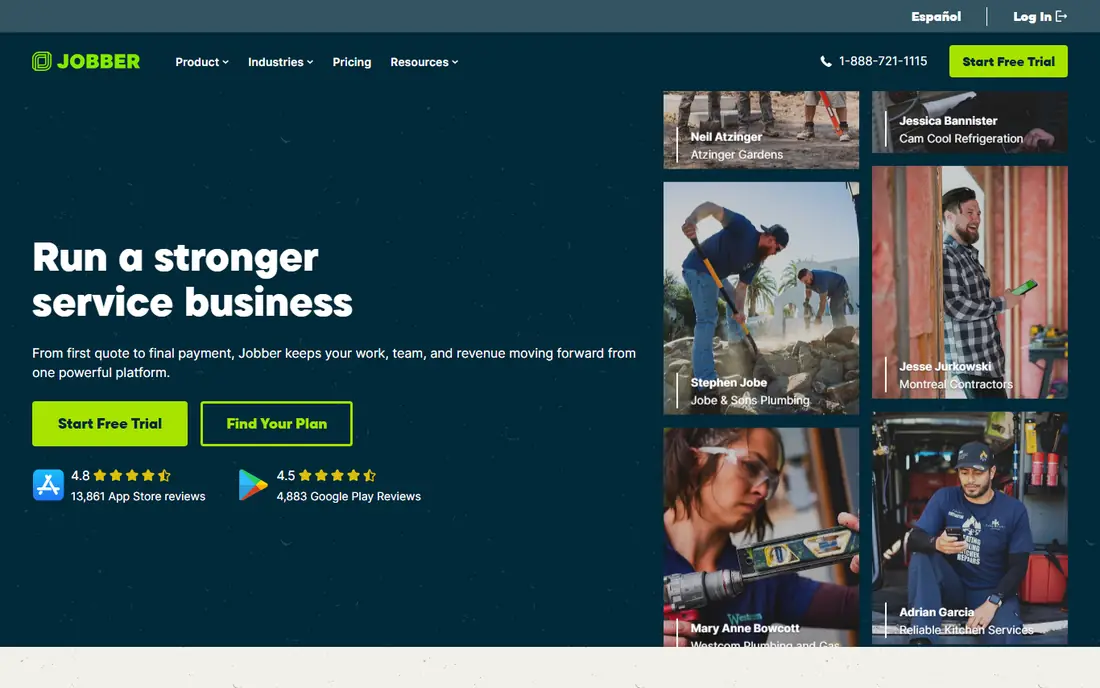
Jobber is a strong first system for a solo electrician or a small crew that still relies on texts, paper, and spreadsheets. You can quote a panel upgrade, schedule the visit, send a reminder, and invoice from the same job record. The mobile app keeps techs on the same page as the office, and online booking can cut down on phone tag for routine calls.
It is not the deepest tool on this list. Larger shops that need detailed marketing attribution or complex inventory control may outgrow it. For a small team, though, the balance of price, speed, and simplicity is hard to beat. Start with a trial, run real jobs through it for two weeks, and check whether quotes and invoices actually get out faster.
- Quick setup and clear interface
- Quoting, scheduling, and invoicing in one place
- Two-way QuickBooks sync on higher plans
- Reporting is lighter than enterprise tools
- Some advanced features need higher tiers
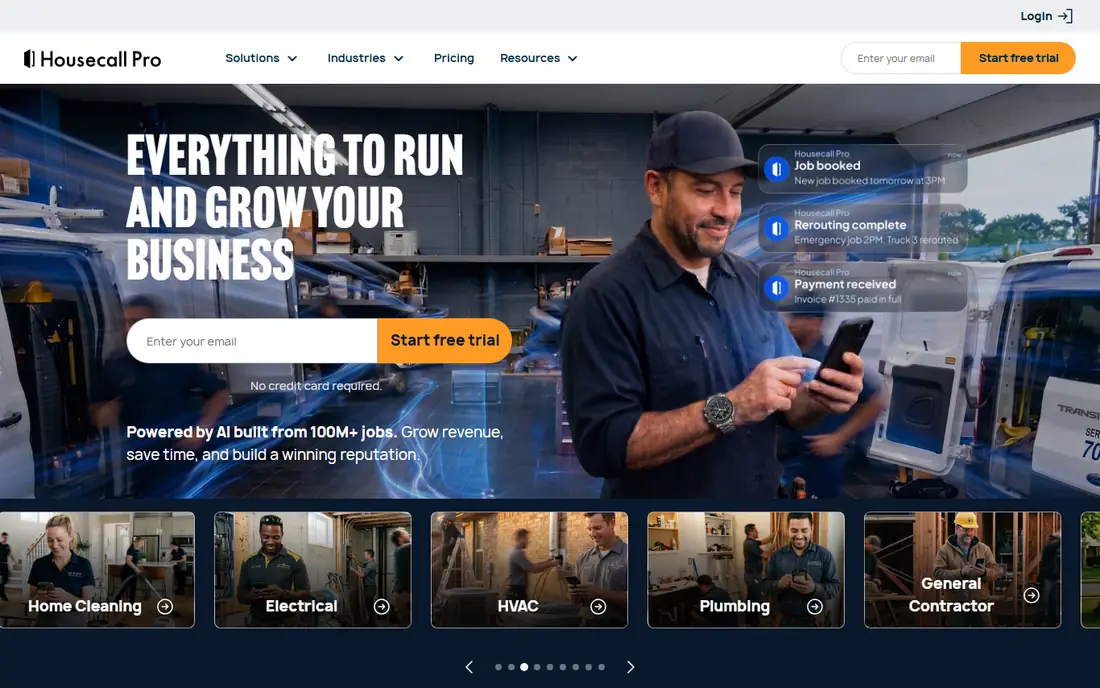
Housecall Pro puts the field experience first, which matters when techs spend most of the day in vans and attics rather than at a desk. Scheduling, dispatch, estimates, and invoicing are easy to reach on a phone, and customers get automated texts that reduce no-shows. Taking payment on site, including deposits, helps cash flow and cuts the end-of-month chase for unpaid invoices.
The trade-off is depth. If you stock a large warehouse, track serial numbers closely, or run complex commercial projects, you may need add-ons or a second system. For residential service work, panel changes, troubleshooting, and lighting jobs, it covers the daily routine well. Published pricing starts at a level that most small shops can test without a long contract discussion.
- Easy mobile workflow for techs
- Online booking and automated reminders
- Card payments in the field
- Inventory tools are limited compared with larger platforms
- Costs rise with team size
FieldEdge appeals to contractors who want pricing discipline on every job. A flat-rate pricebook means a tech quotes the same task the same way, which protects margins and makes the customer conversation clearer. Its QuickBooks sync, for both Online and Desktop, is a practical draw for shops that already run their books there and do not want double entry.
You will need to book a demo to learn the price, and that lack of transparency is a real drawback when you are comparing options. The system also rewards teams that invest in setup, including pricebook building and staff training. Shops that are willing to do that work often get a consistent, repeatable sales process in return.
- Strong flat-rate pricebook
- Close QuickBooks integration
- Dispatch built for trade crews
- No public pricing
- Implementation and training take time
Service Fusion stands out because its paid plans do not charge per user, so adding office staff or techs does not automatically raise the subscription bill. That structure suits a growing electrical shop that is hiring but wants predictable software costs. GPS fleet tracking, job photos, dispatch, and invoicing cover the core daily work, and estimate options help techs present tiered choices.
Reporting is not its strongest area, and you should test the QuickBooks sync with your own setup during a demo. The interface is practical rather than polished, but for a mid-sized crew the value is in the flat cost and the breadth of included features. Compare the total monthly figure against per-seat tools at your actual headcount before deciding.
- Flat-rate pricing with unlimited users on paid plans
- GPS fleet tracking
- Good, better, and best estimate options
- Reporting can feel limited
- Some users report integration quirks
When electrical work moves beyond one-day service calls into projects, maintenance contracts, and multi-stage installs, simPRO earns its place. It handles take-offs, job costing, scheduling, and invoicing in one system, and its maintenance planner helps a shop manage recurring visits and asset records over time. Portals for customers and contractors reduce email back-and-forth on larger jobs.
That depth comes with a longer learning curve. A solo electrician doing mostly residential repairs will likely find it heavier than needed. For a contractor juggling commercial projects, service agreements, and a team that needs clear job cost visibility, the extra structure can pay for itself. Ask for a demo built around one of your real projects, not a generic walkthrough.
- Strong job costing and project tools
- Asset and maintenance planning
- Customer and contractor portals
- Pricing is quote-based
- Onboarding can be longer than simpler tools
Workiz is built around winning the job when the phone rings. Its built-in phone system logs calls, and online booking widgets let customers request a visit from a website or social profile without waiting for a callback. For emergency calls, panel issues, and outage work, that speed matters. Scheduling, dispatch, invoicing, and payments round out a system that a small to mid-sized shop can run day to day.
The main cautions are consistency and depth. Some users note differences between the mobile and desktop views, and reporting will not match the enterprise tools on this list. If inbound calls and fast booking are your bottleneck, Workiz addresses that problem directly. If deep job costing is the priority, look at simPRO or ServiceTitan instead.
- Built-in phone system with call recording
- Online booking widgets
- In-field payments
- Mobile and desktop experiences can differ
- Reporting is not the deepest here
FieldPulse keeps the daily workflow simple: track customers, build estimates, schedule jobs, and send invoices without a maze of menus. That focus suits electrical shops that want a dependable system rather than a platform they have to manage. Techs can see job details and update status from the field, which keeps the office informed without extra calls.
It is not the right pick for complex project accounting or heavy inventory work. Larger operations may also want deeper reporting than FieldPulse provides. For a team that values speed and clarity, and is willing to request a quote to compare total cost, it is a solid mid-range option worth shortlisting alongside Jobber and Housecall Pro.
- Clear job and customer records
- Estimates and invoicing in one place
- Useful for smaller trade teams
- Pricing is quote-based
- Fewer advanced project tools than simPRO
Kickserv is the low-risk entry point on this list, with a free plan that suits a one or two person operation. It covers the basics that matter most when you are starting out: customer records, scheduling, estimates, and invoices. You can move off paper and spreadsheets without committing to a monthly bill before the business can support it.
Expect limits as you grow. Advanced dispatch, reporting, and automation are thinner than in paid competitors, and a busy crew will likely outgrow the free tier. That is fine. Kickserv works well as a first step, and the habits you build, consistent job records and prompt invoicing, carry over if you later move to a larger platform.
- Free plan for very small teams
- Scheduling, invoicing, and customer history
- Low barrier to try
- Advanced features are limited
- Larger teams will need a paid plan
How we picked these
We compared official feature pages, published pricing, app store listings, privacy and support pages, and public reviews. We favoured tools that are actively sold in the United States, support electrical service work specifically, and cover scheduling, invoicing, and mobile field use. Where a vendor does not publish pricing, we say so rather than guessing a number.
What to check before you commit
Start with the job types you actually run. A residential service shop needs fast dispatch, clear estimates, and field payments. A commercial contractor needs job costing, project tracking, and maintenance records. Match the tool to that mix before you compare feature lists, since a long list can hide a weak fit for your daily work.
Run a real trial, not a demo alone
Use the trial or demo period on live jobs, including a tricky estimate, a reschedule, and a payment. Check how long invoicing takes, whether the QuickBooks sync matches your books, and whether techs actually like the mobile app. A tool that looks good in a sales call but slows down techs in the field will cost you more than the subscription.
Price the whole year
Add payment processing fees, extra users, texting limits, and any add-ons for marketing or inventory. Ask about contract length, cancellation terms, and what happens to your customer and job history if you leave. The cheapest monthly figure is not always the cheapest year, especially on per-seat plans.
Sources
Frequently asked questions
What is the best app for a solo electrician?
Jobber, Housecall Pro, and Kickserv are the most practical starting points, since they are quick to set up and cover quoting, scheduling, and invoicing. Kickserv has a free plan for very small teams, while Jobber and Housecall Pro offer trials so you can test real jobs before paying.
Do electrician apps include a pricebook?
ServiceTitan and FieldEdge are the strongest pricebook options here, with structured flat-rate pricing that helps techs quote consistently. Service Fusion also supports tiered estimate options. Simpler tools may handle estimates well but will not give you the same pricebook control.
How much do electrician apps cost per month?
Published starting prices on this list range from free to about $198 per month, while ServiceTitan, FieldEdge, simPRO, and FieldPulse use quote-based pricing. Your total depends on team size, plan tier, payment fees, and add-ons, so get a written quote at your actual headcount.
Can these apps sync with QuickBooks?
Yes, most of the paid tools here offer QuickBooks integration, with FieldEdge and Jobber known for close syncing. Test the sync during a trial, since the details, such as invoice mapping and payment matching, vary by plan and by whether you use QuickBooks Online or Desktop.
Do techs need a separate mobile app?
Most of these tools include a mobile app for techs to view jobs, update status, add photos, and collect payment. Check offline behaviour and ease of use on a real job, since a tech who cannot update a job from a basement or attic will fall back to phone calls and paper notes.