Best Apps for Tracking Spending in 2026: 9 Apps Compared
By ToolNimba Editorial Team November 10, 2026 9 min read

- Top pick
 Monarch Money
Couples and households
Starting price$14.99 per monthCheck out Monarch MoneyRead our review - Runner-up
 YNAB
Strict zero-based budgeting
Starting price$14.99 per monthCheck out YNABRead our review - Also great
 Rocket Money
Subscriptions and spending
Starting priceFreeCheck out Rocket MoneyRead our review
How we researched this
We compared official pricing and feature pages, app store listings, privacy policies and public user reviews. Prices change, so check the provider's site before you pay.
Key takeaways
- Monarch Money is our pick for most households, thanks to shared budgets, net worth tracking and clear categorisation.
- YNAB suits people who want a strict method that changes spending habits, not just a record of past spending.
- Rocket Money and Empower offer the best free starting points, with subscription tracking and free spending views.
- This is general information only, not financial advice, and bank syncing always needs a check of security and privacy settings.
Quick comparison
| Name | Best for | Starting price | Free plan | |
|---|---|---|---|---|
| Monarch Money | Couples and households | $14.99 per month | Free trial | Visit |
| YNAB | Strict zero-based budgeting | $14.99 per month | Free trial | Visit |
| Rocket Money | Subscriptions and spending | Free | Yes | Visit |
 Empower | Free net worth and spending views | Free | Yes | Visit |
 Copilot | Apple users who want clean design | $13 per month | Free trial | Visit |
 PocketGuard | A simple safe-to-spend number | $12.99 per month | Yes | Visit |
 Goodbudget | Envelope budgeting without bank links | Free | Yes | Visit |
 EveryDollar | Simple zero-based budgeting | Free | Yes | Visit |
 Quicken Simplifi | Low-cost automated tracking | $3.99 per month | Free trial | Visit |
The best apps for tracking spending
A spending tracker should show where money actually goes, without turning every purchase into a chore. Some apps sync bank accounts automatically, while others use manual entry or envelopes. The nine below cover households, strict budgeters, subscription hunters and people who prefer not to link a bank account.
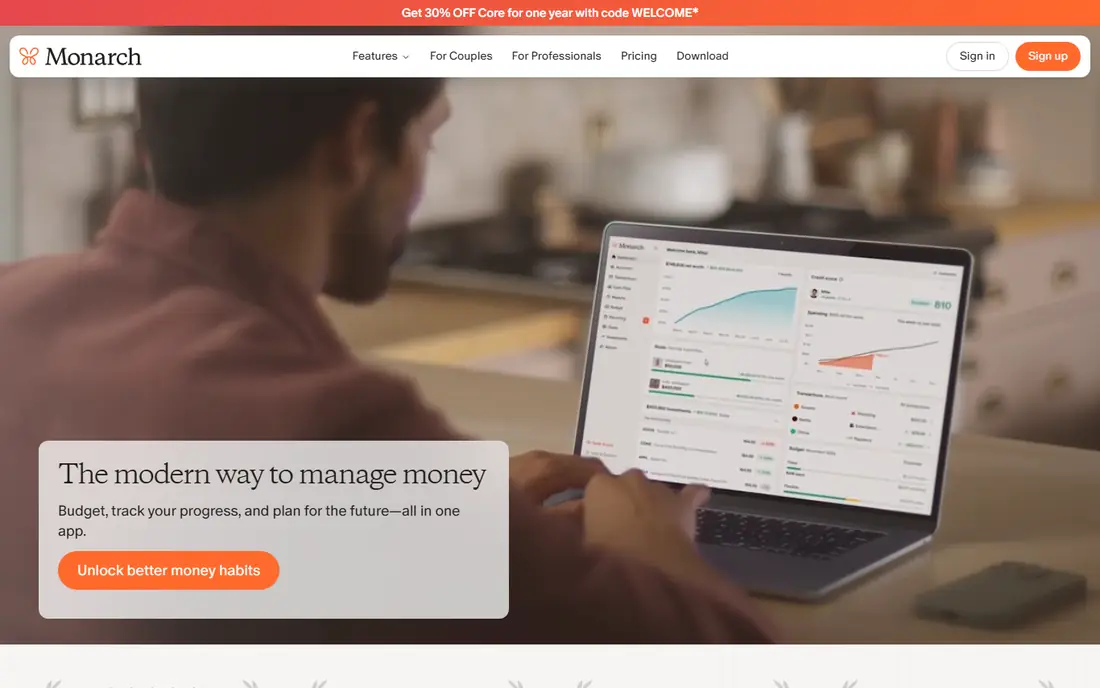
Monarch Money is the closest replacement for Mint for households that want one dashboard for spending, budgets, accounts and net worth. It syncs bank, card and investment accounts, lets partners share access, and offers flexible budgeting by category plus cash flow views. The interface is polished, and custom rules help keep categorisation tidy over time.
There is no free plan, only a trial, and the price is $14.99 a month or $99.99 a year for the Core plan. That is more than a simple tracker, but it covers a household, not just one person. If you manage money with a partner and want spending plus net worth in one place, Monarch is our pick.
- Shared household budgets
- Net worth and investment tracking
- Flexible categories
- No free plan
- Price is higher than simple trackers
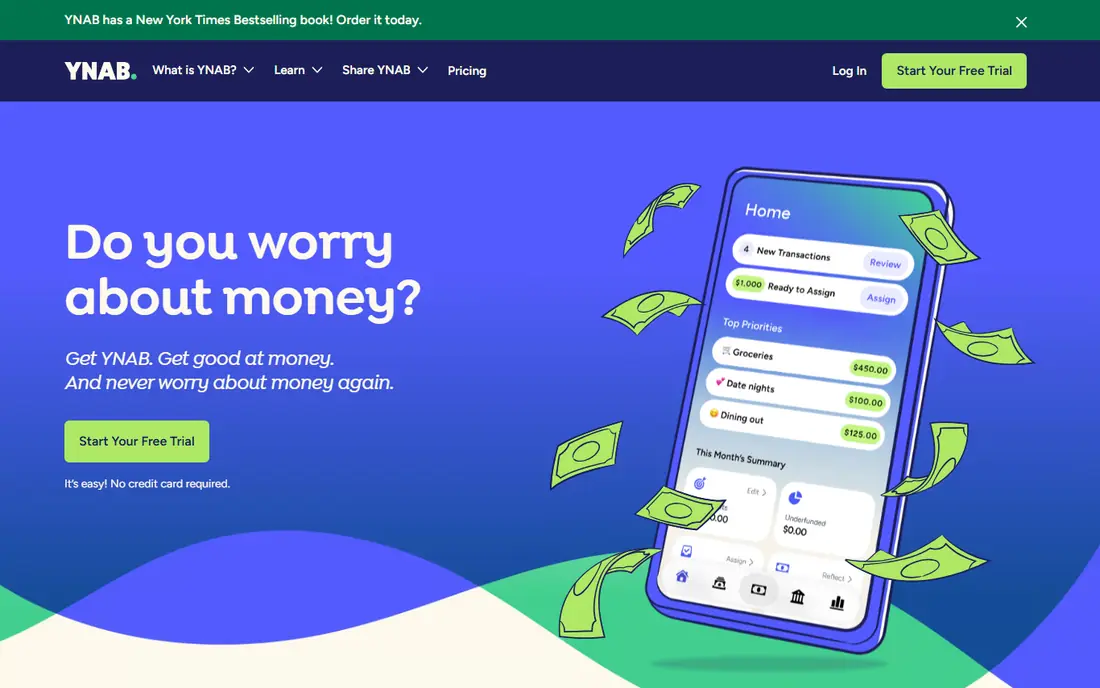
YNAB, short for You Need A Budget, is less a tracker and more a method. Every dollar gets a job before you spend it, which forces a weekly review of priorities rather than a monthly look back at what happened. Bank syncing, goal tracking, debt payoff tools and extensive guides support that method, and one subscription covers a household.
The price is $14.99 a month or $109 a year, with a 34-day trial and no free plan, and the method takes time to learn. People who only want a passive spending record may find YNAB too hands-on. If you want to change spending habits and you will do the weekly review, YNAB is the most effective system on this list.
- Clear zero-based method
- Goal and debt tools
- Strong learning resources
- No free plan
- Learning curve for new users
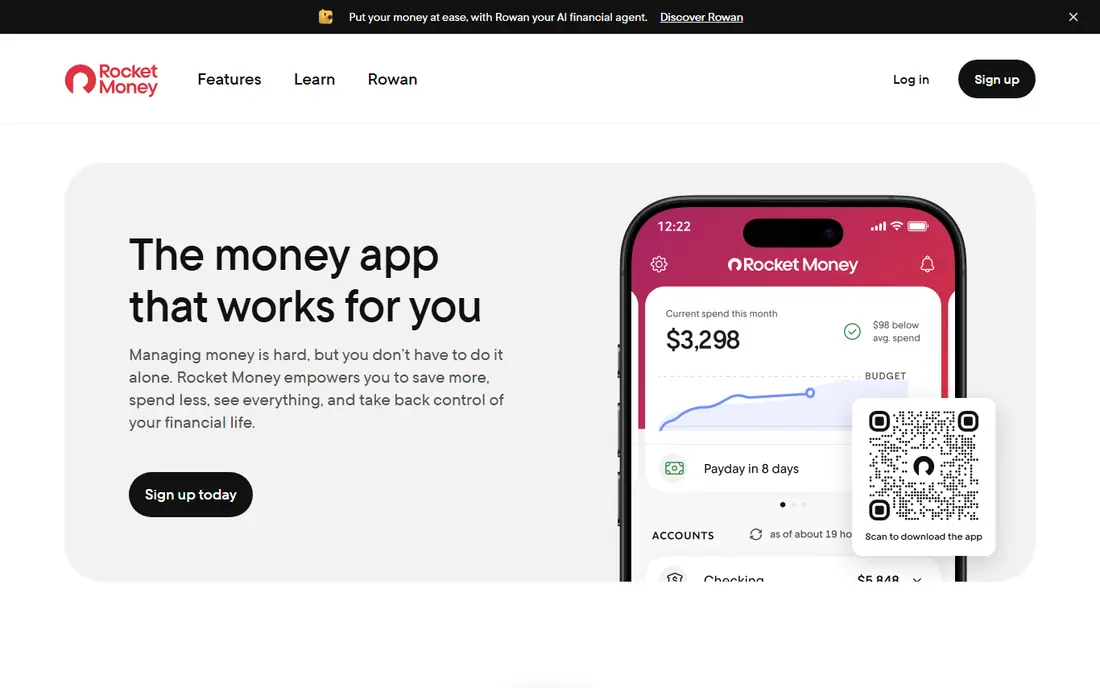
Rocket Money, formerly Truebill, is best at finding and cancelling forgotten subscriptions. It syncs accounts, lists recurring charges, tracks spending by category and offers bill negotiation as a paid service. The free plan covers basic tracking and subscription views, while Premium is pay-what-you-choose, typically $7 to $14 a month.
Budgeting tools on the free plan are lighter than YNAB or Monarch, and bill negotiation fees apply when it saves you money, so read those terms. For a person whose main leak is subscriptions, Rocket Money can pay for itself quickly. Pair it with a stricter budget app if you also need detailed planning.
- Finds subscriptions
- Bill negotiation
- Free spending tracking
- Premium costs extra
- Budgeting tools are lighter on free plan
Empower offers a free personal dashboard that tracks spending, accounts, net worth and investments without a subscription. It syncs bank and investment accounts, categorises transactions and shows cash flow and portfolio views in one place. That makes it a good free starting point for someone who mainly wants to see the full picture.
It is not a full budgeting system like YNAB, and Empower will promote its advisory services, which some users find intrusive. If you want free tracking and net worth views and you can ignore the upsells, Empower is excellent value. Households that need shared budgeting should look at Monarch instead.
- Free dashboard
- Net worth and investment views
- Spending categories
- No full budgeting method
- Advisory services are upsold
Copilot is an Apple-focused money app with a clean design, smart categorisation and spending insights that feel built for iPhone and Mac users. It syncs accounts, tracks spending by category, shows net worth and offers budgeting tools in a polished interface. The price is $13 a month or $95 a year, with a trial.
There is no Android app, so Android users should choose another option, and there is no free plan. Copilot also focuses on tracking and insight rather than a strict method like YNAB. If you use Apple devices and want a beautiful, low-friction tracker, Copilot is a strong choice.
- Clean Apple design
- Smart categorisation
- Good spending insights
- No Android app
- No free plan
PocketGuard answers one question clearly: after bills, goals and savings, how much is safe to spend? It syncs accounts, tracks bills and spending, and shows that remaining figure prominently, which helps people who overspend without realising it. The free plan covers basic tracking, while Plus starts at $12.99 a month or $74.99 a year.
Advanced budgeting, custom categories and reporting are lighter than Monarch or YNAB, and full features need Plus. That simplicity is the point for many users, but strict budgeters may want more control. If a single, clear spending number would change your daily choices, PocketGuard is a good fit.
- Clear safe-to-spend figure
- Bill tracking
- Simple interface
- Fewer advanced budgeting tools
- Plus needed for full features
Goodbudget brings the cash envelope method to a phone without requiring bank account links. You create envelopes for groceries, rent, dining and other categories, record spending manually, and share envelopes with a partner. That manual step helps some people notice spending more, and it suits users who do not want to connect bank accounts at all.
Manual entry takes discipline, and the free plan limits the number of envelopes, with Premium at $10 a month or $80 a year for unlimited envelopes and more history. If you prefer control and privacy over automatic syncing, Goodbudget is a thoughtful choice. If you will not log purchases daily, an automatic syncing app will work better.
- Envelope method without bank linking
- Shared household envelopes
- Simple app
- Manual entry
- Free plan limits envelope count
EveryDollar offers simple zero-based budgeting in the style popularised by Dave Ramsey. You assign every dollar to a category, track spending against it, and adjust during the month. The free plan covers manual budgeting, which is enough to learn the method, while Premium adds bank sync and costs $79.99 a year or $17.99 a month.
Bank sync on the free plan is not included, so free users must enter transactions manually or import them. Reporting and customisation are also simpler than YNAB or Monarch. For a beginner who wants a clear, simple zero-based budget, EveryDollar is an easy starting point.
- Simple zero-based budgets
- Easy to learn
- Ramsey method resources
- Bank sync needs Premium
- Manual entry on free plan
Quicken Simplifi offers automatic bank syncing, categorisation, spending plans and projections at a low price for new subscribers, starting at $3.99 a month billed annually in year one. It covers spending tracking, savings goals and bill reminders without the higher price of Monarch or YNAB. That makes it a good value option for a single user or household that wants automation on a budget.
The interface is less polished than Monarch or Copilot, and there is no permanent free plan, only a trial. Promotional pricing also needs checking at renewal. If low cost and automatic tracking matter more than design, Simplifi is a practical and affordable pick.
- Low price
- Automatic syncing
- Spending plans and projections
- Interface less polished than rivals
- No free plan
How we picked these
We compared official pricing pages, feature pages and app store listings for spending tracker apps available in the United States in October 2026. We kept only apps that track spending as a core job, whether by bank sync, manual entry or envelope budgeting. Prices come from vendor pages and recent pricing comparisons, and we used the annual or monthly figure that vendors publish most clearly. We did not claim hands-on testing, and we did not use invented savings figures. This is general information only, not financial advice.
What to check before you choose
Start with how you want to track. Automatic syncing is easier, but it needs bank credentials and trust in the app security model. Manual entry or envelope apps such as Goodbudget avoid bank links, but they need daily discipline. Choose the method you will actually maintain, because an app you stop opening cannot help.
Next, check household needs. Monarch and Goodbudget support shared access, while some apps are built for one person. Also check account coverage for your banks, cards and investment accounts, since sync failures are a common frustration. Test categorisation with your own transactions during a trial, and see how easy it is to fix a wrong category.
Finally, review privacy and security. Use strong passwords, turn on two-factor authentication, and read what data the app stores and shares. Set a weekly review time, even if it is only 10 minutes, to check spending against your plan. Tracking alone does not change spending, but a short weekly review often does.
Sources
Frequently asked questions
What is the best app for tracking spending for couples?
Monarch Money is our pick for couples, thanks to shared budgets, shared account views and net worth tracking. Goodbudget also supports shared envelopes for partners who prefer manual entry. Check whether both partners can access the same budget without extra fees.
What is the best spending tracker app with a free plan?
Rocket Money and Empower offer the strongest free spending tracking, with subscription views and net worth views respectively. Goodbudget and EveryDollar also offer useful free plans, though with limits. Free plans often limit features, so check what you need before relying on one.
What is the best app for spending tracking without linking a bank?
Goodbudget is the best option if you do not want to link a bank account, because it uses manual envelope entry. EveryDollar free plan also works manually. Manual apps need daily logging, so choose one only if you will keep up with entries.
Is YNAB better than Monarch Money?
YNAB is better if you want a strict zero-based method and weekly planning, while Monarch is better if you want flexible budgets plus net worth and investment tracking. Both cost a similar amount. Try the trial for each and see which method you will actually follow.
Do spending apps save money automatically?
No, an app alone does not save money, it shows where money goes so you can decide what to change. Subscription finders such as Rocket Money can surface forgotten charges, but lasting savings come from acting on what you see. Set one small goal, such as cutting one subscription, and review it weekly.