Best Automated Trading Platform in 2026: 9 Platforms Compared
By ToolNimba Editorial Team November 10, 2026 10 min read

- Top pick
 Interactive Brokers
Broad multi-asset automation
Starting priceFreeCheck out Interactive BrokersRead our review - Runner-up
 TradeStation
EasyLanguage strategy automation
Starting priceFreeCheck out TradeStationRead our review - Also great
 NinjaTrader
Futures automation
Starting priceFreeCheck out NinjaTraderRead our review
How we researched this
We compared official pricing and feature pages, app store listings, privacy policies and public user reviews. Prices change, so check the provider's site before you pay.
Key takeaways
- The best automated trading platform depends on your market first, since futures, stocks and forex tools are built very differently.
- Interactive Brokers and TradeStation suit traders who want broad market access plus a documented automation route, while NinjaTrader is the clearer futures-first choice.
- TradingView and TrendSpider are strong for building and testing ideas without deep coding, but live execution usually needs a broker connection or a bridge tool.
- Automated trading can lose money fast, especially with borrowed funds, so paper trading and strict position limits matter more than any single feature.
- This is not financial advice. Trading carries risk of loss, and past backtest results do not guarantee future results.
Quick comparison
| Name | Best for | Starting price | Free plan | |
|---|---|---|---|---|
| Interactive Brokers | Broad multi-asset automation | Free | Yes | Visit |
| TradeStation | EasyLanguage strategy automation | Free | Yes | Visit |
| NinjaTrader | Futures automation | Free | Yes | Visit |
 MetaTrader 5 | Forex and CFD automation | Free | Yes | Visit |
 TradingView | Chart-based strategy building | $14.95 per month | Yes | Visit |
 TrendSpider | No-code automation and alerts | $82 per month | Free trial | Visit |
 QuantConnect | Code-based quant research | Free | Yes | Visit |
 Alpaca | API-first stock and crypto trading | Free | Yes | Visit |
 Trade Ideas | AI-assisted trade scanning | See website | Free trial | Visit |
The best automated trading platforms
We compared platforms that can actually place trades from rules, scripts or alerts, not just charting apps with a watchlist. The nine below cover different skill levels, markets and budgets.
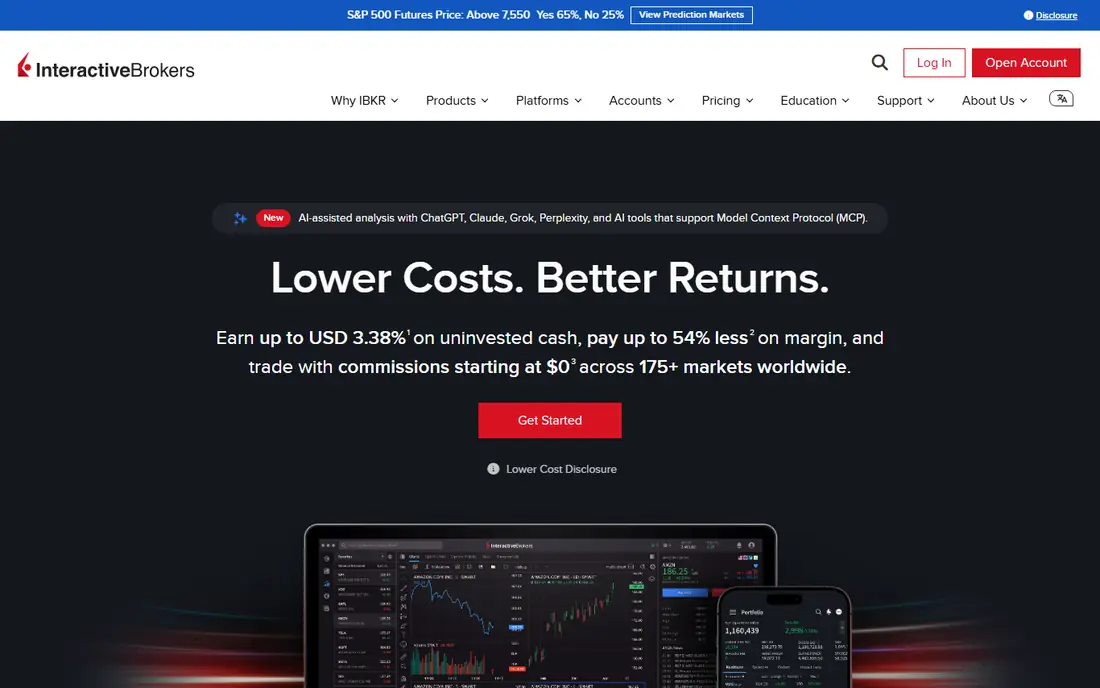
Interactive Brokers is our pick for traders who want one account that can reach stocks, options, futures, currencies and more across many markets. Its APIs support Python, Java, C++ and other common languages, and it also connects with third-party research and execution tools. That range makes it a practical base for a serious automation project, even if the learning curve is real.
The catch is complexity. Setting up the platform, data feeds and API permissions takes patience, and beginners can feel lost in Trader Workstation at first. Commissions and fees also vary by market and plan, so check the current schedule for the exact products you trade before you fund an account.
- Very broad market access
- Documented APIs for several languages
- Commission-free US stock and ETF trades on IBKR Lite
- Trader Workstation can feel dense for beginners
- Some market data and advanced features add separate costs
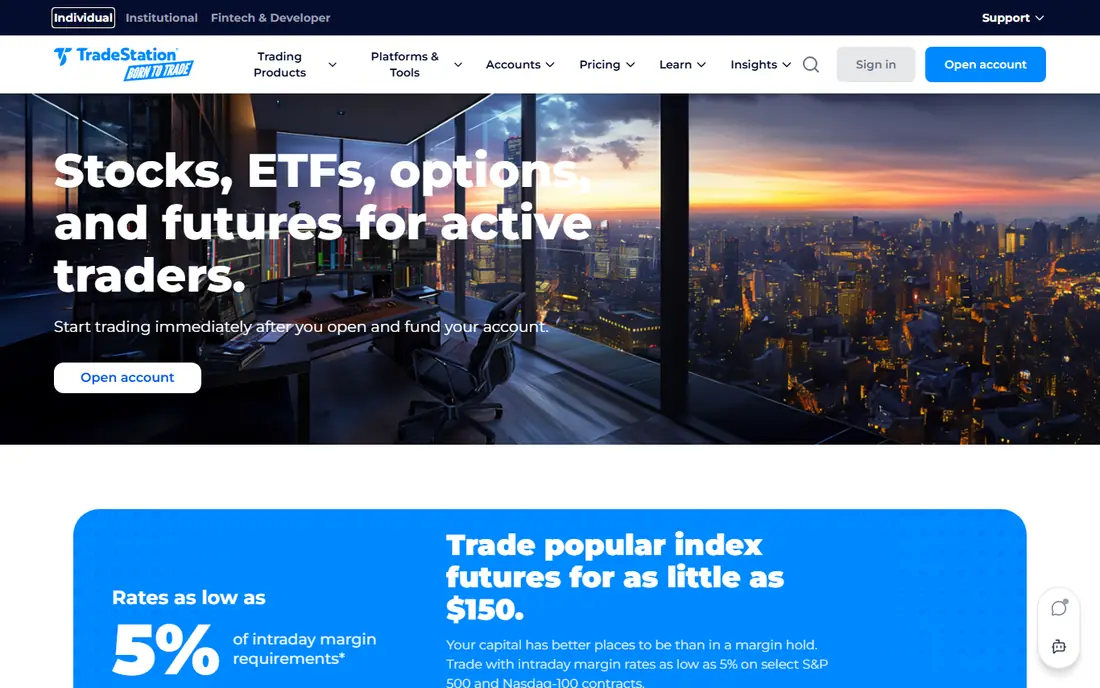
TradeStation stands out because its EasyLanguage lets traders describe rules in plain, readable terms rather than starting from a general programming language. You can build a strategy on a chart, test it against past data, and then automate it through a brokerage account. For stock and futures traders who like visual feedback, that loop is hard to beat.
The main limits are cost and scope. While stock and ETF commissions are commission-free on qualifying plans, futures, options and market data have their own charges. Traders who want a simple mobile-only setup may also find the desktop platform more than they need.
- EasyLanguage is more readable than many coding languages
- Built-in backtesting on charts
- Commission-free stock and ETF trades on qualifying plans
- Futures and options costs still apply
- The full platform can feel busy for casual users
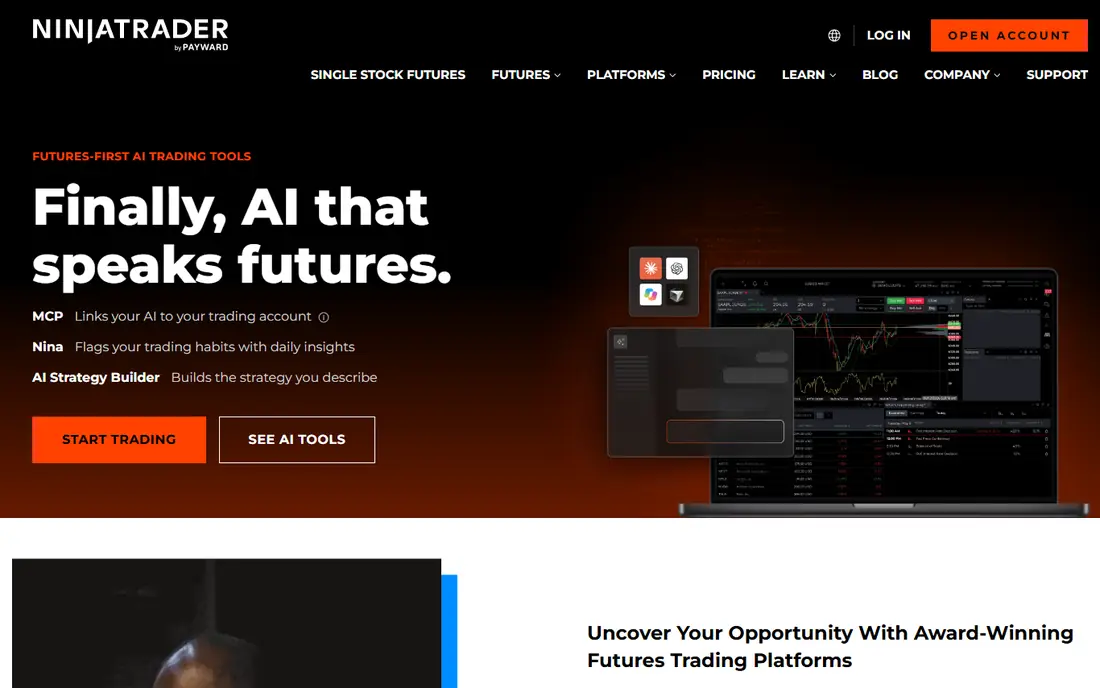
NinjaTrader is the natural first look for futures traders who want to automate. The platform itself is free for charting, backtesting and simulated trading, with paid plans that lower futures commissions. NinjaScript, based on C#, gives experienced traders fine control over entries, exits and risk rules.
That power comes with a narrower focus. If you mainly trade stocks, this is not the best single home for your account. New users should also expect a learning period, since the best automation features reward traders who already understand futures margin, contract sizes and order types.
- Free platform for charting, backtesting and simulation
- NinjaScript supports detailed futures strategies
- Strong order-flow and charting tools
- Futures focused, so stock traders need another broker
- Coding in NinjaScript takes time to learn
MetaTrader 5 remains the default choice for many forex traders who automate with Expert Advisors. The platform is supplied free by supporting brokers, and its marketplace and community code libraries make it easy to find starting points for a strategy. Backtesting and optimization tools are built in, which helps traders test ideas before risking real money.
The warning here is about the broker, not just the software. Execution quality, spreads, borrowing limits and regulation differ by broker, and CFDs are restricted for US retail traders. Pick a well-regulated broker first, then confirm that it supports the exact MetaTrader 5 features you plan to use.
- Free through supporting brokers
- Large library of Expert Advisors and indicators
- Strong backtesting for forex strategies
- Broker quality varies a lot
- US availability and CFD rules depend on the broker and location
TradingView is best known for charts, but its Pine Script language is also a friendly way to build and test trading rules. You can code a strategy, see it plotted on the chart, and set alerts when conditions trigger. For idea generation and testing, few tools are as fast to learn.
The limit is execution. TradingView alone does not automate every broker in the same way, so many traders connect it to a broker that supports TradingView trading or use a webhook bridge. That extra step adds cost and a point of failure, so test the full chain in paper trading before going live.
- Pine Script makes strategy coding accessible
- Huge charting and community script library
- Alerts can feed broker bridges
- Live automation often needs a broker integration or third-party bridge
- Paid plans are needed for more alerts and data
TrendSpider suits traders who want automation logic without writing much code. Its visual tools help you define conditions, scan for setups and test them across timeframes, and its alerts can be routed to execution tools. That makes it a good bridge between a chart idea and a working rule set.
Price is the main drawback. At $82 per month for the Standard plan, it costs more than basic charting plans, and you may still need a broker or bridge service for execution. It is best for active traders who will use the scanning and alert features often enough to justify the subscription.
- Visual strategy building without heavy coding
- Dynamic alerts and multi-timeframe analysis
- Backtesting included on paid plans
- Higher starting price than charting rivals
- Live execution depends on connected brokers and alert routing
QuantConnect is a research-first platform for traders who code. It provides a cloud workspace, historical market data and backtesting tools, so you can develop a strategy in Python or C# without building your own data pipeline. When a strategy is ready, supported broker connections allow live deployment.
This is not a casual pick. If you do not code, the learning curve will be steep, and you still need to understand risk controls, slippage and data quality. For developers and quant-minded traders, though, it offers a cleaner path from research to live trading than a patchwork of local scripts.
- Cloud research environment with historical data
- Supports Python and C#
- Connects to several brokers for live trading
- Built for coders, not beginners
- Live trading and data add-ons can add cost
Alpaca is built for developers who want to trade through an API. Its paper trading environment lets you test code with simulated money, and its documentation covers Python and other common SDKs. For a first automation project in US stocks, that simple setup is a real advantage.
The trade-off is scope. Alpaca does not match the global market coverage of Interactive Brokers, and its futures and options support is more limited. It is a strong choice for API stock strategies, but traders who need many asset classes should compare it with a broader broker before committing.
- Free API and paper trading
- Commission-free stock and ETF trades for retail accounts
- Clear developer documentation
- Narrower market range than large multi-asset brokers
- Crypto availability and rules vary by account type
Trade Ideas focuses on finding trades in real time rather than building a full broker platform. Its scanners can watch for price, volume and pattern conditions, and its AI-assisted tools can surface ideas that a manual watchlist would miss. Traders can backtest scanner logic and, with supported brokers, route orders from the platform.
The honest catch is that a good scan is only the start. Trade Ideas does not remove market risk, and its value depends on how well you filter ideas and manage exits. Use the free trial to check whether its scanners fit your style, and keep position sizing strict.
- Real-time scanning across many market conditions
- AI-assisted ideas and backtesting tools
- Broker integration for supported accounts
- Pricing is not a simple flat entry point for every user
- Scanning strength does not guarantee profitable trades
How we picked these
We compared official feature pages, pricing pages, API documentation and app store listings for platforms that support rule-based or code-based trading. We favored tools that are available in 2026, support paper trading or backtesting, and clearly state how orders reach a broker. Where a price could not be confirmed on the vendor site at the time of writing, we wrote See website rather than guessing.
What to check before you automate
Start with the market, not the marketing. A futures platform will not help a stock-only trader, and a forex platform may not suit a US account. Next, check whether the platform supports your broker, your order types and your data needs, since a missing connection can stall a whole project.
Paper trade the full chain
Backtests can flatter a strategy because they assume clean fills and ignore slippage, fees and gaps. Paper trade the exact chain you plan to use, including alerts, bridges and broker orders, and watch for missed fills or duplicate orders. If the chain fails in simulation, it will fail faster with real money.
Control risk before chasing returns
Set a maximum loss per trade and per day, and use position sizing that survives a losing streak. Avoid high levels of borrowed funds until you understand margin calls and overnight risk. Automated trading removes emotion from entries, but it also removes the pause that might stop a bad run, so hard limits matter.
Watch costs and upkeep
Add up platform fees, market data, commissions and any bridge service before you judge a strategy. A system that looks profitable before costs can lose money after them. Also plan for upkeep, since APIs change, data feeds break and strategies that worked in one market regime can stop working in another.
Sources
Frequently asked questions
What is the best automated trading platform for beginners?
TradingView is a friendly starting point for learning strategy logic, while Alpaca is a good choice for developers who want free paper trading through an API. Beginners should start with paper trading, keep strategies simple, and avoid borrowed funds until they understand the risks.
What is the best automated trading platform for futures?
NinjaTrader is the strongest futures-first pick here, thanks to its free charting and simulation tools plus NinjaScript automation. TradeStation is also worth comparing if you trade stocks and futures from one account and prefer EasyLanguage.
What is the best automated trading app for stocks?
Alpaca suits coders who want an API-first stock app, while Interactive Brokers suits traders who want broad market access and API trading from a larger broker. The right choice depends on whether you value simplicity or market range more.
Can automated trading guarantee profits?
No. Automation can execute rules faster and more consistently than manual trading, but it cannot remove market risk. Backtests can be overfitted, live fills differ from past data, and borrowed-fund positions can lose more than the starting stake in some accounts.
Do I need to know how to code to automate trading?
Not always. TrendSpider and TradeStation offer more visual or readable ways to build rules, while QuantConnect, Alpaca and Interactive Brokers reward coding skill. Even with no-code tools, you still need to understand order types, risk and the broker connection.
Is automated trading legal in the US?
Yes, automated trading through a regulated broker is legal, but the products and borrowing options available depend on the broker, the market and your location. Use a regulated broker, read its terms, and remember that this article is not financial advice.