Best B2B Lead Generation Tools in 2026: 9 Tools Compared
By ToolNimba Editorial Team November 11, 2026 9 min read

- Top pick
 LinkedIn Sales Navigator
Relationship prospecting on LinkedIn
Starting price$119.99 per monthCheck out LinkedIn Sales NavigatorRead our review - Runner-up
 Apollo.io
Data plus outreach for SMB teams
Starting price$49 per monthCheck out Apollo.ioRead our review - Also great
 ZoomInfo
Enterprise contact and intent data
Starting priceSee websiteCheck out ZoomInfoRead our review
How we researched this
We compared official pricing and feature pages, app store listings, privacy policies and public user reviews. Prices change, so check the provider's site before you pay.
Key takeaways
- Apollo suits small and mid-size teams that want data plus outreach in one seat, while ZoomInfo suits larger teams with bigger budgets.
- LinkedIn Sales Navigator is best for relationship-based prospecting inside LinkedIn, not as a standalone contact database.
- Credit systems decide real cost: check how many credits you get, what counts as a credit, and whether unused credits expire.
- Data accuracy varies by region, so test contacts in your target market before buying a large plan.
- Lead generation tools must be used with care for privacy and outreach rules, including consent, opt-outs and regional data laws.
Quick comparison
| Name | Best for | Starting price | Free plan | |
|---|---|---|---|---|
| LinkedIn Sales Navigator | Relationship prospecting on LinkedIn | $119.99 per month | Free trial | Visit |
| Apollo.io | Data plus outreach for SMB teams | $49 per month | Yes | Visit |
| ZoomInfo | Enterprise contact and intent data | See website | Yes | Visit |
 Lusha | Quick contact lookup for sellers | $37 per month | Yes | Visit |
 Cognism | EMEA prospecting with verified mobiles | See website | Free trial | Visit |
 Seamless.AI | High-volume real-time contact search | See website | Yes | Visit |
 Hunter | Domain email finding and verification | $34 per month | Yes | Visit |
 Leadfeeder | Website visitor identification | See website | Free trial | Visit |
 Clay | Enrichment workflows across providers | See website | Yes | Visit |
The best B2B lead generation tools
The best B2B lead generation tools help you find the right accounts, get accurate contact details, and start outreach without wasting weeks on manual lists. These nine cover databases, LinkedIn prospecting, enrichment and visitor identification.
LinkedIn Sales Navigator
Best for: Relationship prospecting on LinkedIn
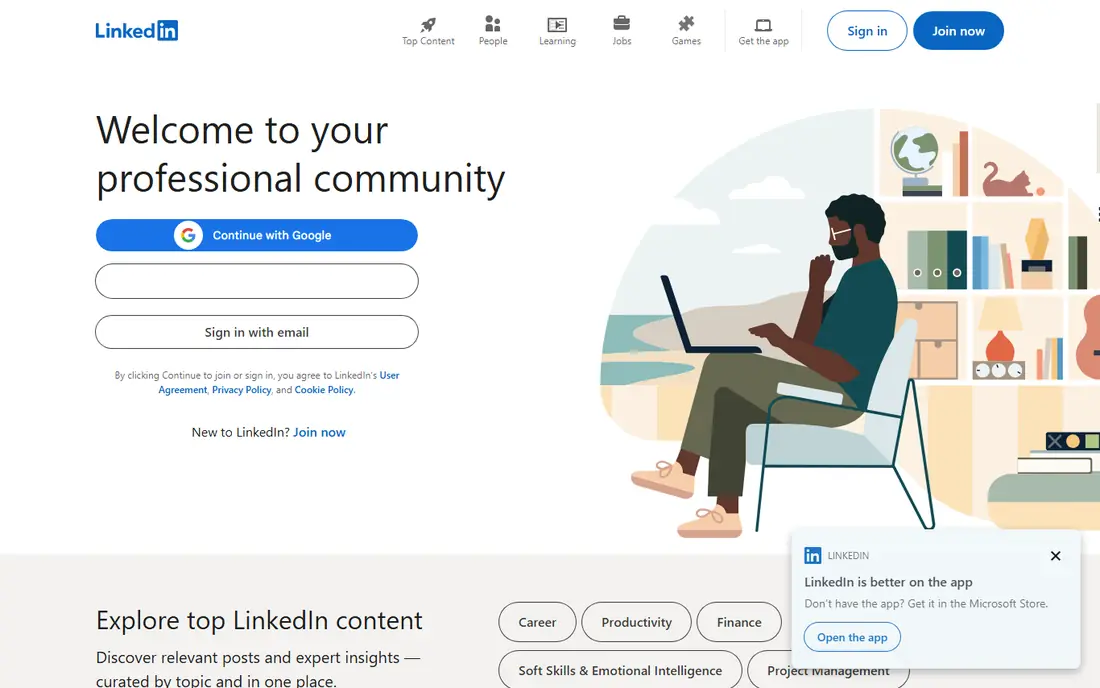
LinkedIn Sales Navigator suits sellers who build pipeline through relationships, referrals and account research on LinkedIn. Its advanced search, lead recommendations, job-change alerts and saved lists help reps track target accounts and reach the right people at the right time. InMail adds a way to contact prospects outside a connection request.
The limit is data scope. Sales Navigator does not replace a contact database for bulk email and phone outreach, and its price is high for a single rep. Teams that need large verified email and phone lists should pair it with a data tool, or choose a database-first platform instead.
- LinkedIn-native search and alerts
- InMail for outreach
- Account and lead tracking
- High monthly price
- Not a full contact database with emails and phones
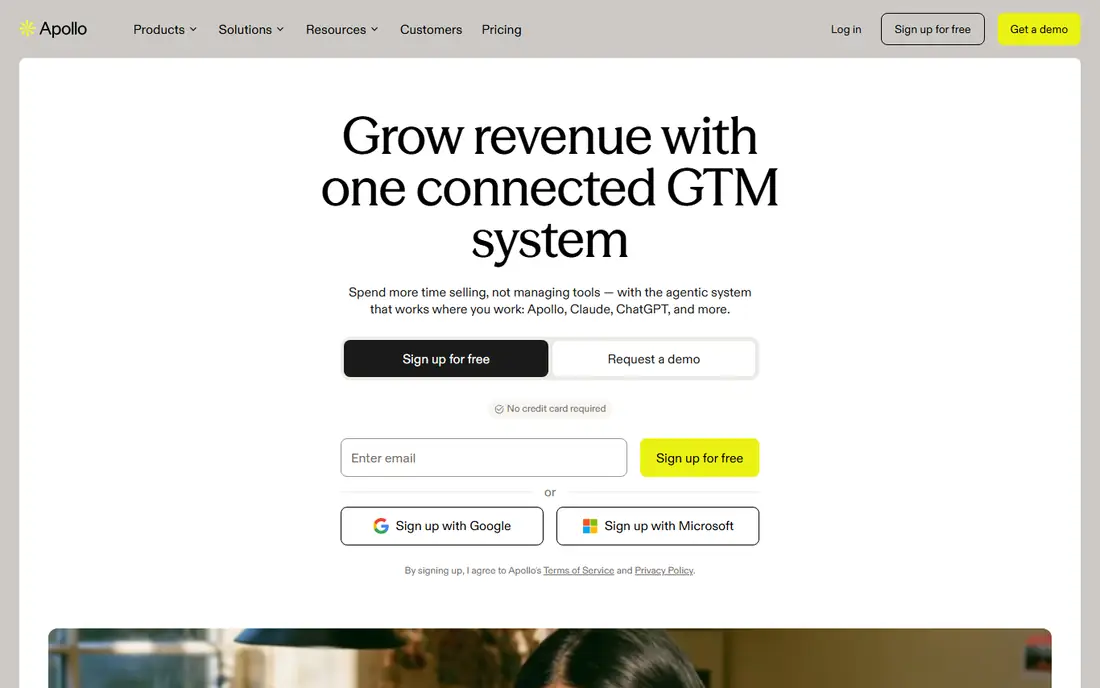
Apollo is the most complete low-cost option for small and mid-size teams, because it combines a contact database with email sequences and a dialer in one seat. Reps can build lists, enrich contacts, send sequences and track replies without buying three separate tools. A free plan lets small teams test the workflow before paying.
Data quality still needs checking. Apollo covers many contacts, but accuracy varies by industry and region, so test a sample in your market. Credit limits also matter: heavy prospecting teams should confirm monthly credits and what counts toward them before choosing a plan.
- Large contact database
- Sequences and dialer built in
- Free plan for small teams
- Data accuracy varies by segment
- Credit limits shape heavy use
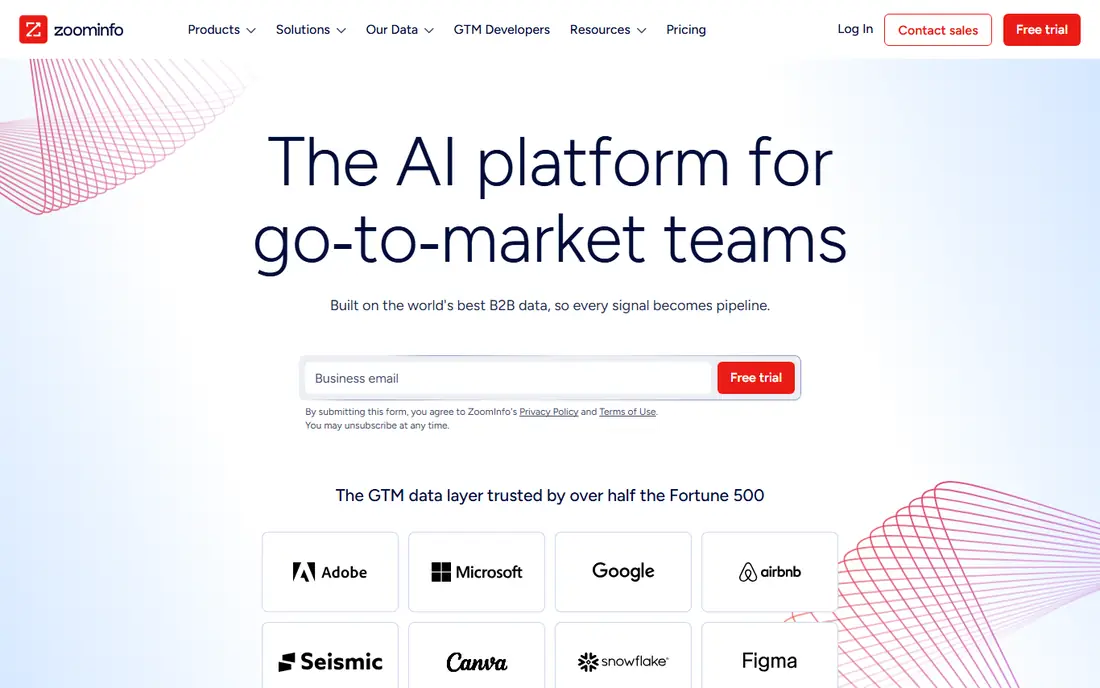
ZoomInfo suits enterprise and mid-market revenue teams that need deep company data, org charts, technographics and buying intent signals. Its database and Copilot-style tools help larger teams prioritize accounts, find direct dials and track buying signals across many sources. A free Lite plan gives a limited starting point.
The cost is the barrier. Paid plans are quote-based and often run into five figures per year, which puts ZoomInfo out of reach for solo sellers and small startups. For a team with a large sales organization and a clear account-based strategy, the depth can justify the price.
- Large verified contact and company database
- Buyer intent signals
- Strong CRM integrations
- High cost for most small teams
- Pricing is quote-based for paid plans
Lusha fits individual sellers and small teams that need verified emails and phones while browsing LinkedIn or company websites. Its browser extension reveals contact details in context, which saves time compared with exporting lists and enriching them later. A free plan with monthly credits helps light users start without a budget.
Heavy users need to watch credits. Each lookup consumes credits, and high-volume teams may burn through a plan faster than expected. Lusha is best as a lookup tool for active prospecting, not as a full account intelligence platform for enterprise planning.
- Fast LinkedIn and web lookup
- Browser extension
- Free credits each month
- Credit-based pricing
- Less depth than ZoomInfo for account research
Cognism suits teams that prospect heavily in Europe, the Middle East and Africa, where data rules and phone accuracy matter a great deal. Its Diamond Data approach emphasizes phone-verified mobile numbers, and its platform stresses compliance with regional privacy rules. That focus helps teams that need to call decision makers, not just email them.
Pricing is quote-based and aimed at teams, not solo users, so small US-focused sellers may find cheaper options. For a European outbound team, though, verified mobiles and regional coverage often matter more than the lowest headline price.
- Strong European coverage
- Phone-verified mobile data
- Compliance-focused approach
- Pricing is quote-based
- Less suited to small US-only teams
Seamless.AI targets high-volume prospecting teams that build large lists quickly. Its real-time search finds emails and phones across the web, and a free tier with limited credits lets users test the tool before committing. Teams that need many contacts for outbound campaigns often value that volume.
As with other data tools, accuracy varies, so validate a sample before running a large campaign. Paid pricing is quote-based, which makes budgeting harder than with Apollo or Lusha. For teams that prioritize volume and speed, Seamless.AI is worth a trial alongside a more structured database tool.
- Real-time contact search
- Large prospecting volume
- Free credits to start
- Pricing is quote-based for paid plans
- Accuracy needs testing in your market
Hunter suits teams that mainly need email addresses for a company domain. Enter a domain and Hunter returns likely email patterns and addresses, plus verification to reduce bounces. It also offers a browser extension and bulk tools for list work, at a lower price than full sales intelligence platforms.
The scope is narrower. Hunter does not provide phone numbers, org charts or intent data at the level of ZoomInfo or Cognism, so it works best as a complement to LinkedIn or a CRM, not as the only prospecting tool. For email-first outreach, it is simple, transparent and affordable.
- Find emails by domain
- Verify addresses
- Simple and affordable
- Focused on email, not phones or intent
- Smaller scope than full databases
Leadfeeder takes a different approach: instead of searching for new contacts, it reveals which companies visit your website, even if they never fill in a form. That helps sales teams follow up with warm accounts, prioritize outreach and measure which campaigns drive real company visits. Integrations with CRMs and Slack route those visits to the right reps.
The limit is identity. Leadfeeder usually identifies the company, not the named person, so reps still need to find the right contact inside that account. Pricing is also quote-based, with a free trial for testing. For inbound-heavy teams, it turns anonymous traffic into a useful lead source.
- Identifies companies visiting your website
- CRM and Slack integrations
- Lead scoring options
- Identifies companies, not individual visitors in most cases
- Pricing is quote-based
Clay suits revenue operations and growth teams that want to enrich lists using several data providers in turn, rather than relying on one database. Its waterfall approach tries providers in order until it finds a match, and AI research can add company and role details per row. A free plan lets technical users test workflows before paying.
Clay is not a simple lookup tool. Building workflows takes time and some technical comfort, and enrichment costs grow with volume. For teams that already have a data source but need cleaner, richer lists, Clay acts as the glue between providers. For a solo rep, Apollo or Lusha will feel simpler.
- Waterfall enrichment across many providers
- AI research per row
- Flexible workflows
- Learning curve for non-technical users
- Costs rise with enrichment volume
How we picked these
We compared official pricing pages, product documentation and recent sales intelligence comparisons in October 2026. We favored tools that provide real prospecting value today, whether through databases, LinkedIn search, email finding, visitor identification or enrichment workflows. We used See website where pricing is quote-based, and we noted free plans and trials separately, since a trial is not the same as a lasting free tier.
How to choose a lead generation tool
Start with your outreach motion. If you sell through LinkedIn relationships, Sales Navigator matters most. If you run email outbound at volume, a database such as Apollo or ZoomInfo matters more. If you already get website traffic, Leadfeeder may produce warmer leads than cold lists. Match the tool to the motion, not to the longest feature list.
Next, test data in your market. Build a list of 50 target accounts, check email and phone accuracy, and track bounce and connect rates. A tool that works well for US SaaS companies may perform poorly for European manufacturing firms, or vice versa. Also check credit rules, export limits and CRM sync, since those details decide daily usability.
Finally, respect outreach rules. Use accurate data, honor opt-outs, follow regional privacy laws, and avoid mass messaging that harms your domain reputation. A good tool helps you target better and send fewer, more relevant messages, which usually produces more meetings than a larger, untargeted list.
Sources
Frequently asked questions
What is the best B2B lead generation tool for small businesses?
Apollo is often the best starting point for small businesses, because it combines contact data with sequences and a dialer at a moderate price, plus a free plan. Lusha suits sellers who mainly need quick lookups, while Hunter suits email-first outreach on a budget. Test data accuracy in your market before committing to a paid plan.
Is LinkedIn Sales Navigator worth the price?
Sales Navigator is worth it for sellers who build pipeline through LinkedIn relationships, account research and job-change signals. It is less useful as a bulk email and phone database, and its monthly price is high for a single rep. Many teams pair it with a data tool such as Apollo or Lusha for contact details.
How much does ZoomInfo cost?
ZoomInfo paid plans are quote-based and often cost well over 10,000 dollars per year for a team, depending on seats, credits and add-ons. A free Lite plan offers limited access for testing. Small teams should compare Apollo, Lusha and Cognism first, and only consider ZoomInfo when account depth and intent data justify the budget.
What are credits in lead generation tools?
Credits are the unit many data tools use to charge for lookups, enrichments or exports. Each revealed email, phone or enriched row may cost one or more credits, and unused credits may or may not roll over. Always check what counts as a credit, how many you get per month, and what happens when you run out mid-campaign.
Are B2B lead generation tools legal to use?
Using business contact data is generally allowed in many regions, but rules vary, especially in Europe under GDPR and in US states with privacy laws. Use reputable providers, respect opt-outs, avoid personal emails where possible, and follow your email provider rules for cold outreach. When in doubt, check with legal counsel for your market and use case.