Best Baby Monitors With Screen and App in 2026: 8 Monitors Compared
By ToolNimba Editorial Team November 10, 2026 9 min read

- Top pick
 eufy Baby Monitor E21
4K hybrid monitoring
Starting priceSee websiteCheck out eufy Baby Monitor E21Read our review - Runner-up
 eufy Baby Monitor E20
2K hybrid monitoring
Starting priceSee websiteCheck out eufy Baby Monitor E20Read our review - Also great
 Nanit Pro with Nanit Home
Sleep tracking and insights
Starting priceSee websiteCheck out Nanit Pro with Nanit HomeRead our review
How we researched this
We compared official pricing and feature pages, app store listings, privacy policies and public user reviews. Prices change, so check the provider's site before you pay.
Key takeaways
- Hybrid monitors give you a dedicated parent screen at home plus phone access when you are away, which covers both use cases in one purchase.
- The eufy E21 stands out for 4K video, a parent screen and app access with no monthly fee for basic use.
- Nanit Pro suits parents who want sleep tracking and breathing motion monitoring, but some insights need a paid plan.
- Check whether app features need a subscription before you buy, since the camera price is only part of the total cost.
- Keep camera cords and mounts away from the crib, and use a strong password plus two-factor sign-in on the app account.
Quick comparison
| Name | Best for | Starting price | Free plan | |
|---|---|---|---|---|
| eufy Baby Monitor E21 | 4K hybrid monitoring | See website | Yes | Visit |
| eufy Baby Monitor E20 | 2K hybrid monitoring | See website | Yes | Visit |
| Nanit Pro with Nanit Home | Sleep tracking and insights | See website | No | Visit |
 ieGeek 2K Baby Monitor | Two-camera coverage | See website | Yes | Visit |
 Dr.Care VistaView | Split-screen viewing | See website | Yes | Visit |
 Arenti Baby Monitor | Budget hybrid option | See website | Yes | Visit |
 Motorola PIP1510 Connect | Trusted brand hybrid | See website | Yes | Visit |
 Momcozy BM04 | Dual-mode screen and app | See website | Yes | Visit |
The best baby monitors with screen and app
We compared official product pages, pricing pages and public reviews for monitors that offer both a dedicated parent screen and app access, and that were on sale in October 2026. Note that Nanit Pro pricing in the table reflects the camera system price reported by retailers; confirm the current bundle price before buying.
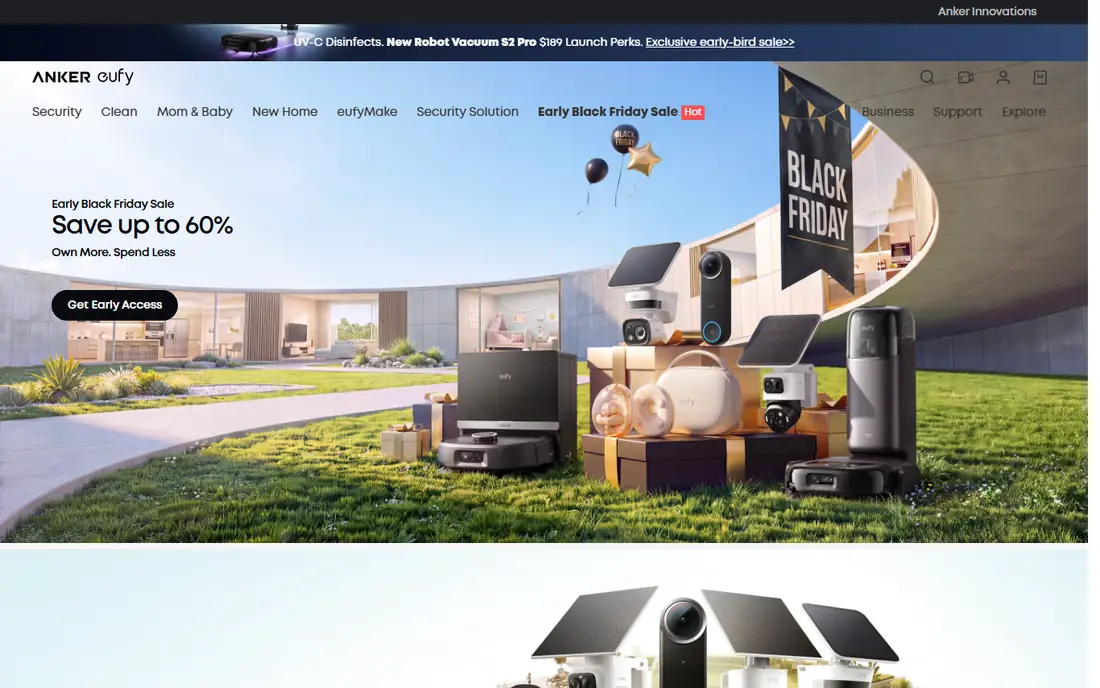
The eufy E21 is the clearest example of a hybrid monitor done well. It pairs a 4K camera with a dedicated parent unit for use at home, while the eufy app lets you check the nursery from elsewhere. Local recording means you are not forced into a monthly plan to review clips. Pan, tilt and zoom controls help you follow a moving baby without moving the camera by hand. The main drawback is setup: pairing both the screen and the app takes longer than a phone-only camera. Once paired, most parents will use the screen at night and the app during the day, which is exactly the flexibility this category promises.
- 4K camera with parent screen and app
- Local recording with no monthly fee for basic use
- Pan, tilt and zoom control
- App setup takes a few extra steps
- Larger camera unit than some rivals
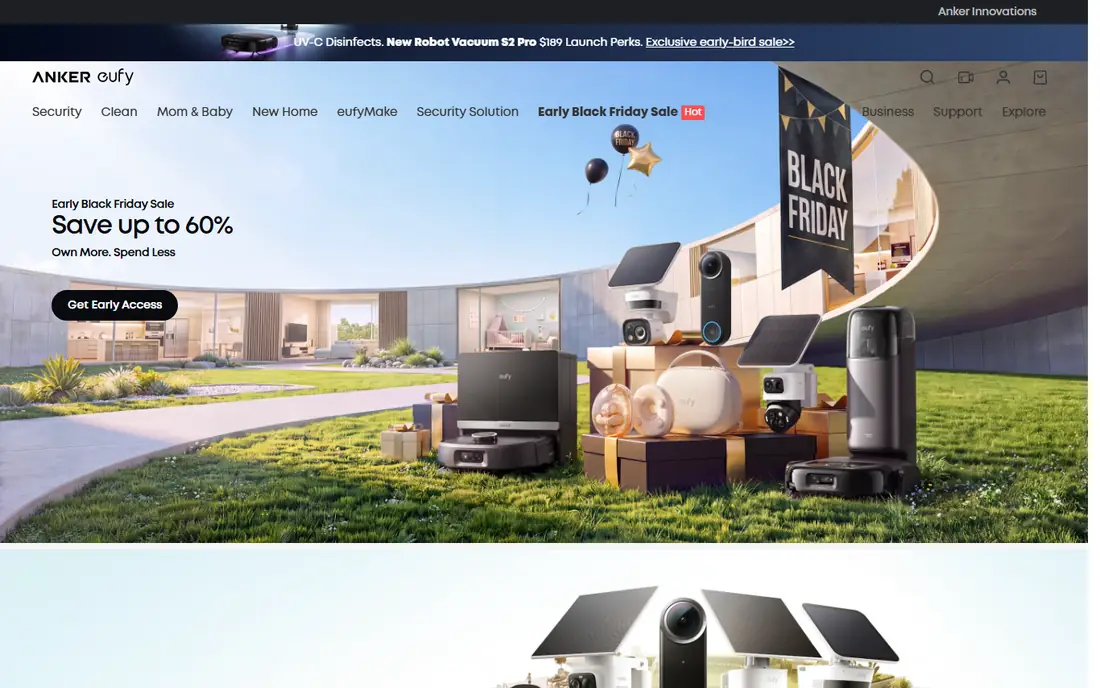
The E20 gives you the same hybrid idea as the E21 at a lower price point. You get a 2K camera, a parent screen and app access, with local storage that avoids a monthly fee for basic use. Night vision and two-way audio cover the core jobs of a monitor well. Resolution is the main step down from the E21, and smart features are lighter than app-first rivals. If your priority is a reliable screen plus phone access without ongoing fees, the E20 is the more budget-friendly eufy choice, and the screen alone makes it easier to use at night without a glowing phone.
- 2K camera with parent screen and app
- No subscription for basic monitoring
- Clear night vision
- Lower resolution than the E21
- Fewer smart insights than Nanit
Nanit Pro is an app-first monitor that gains a screen through the optional Nanit Home display. The camera streams 1080p video to the app, tracks sleep patterns, and monitors breathing motion without a wearable sensor, using a special Breathing Wear band in the crib. Temperature and humidity readings add context to sleep data. The display option matters for parents who do not want to rely only on a phone. It shows the live feed on a dedicated screen at home. The catch is cost: the camera system starts around $399 at retailers, the display is extra, and full Insights history needs a subscription. Parents who value sleep data will find it worth it; parents who want simple video may not.
- 1080p video with sleep and breathing motion tracking
- Optional 8-inch Nanit Home display
- Strong app design and encryption
- Advanced insights need a paid Insights plan
- Total cost is high once the display and plan are added
The ieGeek 2K system ships with two cameras and a 5-inch parent screen, plus app access for remote viewing. Split-screen mode lets you watch two rooms at once, which suits families with twins or a baby and a toddler in separate rooms. Auto tracking follows movement, and cry detection sends alerts to the screen and app. Video quality is 2K on the camera, with a clear image on the parent screen. Digital zoom is less sharp than optical zoom, so fine detail softens when you zoom in fully. Pairing two cameras and the app takes patience, but the result is one of the most flexible hybrid setups at a mid-range price.
- Two cameras with split-screen view
- 5-inch parent screen plus app
- Auto tracking and cry detection
- Digital zoom loses detail at full zoom
- Setup for two cameras takes time
Dr.Care VistaView pairs a 5-inch 1080p parent screen with a 2K camera and app access. Split-screen viewing and pan-tilt control cover the main needs of a hybrid monitor, and the screen resolution is sharp for its size. Cry and motion alerts go to both the screen and the phone. The brand is less established than eufy or Nanit, so support and long-term app updates deserve a check before buying. Some users report app connection drops, which is why the parent screen matters here: if the app falters, the local screen keeps working. For parents who want split-screen viewing at a mid-range price, it is a practical option.
- 5-inch 1080p parent screen plus app
- Split-screen for two cameras
- Pan and tilt control
- Lesser known brand than eufy or Nanit
- App reviews are mixed on stability
Arenti offers a hybrid monitor with a 5-inch parent screen and a free companion app at a lower price than premium options. Two-way audio, lullabies and temperature readings cover daily use, and the app lets a second caregiver check in from another room or away from home. Video quality is more modest than 2K and 4K rivals, and some features sit behind in-app options. That trade is reasonable for a budget pick: you still get the core hybrid benefit, a screen at home plus a phone feed elsewhere, without paying for sleep analytics you may not use.
- 5-inch screen plus free app
- Two-way audio and lullabies
- Lower price than premium hybrids
- Video quality below 2K rivals
- Some advanced features need in-app purchase
Motorola Nursery pairs a dedicated parent unit with the Hubble Connected app, giving you a screen at home and phone access elsewhere. Remote pan, tilt and zoom let you adjust the camera view from either device, and two-way talk lets you soothe from another room. The design is more basic than newer hybrid monitors, and app quality can vary between phones, so test the app on your own device during the return window. The strength here is familiarity: Motorola has sold nursery monitors for years, and the hybrid setup covers both local and remote viewing without a complex subscription for basic video.
- Parent unit plus Hubble app access
- Established nursery brand
- Remote pan, tilt and zoom
- App experience varies by phone
- Design is more basic than newer rivals
Momcozy BM04 is built around two ways of watching. Its 5-inch parent unit works on a local link at home, while the Momcozy app adds remote access when you are away. That dual-mode design covers the exact brief of this list without needing an add-on display, and it suits families who want a screen at night and a phone feed during the day.
Video is 1080p with night vision, pan and tilt, two-way talk and lullabies, plus motion, cry and temperature alerts. Support for up to four cameras with split-screen viewing helps families with more than one room to watch. The model is newer than eufy and Nanit rivals, so its long-term app record is shorter, but its dual-mode setup is one of the cleanest hybrid designs available.
- 5-inch parent screen plus app access
- Local non-WiFi mode plus remote app mode
- Supports up to four cameras with split-screen
- Newer dual-mode model with a smaller review base
- Cloud storage is an optional extra
How we picked these
We compared official product pages and public reviews for monitors sold in October 2026 that offer both a parent screen and app access, either in the box or through an official display add-on. We left out screen-only monitors and phone-only cameras, since the topic requires both. Prices were checked against vendor and retailer pages, and we used "See website" where bundle prices varied by retailer.
What to check before you buy
Start with where you will watch the feed most. If you mainly watch at night in the same house, screen size, battery life and night vision matter more than app analytics. If grandparents or a partner check in from elsewhere, test the app on their phones too, and confirm how many users can view at once. Check subscription terms in full. Some monitors charge for video history, sleep reports or extra users, while others store clips locally at no extra cost. Also check range claims: walls and floors cut real range well below headline figures, so a local screen that works through your house matters more than a large claimed range.
Safety and privacy checks
Use a strong, unique password for the monitor app and turn on two-factor sign-in where offered. Keep firmware updated, and place the camera and cords well away from the crib, following the maker guidance. Monitors that track breathing or sleep are not medical devices, so treat their readings as helpful context, not health advice.
Sources
- https://www.eufy.com
- https://www.nanit.com/pages/best-wifi-baby-monitor
- https://www.iegeek.com
- https://www.drcare.com
- https://www.arenti.com
- https://www.motorolanursery.com
- https://momcozy.com
- https://loiterpoint.com/articles/best-baby-monitors.html
- https://babymonitortips.com/best-wifi-smart-baby-monitors-2026/
Frequently asked questions
Do I need both a screen and an app?
Not every family does, but the pair covers more situations. A screen is easier at night and works during internet outages on local models, while an app lets you check in from work or another room.
Do baby monitors with a screen and app need Wi-Fi?
Hybrid models use a local link for the parent screen and Wi-Fi for the app. The screen often keeps working on the local link if Wi-Fi drops, but remote app viewing needs an internet connection.
Are subscriptions required for these monitors?
It depends on the model. eufy basic monitoring works without a monthly fee, while Nanit and CuboAi charge for full sleep insights and video history. Check what is included before you buy.
What screen size is best for a baby monitor?
Five-inch screens are a good balance of clarity and portability for most parents. Larger 8-inch displays, such as Nanit Home, are easier to glance at from across a room but cost more and need charging more often.
Can two parents use the same monitor app?
Most apps in this list support shared access, but the number of users and permission options vary. Confirm multi-user support on the maker page if both parents and a caregiver need access.