Best Billing Software in 2026: 8 Tools Compared
By ToolNimba Editorial Team November 11, 2026 9 min read

- Top pick
 Zoho Invoice
Free invoicing with depth
Starting priceFreeCheck out Zoho InvoiceRead our review - Runner-up
 Wave
Free invoicing plus books
Starting priceFreeCheck out WaveRead our review - Also great
 FreshBooks
Service billing and retainers
Starting price$23 per monthCheck out FreshBooksRead our review
How we researched this
We compared official pricing and feature pages, app store listings, privacy policies and public user reviews. Prices change, so check the provider's site before you pay.
Key takeaways
- Zoho Invoice is the best genuinely free billing tool, with recurring invoices and a client portal at no cost.
- Wave pairs free invoicing with free bookkeeping, which suits very small businesses that want books and bills together.
- FreshBooks is our pick for service businesses that want polished invoices and time-based billing in one place.
- QuickBooks Online is the right upgrade when billing must sit inside full accounting with payroll and reporting.
Quick comparison
| Name | Best for | Starting price | Free plan | |
|---|---|---|---|---|
| Zoho Invoice | Free invoicing with depth | Free | Yes | Visit |
| Wave | Free invoicing plus books | Free | Yes | Visit |
| FreshBooks | Service billing and retainers | $23 per month | Free trial | Visit |
 QuickBooks Online | Billing inside accounting | $38 per month | Free trial | Visit |
 Square Invoices | Mobile and in-person billing | Free | Yes | Visit |
 Invoice Ninja | Customization and self-hosting | Free | Yes | Visit |
 PayPal Invoicing | Clients who already use PayPal | Free | Yes | Visit |
 Stripe Invoicing | Online billing for digital businesses | See website | No | Visit |
The best billing software
Billing software should do three jobs well: create a professional invoice fast, get you paid online without chasing, and handle repeat billing without manual work each month. We compared official pricing pages and feature lists for the tools below, focusing on free limits, recurring billing, payment options, and whether billing sits alone or inside full accounting.
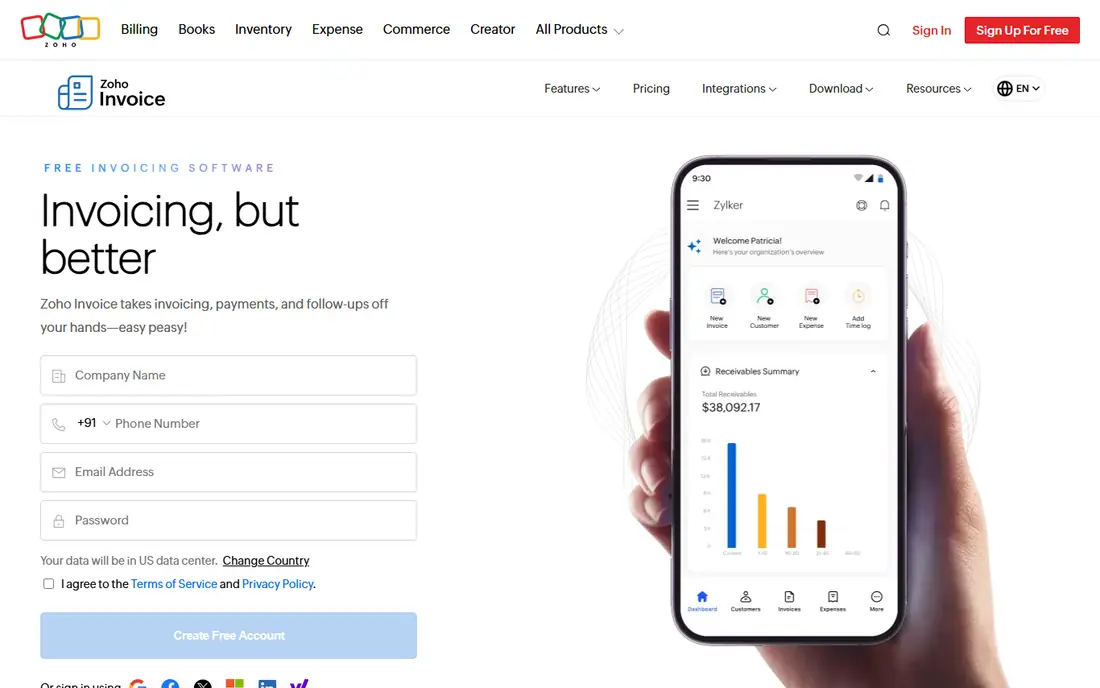
Zoho Invoice is the best free billing tool in this list because it does not feel like a stripped trial. You can create invoices, set recurring billing, send payment reminders, and give clients a portal to view and pay invoices, all at no subscription cost. Multiple payment gateways are supported, so clients can pay by card or bank transfer depending on your setup.
The limit is scope. Zoho Invoice handles billing, not full double-entry accounting, so growing businesses that need inventory, payroll, or deep reporting will eventually move to Zoho Books. For a freelancer or small business that mainly needs to bill and get paid, Zoho Invoice covers the job without a monthly fee.
- Free forever for most small use
- Recurring invoices
- Client portal and payment gateways
- Not full accounting
- Larger teams may need Zoho Books instead
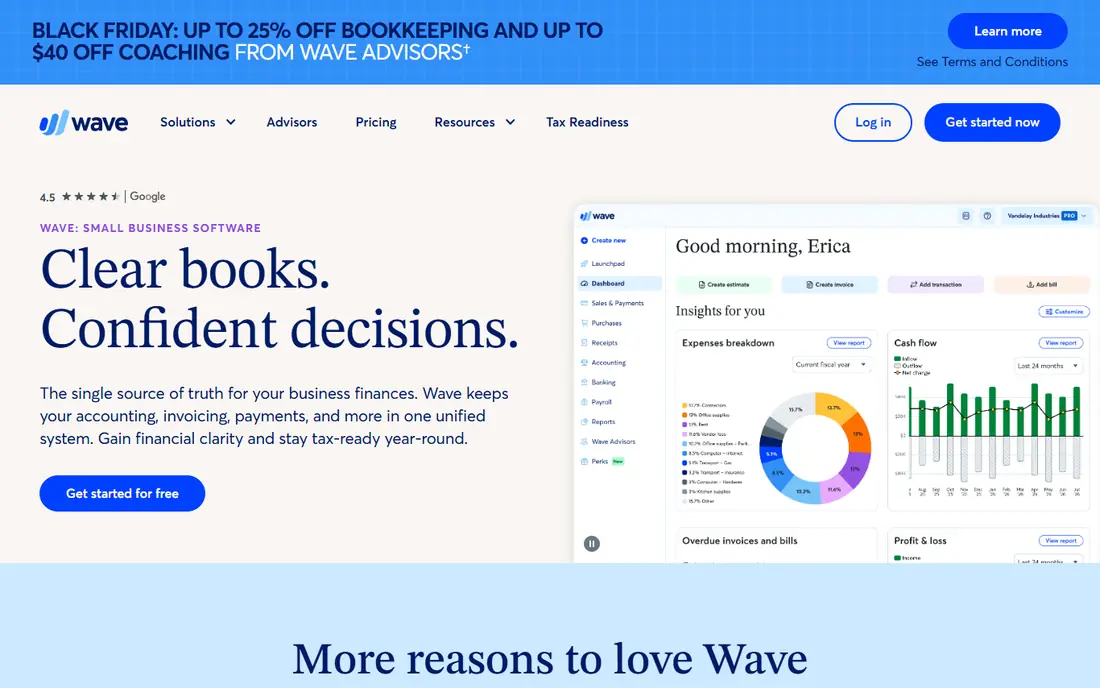
Wave pairs free invoicing with free bookkeeping, which makes it more than an invoice maker. You can send unlimited invoices, track who has paid, and keep basic books in the same place, with payment processing fees charged only when a client pays by card or bank payment. Setup is quick, and the interface avoids accounting jargon.
The trade-off is that payroll costs extra and advanced reporting is lighter than QuickBooks Online. Wave Pro, at 19 dollars per month, adds bank connections and other conveniences for businesses that want them. For a very small business on a zero software budget, Wave is a strong and honest starting point.
- Free unlimited invoices
- Free bookkeeping included
- Simple setup
- Payroll is a paid add-on
- Payment processing fees apply when clients pay online
FreshBooks is built around service billing, and it shows in how fast you can turn tracked time into an invoice. Client retainers, recurring invoices, and automated reminders sit on higher plans, while every plan keeps invoicing and expense tracking tidy. Invoices look professional, and clients can pay online without a separate payment tool.
The entry plan cap is the main catch. Lite covers five billable clients, so agencies and freelancers with larger rosters need Plus or a different tool. FreshBooks also lacks inventory depth for product businesses. For service billing with polish, it remains our pick for most small service firms.
- Polished invoices
- Time tracking to invoice
- Retainers and reminders on higher plans
- Lite plan caps billable clients at five
- No free plan
QuickBooks Online makes sense when billing is one part of a larger accounting job. Invoices feed directly into books, reports, and tax preparation, and most accountants already know the platform. Simple Start covers invoicing and expense tracking, while higher tiers add bill management, project tracking, and more users.
The downside is price and weight. At 38 dollars per month for Simple Start, it costs more than every standalone billing tool here, and the menus can feel heavy if you only send a few invoices a month. Choose QuickBooks Online when you need accounting depth or your accountant asks for it, not when you only need invoices.
- Invoicing inside full accounting
- Deep reporting
- Widest accountant support
- Highest entry price here
- Heavier than a standalone billing tool
Square Invoices suits businesses that already take payments through Square, whether in person, online, or both. The free plan covers basic invoicing, while Plus at 49 dollars per month adds deeper features such as milestones and custom templates. Mobile invoicing is strong, which helps field service and retail businesses that bill on site.
The limit is ecosystem fit. Square Invoices shines when payments already run through Square, and it is less compelling as a standalone billing tool for businesses using other payment providers. For Square users, though, it removes the need for a separate billing app.
- Free plan available
- Strong mobile and in-person payments
- Easy setup for Square users
- Plus plan costs 49 dollars per month
- Best inside the Square ecosystem
Invoice Ninja appeals to small teams that want control. The free plan covers up to five clients with a client portal, recurring invoices, and customizable templates, while Pro at 14 dollars per month lifts limits and adds features. An open source, self-hosted option exists for teams that want to run billing on their own servers.
The interface is less polished than FreshBooks, and setup takes a bit more care, especially for self-hosting. For a small agency that wants customization without a large monthly bill, Invoice Ninja offers unusual value. Larger teams should check Pro pricing against client count before committing.
- Free for up to five clients
- Client portal included
- Open source and self-hosting option
- Interface less polished than FreshBooks
- Paid plan needed for larger client counts
PayPal Invoicing charges no software fee, which makes it an easy fallback for any business whose clients already pay through PayPal. You can create and send invoices from the PayPal dashboard or app, track payment status, and send reminders. Clients recognize the brand, which can speed payment for one-off work.
Transaction fees apply when clients pay, and billing automation is lighter than Zoho Invoice or FreshBooks. Recurring billing and client portals exist but lack the depth of dedicated tools. For occasional invoicing to PayPal-friendly clients, PayPal Invoicing is simple and free to start.
- No software subscription fee
- Clients can pay without a PayPal account in many cases
- Widely recognized
- Transaction fees apply
- Less billing automation than dedicated tools
Stripe Invoicing suits online and subscription businesses that need reliable payment processing behind their invoices. It handles one-off invoices, recurring billing, and subscriptions, with broad payment method support and developer tools for custom checkout flows. That depth is why many software and digital service companies build billing on Stripe.
The trade-off is pricing and complexity. Stripe pricing is usage-based, with transaction fees that vary by payment method and region, so we list it as See website rather than a flat monthly figure. Non-technical users may also find Stripe less approachable than Zoho Invoice or FreshBooks. For digital businesses that live online, Stripe is a powerful billing backbone.
- Strong online payment and subscription billing
- Developer-friendly
- Global payment methods
- Pricing is usage-based and needs checking
- Less friendly for non-technical users
How we picked these
We compared official pricing pages and feature lists, and we favored tools that handle invoicing, recurring billing, and online payments without forcing a full accounting suite. We checked that each product is available in October 2026 and that its homepage loads and matches the product named. We did not claim hands-on testing. Payment processing fees apply separately on most free tools, so confirm those fees on the vendor site before you compare headline prices.
How to choose billing software
Start with billing volume and repeat patterns. If you bill the same clients each month, recurring invoices and automated reminders matter more than template variety. If you bill one-off projects, fast invoice creation and easy online payment matter most. Count clients too, since free plans from Invoice Ninja and entry plans from FreshBooks both cap client counts.
Next, check payment options and fees. Card and bank payment fees vary by provider and can outweigh a small subscription saving if you process large volumes. Confirm which payment methods your clients actually use, whether the tool supports them, and how quickly funds reach your account. A tool that clients find hard to pay through will cost you more in chasing than it saves in fees.
Finally, decide whether billing should live alone or inside accounting. Standalone billing is cheaper and simpler, but it creates extra work at tax time if books live elsewhere. If you already use QuickBooks, Xero, or Zoho Books, billing inside that suite may be the better long-term choice even at a higher price. Trial your top two options with a real invoice before you commit.
Sources
- https://www.zoho.com/invoice
- https://www.waveapps.com
- https://www.freshbooks.com
- https://quickbooks.intuit.com
- https://squareup.com
- https://invoiceninja.com
- https://www.paypal.com
- https://stripe.com
- https://kurums.com/best-invoicing-software-2026-comparison/?v=653f5ac96a69
- https://fojilo.com/best-free-invoice-generator-small-agencies/
Frequently asked questions
Which software is best for billing?
Zoho Invoice is best for free billing with depth, FreshBooks is best for polished service billing, and QuickBooks Online is best when billing must sit inside full accounting. The best billing software depends on client count, recurring billing needs, and whether you need accounting alongside invoices.
What is the best online billing software for small business?
Zoho Invoice and Wave both offer free online billing for small businesses, with Wave adding free bookkeeping. Square Invoices suits businesses already using Square, while Stripe Invoicing suits online and subscription businesses. Compare payment fees, not just subscription price.
What is the best invoice software for small business free?
Zoho Invoice offers the most billing features at no cost, including recurring invoices and a client portal. Wave offers free unlimited invoices plus bookkeeping, and Invoice Ninja offers a free plan for up to five clients. PayPal Invoicing is also free as software, with transaction fees on payments.
What is the best billing platform for recurring billing?
Zoho Invoice, FreshBooks on higher plans, Stripe Invoicing, and QuickBooks Online all handle recurring billing well. Stripe is strongest for subscriptions with complex pricing, while Zoho Invoice is strongest for simple monthly retainers at no subscription cost. Check reminder and late-fee automation before you choose.
How much does billing software cost?
Free tools such as Zoho Invoice, Wave, and PayPal Invoicing charge no subscription, though payment processing fees apply. Paid billing starts around 14 dollars per month for Invoice Ninja Pro and 23 dollars per month for FreshBooks Lite, while QuickBooks Online starts at 38 dollars per month. Always add payment fees to the subscription price for a true total.