Best Blood Pressure Apps in 2026: 8 Apps Compared
By ToolNimba Editorial Team November 9, 2026 11 min read

- Top pick
 OMRON Connect
OMRON cuff owners
Starting priceFreeCheck out OMRON ConnectRead our review - Runner-up
 Withings App
Withings cuff owners
Starting priceFreeCheck out Withings AppRead our review - Also great
 SmartBP
Typed readings and reports
Starting priceFreeCheck out SmartBPRead our review
How we researched this
We compared official pricing and feature pages, app store listings, privacy policies and public user reviews. Prices change, so check the provider's site before you pay.
Key takeaways
- OMRON Connect and Withings App are the best choices if you already own a cuff from those brands, since readings sync automatically.
- SmartBP and MedM Blood Pressure Diary suit any cuff, because you can type readings in or sync from many devices.
- Apple Health is a strong free record keeper for iPhone users who want readings beside other health data.
- This is not medical advice. Home readings are estimates for tracking trends, and a clinician should handle diagnosis and treatment decisions.
- Take two readings in the morning and two at bedtime for several days, sitting quietly with your arm supported, for a more useful trend.
Quick comparison
| Name | Best for | Starting price | Free plan | |
|---|---|---|---|---|
| OMRON Connect | OMRON cuff owners | Free | Yes | Visit |
| Withings App | Withings cuff owners | Free | Yes | Visit |
| SmartBP | Typed readings and reports | Free | Yes | Visit |
 Apple Health | iPhone health records | Free | Yes | Visit |
 iHealth MyVitals | iHealth cuff owners | Free | Yes | Visit |
 MedM Blood Pressure Diary | Many Bluetooth cuffs | Free | Yes | Visit |
 Samsung Health Monitor | Galaxy Watch estimates | Free | Yes | Visit |
 Hello Heart | Employer health programs | Free | Yes | Visit |
The best blood pressure apps
A blood pressure app is mainly a log: it stores readings, shows trends over time, and produces a report you can share with a clinician. Some apps work only with one brand of cuff, while others accept typed readings from any cuff. This is not medical advice, and home readings are estimates for tracking, not a substitute for clinical measurement. We compared official app pages, app store listings and recent health app comparisons for the apps below, focusing on cuff compatibility, sync, reports and cost.
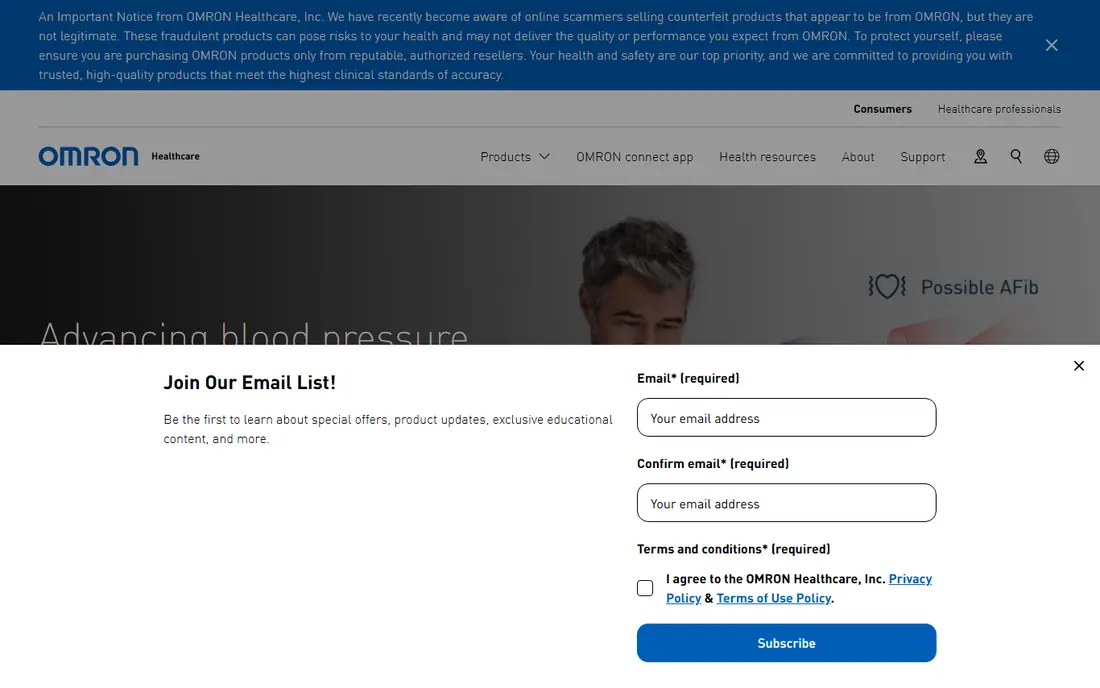
OMRON Connect is the companion app for OMRON Bluetooth blood pressure monitors, and that pairing is its strength. Readings sync automatically, so you do not need to type numbers or worry about a transcription error, and the app stores weight, activity and other OMRON device data in one place. That automatic flow makes it easier to keep a consistent log over weeks, which is what a clinician needs to see a trend.
The app is free to sync and store readings, while premium features such as deeper insights, medication tracking and detailed reports cost extra. It is less useful if you own a different brand of cuff, since manual entry is not its main design. If you already use an OMRON cuff, this is the simplest and most reliable log to start with.
- Automatic Bluetooth sync from OMRON monitors
- Unlimited reading history
- Sharing with a clinician or family member
- Works best with OMRON devices
- Premium insights and reports cost extra
- Sync can need re-pairing at times
Withings App pairs with Withings BPM monitors and gives one of the clearest trend views on this list. Readings sync from the cuff, charts show morning and evening patterns, and a health report can be shared with a clinician. If you already use Withings scales or watches, the shared app keeps all home health data in one timeline, which helps when you review lifestyle changes beside blood pressure.
The core app is free, while Withings Plus, around $9.95 per month, adds guidance and extra insights. The cuff itself is a separate purchase, so the total cost is higher than a free log app alone. For a Withings device owner who values clear charts and a simple report, the app is a strong fit, provided you do not need the paid guidance to use the basic log.
- Clean charts for blood pressure trends
- Health report sharing
- Works with a wide Withings device range
- Needs a Withings cuff for automatic sync
- Some guidance needs a Withings Plus subscription
- Cuff is sold separately
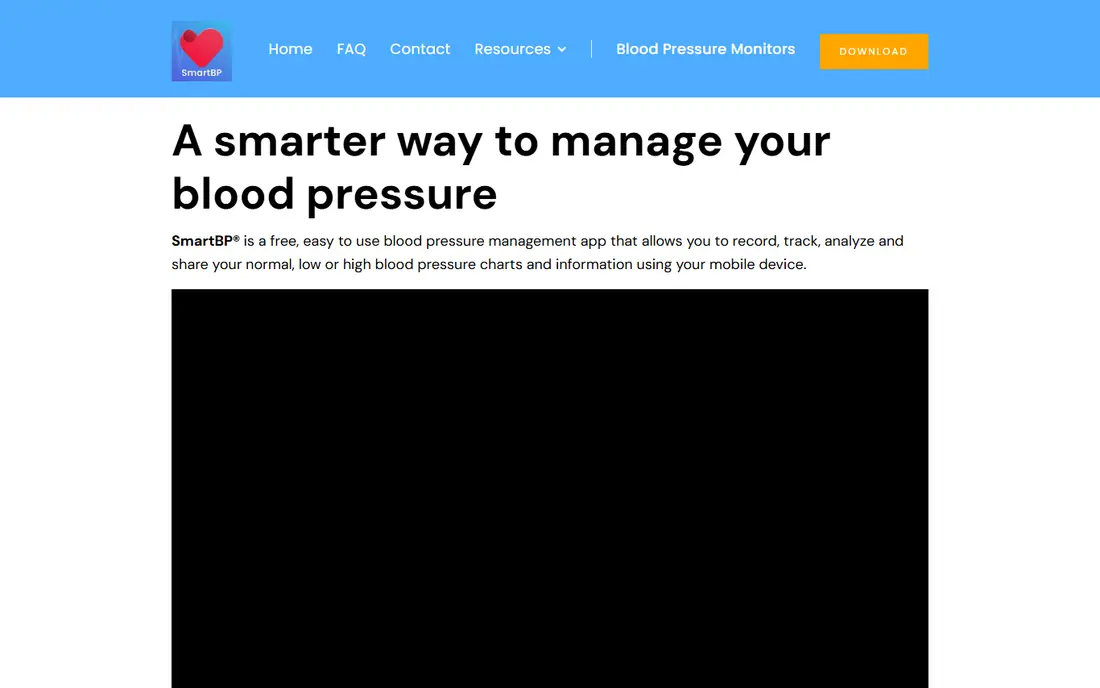
SmartBP is the flexible choice for people who do not want to be tied to one cuff brand. You can type readings in from any validated upper-arm cuff, sync data through Apple Health where supported, and generate PDF or CSV reports to share. Multi-user support helps a household where two people track readings on one device, and cloud backup keeps the history safe if you change phones.
The free version covers basic logging, while premium plans, reported at around $39.99 per year in recent comparisons, add more reports and backup options. Manual entry is the main risk: double-check each number before saving, since a typed error can distort a trend. For a reader with an existing cuff from any brand, SmartBP is the most practical log.
- Works with any cuff through typed entry or sync
- PDF and CSV reports for clinicians
- Multi-user support for families
- Premium features need a paid plan
- Manual entry needs care to avoid errors
- Interface is functional rather than polished
Apple Health is not a blood pressure app on its own, but it is a useful record keeper for iPhone users. You can log blood pressure readings manually, or sync them from a connected cuff app such as OMRON Connect or Withings App, and see them beside weight, activity and medication data. Health Sharing lets you share selected data with a clinician or a family member, and a PDF log can be taken to an appointment.
The limits are platform and depth. Apple Health is iPhone only, and its blood pressure charts are simpler than SmartBP or a device app. It also does not measure blood pressure itself; you still need a validated cuff. Use Apple Health as a central record when you already live in the Apple system, and pair it with a dedicated log app if you need detailed reports.
- Built into iOS at no extra cost
- Stores readings beside other health data
- PDF log and health sharing options
- IPhone only
- Needs a cuff or another app for readings
- Trend tools are simpler than dedicated BP apps
iHealth MyVitals is the companion app for iHealth blood pressure monitors and other iHealth devices. Readings sync from the cuff, history is easy to review, and exports in CSV, XLS or PDF formats help when a clinician wants the raw numbers rather than a chart image. That export range is a practical benefit for a patient who tracks readings for a clinician review.
As with other device apps, the value drops if you do not own the brand. Manual entry and lifestyle tracking are thinner than in SmartBP, and the app is focused on device data rather than coaching. If you already have an iHealth cuff, MyVitals is a free and straightforward log. If you are buying a cuff fresh, compare the cuff price and accuracy validation first, then let the app follow that choice.
- Free sync from iHealth cuffs
- CSV, XLS and PDF exports
- Simple history and trend views
- Best with iHealth devices
- Fewer lifestyle features than Withings
- Export setup needs a few steps
MedM Blood Pressure Diary suits readers who own a Bluetooth cuff that is not from OMRON, Withings or iHealth, or who change cuffs over time. It supports a wide range of Bluetooth devices, stores readings in a diary format, and offers export and cloud sharing for clinician review. That broad compatibility avoids the brand lock-in that device apps create, while still giving automatic sync.
The free version covers basic logging, while a lifetime premium option, reported at around $99.99 in recent comparisons, adds more features. Setup can vary by cuff model, so check compatibility for your exact monitor before relying on sync. For a reader with an unusual or older Bluetooth cuff, MedM is worth testing before buying a new cuff just for its app.
- Supports many Bluetooth cuff brands
- Export and cloud sharing options
- Works without one brand lock-in
- Lifetime premium cost is high for some users
- Interface is less familiar than big-brand apps
- Setup varies by cuff model
Samsung Health Monitor offers blood pressure estimates on Galaxy Watch models, after calibration with a validated upper-arm cuff. That wrist-based estimate can be useful for frequent checks between cuff readings, and the history lives in the Samsung Health system alongside activity and sleep data. For a Galaxy user who already wears a compatible watch, it adds convenience without a new device.
The limits are important. You need a Galaxy Watch, a Galaxy phone and a cuff for calibration, and watch estimates do not replace cuff readings for clinical decisions. Availability also varies by market and model. Treat Samsung Health Monitor as a companion to a cuff, not a substitute, and confirm calibration and local availability before relying on it.
- Blood pressure estimates from a Galaxy Watch after cuff calibration
- Free app for Galaxy users
- In-app history
- Needs a Galaxy Watch and a Galaxy phone
- Needs a validated cuff for calibration
- Watch estimates are not a cuff replacement
Hello Heart is offered mainly through employers and health plans, rather than as a general app store download for any reader. Participants get a connected cuff through the program, track readings in the app, log medications and lifestyle factors, and share reports with a clinician. That structured path suits someone whose employer or plan already covers the program, since the cuff, app and coaching support arrive together.
The access limit is the main drawback for a general reader. If your employer or plan does not offer Hello Heart, you cannot simply sign up in the same way as SmartBP or Apple Health. Check your benefits first: if Hello Heart is offered to you, it is a strong, guided option. If not, choose a device app or SmartBP and discuss your log with your clinician directly.
- Structured tracking and reports
- Medication and lifestyle logging
- Designed for clinician sharing
- Usually offered through an employer or health plan
- Not a general free download for everyone
- Cuff may be supplied through the program
How we picked these
We compared official app pages, app store listings and recent blood pressure app comparisons published in 2026, and kept only apps that log blood pressure readings and still work in October 2026. We favored a mix of device apps, brand-free logs and platform health records, and we excluded apps that claim to measure blood pressure from a phone camera alone without a validated cuff. This article is not medical advice, and we did not claim clinical testing of any cuff or app.
How to get useful readings at home
An app can only store what your cuff measures, so technique matters more than any chart feature. The steps below follow common home measurement guidance and help your log reflect a real trend rather than a single rushed number.
Measure the same way each time
Sit with your back supported, feet flat on the floor and legs uncrossed, rest quietly for five minutes, and keep your arm on a table at heart level. Skip coffee, exercise and smoking for 30 minutes before measuring, use the bathroom first, and stay still and silent during the reading. Take two readings about one minute apart and save both.
Track morning and evening patterns
Many clinicians ask for two readings in the morning and two at bedtime for at least three days, ideally seven, to see a pattern. Set reminders in your app for those times, note medications, sleep and stress factors where the app allows it, and bring the full log, not just the highest or lowest numbers, to your appointment.
Know when to seek care
If readings are repeatedly high, very low, or paired with symptoms such as chest pain, breathlessness, severe headache or vision changes, seek medical care promptly rather than waiting for an app trend to improve. An app cannot diagnose hypertension, adjust medication or replace a clinician visit, and a single unusual reading should be repeated with correct technique before you act on it alone.
Sources
- https://editorialge.com/best-apps-for-tracking-blood-pressure-at-home/
- https://caringvillage.com/blog/caregiver-tech/best-blood-pressure-app/
- https://www.lilachbullock.com/best-blood-pressure-app/
- https://omronhealthcare.com
- https://www.withings.com
- https://www.smartbp.app
- https://www.apple.com
- https://ihealthlabs.com
- https://medm.com
- https://www.samsung.com
- https://www.helloheart.com
Frequently asked questions
What is the best blood pressure app?
OMRON Connect suits OMRON cuff owners, Withings App suits Withings owners, and SmartBP suits any cuff through typed entry or sync. Apple Health is a strong free record keeper for iPhone users. The best app for you depends mainly on the cuff you already own and whether you need detailed reports.
What is the best free app for blood pressure?
SmartBP, Apple Health, OMRON Connect, Withings App and iHealth MyVitals all offer free basic logging. SmartBP is the best free choice for any cuff, since it does not require one brand. Check whether premium reports or cloud backup need a paid plan before you rely on those features.
Can a phone measure blood pressure without a cuff?
No reliable phone-only method replaces a validated upper-arm cuff for home tracking. Some watches offer estimates after cuff calibration, such as Samsung Health Monitor, but those estimates still need a cuff for calibration and are not a substitute for cuff readings in clinical decisions. Be cautious of any app that claims cuff-free measurement from a camera alone.
How often should I check my blood pressure at home?
A common pattern is two readings in the morning and two at bedtime for at least three days, ideally seven, when a clinician asks for a home log. Your clinician may suggest a different schedule based on your health, so follow their guidance rather than an app default. Keep the same technique and times each day for a comparable trend.
Can I share my blood pressure log with my doctor?
Yes. Most apps on this list offer PDF, CSV or in-app sharing, and Apple Health offers health sharing with selected contacts. Bring the full log to an appointment, including dates, times and any notes on medication or symptoms, rather than only a single high or low reading.
Is a blood pressure app medical advice?
No. These apps log and display readings, but they do not diagnose, treat or adjust medication. This article is not medical advice, and readings at home are estimates for tracking trends. See a clinician for diagnosis, treatment decisions and any reading that worries you.