Best Business Card Scanner Apps in 2026: 8 Apps Compared
By ToolNimba Editorial Team November 12, 2026 9 min read

- Top pick
 CamCard
Pure scanning in many languages
Starting price$9.99 per monthCheck out CamCardRead our review - Runner-up
 Blinq
Sharing a digital card plus scanning
Starting priceFreeCheck out BlinqRead our review - Also great
 HiHello
Custom digital cards
Starting priceFreeCheck out HiHelloRead our review
How we researched this
We compared official pricing and feature pages, app store listings, privacy policies and public user reviews. Prices change, so check the provider's site before you pay.
Key takeaways
- CamCard remains the strongest pure scanner for multilingual cards, with paid plans from $9.99 per month.
- Blinq and HiHello suit people who also want a digital card to share, since scanning is only part of what they do.
- Covve and Popl add contact enrichment and follow-up tools, which matters more at conferences than at a single meeting.
- Free plans vary a lot, so check the scan limit before you rely on one for a whole event.
- Always review a scanned card before saving it, since one wrong email address can lose a lead.
Quick comparison
| Name | Best for | Starting price | Free plan | |
|---|---|---|---|---|
| CamCard | Pure scanning in many languages | $9.99 per month | Yes | Visit |
| Blinq | Sharing a digital card plus scanning | Free | Yes | Visit |
| HiHello | Custom digital cards | Free | Yes | Visit |
 Covve | Enriched contacts and follow-up | See website | Free trial | Visit |
 Popl | Event lead capture for teams | Free | Yes | Visit |
 Haystack | A free option for individuals | Free | Yes | Visit |
 ABBYY Business Card Reader | Accurate scans on iPhone | $7.99 per month | Yes | Visit |
 ScanBizCards | Batch scanning at events | $100 per year | Yes | Visit |
The best business card scanner apps
A good scanner turns a paper card into a correct contact in seconds, then gets out of the way. We compared official feature pages, pricing pages and app store listings for the apps below, and we focused on scan accuracy, export options, sharing tools and price.

CamCard is our pick for most people who simply want to scan cards well. It reads cards in languages including English, Spanish, French, German, Chinese, Japanese and Korean, which helps when you meet people at international events. The free plan covers a limited number of scans, and the paid plan is listed at $9.99 per month or $49.99 per year on its app store listing.
The honest catch is that CamCard stops at the scan. It does not enrich a contact with company details or social profiles, and it does not run follow-up campaigns for you. If you want a contact list that is accurate and easy to search, that focus is a strength. If you want a full networking workflow, pair it with a CRM or pick one of the team tools below.
- Reads cards in many languages
- Keeps a clean contact record with notes
- Exports to common contact formats
- No built-in contact enrichment
- CRM connections are light compared with team tools
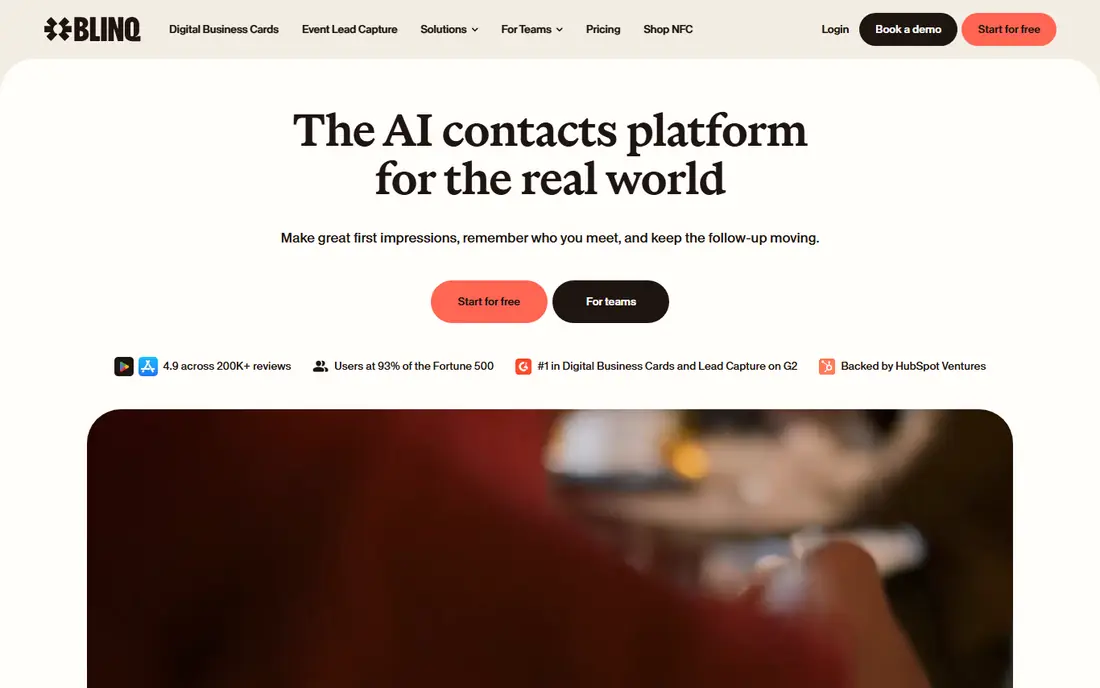
Blinq starts from the other direction. You create a digital business card first, share it with a QR code or link, and scan paper cards into the same contact list. Recipients do not need the app to receive your details, which removes a common point of friction at events. Premium is listed at $9.99 per month, and a Business plan is listed at $6.99 per user per month.
For a person who attends conferences often, Blinq covers both sides of the exchange. You hand out a digital card, and you capture the cards you receive. The trade-off is that the scanning experience is part of a larger product, so people who want only a scanner may find the extra features distracting.
- Free plan includes digital cards and contact creation
- Recipients do not need the app
- Premium adds AI notes and more cards
- Paid features matter most for heavy networkers
- Scanning is one feature among many
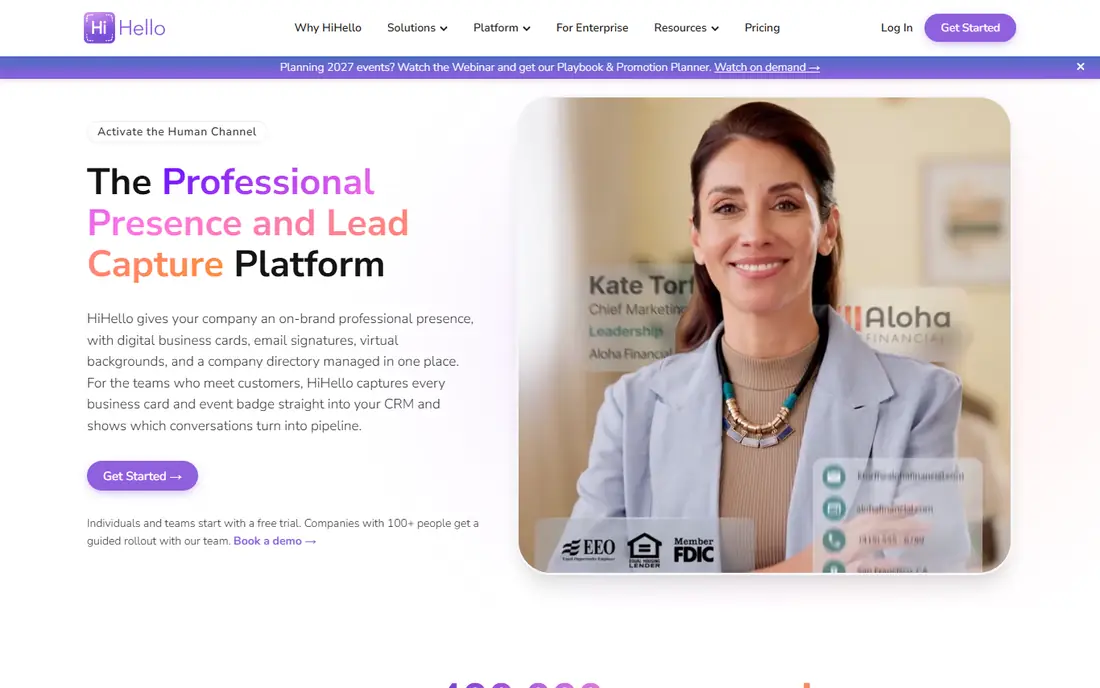
HiHello appeals to people who care how their own card looks. It offers many fields, including social profiles that other tools leave out, and it lets you make several cards for different roles. The free plan is a genuine way to try it, but with 5 scans per month it will not cover a busy event. Paid plans start at $6 per user per month for teams.
The scanner itself is solid, and batch scanning helps after a trade show. The weakness is the free tier limit, which is easy to hit on a single good day of networking. If you scan rarely and share often, HiHello is a good fit. If you scan in bulk, check the paid plan before you commit.
- Free plan available
- Wide range of card fields and designs
- Batch scanning on paid plans
- Free plan allows only 5 scans per month
- Best features sit on paid team plans
Covve tries to solve the problem after the scan, which is remembering who someone is and why they matter. It enriches contacts, supports sharing through a digital card and Apple Wallet, and even lets you add a contact by voice. That combination suits salespeople and founders who meet many people and need context weeks later.
Pricing is the weak point here, since Covve does not publish one simple price on every page, and third-party comparisons quote different figures. We list it as See website for that reason, and you should confirm the current plan before buying. If enrichment matters to you, it is worth a trial. If you only need clean scans, a cheaper tool will do.
- Enriches contacts with extra details
- Supports digital sharing and Apple Wallet
- Voice-based contact entry is a useful extra
- Pricing is not as clearly published as some rivals
- Full value needs the paid plan
Popl is built for teams that work events. Individuals can share a digital card for free, and paid plans from $7.99 per month add lead capture, follow-up automation and CRM sync. At a booth, that matters, because a scanned badge should land in the CRM with context, not sit in one person's phone.
For a solo user, Popl may feel like more tool than needed. For a team that measures event return on investment, the CRM links and lead routing justify the price. Check the plan that matches your team size, since per-user pricing adds up fast.
- Free basic card sharing for individuals
- CRM sync with Salesforce and HubSpot
- Built for conferences and teams
- Team features cost more
- Overkill for occasional personal use
Haystack is the pick for someone who wants a decent scanner without paying at all. Individual users can use it free, with paid team plans from $2.50 per user per month for teams of 10 or more. Cards look good, and the app tries to fill in missing details rather than leaving blank fields.
The limit is scale. Haystack is less known for enterprise CRM workflows, and its integrations are narrower than Popl or Blinq. For personal networking and small teams, that is rarely a problem. For a large sales operation, test the CRM path before rolling it out.
- Free for individual users
- Attractive card designs
- Fills gaps in contact details automatically
- Team plans are where the deeper features sit
- Smaller ecosystem than the big names
ABBYY Business Card Reader is the specialist in this list. It does one job, reading cards accurately, and it does it well on iPhone. Pricing is listed at $7.99 per month, $29.99 per year, or $59.99 as a one-time purchase, with a small number of free scans to start.
The catch is platform and scope. Android users should look elsewhere, since that app was discontinued in 2023. And once a card is scanned, you export it and move on. There is no enrichment, no digital card and no follow-up tool. For iPhone users who value accuracy above extras, it remains a strong choice.
- Strong recognition accuracy on iPhone
- Simple, focused scanning
- One-time purchase option listed alongside subscriptions
- Android app was discontinued in 2023
- Nothing much happens after the scan except export
ScanBizCards has been around for years, and it shows in its event focus. Batch scanning lets you work through a stack of cards after a show, and exports feed the contacts into a CRM or spreadsheet. The free plan has limits, and the paid plan is listed at $100 per user per year.
Newer apps look fresher and add digital cards, which ScanBizCards does not lead with. If your main need is getting a pile of cards into a usable list quickly, it still earns its place. If you want a modern sharing card too, Blinq or HiHello will suit you better.
- Batch scanning suits trade shows
- Exports to CRM and contact lists
- Long track record in event capture
- Interface feels dated next to newer rivals
- Pricing is per user per year
How we picked these
We compared official feature pages, pricing pages and app store listings, and we checked third-party roundups only to cross-check prices and platform support. We favored apps that still work in October 2026, that truly scan paper cards (not only share digital ones), and that publish enough pricing detail to judge value. We left out apps that have been retired, such as Microsoft Lens on iOS, and tools that only share a digital card without scanning.
What to check before you pay
Scan limits on the free plan
A free plan with 5 scans per month is fine for occasional use and useless at a conference. Count how many cards you collect at a typical event, then pick a plan that covers that number with room to spare.
Export before you commit
Scan a few test cards, then export them to your contacts app or CRM. Check that names, emails, phone numbers and company names land in the right fields. A pretty app that exports messy data will cost you time on every card.
Accuracy on hard cards
Foil logos, white text on dark stock and unusual layouts break weaker scanners. Try your hardest real cards during a trial, and correct any errors before saving. A scanner that is right 95 percent of the time still needs a quick review pass.
Privacy and sharing
A scanned card contains someone else's personal details. Check what the app stores, whether contacts sync to a cloud account, and how you can delete data. Business users should also check whether the vendor offers terms that fit their company policy.
Sources
Frequently asked questions
What is the best business card scanner app for most people?
CamCard is our pick for most people, because it focuses on accurate scanning in many languages and keeps the workflow simple. If you also want to share a digital card, Blinq or HiHello may fit better, since they cover both sides of the exchange.
Is there a good free business card scanner app?
Yes. Haystack is free for individuals, and Blinq, HiHello and Popl all offer free plans. Free plans usually limit scans or features, so check the scan cap before an event. For a single meeting or a few cards a month, a free plan is often enough.
Can a scanner app export contacts to my CRM?
Many can. Popl syncs with Salesforce and HubSpot, and most scanners export contacts in formats your phone or CRM can import. Test the export during a trial, and confirm that fields map correctly before you scan a whole event.
Do business card scanners work with cards in other languages?
CamCard is the strongest here, with support for languages including Chinese, Japanese and Korean. Other apps handle English-language cards well but may struggle with non-Latin scripts. If you attend international events, test a real card in each language you meet.
What happened to Microsoft Lens as a card scanner?
Microsoft retired Lens from iOS starting in January 2026, and it has not been supported since February 2026. If you relied on it, move your workflow to a dedicated scanner from this list and export any saved contacts first.