Best Business Process Management Software in 2026: 9 Tools Compared
By ToolNimba Editorial Team November 9, 2026 9 min read

- Top pick
 Appian
Enterprise low-code automation
Starting priceSee websiteCheck out AppianRead our review - Runner-up
 Pega Platform
Enterprise case management
Starting priceSee websiteCheck out Pega PlatformRead our review - Also great
 Camunda
Developer-led orchestration
Starting priceFreeCheck out CamundaRead our review
How we researched this
We compared official pricing and feature pages, app store listings, privacy policies and public user reviews. Prices change, so check the provider's site before you pay.
Key takeaways
- Appian is our pick for large organisations that need low-code apps, process automation and strong governance in one platform.
- Camunda is the best choice for developer-led teams that want open standards and control over process orchestration.
- Kissflow and Pipefy suit smaller teams that need simple approvals and workflows without an enterprise sales cycle.
- Most enterprise BPM tools do not publish a simple price, so expect a quote based on users, volume and deployment.
- Start with one process, such as approvals or onboarding, before trying to automate everything at once.
Quick comparison
| Name | Best for | Starting price | Free plan | |
|---|---|---|---|---|
| Appian | Enterprise low-code automation | See website | Free trial | Visit |
| Pega Platform | Enterprise case management | See website | No | Visit |
| Camunda | Developer-led orchestration | Free | Yes | Visit |
 Bizagi | Process modelling and automation | See website | Yes | Visit |
 Kissflow | Simple team workflows | $1,500 per month | Free trial | Visit |
 Pipefy | Kanban process automation | $20 per user per month | Yes | Visit |
 Cflow | No-code approvals | $11 per user per month | Free trial | Visit |
 ProcessMaker | Complex process automation | $1,500 per month | Free trial | Visit |
 Nintex | Process mapping and documents | See website | Free trial | Visit |
The best business process management software
Business process management software, often called BPM software, helps teams design, run and improve repeatable processes such as approvals, onboarding, claims and procurement. The best BPM tools in the market range from simple no-code workflow builders to enterprise platforms for case management and automation. We compared official feature pages, pricing pages and public reviews for the tools below.
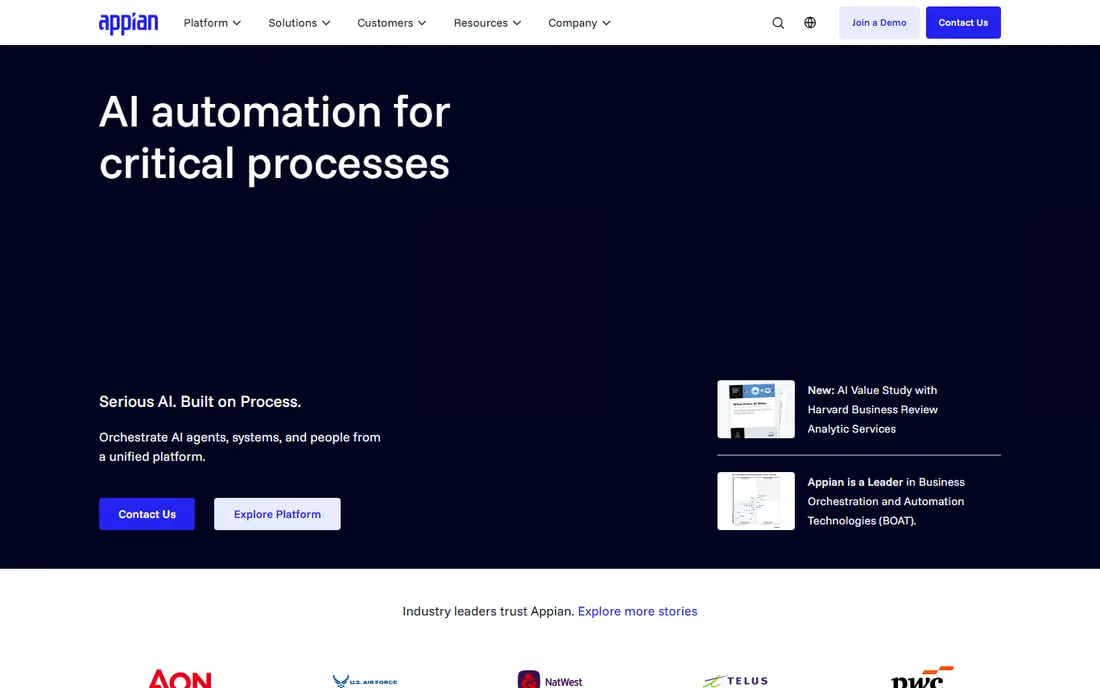
Appian combines process design, low-code application building, automation and data access in a single platform, which is why large organisations use it for complex, regulated work. Teams can model a process, build the forms and interfaces around it, and track cases from start to finish without stitching together many separate tools.
The main drawback is access. Appian does not publish a simple self-serve price, so smaller teams will face a sales process and enterprise-style costs. If you run a large organisation with strict governance needs, that trade-off is often worth it. Smaller teams should look at Kissflow, Pipefy or Cflow first.
- Low-code app building
- Process automation and data tools in one platform
- Strong enterprise controls
- No simple published price
- Can be costly and complex for small teams
Pega Platform is built for enterprises that handle high volumes of cases, such as insurance claims, bank onboarding and customer service workflows. Its decisioning tools help route work by rules and data, rather than by manual triage, and its case management keeps long, multi-step work in one place.
That power comes with complexity and cost. Pega does not publish a standard price, and implementation usually needs skilled teams or partners. It is a poor fit for a small team that just needs approvals, but it is a strong pick for large operations where case complexity is the main problem.
- Strong case management and decisioning
- Built for large, complex operations
- Deep automation options
- Quote-only pricing
- Steep learning curve
- Overkill for simple workflows
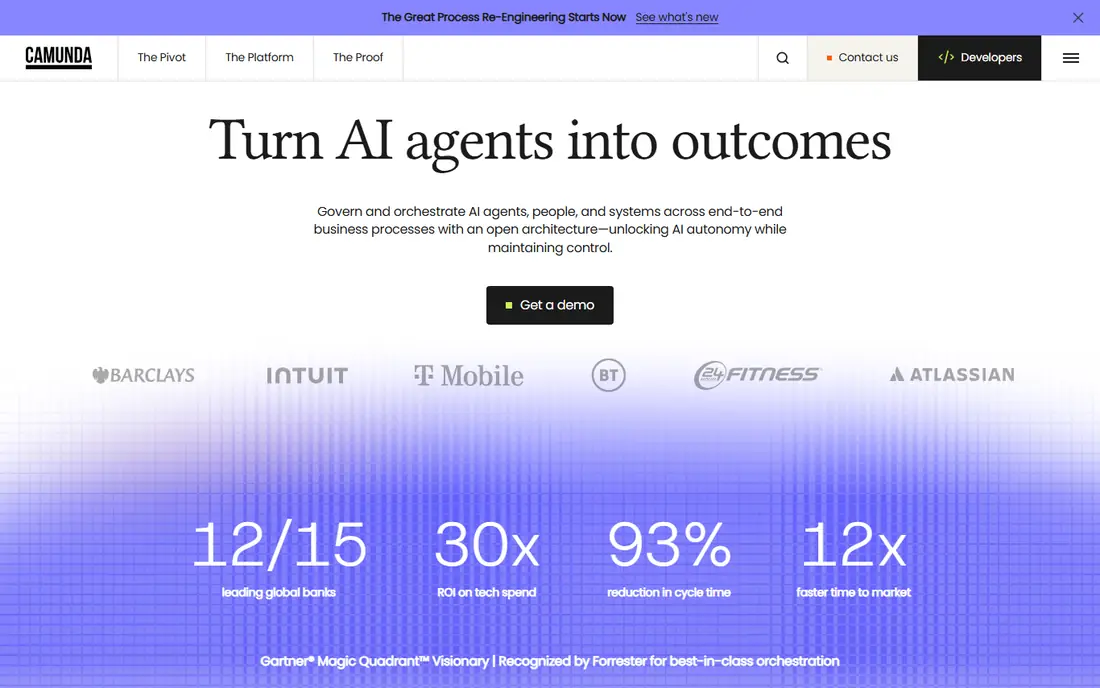
Camunda takes a developer-first approach to process orchestration, using open standards to coordinate work across systems, microservices and people. Technical teams can model processes in BPMN, run them with the Camunda engine, and integrate with existing code and APIs without being locked into a closed modelling language.
Business users may find Camunda less approachable than low-code rivals, since much of its strength sits in developer tooling and deployment options. If your team has engineers who will own process automation, Camunda gives control and flexibility that closed platforms cannot match. Commercial plans are quote-based, while a free tier supports getting started.
- Open standards such as BPMN and DMN
- Self-managed and cloud options
- Strong developer tools
- Needs technical skill
- Less friendly for non-technical business users
Bizagi starts with process modelling, which makes it a good first step for teams that need to map how work actually flows before automating it. Its free modeller lets teams draw BPMN processes, collaborate on designs and share a clear picture of each step, owner and decision.
Moving from models to live automation requires the enterprise platform, and pricing there is quote-based and usage-driven. That makes Bizagi a sensible choice for mid-size and large teams that want modelling and automation in one family of tools, rather than buying a modeller and a separate automation platform.
- Free process modeller
- BPMN-based design
- Low-code automation for business teams
- Enterprise pricing is quote-based
- Full automation needs planning and training
Kissflow lets business users build workflows with forms, approvals and reports, without writing code. Teams use it for requests, onboarding, procurement and other repeatable work, and its templates help new users start from a working process rather than a blank page.
The entry price, listed around $1,500 per month for its standard offering, puts Kissflow out of reach for tiny teams, even though the tool itself is easy to use. Mid-size teams that need many workflows and users will get more value from it than a five-person team that only needs a few approvals.
- No-code forms and approvals
- Many templates
- Easy for business users to build
- Entry price is high for very small teams
- Enterprise focus in recent pricing
Pipefy turns processes into kanban pipelines, where each card moves through stages such as request, review and approval. That visual style suits service desks, hiring, procurement and other work that passes through clear stages, and intake forms let outside people start a process without seeing internal data.
Paid plans start around $20 per user per month, with a free tier for getting started. Pipefy is easier to adopt than enterprise BPM platforms, but teams with many users should compare its per-user cost with Kissflow's flat-style pricing and with Cflow's lower entry price.
- Kanban pipelines
- Intake forms and portals
- Templates for common processes
- Per-user pricing adds up for large teams
- Advanced features need higher plans
Cflow focuses on the core BPM job for smaller teams: build a form, route it for approval, track it and report on it. Its visual builder is easy to learn, and its entry plan, listed around $11 per user per month on annual billing, is more accessible than Kissflow or ProcessMaker.
The limits are scale and breadth. Cflow does not match Appian or Pega for complex case management, and entry plans cap processes and reports. For teams that mainly need approvals and simple workflows, that focus is a strength, not a weakness.
- Simple visual builder
- Approval workflows and reports
- Lower entry price than many rivals
- Smaller ecosystem than larger platforms
- Some plans limit processes and reports
ProcessMaker suits organisations that need to automate complex, document-heavy processes with clear BPMN models, forms and approvals. It handles multi-step work across departments, and its document features help teams that deal with forms, contracts and case files as part of a process.
Pricing starts around $1,500 per month, so it is aimed at mid-size and larger teams rather than startups. Implementation also takes planning, especially for processes with many branches and integrations. If your processes are genuinely complex, ProcessMaker earns its price. If they are simple approvals, Cflow or Pipefy will be faster and cheaper.
- BPMN designer
- Document handling and approvals
- Strong for regulated workflows
- High entry price
- Needs skilled setup for complex processes
Nintex covers several parts of process work, including process mapping, document generation, forms and workflow automation. That breadth helps teams that need to document a process, generate documents from it and then automate the steps, without buying three separate tools.
Pricing is quote-based, and the product range has grown through acquisitions, so comparing plans takes care. Nintex fits mid-size and large organisations, especially those already using its mapping or document tools, better than it fits a small team looking for a single simple workflow builder.
- Process mapping tools
- Document generation
- Forms and workflow automation
- Quote-based pricing
- Product range can be confusing to compare
How we picked these
We compared official feature pages, pricing pages and public reviews, and we favoured tools that are still available, clearly support process modelling or automation, and cover different team sizes. We included enterprise platforms, developer tools and simpler no-code options, since the term BPM covers all of them. We did not claim hands-on testing, and several enterprise vendors do not publish prices, so we list those as See website rather than guessing a figure.
How to choose BPM software
Start by mapping one process on paper before you buy anything. List its steps, owners, decisions, systems and documents, then check which tools can run that exact process without heavy custom work. A tool that looks powerful in a demo can still fail on the one approval rule your team relies on.
Enterprise, developer or no-code
Enterprise platforms suit large, regulated operations with complex cases and strict controls. Developer tools suit teams with engineers who want open standards and system orchestration. No-code tools suit business teams that need approvals and simple workflows fast, without a long implementation. Picking the wrong category is the most common BPM mistake, and it costs more than picking the wrong vendor inside the right category.
Cost, deployment and exit
Ask for total cost, including users, process volume, add-ons and implementation, not just the headline plan. Check deployment options, since some teams need cloud, on-premise or hybrid hosting for compliance, and confirm how you export process data and models if you leave. Run a pilot on one live process, with real users and real deadlines, before rolling the tool out across the company.
Sources
Frequently asked questions
What is the best business process management software?
Appian is our pick for large enterprises, Camunda is best for developer-led teams, and Kissflow or Pipefy are better for smaller teams that need simple workflows. The best BPM software depends on team size, technical skill and process complexity, not just features.
What are the best business process management tools for small businesses?
Pipefy and Cflow are the most accessible tools on this list for small teams, thanks to clearer pricing and simpler setup. Bizagi's free modeller also helps small teams map processes before they pay for automation.
What are the top 10 BPM software options?
The most commonly cited leaders include Appian, Pega, Camunda, Bizagi, Nintex, Kissflow, Pipefy, ProcessMaker, Cflow and IBM Business Automation Workflow. This list covers nine of that group in depth, and IBM is a further enterprise option worth checking if you already use IBM systems.
How much does BPM software cost?
Simple tools start around $11 to $20 per user per month, while Kissflow and ProcessMaker start around $1,500 per month. Enterprise platforms such as Appian, Pega and Nintex are quote-based, with cost driven by users, volume and deployment.
Is BPM software the same as workflow automation?
Workflow automation is part of BPM, but BPM is broader: it also covers process modelling, measurement and improvement over time. A simple workflow tool may be enough for approvals, while full BPM software suits teams that need to design, run and improve complex processes.