Best Calorie Tracking Apps in 2026: 9 Apps Compared
By ToolNimba Editorial Team November 9, 2026 10 min read

- Top pick
 MyFitnessPal
Largest food database
Starting price$19.99 per monthCheck out MyFitnessPalRead our review - Runner-up
 Lose It
Simple weight loss diary
Starting price$79.99 per yearCheck out Lose ItRead our review - Also great
 Cronometer
Micronutrients and verified data
Starting price$10.99 per monthCheck out CronometerRead our review
How we researched this
We compared official pricing and feature pages, app store listings, privacy policies and public user reviews. Prices change, so check the provider's site before you pay.
Key takeaways
- Cronometer offers the strongest free tier for nutrient detail, with barcode scanning and broad micronutrient tracking at no cost.
- MyFitnessPal still has the largest food database, but barcode scanning and photo logging now require Premium at $19.99 per month.
- MacroFactor is the best choice for experienced trackers who want adaptive targets, but it has no permanent free tier.
- Lose It suits beginners who want a simple daily budget, while Carb Manager is the clear pick for keto and low-carb eaters.
Quick comparison
| Name | Best for | Starting price | Free plan | |
|---|---|---|---|---|
| MyFitnessPal | Largest food database | $19.99 per month | Yes | Visit |
| Lose It | Simple weight loss diary | $79.99 per year | Yes | Visit |
| Cronometer | Micronutrients and verified data | $10.99 per month | Yes | Visit |
 MacroFactor | Adaptive macro targets | $11.99 per month | Free trial | Visit |
 Yazio | Recipes and fasting tools | $47.90 per year | Yes | Visit |
 Lifesum | Diet plans and life score | $7.49 per month | Yes | Visit |
 Carb Manager | Keto and low-carb tracking | $8.49 per month | Yes | Visit |
 MyNetDiary | Feature-rich free tracking | $59.99 per year | Yes | Visit |
 FatSecret | Free barcode scanning | $14.99 per month | Yes | Visit |
The best calorie tracking apps
Calorie apps differ less in the basic math than in what they charge for everyday tools such as barcode scanning, photo logging, and adaptive targets. The nine apps below cover simple diaries, nutrient-deep trackers, and diet-specific tools. This is general information only, not medical advice, and anyone with a health condition, eating disorder history, or a medical nutrition need should talk to a clinician before changing diet or tracking habits.
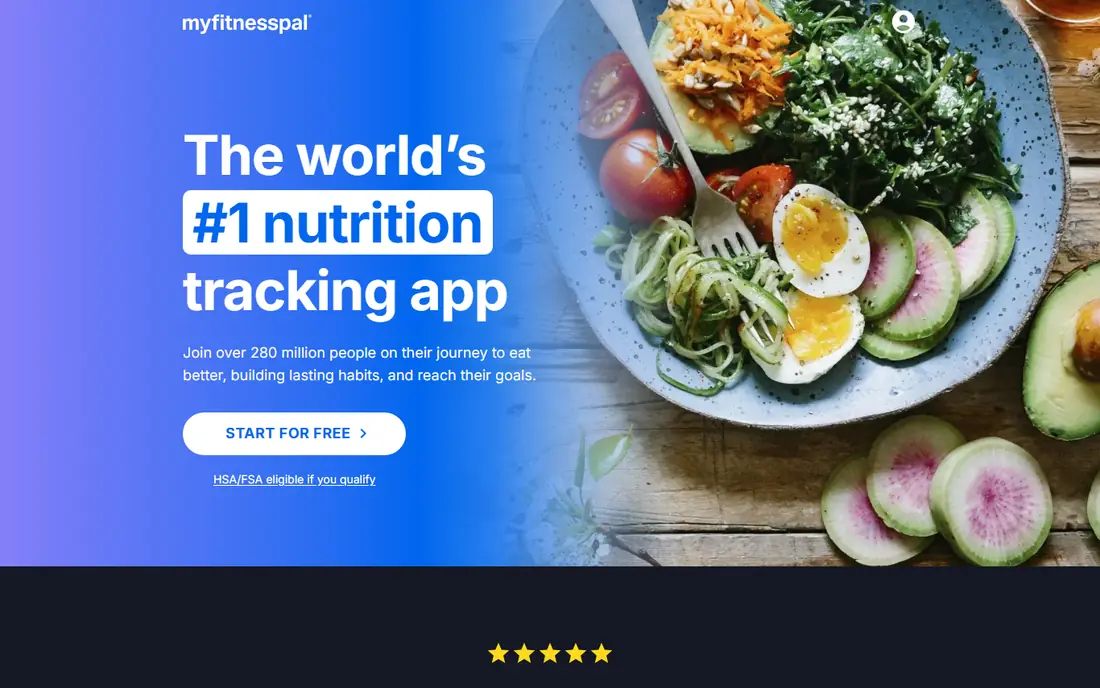
MyFitnessPal remains the default calorie app for many people because its food database is huge, especially for United States packaged foods and restaurant items. Manual logging is free, device sync covers most wearables, and saved meals and recipes make repeat days fast to enter. If you eat many branded foods, that database saves real time.
The paywall is the frustration. Barcode scanning, photo logging, and several newer tools now require Premium, which costs $19.99 per month or $79.99 per year, and the free tier shows ads. MyFitnessPal still works for free if you log by hand and search foods, but shoppers who expect a free scanner should look at Cronometer or FatSecret first.
- Very large food database
- Broad device and app sync
- Meal and recipe logging
- Barcode scanning requires Premium
- Free tier shows ads
- Premium costs $79.99 per year
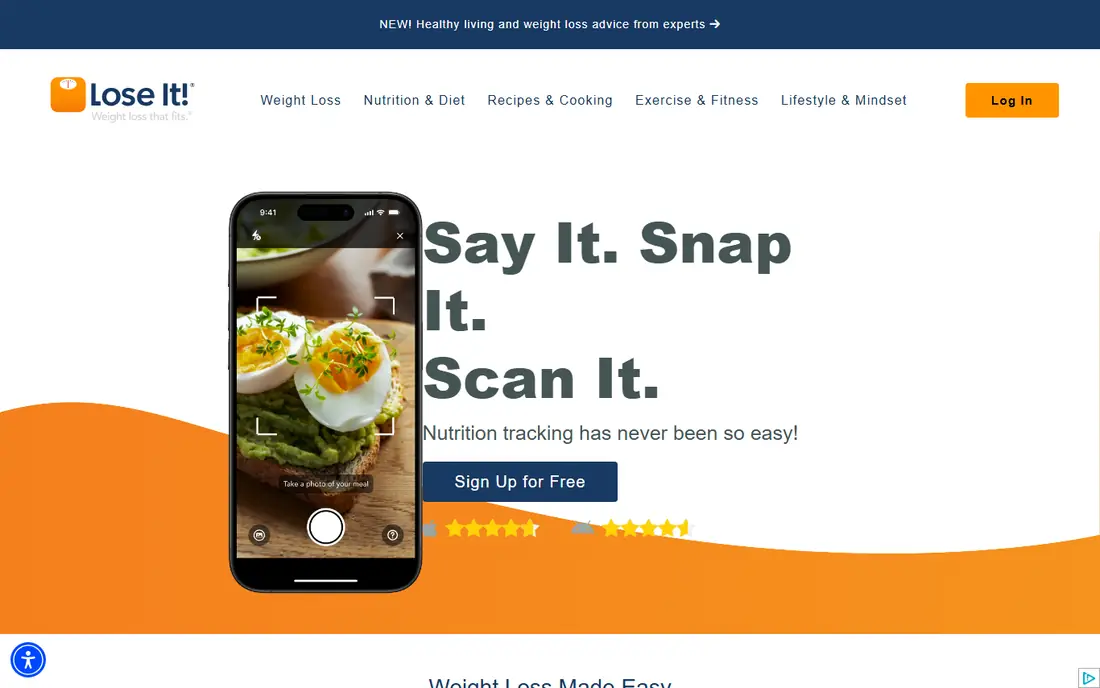
Lose It keeps calorie tracking simple, which is exactly why many beginners stick with it. You set a weight goal, get a daily calorie budget, log meals against that budget, and see a clear remaining total for the day. Challenges and friend features add light accountability without turning the app into a full coaching program.
Premium costs $79.99 per year, and it adds barcode scanning, photo logging, and deeper planning tools that free users will miss. The macro and nutrient detail is also lighter than Cronometer, so data-focused trackers may outgrow it. For a straightforward weight loss diary that does not overwhelm, Lose It is still a strong first app.
- Clear daily calorie budget
- Simple interface
- Challenges and social features
- Barcode and photo logging require Premium
- No monthly Premium plan
- Macro detail is lighter than Cronometer

Cronometer is our pick for users who care about nutrient quality, not just calories. The free tier includes barcode scanning and detailed micronutrient tracking, and its curated database favors verified entries over crowdsourced guesses. That makes it easier to trust the numbers for vitamins, minerals, and macros alike.
The depth is also the drawback. A user who only wants a daily calorie total may find the nutrient panels and biometric options excessive, and photo and voice logging require Gold at $10.99 per month or $59.99 per year. For anyone managing a restricted diet, tracking micronutrients, or simply wanting cleaner data, Cronometer is the best free starting point.
- Barcode scanning free
- Tracks many micronutrients
- Curated database with fewer junk entries
- Depth can overwhelm simple calorie counters
- Photo and voice logging need Gold
- Interface is more clinical than rivals
MacroFactor is built for experienced trackers who already log consistently. Instead of a fixed calorie goal, it recalculates your expenditure and macro targets each week from your weight trend and logged intake, so the plan adjusts as your body and habits change. There are no ads, and the interface stays focused on the numbers that matter.
That system only works if you log most days, and there is no permanent free tier, only a trial before the $11.99 per month or $71.99 per year subscription. Beginners may also miss the guided diet plans and coaching found in Lifesum or Noom-style apps. For lifters and experienced dieters who want adaptive targets, MacroFactor is the most capable tool here.
- Targets adapt weekly from your logged weight and intake
- No ads
- Strong food database
- No permanent free tier
- Needs consistent logging to adapt well
- Less hand-holding for beginners
Yazio pairs calorie tracking with recipes and intermittent fasting tools in one clean app. The free tier covers basic logging, and the recipe library helps users who cook at home and want meals with full macro breakdowns. Fasting timers, water tracking, and activity logging round out a well-designed daily companion.
Pro costs $47.90 per year in many listings, though promotions can change that figure, and several planning tools sit behind the paywall. There is also no web app, so desktop logging is not an option. Yazio suits home cooks and fasters who want recipes and fasting in the same place, rather than the deepest nutrient data.
- Strong recipe library
- Fasting tracker included
- Clean design
- Many planning tools require Pro
- No web app
- Pro features vary by promotion
Lifesum takes a plan-first approach. Instead of a blank diary, you pick a diet style, such as Mediterranean or high protein, and the app builds meal ideas and a Life Score that reflects your eating patterns. That guidance helps users who know they want to eat better but do not want to design a plan from scratch.
Pricing is less stable than rivals, with monthly pricing around $7.49 and annual totals that vary with promotions, so check the checkout screen before you subscribe. Paid features also gate much of the planning value, and nutrient depth is lighter than Cronometer. Lifesum fits users who want a guided diet pattern more than a raw tracking tool.
- Named diet plans
- Life Score summarizes habits
- AI logging on paid tiers
- Annual price varies with promotions
- Many features need a paid plan
- Nutrient detail is lighter than Cronometer
Carb Manager is the specialist pick for keto, low-carb, and carnivore eaters. Net carbs are calculated automatically, ketone and glucose logging are built in, and the recipe library focuses on low-carb cooking rather than generic meals. For keto dieters, those details matter every day, and general apps handle them poorly.
General trackers get less value here, since the whole app is tuned to low-carb goals, and Premium at $8.49 per month or $39.99 per year adds the full feature set. The interface can also feel busy for simple calorie logging. If keto or low-carb eating is your plan, Carb Manager is the clear choice. If not, pick a general tracker instead.
- Automatic net carb calculation
- Ketone and glucose logging
- Low-carb recipe library
- Specialized focus limits value for general trackers
- Premium costs $39.99 per year
- Interface is busy for simple logging
MyNetDiary is a quiet workhorse that many lists overlook. The free tier covers calorie and macro tracking with a solid food database, and the app handles exercise, weight, and measurements in one place. Higher tiers add AI coaching, meal planning, and tools for diabetes management, which suit users with specific health tracking needs.
The design is more functional than stylish, and Premium at $59.99 per year, or Premium Plus at $99.99 per year, is needed for the most advanced planning. For users who want a generous free tier without the paywall surprises of larger apps, MyNetDiary is a dependable alternative to MyFitnessPal that deserves a trial.
- Strong free tier
- Detailed food and exercise tracking
- Diabetes and dietitian tools on higher tiers
- Premium costs $59.99 per year
- Premium Plus costs $99.99 per year
- Interface feels more functional than modern
FatSecret stands out for one simple reason: its free app keeps barcode scanning and photo recognition available without a subscription, while larger rivals have moved those tools behind paywalls. The food diary, community, and weight tracking cover the basics well, and the free tier is genuinely usable for daily calorie counting.
The trade-offs are design and depth. The interface feels dated next to Lose It or Yazio, and nutrient detail is lighter than Cronometer. Premium at $14.99 per month or $59.99 per year mainly adds meal plans and water tracking. For budget trackers who refuse to pay for a scanner, FatSecret is the most practical free choice.
- Barcode scanning free
- Photo recognition on the free app
- Large community and food diary
- Premium costs $59.99 per year
- Design feels dated
- Nutrient detail is lighter than Cronometer
How we picked these
We compared official feature pages, pricing pages, and app store listings for calorie tracking apps active in October 2026, and we kept only apps that log food and calories as a core function. We favored clear free tiers, honest scanner paywalls, database quality, and diet-specific strengths, and we noted where a feature requires a paid plan. We did not claim hands-on testing we did not do, and we checked that each homepage below belongs to the app named.
How to choose the right app for your goal
Start with the tool you will actually open every day. Beginners should pick a simple diary such as Lose It or FatSecret, because a clear budget and a free scanner matter more than advanced analytics in the first month. Nutrient-focused users should start with Cronometer, keto eaters with Carb Manager, and experienced lifters with MacroFactor.
Check the paywall before you build a habit. Log for a week on the free tier, scan your usual foods, and confirm the features you use daily are free or worth the subscription price. Also confirm data export and device sync, since years of food logs are hard to rebuild. The best app is the one whose free or paid tier matches your daily routine, not the one with the longest feature list.
Sources
Frequently asked questions
What is the best calorie tracking app?
Cronometer is the best free pick for nutrient detail, MyFitnessPal still leads on food database size, and MacroFactor leads for adaptive macro targets. Lose It is the best simple diary for beginners, so the right app depends on whether you value data, simplicity, or adaptive coaching.
What is the best free calorie tracking app?
Cronometer and FatSecret offer the strongest free tiers, because both keep barcode scanning free, unlike MyFitnessPal and Lose It. Cronometer wins for nutrient detail, while FatSecret wins for simple free scanning and photo logging. MyNetDiary is another strong free option with broad tracking features.
Do calorie apps work for weight loss?
Calorie tracking can help weight loss by making intake visible and measurable, but results depend on consistency, food choices, activity, and health factors, not on the app alone. This is general information only, not medical advice. Anyone with a medical condition or a history of disordered eating should seek professional guidance before tracking calories closely.
Is MyFitnessPal still free?
Yes, the basic MyFitnessPal app is free with ads and manual logging, but barcode scanning, photo logging, and several newer tools require Premium at $19.99 per month or $79.99 per year. If a free scanner matters to you, Cronometer or FatSecret are better starting points.
Can I track macros without counting every calorie?
Most of these apps show macros alongside calories, and MacroFactor, Cronometer, and Carb Manager let you set macro targets directly. You still need to log foods to see macro totals, but you can focus on protein, carbs, and fat goals rather than treating the calorie total as the only number that matters.