Best Card Scanner App in 2026: 8 Apps Compared
By ToolNimba Editorial Team November 9, 2026 8 min read

- Top pick
 CamCard
All-round business card scanning
Starting priceFreeCheck out CamCardRead our review - Runner-up
 ABBYY Business Card Reader
Accurate reading on iPhone
Starting priceFreeCheck out ABBYY Business Card ReaderRead our review - Also great
 ScanBizCards
Trade shows and high-volume scanning
Starting priceFreeCheck out ScanBizCardsRead our review
How we researched this
We compared official pricing and feature pages, app store listings, privacy policies and public user reviews. Prices change, so check the provider's site before you pay.
Key takeaways
- CamCard and ABBYY Business Card Reader are the long-standing picks for accurate card reading.
- ScanBizCards and Haystack suit high-volume event use, where speed and exports matter most.
- HubSpot suits teams already on HubSpot, since scanned cards land straight in the CRM.
- A good export matters as much as a good scan, so check contacts, CSV, and CRM options first.
- Microsoft Lens is left out, since Microsoft retired it from iOS in early 2026.
Quick comparison
| Name | Best for | Starting price | Free plan | |
|---|---|---|---|---|
| CamCard | All-round business card scanning | Free | Yes | Visit |
| ABBYY Business Card Reader | Accurate reading on iPhone | Free | Yes | Visit |
| ScanBizCards | Trade shows and high-volume scanning | Free | Yes | Visit |
 Haystack | Free scanning with smart gap-filling | Free | Yes | Visit |
 Covve | Contacts with notes and follow-up | See website | Free trial | Visit |
 HiHello | Digital cards plus paper scanning | $6 per month | Yes | Visit |
 Adobe Scan | General scanning with card use | Free | Yes | Visit |
 HubSpot Business Card Scanner | HubSpot CRM users | Free | Yes | Visit |
The best card scanner apps
These apps focus on paper business cards: scan a card, check the fields, and save a usable contact, with notes and follow-up options where they help.
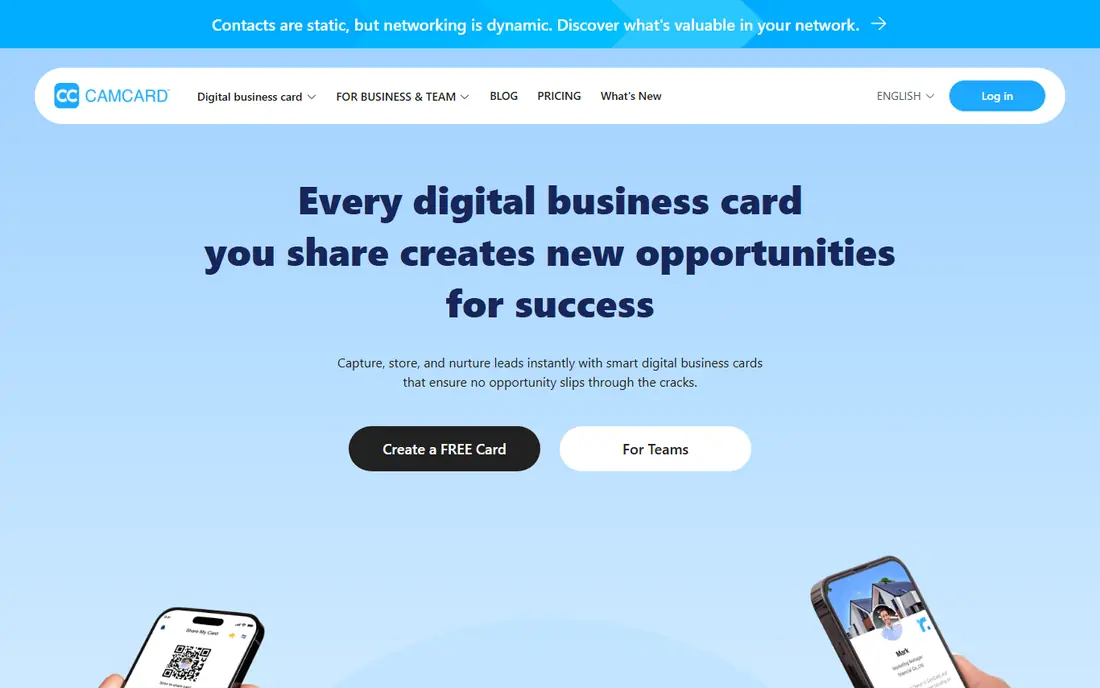
CamCard is the familiar workhorse of business card scanning. It reads cards in many languages, supports batch scanning after events, and syncs contacts across devices through the cloud. You can also create and share a digital card, which helps when you run out of paper cards.
Scan accuracy is strong on clean cards but can slip on glossy, dark, or unusual designs, so a quick field check is still wise. Premium exports and extra features sit behind a paid plan. For regular networkers, CamCard remains a dependable default.
- Batch scanning
- Cloud sync across devices
- Digital card creation and sharing
- Accuracy varies on unusual layouts
- Premium features need a paid plan
ABBYY Business Card Reader
Best for: Accurate reading on iPhone
ABBYY Business Card Reader is known for careful text recognition, which is the whole job here. On iPhone it scans quickly, maps fields to contacts, and keeps the workflow short: scan, check, save. Readers who want contacts, not a sales pipeline, will like its focus.
The main limit is platform. With the Android app discontinued, Android users should pick another app on this list. It also does less after the scan than CRM-linked scanners. If you use an iPhone and want accurate contacts, it is a strong, simple pick.
- Strong OCR for card text
- Support for many languages
- Simple contact export
- Android app was discontinued, so it suits iPhone users best
- Export options are narrower than CRM tools

ScanBizCards is built for the pile of cards after a trade show. Its free tier allows unlimited scanning, and paid and enterprise options add CRM sync, calendar links, and manual transcription for tricky cards. Speed matters here, and ScanBizCards keeps the flow moving.
Its design is practical rather than pretty, which suits event work but may disappoint users who want a polished contacts app. Check which sync and batch features sit on your plan, since they vary. For event leads, it is one of the most practical picks.
- Unlimited scanning on the free tier
- CRM sync options
- Manual transcription help
- Interface is utilitarian
- Batch and enterprise features vary by plan
Haystack is often named the best free business card scanner app, and the reason is simple: unlimited scans and cloud storage without a paywall for basic use. It also tries to fill gaps in scanned data, which saves manual typing after events. For occasional networkers, that free core is enough.
It does less than a full CRM scanner, so sales teams may still need an export step into their main system. As with every scanner, unusual cards deserve a check. If budget is the first filter, start with Haystack and upgrade only when you need CRM depth.
- Unlimited free scans and cloud storage
- Automatic gap-filling
- Contact sync
- Smaller feature set than CRM scanners
- Verify fields on unusual cards
Covve treats a scanned card as the start of a relationship, not just a contact record. After scanning, you can add notes, set reminders, and keep context about where you met someone. That follow-up layer suits consultants, recruiters, and salespeople who meet many people.
Pricing is yearly, so casual users should weigh it against free scanners. Covve is also a wider contacts app, so users who only want quick scans may find extra features they never use. For people who live by follow-ups, the extra structure pays off.
- Contact notes and reminders
- Business card scanning
- CRM add-on option
- Paid plans are yearly
- Scanning is part of a wider contacts app
HiHello blends paper scanning with digital cards, so you can scan a card you receive and share your own card by link or QR code. That two-way flow suits modern networking, where some contacts hand you paper and others expect a digital exchange. Its contact management keeps both in one place.
The free plan caps monthly scans, so heavy event users will need a paid tier. Business features, including team options, also sit on paid plans. If you want one app for giving and receiving cards, HiHello is a tidy choice.
- Digital business cards
- Paper card scanning
- Sharing and contact management
- Free plan caps scans
- Business features need paid plans
Adobe Scan is a general scanner, not a dedicated card app, but it handles business cards well when you mainly need a clean, searchable copy. Its text recognition is reliable, and saving to PDF or Adobe cloud suits people who archive cards with other documents. It is free to start and widely available.
The catch is workflow. Adobe Scan does not turn a card into a contact as directly as CamCard or ScanBizCards, so expect manual copying for key fields. Pick it if you already use Adobe tools and want a solid scanner, and pick a dedicated app if contact creation is the main job.
- Reliable document scanning
- Text recognition
- Adobe cloud and PDF options
- Not a dedicated card-to-contact tool
- Contact export needs manual steps
HubSpot Business Card Scanner is the obvious pick for teams already on HubSpot. Scanned cards flow into the CRM, where follow-up emails and tasks can follow without retyping. For sales teams, that direct path from event floor to pipeline is the point.
Outside HubSpot, its appeal drops sharply, since it is designed as a CRM feature rather than a standalone app. Teams on another CRM should check that scanner first. Inside HubSpot, it is free, fast, and hard to beat for event leads.
- Unlimited free scans
- Direct HubSpot CRM sync
- Follow-up automation options
- Value depends on using HubSpot
- Less useful as a standalone contacts app
How we picked these
We compared official app pages and app store listings, plus recent scanner comparisons that note platform availability, scan limits, and exports. We favored apps that map card fields to contacts accurately, export cleanly, and state their free limits plainly.
We did not claim hands-on testing we did not do. Card scanner pricing and platform support change often, so we marked yearly or unclear pricing as See website and left out Microsoft Lens after its retirement from iOS in early 2026.
How to choose a business card scanner app
Test it on your hardest cards
Clean cards flatter every scanner. Try foil logos, white text on dark cards, and small print before you trust an app with event leads. A blank field you can fill is better than a confident but wrong email address.
Check what happens after the scan
Ask whether contacts export to your phone, Google Contacts, Outlook, or CRM without retyping. A scanner that traps contacts inside its own app creates work, however good its reading looks.
Build a collection you can actually use
A collection of scanned contacts only helps if you can search it, add notes, and follow up. Scan cards the same day, add one note about the conversation, and set a follow-up date while the meeting is fresh.
Sources
Frequently asked questions
What is the best card scanner app overall?
CamCard is the safest all-round pick for regular use, while ABBYY Business Card Reader suits iPhone users who want accurate reading. Haystack is the best free starting point, and ScanBizCards suits high-volume events.
What is the best free card scanner app?
Haystack offers unlimited free scans and cloud storage, which makes it a strong free pick. CamCard, ABBYY, ScanBizCards, and HubSpot also offer free starting options, though exports and scan caps vary by plan.
What is the best card collection app for scanned contacts?
For building a collection of scanned contacts, CamCard and Covve work well, since both support notes, search, and sync. The best collection app is the one you will actually open to follow up, so pick the export and reminder flow you will use.
Can a card scanner app replace typing contacts by hand?
Mostly, but not fully. Good scanners read clean cards well, yet unusual layouts still need a quick check. Budget a few seconds per card to verify name, email, and phone before you rely on the contact.
Does Microsoft Lens still scan business cards?
No, not reliably. Microsoft retired Lens from iOS starting in January 2026, with support ending in February 2026, so older lists that recommend it are out of date. Pick a current app from this list instead.