Best Cheap SEO Tools in 2026: 9 Tools Compared
By ToolNimba Editorial Team November 11, 2026 10 min read

- Top pick
 Ubersuggest
Budget keyword research for beginners
Starting price$29 per monthCheck out UbersuggestRead our review - Runner-up
 Mangools
Simple, clear keyword research
Starting price$29.90 per monthCheck out MangoolsRead our review - Also great
 SE Ranking
All-in-one SEO for growing sites
Starting priceSee websiteCheck out SE RankingRead our review
How we researched this
We compared official pricing and feature pages, app store listings, privacy policies and public user reviews. Prices change, so check the provider's site before you pay.
Key takeaways
- A cheap SEO tool should cover keyword research, rank tracking, and a basic site audit, not just one of those jobs.
- Free tools from Google still handle the core checks for a small site, and paid budget tools add competitor and keyword depth.
- Monthly prices on this list start at free, so match the tool to one site or many before you pay for seats you will not use.
- Check keyword and audit limits on the cheapest tier, since low limits are the usual catch with budget plans.
Quick comparison
| Name | Best for | Starting price | Free plan | |
|---|---|---|---|---|
| Ubersuggest | Budget keyword research for beginners | $29 per month | Yes | Visit |
| Mangools | Simple, clear keyword research | $29.90 per month | Yes | Visit |
| SE Ranking | All-in-one SEO for growing sites | See website | Free trial | Visit |
 Serpstat | Research, tracking, and audits combined | $69 per month | Free trial | Visit |
 Keysearch | Low-cost keyword difficulty checks | See website | No | Visit |
 SpyFu | Competitor keyword and ad research | $39 per month | Yes | Visit |
 SEO PowerSuite | Desktop SEO suite with a free tier | $349 per year | Yes | Visit |
 Seobility | Free and low-cost technical audits | Free | Yes | Visit |
 Google Search Console | Free performance data from Google | Free | Yes | Visit |
The best cheap seo tools
We compared vendor pricing pages and feature lists for tools that a small business, blogger, or freelancer can buy without an enterprise budget. Every tool below is available now, and each one covers a real SEO job rather than a single gimmick.
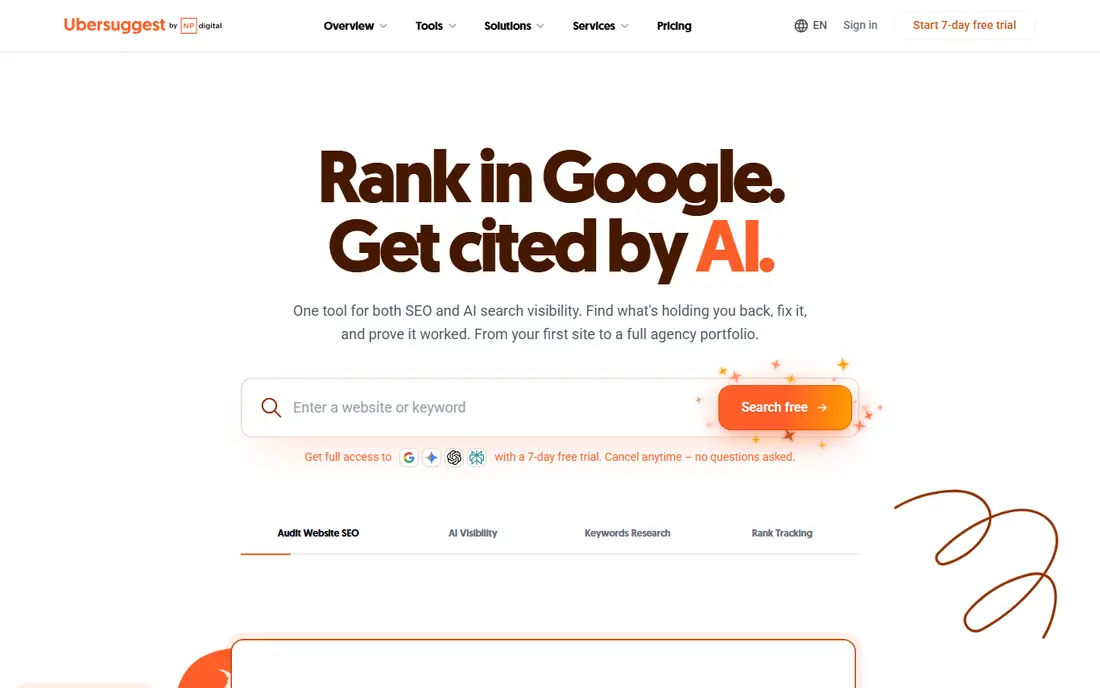
Ubersuggest, from Neil Patel Digital, is our pick for most people on a tight budget because it keeps the basics in one place. You can research keywords, check a domain for top pages, run a site audit, and track rankings without learning a complex platform first. The interface explains each metric in plain terms, which helps if SEO is only one part of your job.
The trade-off is depth. Its backlink and keyword databases are smaller than those of the premium tools, and the cheapest plan caps daily searches and tracked keywords. If you run one or two small sites and need direction for new content, those limits are workable. If you manage many client sites, you will outgrow it quickly.
- Easy keyword ideas and traffic estimates
- Site audit included
- Low entry price
- Data depth is thinner than premium suites
- Limits are tight on the cheapest tier
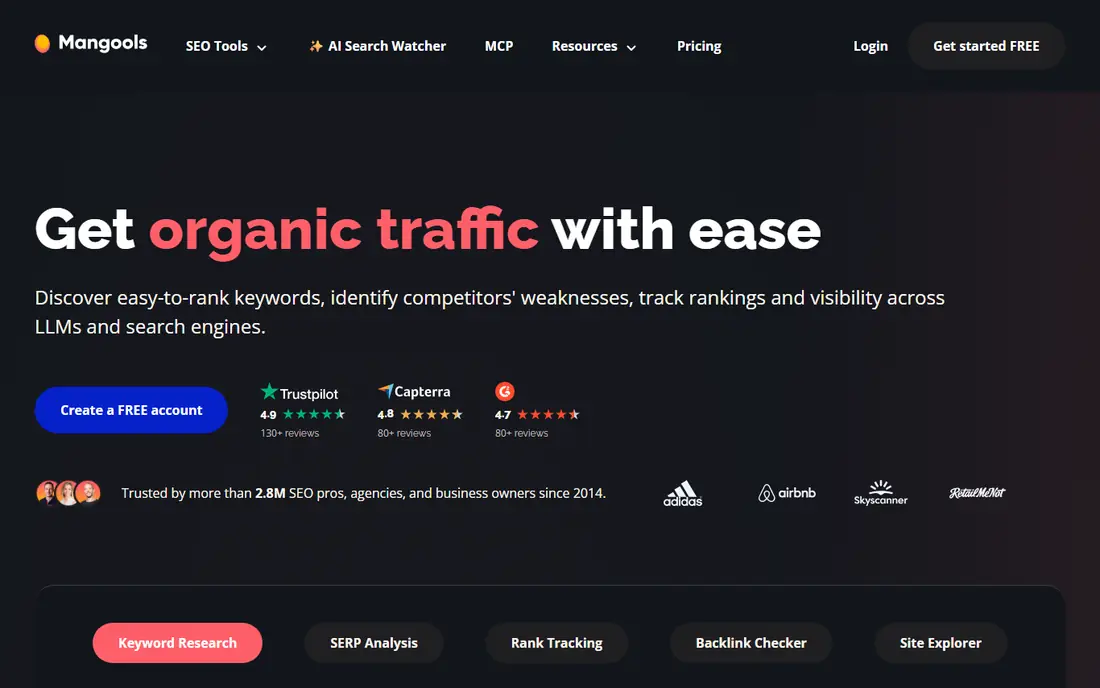
Mangools bundles five tools, with KWFinder for keyword research, SERPChecker for results page analysis, SERPWatcher for rank tracking, LinkMiner for backlinks, and SiteProfiler for domain overviews. For a blogger or small business owner, that split is helpful, since each tool does one job well and nothing gets buried in menus. The keyword difficulty score is easy to grasp at a glance.
The catch is scale. Mangools suits focused keyword work, not large agency research, and its basic plan limits lookups and tracked keywords. If you want a tool you can open, get an answer, and close again, Mangools is one of the least tiring options here. If you need bulk analysis, check the higher tiers before buying.
- KWFinder is fast and easy to read
- SERPChecker shows real results pages
- Clean design
- No deep backlink suite on basic plans
- Keyword limits apply
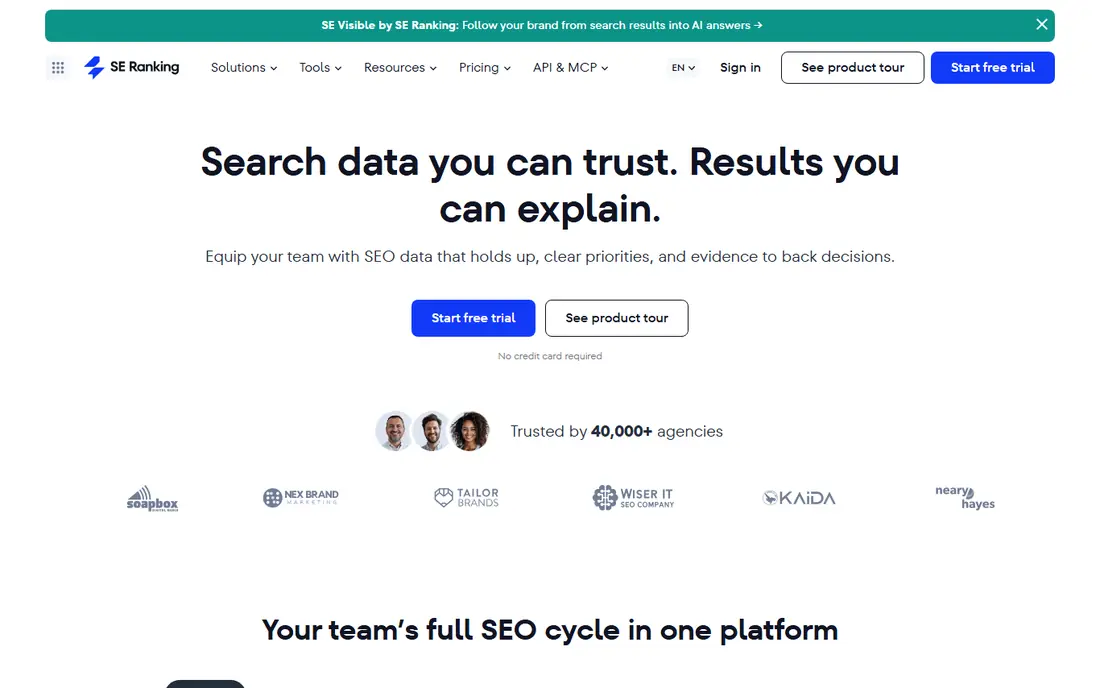
SE Ranking is the closest thing on this list to a premium suite at a mid-range price. It covers rank tracking, site audits, backlink monitoring, keyword research, and competitor checks, so a growing site can replace two or three single-purpose tools with one subscription. Reporting is clear enough to share with a client or a manager without extra formatting work.
We list its price as See website because its tiers and billing options change, and the right tier depends on how many keywords and sites you track. That flexibility is useful, but it also means the cheapest tier may not include everything in the marketing pages. Start with the trial, load your real keywords, and see if the limits fit before you commit.
- Rank tracking, audits, and competitor tools in one place
- Flexible plans
- White-label reports on higher tiers
- Entry price has risen over time
- Full feature set needs a higher tier
Serpstat is an all-in-one platform that suits users who want keyword research, competitor analysis, rank tracking, and audits without paying premium-suite prices. Its database covers many search engines and regions, which helps if you target more than one country. The audit tool flags technical issues in a clear list, so you can fix the worst problems first.
The downside is the learning curve and the entry cost. At $69 per month, it is not the cheapest tool here, and new users may need a few sessions to find their way around. It makes sense if you will use at least three of its modules each week. If you only need keyword ideas, a cheaper single-purpose tool will do.
- Broad keyword and competitor data
- Site audit and rank tracking included
- Multi-search-engine tracking
- Higher entry price than the cheapest tools here
- Interface takes time to learn
Keysearch has long been a favourite of niche site builders because it focuses on the question that matters most to them: how hard will this keyword be to rank for. It gives keyword suggestions, difficulty scores, search volume estimates, and competitor checks in a plain layout, plus rank tracking and a backlink checker. The price stays low compared with the big suites.
We list the price as See website because its monthly and annual rates vary by promotion and tier, so check the current checkout price before you buy. The lack of a lasting free plan is a drawback, though a trial period lets you test it. Pick Keysearch if keyword difficulty is your main decision tool and you do not need deep link data.
- Simple keyword difficulty scoring
- Competitor and rank tracking tools
- Low-cost plans
- Smaller data set than premium tools
- No free plan for ongoing use
SpyFu answers a different question from most tools here: what are your competitors ranking for, and what have they bought ads on. You can enter a rival domain and see its top organic keywords, paid keywords, and ad history, which is useful when you plan content or paid campaigns. The free tier allows limited searches, so you can test it on your own niche first.
It is not the best site audit tool on this list, and very small competitors may have thin data. Use SpyFu alongside a free audit tool if technical fixes are your main need. For competitor-led content planning, though, few budget tools show this much history at this price.
- Long competitor keyword history
- Google Ads data included
- Easy domain comparisons
- Less strong as a pure site audit tool
- Data can lag for very small sites
SEO PowerSuite bundles Rank Tracker, WebSite Auditor, SEO SpyGlass, and LinkAssistant on your computer. That desktop model suits users who prefer to keep data local and pay yearly rather than monthly. The free version lets you try the core tools, and the paid licence removes limits on saved projects and reports.
The catch is that it is not a cloud tool, so collaboration and automatic cloud reporting are weaker than with web-based rivals. Updates and data still need an internet connection, and larger projects need the paid licence. If you work alone and like desktop software, the yearly price can beat a monthly subscription over time.
- Four desktop tools in one suite
- Free version covers basic work
- One-time yearly cost
- Desktop software, not cloud-based
- Paid licence needed to save larger projects
Seobility starts with on-page and technical SEO, which is the right place to start if your site has crawl errors, missing titles, or slow pages. Its audit reports explain each issue in plain language and rank fixes by importance, so a non-technical owner can still act on them. The free tier covers a small site, and paid tiers add more pages and tracked keywords.
It will not replace a premium keyword database for large content research. Use it as your audit and monitoring base, and pair it with Ubersuggest or Keysearch if keyword volume is your main need. For a small business site that needs a health check first, Seobility is hard to beat at its price.
- Clear technical audit reports
- Free tier for small sites
- Rank tracking included
- Keyword database is smaller
- Higher tiers needed for larger sites
Google Search Console is not a competitor research tool, but no cheap SEO stack is complete without it. It shows which queries bring clicks to your site, which pages rank, and whether Google has indexing or mobile usability problems. Because the data comes from Google itself, it is the most direct check on how your site performs in search.
The limit is scope. It only reports on sites you own and verify, so you cannot use it to study rivals. Pair it with one paid tool from this list for keyword and competitor work, and let Search Console be the free source of truth for your own traffic and technical health.
- Real search performance data for your own site
- Index and coverage alerts
- Completely free
- Only covers your own verified sites
- No competitor data
How we picked these
We compared vendor pricing pages, feature lists, and free tiers, and we kept only tools that are sold now and that a small site owner can use without enterprise sales calls. We favoured tools with clear published pricing or a usable free tier, and we weighted keyword research, rank tracking, and audits, since those three jobs cover most small-site SEO. We left out tools that only do one narrow task, and tools whose entry price had moved well beyond a small budget.
How to choose a cheap SEO tool without wasting money
Start with the job you do most often. If you write content each week, keyword research and difficulty scoring matter most. If you manage a business site, an audit and rank tracking matter more. Buying an all-in-one suite when you only use one module is the most common waste on this list.
Test with your real keywords
Free trials are only useful if you load your own site and your own target keywords. Check whether the search volume, difficulty, and competitor data look plausible for terms you already rank for. A tool that gives wild numbers for your known keywords will mislead you on new ones too.
Watch the limits, not just the price
Budget tiers cap daily searches, tracked keywords, audited pages, and backlink rows. Count how many keywords you track and how many pages your site has, then compare those numbers with the tier limits. A $29 tool that forces an upgrade in month two is not cheaper than a $49 tool that fits from the start.
Keep Google Search Console in the stack
Whatever paid tool you pick, keep Search Console running. It is free, it alerts you to indexing problems, and it gives you real click data to check paid tool estimates against. That cross-check stops you from chasing a keyword that looks good in a tool but brings no clicks in real life.
Sources
Frequently asked questions
What is the best cheap SEO tool overall?
Ubersuggest is our pick for most beginners because it covers keywords, audits, and tracking at a low entry price. If you want a fuller suite, SE Ranking or Serpstat give more depth, while Seobility is best if technical audits are your first need.
Is there a good free SEO tool?
Yes. Google Search Console is free and gives real performance and indexing data for your own site. Seobility and Ubersuggest also offer free tiers, though both limit searches and pages on the free plan.
What does best cheap SEO software usually leave out?
Budget tools usually have smaller keyword and backlink databases, tighter daily limits, and fewer seats and reports than premium suites. They still cover the core jobs for a small site, but large agencies will hit the limits fast.
How much should a small business pay for SEO tools?
Many small sites do well with a free stack plus one paid tool in the $29 to $69 per month range. Pay more only when you track many keywords, manage several sites, or need client reports and deeper competitor data.
Can cheap SEO tools replace an agency?
They can replace basic research and monitoring, but they do not replace strategy, content writing, or technical fixes. Use the tool to find problems and opportunities, then decide whether you have the time and skill to act on them yourself.