Best Chess Apps in 2026: 9 Apps Compared
By ToolNimba Editorial Team November 9, 2026 9 min read

- Top pick
 Chess.com
All-round play and lessons
Starting price$5 per monthCheck out Chess.comRead our review - Runner-up
 Lichess
Free play and analysis
Starting priceFreeCheck out LichessRead our review - Also great
 Chessable
Opening and tactics drilling
Starting priceSee websiteCheck out ChessableRead our review
How we researched this
We compared official pricing and feature pages, app store listings, privacy policies and public user reviews. Prices change, so check the provider's site before you pay.
Key takeaways
- Lichess is the best free chess app for most players, because puzzles, analysis and play are all free with no subscription wall.
- Chess.com is the best all-round paid choice for players who want lessons, a huge player pool and structured learning in one app.
- Chessable is the best pick for opening and tactics drilling, thanks to spaced repetition, while ChessKid is the safest choice for children.
- Start with one main playing app, then add a specialist only if you have a clear weakness, such as tactics or openings.
Quick comparison
| Name | Best for | Starting price | Free plan | |
|---|---|---|---|---|
| Chess.com | All-round play and lessons | $5 per month | Yes | Visit |
| Lichess | Free play and analysis | Free | Yes | Visit |
| Chessable | Opening and tactics drilling | See website | Yes | Visit |
 ChessKid | Children learning chess | See website | Yes | Visit |
 Chess Tempo | Serious tactics training | See website | Yes | Visit |
 Aimchess | Personalised improvement analysis | See website | Free trial | Visit |
 Play Magnus | Playing against AI personalities | See website | Yes | Visit |
 SparkChess | Casual beginners | See website | Yes | Visit |
 DecodeChess | AI chess analysis and explanations | See website | Free trial | Visit |
The best chess apps
The best chess app depends on what you want: fast games, structured lessons, deep analysis or a safe place for a child to learn. The apps below cover all of those jobs, from completely free to paid coaching style tools.
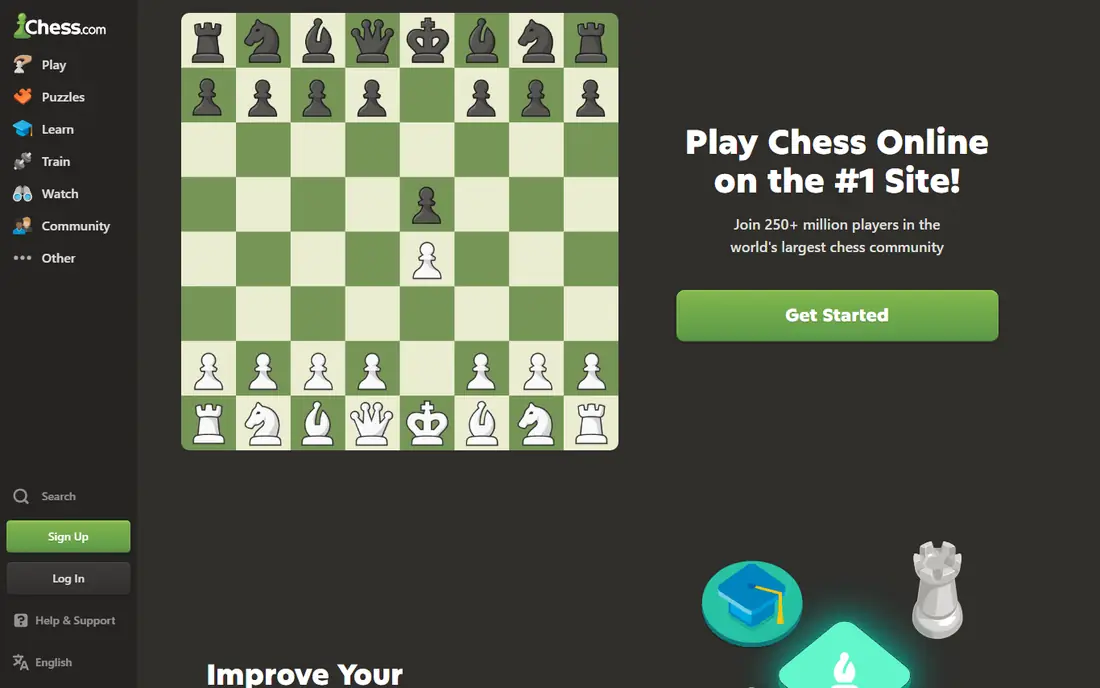
Chess.com is the default choice for many players because it does everything in one place. You can play live or daily games against people at your level, work through lessons, solve puzzles, watch videos and join tournaments without switching apps. The matchmaking is fast at most ratings, which matters when you only have twenty minutes to play.
The free tier is useful for casual play, but the limits show up quickly if you want to improve. Unlimited game analysis, full lesson access and deeper puzzle sets need a paid plan, starting around $5 per month for the basic tier. If you want one polished app and you are happy to pay for learning tools, Chess.com is still our pick for most people.
- Huge player pool for fast matches
- Large lesson and puzzle library
- Bots, tournaments and analysis in one app
- Best analysis and lesson features sit behind a paywall
- Free tier limits puzzles and analysis
- Ads and upsells can distract
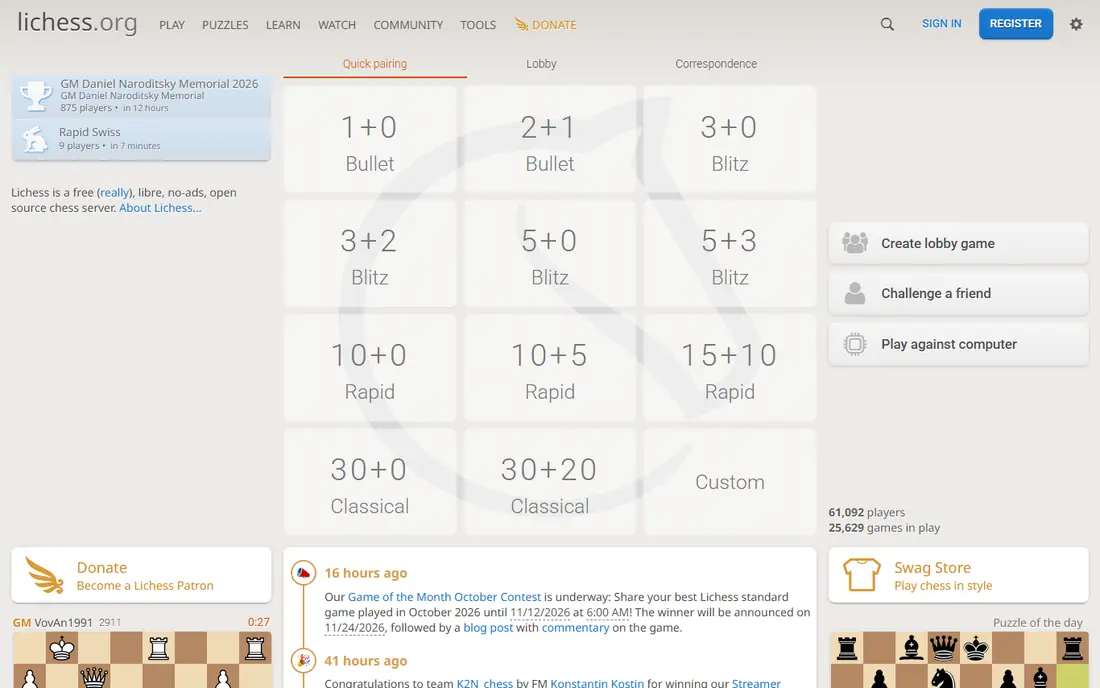
Lichess gives you almost everything a paid app charges for, at no cost. Play, puzzles, tournaments, studies, opening explorer and full engine analysis are all free, and there are no ads. For a player who wants to analyse every game and drill tactics without a subscription, that is hard to beat.
The trade-off is guidance. Lichess has puzzles and community studies, but it does not offer the same structured video lesson path as Chess.com, so beginners need more self direction. If you are happy to pick your own studies and learn from your analysed games, Lichess is the best free chess app by a clear margin.
- Completely free with no paywall
- Unlimited puzzles and Stockfish analysis
- Open source and ad free
- Fewer guided video lessons than Chess.com
- Interface is plainer
- Community studies vary in quality

Chessable takes a different approach from a playing app: it teaches by drilling. Courses use spaced repetition, so moves you get wrong come back sooner and moves you know well come back later, which is how opening lines and tactical patterns actually stick. There are free courses to test the method before you spend anything.
It works best as a second app alongside a playing platform. Chessable does not replace live games, and buying several full courses adds up. Use it for one opening or one tactical theme at a time, and keep your main games on Chess.com or Lichess.
- Spaced repetition helps memory stick
- Many free courses to try
- Clear move trainer for openings
- Paid courses can cost a lot in total
- Learning is drill based, not free play
- Some courses suit stronger players better
ChessKid is built for children, and that focus shows in every part of the app. Lessons are short and visual, puzzles feel like games, and the environment is designed to be safe for young players, with controls that parents can manage. Kids can play bots at their level before facing real opponents.
Adults will find it too basic, and that is the point. For a child starting out, a friendly app they actually want to open beats a serious adult platform every time. Check the current annual pricing on the vendor site, since family plans and school options change.
- Kid friendly lessons and puzzles
- Safe, moderated environment
- Fun bots and videos for young players
- Too simple for strong adult players
- Full features need a paid plan
- Parent account setup takes a few minutes
Chess Tempo is a specialist tool for players who know tactics are holding them back. Its puzzles are rated with care, so you get problems near your level rather than random easy or impossible positions, and the endgame trainer covers a part of the game many apps neglect. The statistics show which tactical themes you miss most.
It is not a social app. If you want fast games and a busy community, play elsewhere and use Chess Tempo for focused training sessions. For improving players around club level, fifteen minutes of rated tactics here often helps more than another blitz game.
- Carefully rated tactical puzzles
- Endgame training is strong
- Progress tracking helps you see weak areas
- Interface is functional rather than polished
- No large casual player pool
- Premium features need a paid plan
Aimchess looks at your actual games and points out patterns, such as losing winning positions or missing tactics in a certain phase. That personal view is different from generic lessons, because it targets what is costing you rating points right now. The training it suggests follows from those patterns.
New players with only a handful of games will get thinner insights, since there is less data to analyse. It also works best as an add-on: you still need a main playing app, so factor both costs together. For a regular player who has plateaued, it can be a useful second opinion.
- Analyses your games to find recurring mistakes
- Personalised training plans
- Works with your Chess.com or Lichess games
- Needs your game history to be useful
- Subscription cost adds to a main app
- Less useful for absolute beginners with few games
Play Magnus turns practice into a game: you face a version of Magnus Carlsen at different ages, from a young beginner to world champion strength. That makes it less intimidating than jumping straight into rated games, and it is a good way for casual players to build confidence.
Serious improvers will still need analysis, puzzles and human opponents. Think of Play Magnus as a fun training partner, not a complete chess school. It suits players who enjoy single player chess and want a gentler route into regular play.
- Play Magnus Carlsen at different ages and strengths
- Fun, low pressure way to practise
- Good for casual players
- Not a full learning curriculum
- AI opponents do not replace human games
- Some features need a paid plan
SparkChess is a calm first app for someone who has just learned the moves. The board is clear, the computer opponent can be set to a gentle level, and there is no flood of tournaments, streams and upsells to sort through. That simplicity helps beginners focus on playing a full game without feeling rushed.
Once you want rated games, deep analysis or structured lessons, you will outgrow it. That is fine: start here for confidence, then move to Lichess or Chess.com when you are ready for human opponents and study tools.
- Simple, friendly interface
- Adjustable AI difficulty
- Works well for first games against a computer
- Small online community
- Limited advanced lessons
- Multiplayer options are thinner than Chess.com or Lichess
DecodeChess is for players who want to understand why an engine prefers a move, not just what the best move is. It explains positions and plans in plain language, which helps intermediate players learn from their games instead of just memorising engine lines.
It is not a playing app or a lesson library, and it works best after you have a game to analyse. Use it alongside Lichess or Chess.com: play and learn there, and use DecodeChess when you want a clear explanation of a confusing position.
- Explains engine moves in plain language
- Useful for understanding plans, not just best moves
- Works with your games
- Analysis focused, not a playing platform
- Free trial limits apply
- Less useful for players who only want fast games
How we picked these
We compared official app pages, pricing pages and app store listings, plus public reviews, for apps that are still available in October 2026. We kept only apps that truly offer chess play or chess learning, and we mixed free, casual and serious training options. Prices are starting prices where they could be verified, and we used See website where a price varied by course, plan or region.
How to choose the right chess app
Start with how you actually play. If you want daily games and lessons in one polished app, Chess.com is the easy pick. If you want everything free and you are happy to guide yourself, Lichess wins on value. If you are buying for a child, ChessKid should come first, whatever the adults in the house prefer.
Add a specialist only for a clear weakness
Most players improve faster with one main app plus one focused habit, such as daily tactics on Chess Tempo or opening drills on Chessable. Adding five apps at once usually means none of them gets used well. Pick the weakness that costs you the most games, train it for a month, then reassess.
Check the free tier before you pay
Play at least ten games and solve puzzles on the free tier first. Check match speed at your rating, whether analysis is limited, and whether lessons feel helpful or just long. A paid plan should remove a limit you have actually hit, not just promise more content you may never open.
Sources
Frequently asked questions
What is the best free chess app?
Lichess is the best free chess app for most players, because play, puzzles and full engine analysis are free. Chess.com also has a useful free tier for casual play, but its best analysis and lesson features need a paid plan.
What is the best online chess app for beginners?
Chess.com is the best online chess app for many beginners because of its guided lessons, bots and fast matchmaking. Lichess is the best free alternative, and SparkChess is a calmer first step for players who want only computer games at first.
What is the best chess software for serious improvement?
Lichess plus Chess Tempo covers play, analysis and tactics for free or low cost, while Aimchess adds personalised mistake analysis. Chessable is the best addition for opening preparation. Serious players often combine a main platform with one specialist.
Is Chess.com or Lichess better?
Chess.com is better for guided lessons and the largest player pool, while Lichess is better for free analysis and an ad free experience. Many players use both: Chess.com for lessons and tournaments, Lichess for unlimited analysis.
What is the best chess app for kids?
ChessKid is the best chess app for kids, with age friendly lessons, puzzles and a moderated environment. Parents should check the current plan options on the vendor site and set up the account together with their child.