Best Client Management Software in 2026: 9 Tools Compared
By ToolNimba Editorial Team November 12, 2026 10 min read

- Top pick
 HoneyBook
Solo service businesses
Starting price$29 per monthCheck out HoneyBookRead our review - Runner-up
 Dubsado
Custom workflows
Starting price$35 per monthCheck out DubsadoRead our review - Also great
 HubSpot CRM
Growing teams
Starting priceFreeCheck out HubSpot CRMRead our review
How we researched this
We compared official pricing and feature pages, app store listings, privacy policies and public user reviews. Prices change, so check the provider's site before you pay.
Key takeaways
- HoneyBook is the fastest route from inquiry to paid invoice for solo service businesses in the US, Canada, UK and Australia.
- Dubsado suits owners who want deep workflow control and are willing to spend time setting it up properly.
- HubSpot and Zoho CRM are better when client management must also cover sales pipelines, marketing and reporting at scale.
- Always add payment processing fees to the subscription price, since they affect total cost more than a small monthly difference.
Quick comparison
| Name | Best for | Starting price | Free plan | |
|---|---|---|---|---|
| HoneyBook | Solo service businesses | $29 per month | Free trial | Visit |
| Dubsado | Custom workflows | $35 per month | Free trial | Visit |
| HubSpot CRM | Growing teams | Free | Yes | Visit |
 Zoho CRM | Value and depth | Free | Yes | Visit |
 Pipedrive | Visual sales pipelines | $14 per user per month | Free trial | Visit |
 Monday Sales CRM | Flexible boards | $12 per seat per month | Free trial | Visit |
 Insightly | CRM plus projects | $29 per user per month | Free trial | Visit |
 Capsule CRM | Simple contact management | See website | Free trial | Visit |
 Freshsales | AI assisted selling | $15 per user per month | Yes | Visit |
The best client management software
Client management software should keep contacts, conversations, proposals, contracts, invoices and payments in one place. The tools below range from solo-friendly booking systems to full CRMs, so the right pick depends on whether you sell services, manage a sales pipeline or deliver projects after the sale.
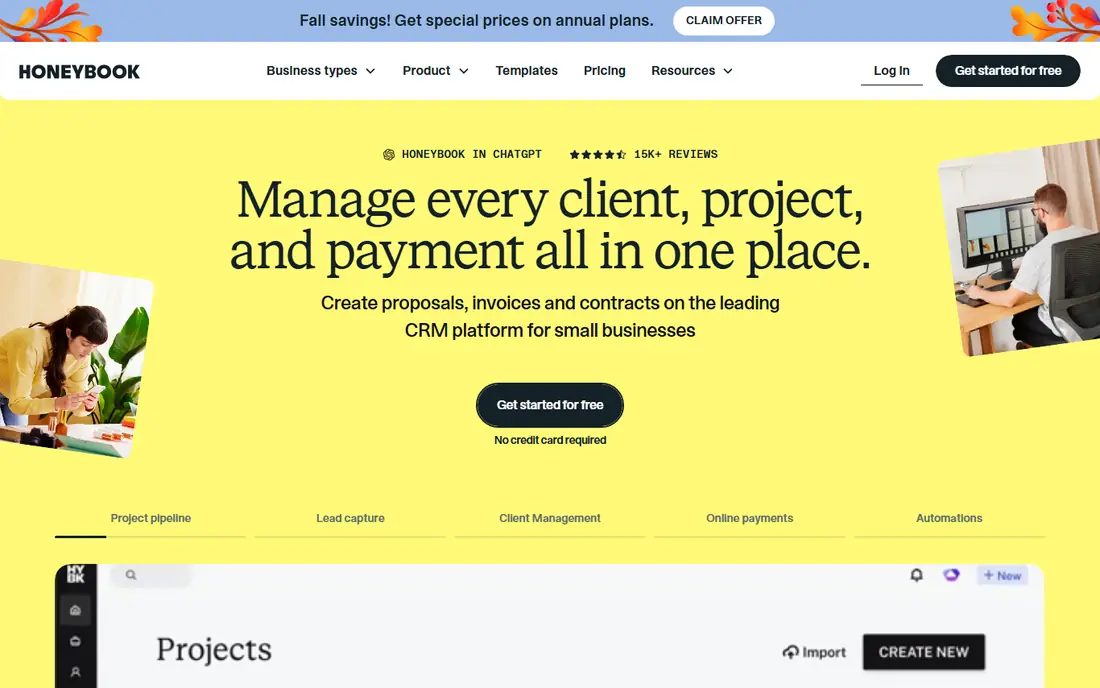
HoneyBook is built for photographers, designers, coaches and other service owners who need to book a client without stitching together five tools. Starter starts at $29 per month billed annually, with monthly billing at $36 per month, and Essentials at $49 per month billed annually adds automation and scheduling. Smart Files combine proposals, contracts and invoices, so a client can accept and pay in one flow.
The trade-off is geography and depth. Businesses outside the supported countries may face payment limits, and Starter lacks the automation that Essentials provides. If you want to be live quickly and you work in a supported country, HoneyBook is hard to beat for solo client work.
- Fast setup
- Combined proposals, contracts and payments
- Strong mobile app
- Available mainly in US, Canada, UK and Australia
- Automation is limited on Starter
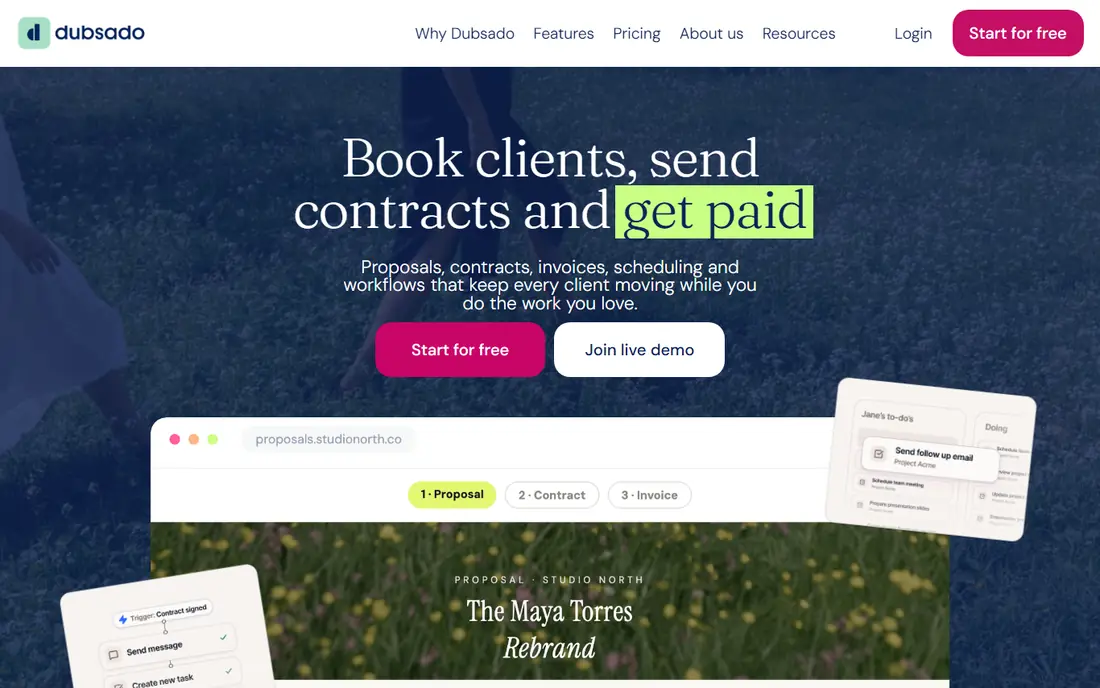
Dubsado is the choice for owners who want every step mapped: inquiry form, proposal, contract, invoice, scheduler and follow-up, with conditional logic between steps. Starter is listed at $335 per year and Premier at $525 per year, which works out to about $28 and $44 per month on annual billing, while monthly billing starts at $35 per month. A 21-day trial includes Premier features.
That power comes with a learning curve. Expect to spend real setup time, or hire help, before the system feels automatic. Clients can pay from an email link without a portal login, which many owners prefer. If you value control over speed, Dubsado rewards the extra effort.
- Deep workflow automation
- Strong branding control
- Works internationally
- Setup takes longer
- Mobile experience is weaker than HoneyBook
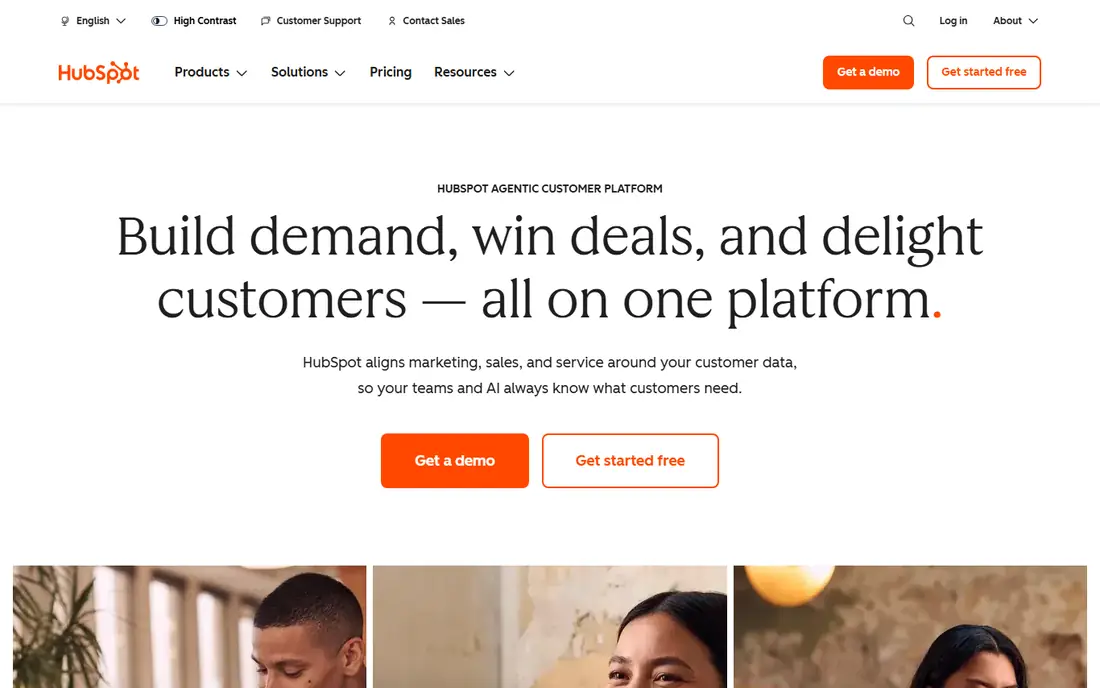
HubSpot CRM starts free for core contact, deal and pipeline management, which makes it a low-risk starting point for a small business. Paid Sales Hub Starter seats have been listed from about $15 per user per month, with higher tiers adding automation, sequences and reporting. The interface is easy for non-technical owners, and the free learning content helps teams get started.
The catch is the upgrade path. Features that feel essential at scale often sit on Professional tiers, and contact-based pricing can raise the bill as your list grows. Start free, map the features you actually use, and only move up when a paid feature saves clear time each week.
- Generous free CRM
- Clean interface
- Marketing and sales tools in one ecosystem
- Paid tiers rise sharply
- Contact and seat limits can surprise growing teams
Zoho CRM offers a free edition for up to three users, with Standard from about $14 per user per month on annual billing. It covers leads, contacts, deals, workflow rules and reporting, and it connects well to Zoho Books, Mail and other Zoho apps. For a budget-conscious team that wants depth without Salesforce pricing, Zoho is a strong value pick.
The interface is the main hurdle. There are many settings, and a new team can create clutter if it turns on every module at once. Start with leads, contacts and deals only, then add automation and custom fields as your process settles. That discipline keeps Zoho fast and useful.
- Free edition for up to 3 users
- Deep customization
- Wide Zoho app ecosystem
- Interface can feel busy at first
- Setup needs care to avoid clutter
Pipedrive is for teams that live in deal stages. The board view makes it obvious what needs attention today, and reps tend to update it because moving a card feels natural. Essential starts at about $14 per user per month on annual billing, with Advanced and Professional adding automation, email sync and deeper reporting.
It is narrower than HubSpot or Zoho by design. If you also need proposals, contracts and client portals, you may pair Pipedrive with another tool. For pure sales pipeline work, that focus is a strength, since the team spends less time hunting for the next action.
- Very clear pipeline view
- Reps adopt it quickly
- Useful automation on higher plans
- No free plan
- Marketing features need add-ons or other tools
Monday Sales CRM turns client work into boards, timelines and automations that a visual team can shape without code. Basic starts at about $12 per seat per month, with a three seat minimum on entry plans in recent listings. It suits teams that manage clients and delivery in the same workspace, since a deal can flow into a project board without a separate handoff.
Reporting is the limit. Pipeline analytics exist, but they are less deep than a specialist CRM for forecasting and sales coaching. If your team thinks in boards and wants one workspace for sales and delivery, Monday is a good fit; if forecasting is the core job, compare Pipedrive or HubSpot first.
- Highly visual boards
- Easy customization
- Good for teams that also manage projects
- Three seat minimum on some plans
- CRM reporting is weaker than specialist CRMs
Insightly suits service businesses that sell a project and then must deliver it. Contacts and opportunities link directly to projects, tasks and milestones, so the handoff from sales to delivery does not get lost in email. Plus starts at $29 per user per month, with Professional at $49 per user per month in recent listings.
The price is higher than a simple contact tool, but it replaces a separate project tool for many teams. The interface is less modern than Monday or HubSpot, which may matter if your team values visual boards above all else. For firms where delivery tracking is as important as the sale, Insightly earns its fee.
- CRM and project delivery in one place
- Clear link from sale to delivery
- Solid reporting
- Higher entry price than some rivals
- Interface feels more traditional
Capsule CRM is a good pick when a team wants a tidy contact record without a large platform to maintain. It tracks people, companies, opportunities and communication history in a clear layout, and it integrates with common email and accounting tools. That simplicity helps adoption, since staff actually log notes and next steps.
The trade-off is depth. Automation, advanced reporting and marketing features are thinner than HubSpot or Zoho, so growing teams may outgrow Capsule. Check the current pricing page before you buy, since Capsule has adjusted plans over time, and trial it with your real contact list.
- Clean and simple to learn
- Good contact history
- Useful for small teams
- Less automation than larger CRMs
- Pricing should be confirmed on the vendor page
Freshsales, from Freshworks, combines CRM, phone, email and AI-assisted lead scoring in one product. A free tier covers small teams, while paid Growth plans have been listed from about $15 per user per month. Built-in calling and email tracking reduce the need for separate tools for inside sales teams.
As with most CRMs, the best AI and automation features sit above the entry plan. The Freshworks ecosystem is smaller than HubSpot, so check integrations for your accounting, marketing and support tools before migrating. For a sales team that wants calling and scoring without a large budget, Freshsales is a practical option.
- Free tier for small teams
- Built-in phone and email
- AI scoring on higher plans
- Some advanced features need higher tiers
- Ecosystem is smaller than HubSpot
How we picked these
We compared official feature and pricing pages, plus recent pricing summaries from 2026, and we favored tools that still serve freelancers and small teams today. We mixed solo client platforms such as HoneyBook and Dubsado with full CRMs, so readers can see when a booking tool is enough and when a pipeline tool is needed. Prices are starting prices and many are per user or per seat, so multiply by your team size before comparing totals.
What to check before you buy
Map your client journey first. Write down each step from first inquiry to final payment and delivery, then check whether the tool covers that step or needs an add-on. A tool that handles proposals but not scheduling, or pipelines but not contracts, will leave a gap that email has to fill.
Test with real client data, not a demo list. Import a small set of contacts, send a test proposal, collect a test payment and check the client view on mobile. Watch for payment fees, portal logins and email deliverability, since those details shape how clients experience your business. Also confirm data export: you should be able to leave with contacts, notes and invoices intact.
Finally, count total cost per month, not just the headline price. Add seats, payment processing percentages, SMS or automation add-ons and any accounting integration fees. A slightly higher subscription with lower processing fees can be cheaper overall for a high-volume business.
Sources
Frequently asked questions
What is the difference between client management software and a CRM?
Client management software often focuses on booking, proposals, contracts and payments for service businesses. A CRM focuses more on sales pipelines, lead tracking and reporting across a larger team. Many tools overlap, so pick based on the work you do most: booking and billing, or selling and forecasting.
Is HoneyBook or Dubsado better for freelancers?
HoneyBook is usually faster to set up and easier on mobile, which suits freelancers who want to start booking this week. Dubsado suits freelancers who want detailed workflows, full branding control and international payment options, and who can invest setup time. Both offer trials, so test the workflow you will use daily.
Can I use a free CRM for client management?
Yes, for a small list and simple needs. HubSpot free and Zoho free cover contacts, deals and basic tracking without a subscription. You will likely need a paid plan when you want automation, more contacts, advanced reporting or built-in payments and contracts.
How much should a small business budget for client management software?
A solo owner can start free or at about $29 to $35 per month for a booking platform, plus payment processing fees on each transaction. A small team on a CRM should budget per seat, so three seats at $14 to $29 per user per month quickly becomes $42 to $87 per month before add-ons. Always include processing fees in the total.
Should I migrate all past clients into a new tool?
Import active clients and recent history first, then archive older records rather than migrating everything at once. A clean import keeps the new system usable and avoids clutter from outdated contacts. Keep a backup export of the old system until you are sure nothing important was lost.