Best Cloud Accounting Software in 2026: 9 Tools Compared
By ToolNimba Editorial Team November 11, 2026 9 min read

- Top pick
 QuickBooks Online
US small businesses
Starting price$38 per monthCheck out QuickBooks OnlineRead our review - Runner-up
 Xero
Growing firms needing unlimited users
Starting price$25 per monthCheck out XeroRead our review - Also great
 FreshBooks
Service pros billing by time
Starting price$23 per monthCheck out FreshBooksRead our review
How we researched this
We compared official pricing and feature pages, app store listings, privacy policies and public user reviews. Prices change, so check the provider's site before you pay.
Key takeaways
- QuickBooks Online is the safest default for US small businesses, since most accountants already know it.
- Xero suits firms that want unlimited users and a clean bank reconciliation flow.
- Wave offers genuinely free core accounting for very small firms, with paid payments and payroll add-ons.
- This is not financial advice; check tax and payroll rules for your state and talk to your accountant before switching.
Quick comparison
| Name | Best for | Starting price | Free plan | |
|---|---|---|---|---|
| QuickBooks Online | US small businesses | $38 per month | Free trial | Visit |
| Xero | Growing firms needing unlimited users | $25 per month | Free trial | Visit |
| FreshBooks | Service pros billing by time | $23 per month | Free trial | Visit |
 Wave | Very small firms on a budget | Free | Yes | Visit |
 Zoho Books | Zoho users and value seekers | $20 per month | Yes | Visit |
 Sage Accounting | Product sellers and multi-currency firms | $12 per month | Free trial | Visit |
 Kashoo | First-time owners | $20 per month | Free trial | Visit |
 ZipBooks | Service firms wanting a free start | Free | Yes | Visit |
 Sage Intacct | Mid-size firms outgrowing small tools | See website | No | Visit |
The best cloud accounting software
Cloud accounting means your books live online, with bank feeds, invoicing, and reports you can reach from any device. We compared nine tools on price, users, invoicing, and accountant support, with a note that this is not financial advice.
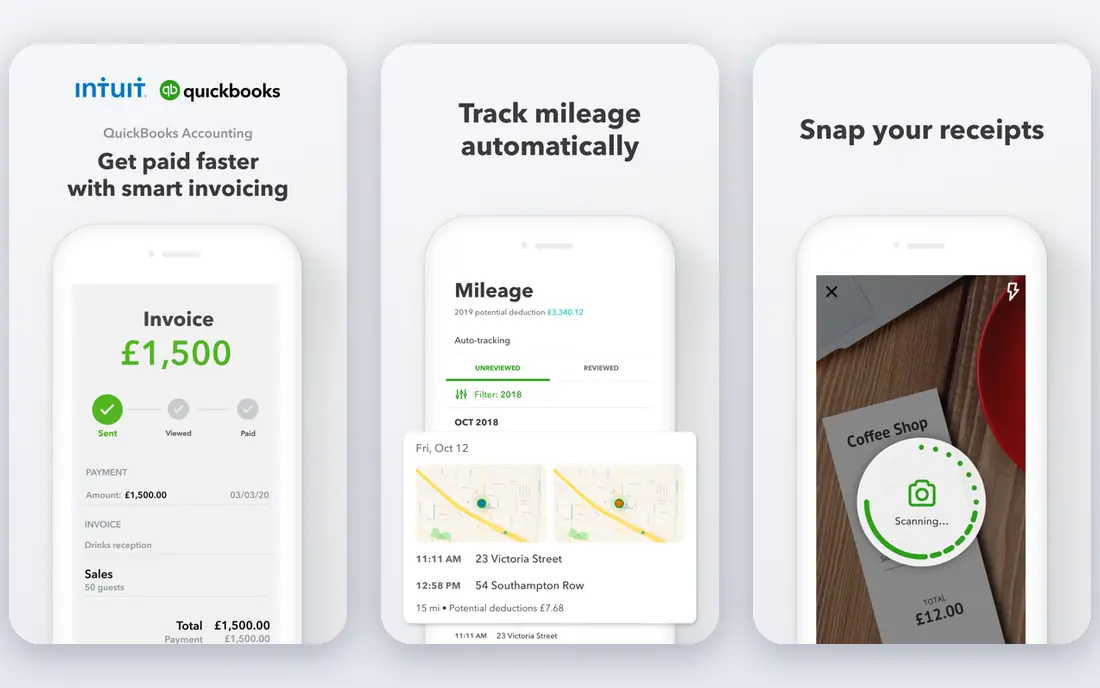
QuickBooks Online is the default pick for US small businesses, because accountants, bookkeepers, and tax preparers already know it. Its invoicing, bank feeds, expense tracking, and reporting cover most small firms, and its Solopreneur plan at $20 per month suits one-person businesses filing a Schedule C.
The main catch is worth weighing before you buy. It also helps to trial the tool with real data and real users, since demos rarely show permission, reporting, or support limits. Check the current pricing page before you sign, since enterprise and usage-based prices change often, and confirm that the integrations and data controls your team needs are included in the tier you plan to buy.
- Widest accountant support
- Strong invoicing and reporting
- Scalable tiers
- Prices have risen over time
- Higher tiers needed for inventory and multi-user depth
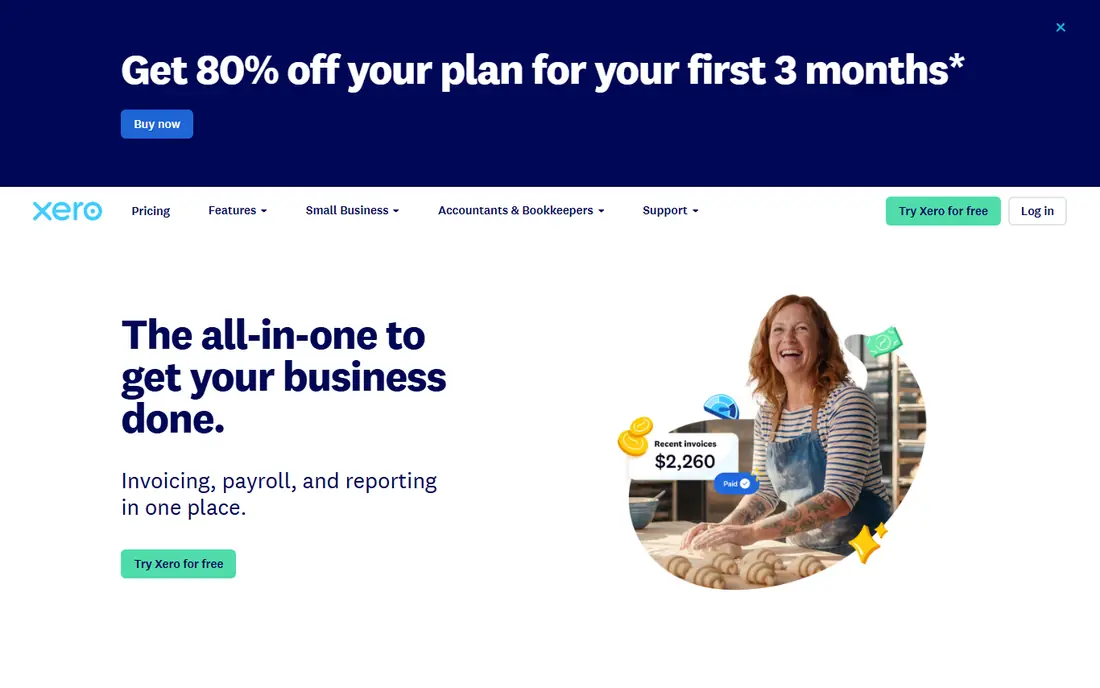
Xero suits firms that want every staff member and advisor in the books without per-user fees. Its reconciliation flow is a highlight, and its app marketplace adds payroll, inventory, and reporting tools as a firm grows.
The main catch is worth weighing before you buy. It also helps to trial the tool with real data and real users, since demos rarely show permission, reporting, or support limits. Check the current pricing page before you sign, since enterprise and usage-based prices change often, and confirm that the integrations and data controls your team needs are included in the tier you plan to buy.
- Unlimited users on plans
- Clean bank reconciliation
- Large app ecosystem
- Entry plan has invoice limits
- US payroll needs a partner app
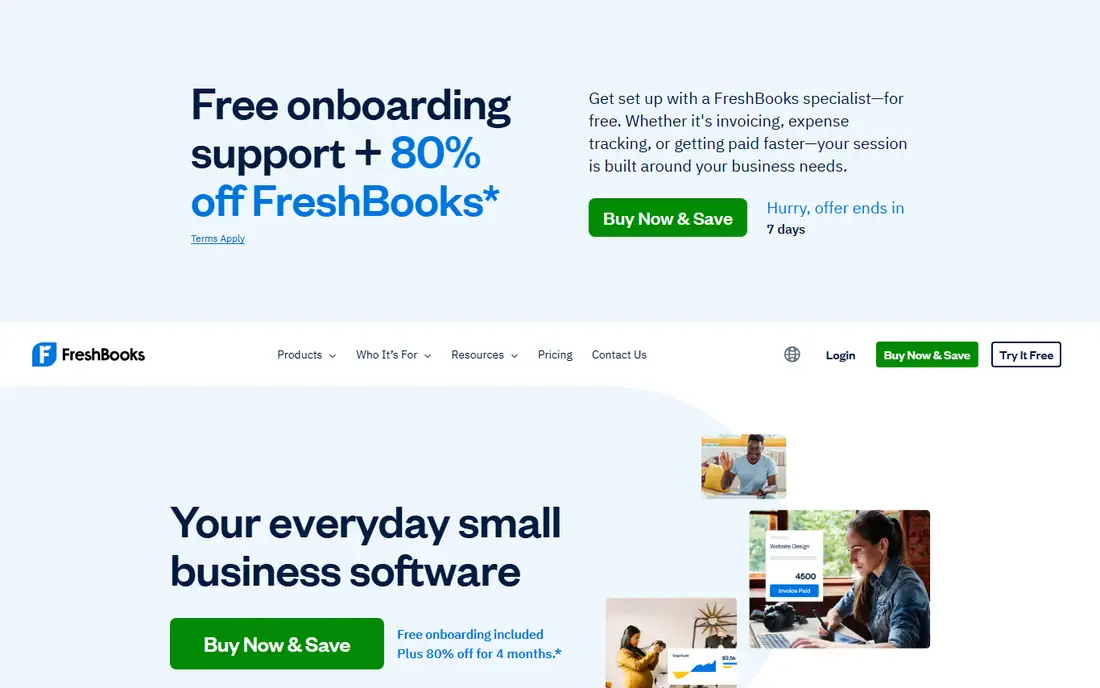
FreshBooks suits freelancers and service firms whose day is invoices and billable hours. Its client portal and time tracking make it easy to turn tracked hours into invoices, though product sellers may need stronger inventory tools.
The main catch is worth weighing before you buy. It also helps to trial the tool with real data and real users, since demos rarely show permission, reporting, or support limits. Check the current pricing page before you sign, since enterprise and usage-based prices change often, and confirm that the integrations and data controls your team needs are included in the tier you plan to buy.
- Strong invoicing and client portal
- Time tracking and project billing
- Easy setup
- Client limits on entry plans
- Accounting depth is lighter than QuickBooks
Wave suits brand-new and very small firms that need real books without a monthly bill. Its free accounting and invoicing cover the basics, and paid payments and payroll can be added only when the business needs them.
The main catch is worth weighing before you buy. It also helps to trial the tool with real data and real users, since demos rarely show permission, reporting, or support limits. Check the current pricing page before you sign, since enterprise and usage-based prices change often, and confirm that the integrations and data controls your team needs are included in the tier you plan to buy.
- Free core accounting and invoicing
- Unlimited invoices
- Simple setup
- Limited reporting depth
- Payroll and payments cost extra
- No inventory depth
Zoho Books suits firms already using Zoho tools, or owners who want strong features at a lower price. Its automation, inventory, and project tools punch above its price, and its free plan helps eligible firms under $50,000 in revenue get started.
The main catch is worth weighing before you buy. It also helps to trial the tool with real data and real users, since demos rarely show permission, reporting, or support limits. Check the current pricing page before you sign, since enterprise and usage-based prices change often, and confirm that the integrations and data controls your team needs are included in the tier you plan to buy.
- Free plan for eligible small firms
- Strong automation
- Client portal included
- Free plan has revenue limits
- US tax support is less deep than QuickBooks
Sage Accounting suits product sellers and firms with overseas customers or suppliers. Its multi-currency and inventory features help firms that sell across borders, though US-only service firms may prefer a simpler tool.
The main catch is worth weighing before you buy. It also helps to trial the tool with real data and real users, since demos rarely show permission, reporting, or support limits. Check the current pricing page before you sign, since enterprise and usage-based prices change often, and confirm that the integrations and data controls your team needs are included in the tier you plan to buy.
- Strong multi-currency on higher plans
- Good inventory support
- Established brand
- Interface can feel busy
- US support community is smaller than QuickBooks
Kashoo suits first-time owners who want books without accounting jargon. Its simple design helps owners send invoices, track expenses, and see cash flow without learning a complex system.
The main catch is worth weighing before you buy. It also helps to trial the tool with real data and real users, since demos rarely show permission, reporting, or support limits. Check the current pricing page before you sign, since enterprise and usage-based prices change often, and confirm that the integrations and data controls your team needs are included in the tier you plan to buy.
- Very simple setup
- Clean invoicing and expense tracking
- Good for beginners
- Fewer advanced features
- Smaller app ecosystem
ZipBooks suits service firms that want a free start and simple invoicing. Its free starter tier covers basic books, and paid plans add automation and deeper reporting as the firm grows.
The main catch is worth weighing before you buy. It also helps to trial the tool with real data and real users, since demos rarely show permission, reporting, or support limits. Check the current pricing page before you sign, since enterprise and usage-based prices change often, and confirm that the integrations and data controls your team needs are included in the tier you plan to buy.
- Free starter plan
- Clean invoicing
- Simple reporting
- Paid plans needed for full features
- Smaller ecosystem than leaders
Sage Intacct suits mid-size firms that need multi-entity books, approvals, and deeper reporting. Its dimensional reporting helps finance teams slice results by department, location, or project, which small-business tools handle poorly.
The main catch is worth weighing before you buy. It also helps to trial the tool with real data and real users, since demos rarely show permission, reporting, or support limits. Check the current pricing page before you sign, since enterprise and usage-based prices change often, and confirm that the integrations and data controls your team needs are included in the tier you plan to buy.
- True mid-market accounting
- Multi-entity and dimensional reporting
- Strong controls
- Quote-only pricing
- Implementation needs expert help
How we picked these
We compared official feature pages, pricing pages, app store listings, and public documentation for each product, and we kept only products that are available now and truly fit the topic. We did not claim hands-on testing we did not do, and where a vendor does not publish a price we say so rather than guessing. Prices below reflect vendor pages and recent pricing summaries checked in October 2026, so confirm the current figure before you buy.
How to choose accounting software
List your must-haves first: invoicing, bank feeds, payroll, inventory, multi-currency, and accountant access. Then check user limits, invoice limits, and the price at your next growth stage, not just today. Connect a bank feed and send a test invoice during the trial, and ask your accountant which tool they prefer, since their time is part of your real cost. This is not financial advice; tax and payroll rules vary by state and business type, so confirm them with a qualified professional.
Sources
Frequently asked questions
What is the best cloud accounting software?
QuickBooks Online is the best all-round pick for US small businesses, Xero suits firms that want unlimited users, and Wave suits very small firms that need free core books. FreshBooks suits service pros who bill by time.
Is there free cloud accounting software?
Yes. Wave offers free core accounting and invoicing, Zoho Books offers a free plan for eligible small firms, and ZipBooks offers a free starter plan. Payroll, payments, and advanced reports usually cost extra.
What is the difference between cloud and desktop accounting?
Cloud tools run in a browser, update automatically, and let accountants log in from anywhere. Desktop tools install on one computer and often need manual updates and backups.
Do I need an accountant if I use accounting software?
Software helps with daily books, but an accountant still helps with tax planning, payroll rules, and year-end close. Ask yours which tool they support before you buy, since that choice affects their fees.
How much does cloud accounting software cost?
Entry plans often run $12 to $38 per month, with higher tiers for inventory, payroll, and multi-user access. Mid-market tools such as Sage Intacct are quote-only and cost far more, so they suit larger firms.