Best Cloud Storage Services in 2026: 10 Services Compared
By ToolNimba Editorial Team November 10, 2026 10 min read

- Top pick
 Google Drive
Most people and collaboration
Starting price$1.99 per monthCheck out Google DriveRead our review - Runner-up
 Dropbox
Reliable sync and sharing
Starting price$11.99 per monthCheck out DropboxRead our review - Also great
 OneDrive
Microsoft 365 users
Starting price$1.99 per monthCheck out OneDriveRead our review
How we researched this
We compared official pricing and feature pages, app store listings, privacy policies and public user reviews. Prices change, so check the provider's site before you pay.
Key takeaways
- Google Drive is our pick for most people, with 15GB free and strong collaboration through Docs and Sheets.
- Dropbox still leads on sync reliability, though its 2GB free tier is very small.
- OneDrive is best value if you already pay for Microsoft 365, since 1TB comes with Office apps.
- iCloud is the natural choice for Apple households, but it is less smooth on Windows and Android.
- For privacy, MEGA, Sync.com and pCloud offer stronger encryption options than the big ecosystem services.
Quick comparison
| Name | Best for | Starting price | Free plan | |
|---|---|---|---|---|
| Google Drive | Most people and collaboration | $1.99 per month | Yes | Visit |
| Dropbox | Reliable sync and sharing | $11.99 per month | Yes | Visit |
| OneDrive | Microsoft 365 users | $1.99 per month | Yes | Visit |
 iCloud Drive | Apple households | $0.99 per month | Yes | Visit |
 MEGA | Privacy and large free tier | See website | Yes | Visit |
 pCloud | Lifetime payment option | $199 lifetime | Yes | Visit |
 Sync.com | Privacy-focused storage | $8 per month | Yes | Visit |
 Box | Business collaboration | See website | Yes | Visit |
 IDrive | Backup for many devices | See website | Yes | Visit |
 Backblaze | Unlimited computer backup | $99 per year | Free trial | Visit |
The best cloud storage services
We compared official pricing pages, feature pages and storage guides to find services that store, sync and share files reliably in 2026, for personal use and small teams.
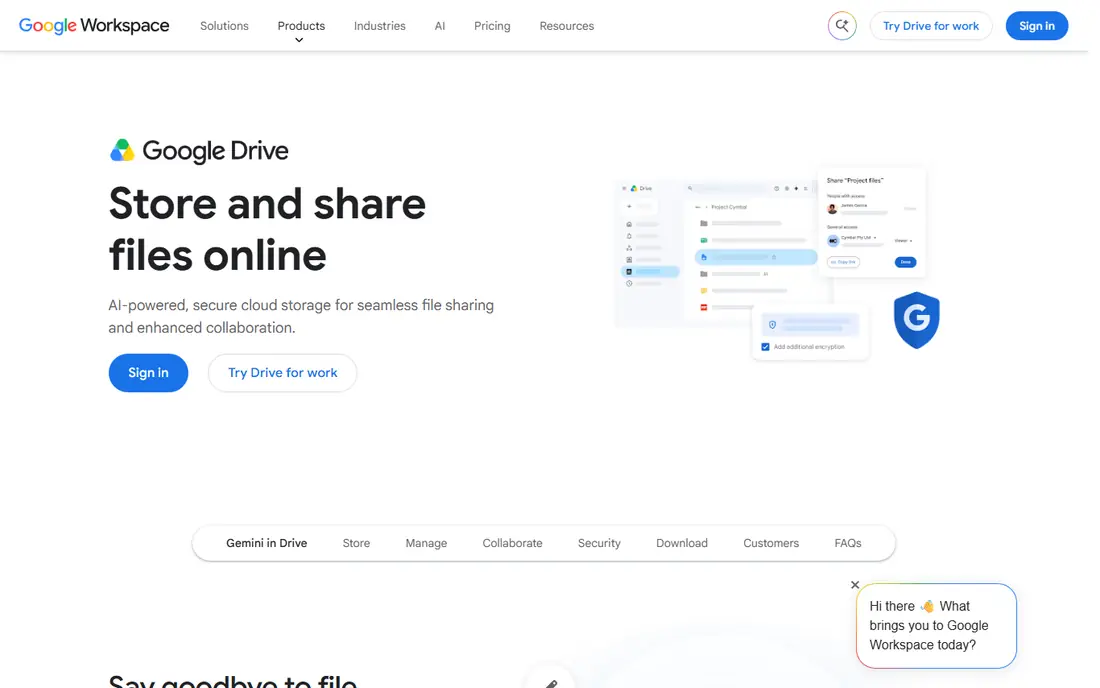
Google Drive is the easiest default for most users. The 15GB free tier is generous, though it is shared across Gmail, Drive and Photos, so it fills faster than the number suggests. Paid plans through Google One start at 100GB for a low monthly price, and 2TB plans suit families. Collaboration is the real strength: multiple people can edit Docs and Sheets at once, with comments and version history.
Privacy is the main trade-off. Google Drive does not offer the same client-side encryption by default as privacy-focused rivals, and its desktop app can feel heavier than Dropbox. For most personal and small business use, though, the combination of price, free storage and collaboration is hard to beat.
- 15GB free
- Excellent Docs and Sheets collaboration
- Powerful search
- Free storage is shared with Gmail and Photos
- Privacy is weaker than encrypted rivals
Dropbox built its reputation on sync that just works. Files update quickly across devices, sharing links are simple to control, and Smart Sync lets you see files without downloading them all. For creative professionals and teams sharing large files, that reliability matters more than a slightly lower price elsewhere.
The free tier is the weakness: 2GB is barely a trial in 2026, and the paid Plus plan starts higher than Google or Microsoft equivalents. Dropbox is worth paying for if you share large files daily and need sync you can trust, but casual users will get more free storage elsewhere.
- Excellent sync reliability
- Polished sharing
- Wide third-party integrations
- Only 2GB free
- Paid plans start at a higher price than rivals
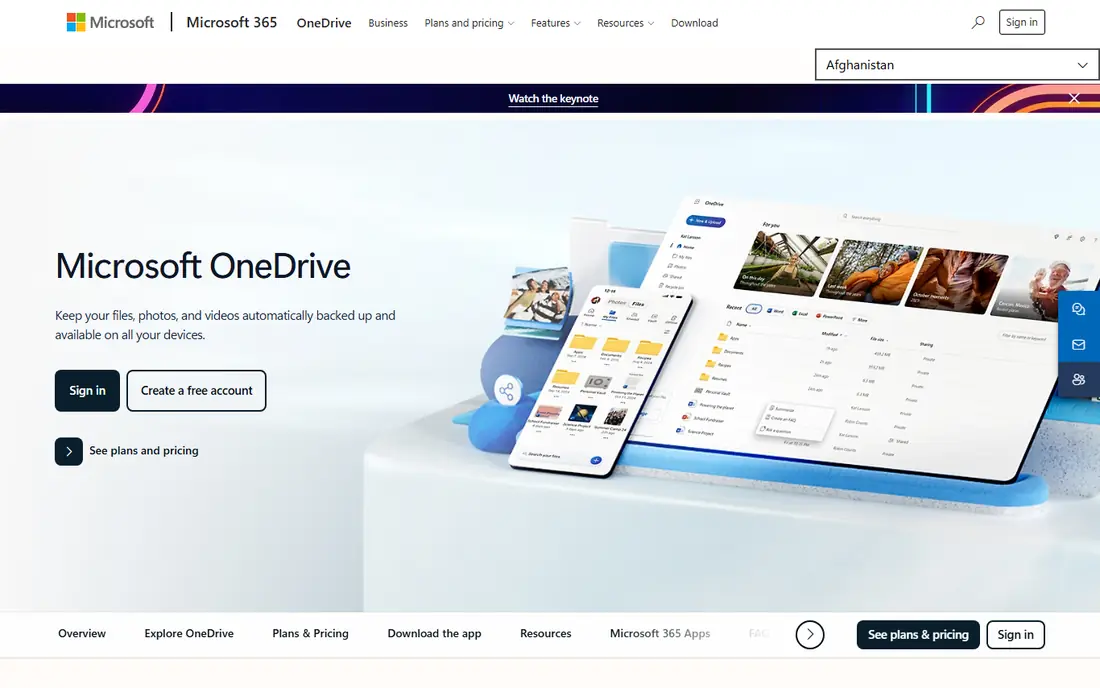
OneDrive makes most sense if you already use Windows or Microsoft 365. It is built into Windows, integrates with Word, Excel and PowerPoint, and a Microsoft 365 Personal plan includes 1TB of storage plus Office apps, which is strong value. Personal Vault adds an extra protected area for sensitive documents.
Standalone storage prices are less distinctive, and the 5GB free tier is modest. If you do not use Office, Google Drive may suit you better. For Windows households and Office users, OneDrive is the natural and often cheapest choice.
- Built into Windows
- 1TB with Microsoft 365
- Personal Vault for sensitive files
- Only 5GB free
- Sharing is less polished than Dropbox for some users
iCloud Drive is invisible in the best way on Apple devices. It syncs Desktop and Documents folders on Mac, backs up iPhone photos, and shares storage across family members. Paid plans start very cheaply for 50GB, and Advanced Data Protection adds end-to-end encryption for many data types when you turn it on.
The 5GB free tier fills quickly, especially with photos, and the service is less smooth outside Apple devices. There is no native Android app, and Windows support is functional rather than polished. For Apple-only households, iCloud is the obvious pick; for mixed-device homes, a cross-platform service fits better.
- Built into Apple devices
- Excellent Photos integration
- Advanced Data Protection option
- Only 5GB free
- Windows and Android experience is weaker
MEGA stands out for privacy and free storage. It offers a large free tier, encrypts files end to end by default, and provides paid plans that compete well on price per terabyte. Users who want the provider to be unable to read their files will appreciate that approach.
Collaboration is less polished than Google Drive or OneDrive, with fewer built-in document editing tools. MEGA suits privacy-conscious users and those who want a large free tier for backup and sharing, rather than teams that live in shared documents.
- Large free tier
- End-to-end encryption by default
- Generous paid plans
- Collaboration tools are thinner than Google or Microsoft
- Interface can feel technical
pCloud is unusual because it sells lifetime plans, which can save money over several years compared with monthly subscriptions. It offers a free tier, good media playback for music and video, and file versioning. A Crypto folder option adds client-side encryption for sensitive files, though it may cost extra depending on the plan.
The upfront lifetime cost is the barrier, and you should be confident you will use the service long term before paying it. For users tired of subscriptions and happy to pay once, pCloud is a distinctive and practical option.
- Lifetime plans avoid subscriptions
- Good media playback
- Optional client-side encryption
- Lifetime pricing is upfront
- Encryption add-on costs extra on some plans
Sync.com is built around privacy, with end-to-end encryption and a clear stance on protecting user data. Its paid plans are reasonably priced for the storage offered, and team plans add sharing and admin controls for small businesses. The free tier lets you test the service before committing.
Sync speed and third-party integrations lag Dropbox, and collaboration tools are simpler than Google Workspace. Sync.com fits solo users and small teams who rank privacy above the fastest sync or the widest app ecosystem.
- End-to-end encryption
- Good privacy reputation
- Team plans available
- Sync can be slower than Dropbox
- Fewer third-party integrations
Box is aimed at businesses that need secure sharing, admin controls and integrations with enterprise tools. It offers granular permissions, audit trails and workflow features that personal services do not match. For teams handling sensitive documents or working with large clients, those controls matter.
For personal use, Box is less appealing: free storage is limited and paid personal plans cost more than Google or Microsoft equivalents for the same space. Choose Box when business collaboration and control are the priority, not when you only need cheap personal storage.
- Strong business sharing controls
- Wide enterprise integrations
- Good admin tools
- Personal plans are less competitive
- Interface is business focused
IDrive is more backup service than simple storage, and that distinction helps many users. One plan can cover computers, phones and tablets, with versioning that lets you restore older file versions. That breadth suits households with several devices who want one backup bill.
The interface is less polished than Dropbox or Google Drive, and first-year discounts make renewal prices feel higher by comparison. Check the renewal price before buying. IDrive is a good pick for multi-device backup rather than daily document collaboration.
- Covers many devices on one plan
- Versioning and ransomware recovery features
- Competitive first-year pricing
- Interface feels dated
- Renewal prices are higher than first-year offers
Backblaze offers unlimited backup for a single computer at a flat yearly price, which is excellent value for users with large photo or video libraries. Setup is simple, backups run in the background, and you can restore files from the web or request a drive for large restores.
Backblaze is not a Dropbox replacement: it backs up a computer rather than syncing files for daily editing across devices. Use it alongside a sync service, so Backblaze protects everything while Drive, Dropbox or OneDrive handles daily sharing and collaboration.
- Unlimited backup for one computer
- Simple setup
- Version history
- Not a general file sync service
- Restoring large backups takes time
How we picked these
We compared official pricing pages, feature pages and storage guides, and we required each service to be available in 2026, with a clear free tier, trial or paid plan and reliable sync or backup. We mixed ecosystem services, privacy services and backup services, since readers need different tools for sharing, privacy and protection. We did not claim hands-on testing, and prices should be confirmed on the vendor site, since storage prices and free tiers change.
How to choose a storage service
Start with your devices and the people you share with. Apple households usually suit iCloud, Windows and Office users suit OneDrive, and Google users suit Drive. If you share files across platforms, Dropbox or MEGA may be smoother. Next, check your real storage use: photos and video fill space fastest, so a 100GB plan may be enough for documents but not for a photo library.
Privacy matters too. If you store sensitive documents, look for end-to-end encryption and turn on extra protections such as Advanced Data Protection on iCloud or a Crypto folder on pCloud. Finally, separate sync from backup. A sync service mirrors deletions, so a deleted file can disappear everywhere, while a backup service keeps older versions. Use both for important files.
Avoid losing files
Turn on two-factor authentication, use a strong unique password, and check sharing links regularly. Remove access for people who no longer need it, and keep a local copy of irreplaceable files on an external drive. Cloud storage is convenient, but a second copy is still the safest habit for photos and important documents.
Sources
Frequently asked questions
What is the best free cloud storage service?
Google Drive offers the largest free tier among major services, with 15GB shared across Gmail, Drive and Photos. MEGA also offers a large free tier with encryption. Dropbox and iCloud offer only 2GB and 5GB free, so they suit users who plan to pay or who use them for small files.
How much cloud storage do I need?
For documents and a modest photo collection, 100GB to 200GB is often enough. For large photo libraries, video projects or family sharing, 2TB is a safer choice. Check your current use in your device settings or storage dashboard, and allow room to grow, since photo and video files keep getting larger.
Is cloud storage safe?
Major services use encryption in transit and at rest, and reputable providers add two-factor authentication and version history. For sensitive files, choose a service with end-to-end encryption, such as MEGA or Sync.com, and turn on extra protections. No service replaces a second backup for irreplaceable files.
What is the difference between cloud storage and cloud backup?
Cloud storage syncs files across devices for access and sharing, while cloud backup copies a whole computer for recovery after loss or damage. Backblaze and IDrive lean toward backup, while Drive, Dropbox and OneDrive lean toward sync and collaboration. Many users need both.
Can I share large files with cloud storage?
Yes, most services let you share files or folders by link, with options for passwords and expiry dates on paid plans. Dropbox and Box are particularly strong for large file sharing. Check upload limits and recipient access, and avoid sharing sensitive files with public links.
Do lifetime cloud storage plans make sense?
Lifetime plans, such as those from pCloud, can save money if you use the service for many years. They require a larger upfront payment and trust that the provider will remain in business. Compare the lifetime price with three to five years of monthly payments before deciding.