Best Coding Platforms for Beginners in 2026: 9 Platforms Compared
By ToolNimba Editorial Team November 6, 2026 10 min read

- Top pick
 freeCodeCamp
Complete free curriculum
Starting priceFreeCheck out freeCodeCampRead our review - Runner-up
 Codecademy
Interactive browser lessons
Starting price$14.99 per monthCheck out CodecademyRead our review - Also great
 The Odin Project
Project-based web development
Starting priceFreeCheck out The Odin ProjectRead our review
How we researched this
We compared official pricing and feature pages, app store listings, privacy policies and public user reviews. Prices change, so check the provider's site before you pay.
Key takeaways
- freeCodeCamp and The Odin Project give you a complete curriculum for free, which makes them the best starting point if money is tight.
- Codecademy is the easiest way to start typing real code within minutes, thanks to its interactive browser lessons.
- Khan Academy suits absolute beginners and younger learners who want a gentle pace with lots of guidance.
- Scrimba stands out for learning by doing, because you pause the lesson video and edit the code inside it.
- Paid platforms like Coursera and Codecademy Pro are worth it mainly for certificates, structured paths, and guided projects, not for secret content.
Quick comparison
| Name | Best for | Starting price | Free plan | |
|---|---|---|---|---|
| freeCodeCamp | Complete free curriculum | Free | Yes | Visit |
| Codecademy | Interactive browser lessons | $14.99 per month | Yes | Visit |
| The Odin Project | Project-based web development | Free | Yes | Visit |
 Khan Academy | Gentle first steps | Free | Yes | Visit |
 Scrimba | Interactive video lessons | $24.50 per month | Yes | Visit |
 Mimo | Learning on your phone | $9.99 per month | Yes | Visit |
 SoloLearn | Bite-size mobile lessons | See website | Yes | Visit |
 CS50 on edX | Computer science fundamentals | Free | Yes | Visit |
 Coursera | University-backed certificates | $59 per month | Yes | Visit |
The best coding platforms for beginners
Learning to code in 2026 is easier than it used to be, because the best platforms let you write and run code in your browser from the first lesson. The platforms below differ in teaching style, price, and how much hand-holding they give you, so the right pick depends on how you like to learn and how much you want to spend.
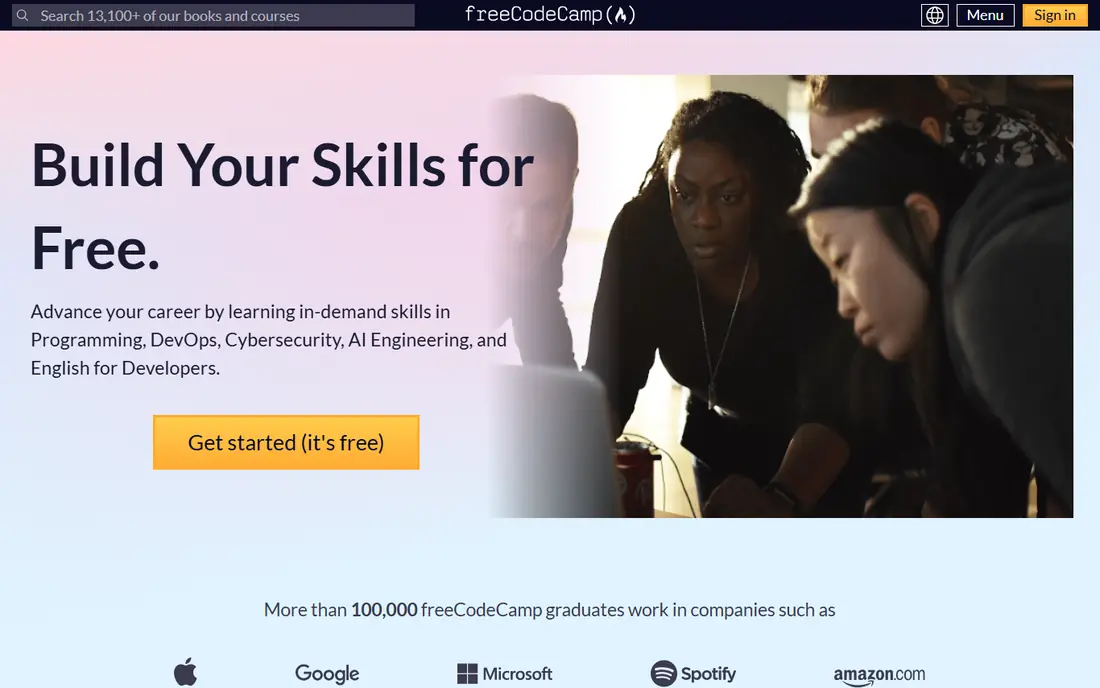
freeCodeCamp is a nonprofit with one of the most complete free coding curricula anywhere. Its certifications each take roughly 300 hours and cover responsive web design, JavaScript, front-end libraries, back-end development, and Python, and every lesson and project is free with no paid tier above it. A huge forum and active community mean you can usually find help when you get stuck.
The trade-off is style. Lessons are mostly text with coding challenges, and the platform expects you to push yourself through long stretches without a teacher checking in. Self-direction matters here more than on paid platforms. If you can stay motivated and your budget is zero, we think this is the best place to start, full stop.
- Entire curriculum is free, including certifications
- Thousands of hours of lessons and projects
- Large community forum
- Mostly text-based lessons, which some learners find dry
- Little hand-holding
- No instructor feedback
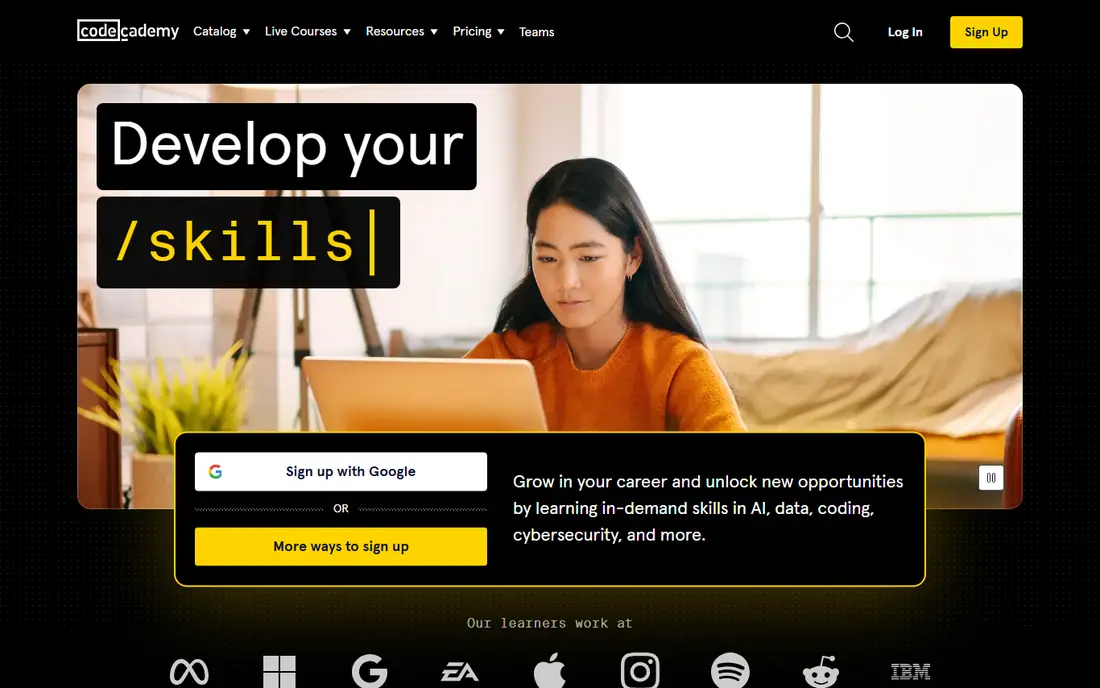
Codecademy is built around doing, not watching. You read a short explanation, then type code in the browser and get instant feedback, which keeps the early lessons moving fast. The free tier covers the basics across many languages, while Plus at $14.99 per month billed annually and Pro at $19.99 per month billed annually add full paths, projects, certificates, and an AI learning assistant.
The free tier is genuinely limited, so expect a paywall once you move past the basics, and the huge catalog takes some browsing to navigate. Still, for a beginner who wants to sample Python, JavaScript, SQL, and more before committing to one path, Codecademy is the most approachable paid option. Our pick if you want interactivity plus structure.
- Code from the first minute in your browser
- Wide language catalog
- Career paths and certificates on paid plans
- Free tier covers only basic courses
- Paid pricing varies by plan and billing
- Catalog size can feel overwhelming
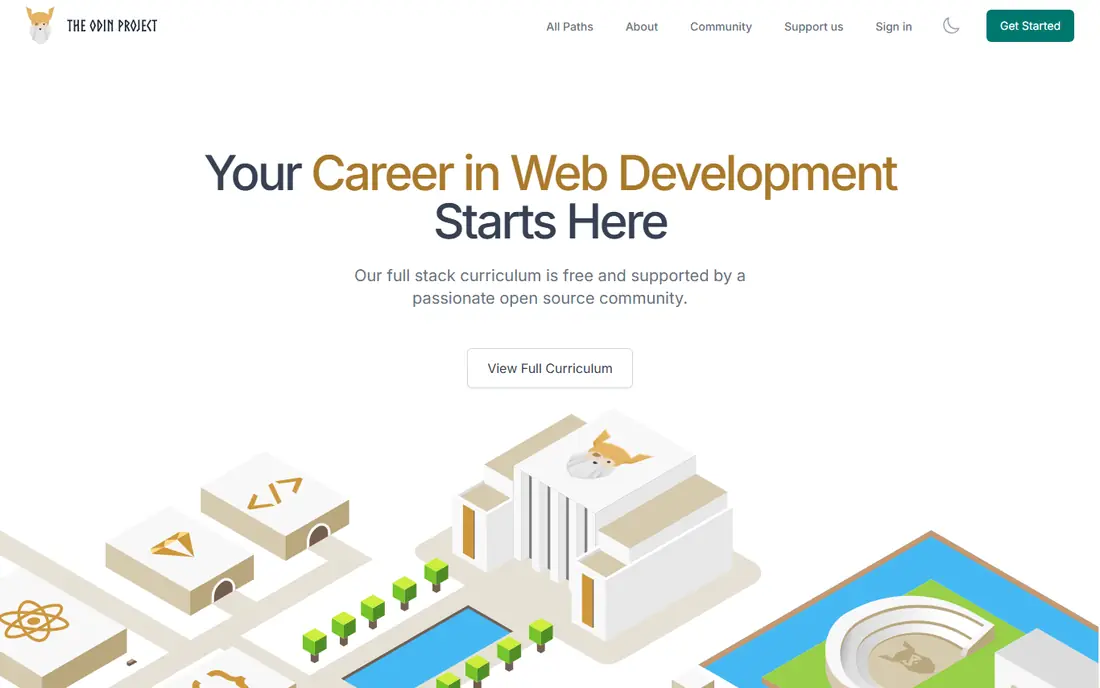
The Odin Project takes a different approach: it curates the best free resources on the web and wraps them in a project-based path for web development, with JavaScript or Ruby tracks. You learn by building real things, including a full portfolio of projects, and the Discord community is large and helpful. Everything is free, with no paid tier at all.
That freedom comes with less guidance. The curriculum points you to external readings and expects you to work through problems yourself, which suits self-directed learners better than people who want a teacher on screen. If you learn best by building and you want a free path into web development, this is the strongest project-first option.
- Fully free, open-source curriculum
- Large portfolio projects
- Active Discord community
- Minimal hand-holding
- No certificates
- Reading-heavy compared with video platforms
Khan Academy is the gentlest on-ramp on this list. Its intro programming courses use a friendly, visual style with guided exercises in JavaScript and SQL, and everything is free. Teachers and parents use it widely, and it works well for younger learners or adults who feel nervous about their first lines of code.
Depth is the limit. Khan Academy will not take you to job-ready web development on its own, and its language coverage is narrow compared with freeCodeCamp or Codecademy. Think of it as a first step: a place to find out whether you enjoy coding before you commit to a longer curriculum. For absolute beginners, that gentle start has real value.
- Very gentle pace for true beginners
- Free for everyone
- Good for younger learners
- Shallow depth for serious career changers
- Limited languages
- No certificates for coding
Scrimba solves the classic video-course problem: watching someone else code. Its lessons are interactive screencasts, so you can pause at any moment, edit the instructor's code yourself, and run it right there in the lesson. That "code along inside the lesson" format makes concepts stick better than passive watching, and more than 25 courses are free, with Pro from $24.50 per month billed annually.
The catalog is smaller than Codecademy's and leans toward front-end development, so back-end learners have fewer paths. If you like video teaching but hate just watching, Scrimba is our favorite format on this list, and the free courses are a fair test before you pay.
- Pause any lesson and edit the code inside it
- Strong front-end paths
- Many free courses
- Pro price is higher than some rivals
- Smaller catalog than Codecademy
- Video style is not for everyone
Mimo is built for the phone first, with short lessons you can finish on a commute or in a waiting room. It covers Python, web development, SQL, and more, and Pro at $9.99 per month billed yearly adds full paths and certificates. For people whose study time comes in five-minute gaps, that format beats opening a laptop every time.
Phone coding has natural limits, and Mimo goes less deep than desktop platforms for serious projects. Use it to build a daily habit and learn the basics, then move to a desktop platform when you start building real projects. As a habit builder, it is the best mobile-first option we found.
- Bite-size mobile lessons that fit spare minutes
- Certificates on Pro
- Covers Python, web, and SQL
- Small-screen coding has limits
- Depth is thinner than desktop platforms
- Pro needed for full paths
SoloLearn is another mobile-first option, with short lessons, quizzes, and a community playground where you can run code and see what others built. It covers many languages and works well as a companion to a main course, especially for daily practice and review. The free tier is generous for casual learning.
Depth is the weak point. SoloLearn lessons stay at a fairly basic level, and the free experience includes upsells for the paid tier. We would use it as a supplement, not a primary path: a good way to keep a streak alive and reinforce what you learn elsewhere.
- Short, mobile-friendly lessons
- Community code playground
- Many languages
- Lessons stay fairly basic
- Paid features vary
- Ads and upsells on the free tier
CS50 is Harvard's introduction to computer science, available free to audit through edX, and it is widely regarded as one of the best intro courses ever made. It teaches C, Python, SQL, and JavaScript, but more importantly it teaches how computers actually work, with problem sets and a final project that demand real thinking. The paid verified certificate costs extra.
It is also harder than the other entries here. CS50 expects persistence through genuinely challenging problems, which is why it works better as a second course or for learners who want depth over speed. If you want to understand computing rather than just write code, start here or graduate to it after a gentler intro.
- Harvard's famous intro course, free to audit
- Rigorous grounding in how computers work
- Strong problem sets
- Harder than most beginner courses
- Paid certificate costs extra
- Less hand-holding than Codecademy
Coursera hosts courses from universities and companies, including well-known beginner paths like Python for Everybody from the University of Michigan. Production quality is high, certificates carry weight with employers, and financial aid is available for many courses. Coursera Plus costs $59 per month or $399 per year in the US.
The catch is access. Many courses are preview-only unless you pay, and the format leans toward video lectures and quizzes rather than interactive coding. If a certificate matters for your resume or you want a university-style course, Coursera is the strongest choice. Pair it with freeCodeCamp or Codecademy for hands-on practice.
- University and company courses with certificates
- High production quality
- Financial aid available
- Many courses are preview-only without paying
- Monthly cost adds up
- Less interactive coding practice
How we picked these
We compared official pricing pages, course catalogs, and independent 2026 comparisons of coding platforms, favoring platforms with a real free tier or audit option, a clear beginner path, and current availability in October 2026. We mixed free nonprofits, interactive platforms, mobile apps, and university courses so different learning styles are covered. Prices change often and many are billed annually, so confirm on each pricing page before you pay. We did not enroll in every course hands-on; our comparison rests on published curricula, pricing, and public reviews.
Picking the right starting point
Start with your budget and your learning style, not with a language. If money is tight, freeCodeCamp or The Odin Project will carry you a long way. If you need interaction to stay engaged, Codecademy or Scrimba are better bets. If you only have a phone and spare minutes, Mimo or SoloLearn will build the habit first.
Whichever you choose, build something every week, even a tiny project. Watching lessons feels like progress, but the learning sticks when you write code that breaks and you fix it. Pick one platform as your main path, use a second as a supplement, and resist the urge to collect subscriptions you never open.
Sources
- https://onlinecourseing.com/best-coding-courses/
- https://scrimba.com/articles/best-online-coding-courses-and-classes-compared-2026/
- https://scrimba.com/articles/best-free-coding-websites-and-resources-2026/
- https://www.freecodecamp.org
- https://www.codecademy.com
- https://www.theodinproject.com
- https://www.khanacademy.org
- https://www.scrimba.com
- https://www.mimo.org
- https://www.sololearn.com
- https://www.edx.org
- https://www.coursera.org
Frequently asked questions
What is the best coding platform for beginners?
For most beginners, freeCodeCamp is the best free start and Codecademy is the best interactive paid start. The Odin Project suits self-directed learners who want projects, while Khan Academy suits absolute beginners who want a gentle pace. Your learning style matters more than the platform's feature list.
Can I learn coding for free?
Yes. freeCodeCamp, The Odin Project, and Khan Academy are fully free, and CS50 can be audited free on edX. Codecademy, Scrimba, and Mimo also offer free tiers, though full paths usually need a paid plan. Many people reach a job-ready level without paying anything.
What programming language should beginners learn first?
Python is the most common recommendation, because its syntax reads clearly and it works for web, data, and automation. JavaScript is the better first choice if you want to build websites, since it runs in every browser. Either one is fine; the concepts you learn transfer to the next language.
How long does it take to learn coding?
It depends on your goal and daily time. Basic comfort with one language can take a few months of steady practice, while job-ready skills usually take six to twelve months of consistent work and projects. Platforms that quote a few weeks are selling speed, not depth.
Do coding certificates help you get a job?
Certificates help most as proof of finished work, especially when paired with a portfolio of projects. Employers care more about what you built than which platform issued the certificate. FreeCodeCamp certifications and Coursera certificates both work best alongside real projects you can show.
Is Codecademy or freeCodeCamp better for beginners?
Codecademy is better if you want interactive, guided lessons and are willing to pay for full paths. freeCodeCamp is better if you want a complete free curriculum and can direct your own learning. Many learners use both: Codecademy for interactive practice and freeCodeCamp for depth and projects.