Best Coding Tools for Kids in 2026: 9 Tools Compared
By ToolNimba Editorial Team November 10, 2026 9 min read

- Top pick
 Scratch
Creative block coding
Starting priceFreeCheck out ScratchRead our review - Runner-up
 Code.org
Structured free lessons
Starting priceFreeCheck out Code.orgRead our review - Also great
 Tynker
Blocks to real code path
Starting priceSee websiteCheck out TynkerRead our review
How we researched this
We compared official pricing and feature pages, app store listings, privacy policies and public user reviews. Prices change, so check the provider's site before you pay.
Key takeaways
- Scratch and Code.org are the best free starting points, with Scratch favoring creativity and Code.org favoring structured lessons.
- ScratchJr suits ages 5 to 7, Scratch suits ages 8 and up, and CodeCombat suits ages 9 and up for real Python and JavaScript.
- Tynker and codeSpark Academy add structure and progression for families willing to pay, while Swift Playgrounds is free for Apple users.
- Most tools run in a browser and work on a Chromebook, while ScratchJr and Swift Playgrounds are tablet or Apple only.
- Our pick for most families is Scratch first, then Code.org for lessons, with CodeCombat as the next step into text coding.
Quick comparison
| Name | Best for | Starting price | Free plan | |
|---|---|---|---|---|
| Scratch | Creative block coding | Free | Yes | Visit |
| Code.org | Structured free lessons | Free | Yes | Visit |
| Tynker | Blocks to real code path | See website | Yes | Visit |
 CodeCombat | Python and JavaScript games | $9.99 per month | Yes | Visit |
 Kodable | Young kids and classrooms | See website | Yes | Visit |
 ScratchJr | Ages 5 to 7 | Free | Yes | Visit |
 Swift Playgrounds | Real Swift on Apple devices | Free | Yes | Visit |
 Hopscotch | Making games on iPad | $9.99 per month | Yes | Visit |
 codeSpark Academy | Wordless puzzles for ages 5 to 9 | $10 per month | Free trial | Visit |
The best coding tools for kids
These are the best coding apps for kids, from free block coding platforms to game-based text coding. We compared official sites, pricing pages, and age guidance, with a focus on safety, progression, and whether a tool needs a paid plan to be useful.

Scratch, from MIT, is the default first coding tool for most kids. Children snap together visual blocks to make games, animations, and stories, without typing syntax or worrying about errors. The community lets kids explore projects made by others, remix them, and learn by seeing how blocks fit together.
The open ended design is both a strength and a limit. Creative kids thrive, while kids who need a clear next step may stall without a parent or teacher to guide them. Pair Scratch with Code.org lessons if your child wants structure, and let Scratch handle the creative projects.
- Completely free
- Huge community of shared projects
- No ads or paid upsell in the core platform
- No built-in lesson path
- Can feel open ended for kids who need structure
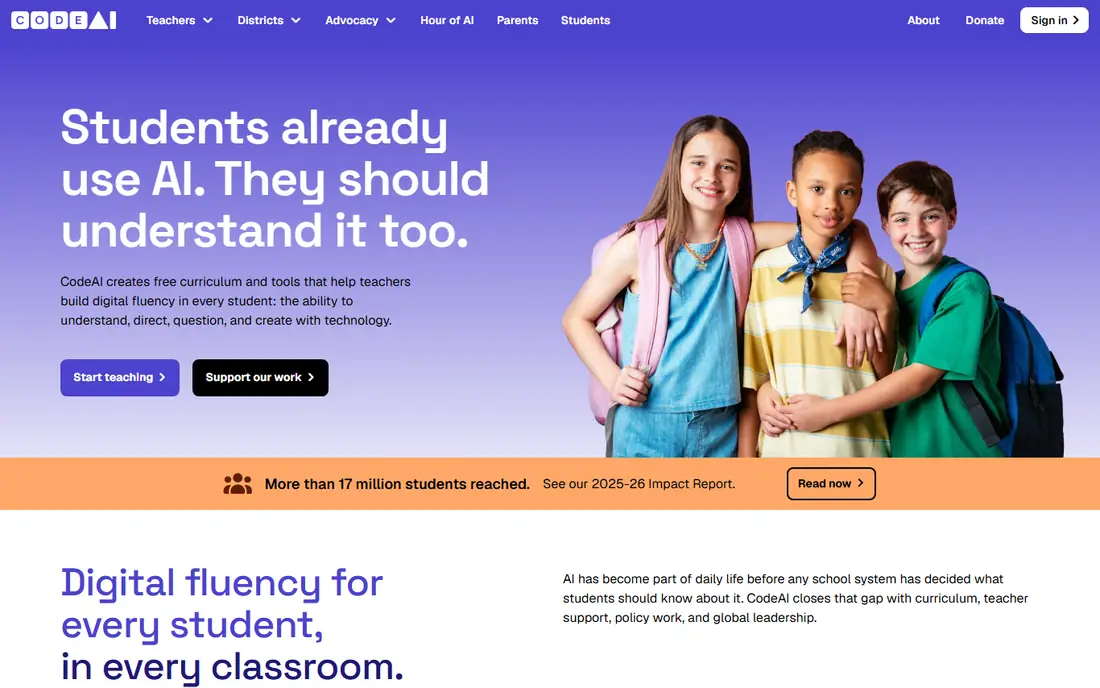
Code.org is the best structured free option. Its courses walk kids from simple block puzzles to more complex projects, with Hour of Code activities that use familiar themes to keep beginners engaged. Teachers use it widely, which means classroom progress and home progress can line up.
The school-like tone does not suit every child, and some kids find the jump to text coding steep after blocks. As a free, guided path, though, Code.org is the easiest way to give a child a real curriculum without paying. Start here if your child asks what to do next after Scratch.
- Completely free
- Full K-12 curriculum
- Popular themes including Minecraft and Star Wars
- Can feel school-like
- Progression to text coding can feel abrupt for some kids
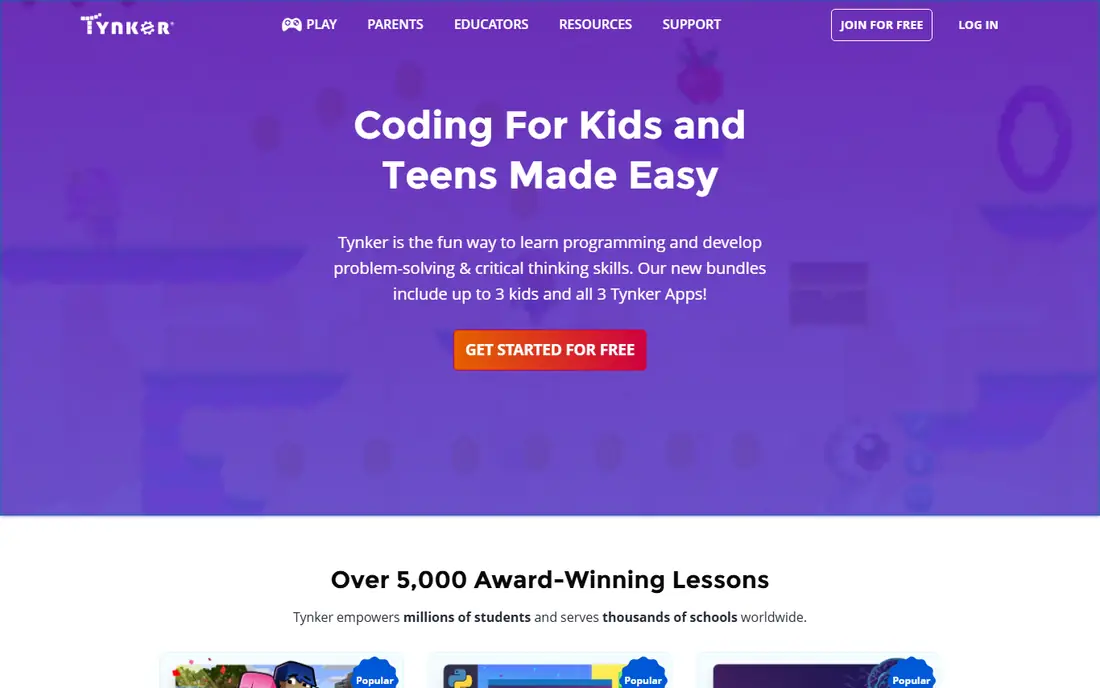
Tynker covers ages 5 to 18 with courses that move from visual blocks to real Python and JavaScript. Kids earn badges, build games, and try themed projects including Minecraft modding, which keeps motivation high for children who like goals and rewards. It runs in a browser, so it works on a Chromebook.
The free tier is only a sample, and the full library sits behind a subscription, with recent listings showing about $120 per year for an individual plan. We list pricing as See website because promotions change the figure. For families that want a guided path beyond free tools, Tynker is a strong paid step.
- Wide course library
- Bridges blocks to Python and JavaScript
- Minecraft and drone projects
- Full library needs a paid plan
- Pricing varies by plan and promotion
CodeCombat is the best next step after block coding. Kids write real Python or JavaScript to move a hero, fight enemies, and solve puzzles, so syntax errors have immediate, visible results. That game format turns a frustrating part of learning to code into a puzzle to solve, and older kids often stick with it longer than with a textbook style course.
It suits ages 9 and up, since it needs reading and typing skills. The first levels are free, and premium costs about $9.99 per month in recent listings. If your child has outgrown blocks but is not ready for a plain code editor, CodeCombat bridges the gap well.
- Teaches real Python and JavaScript
- Role-playing game format
- Multiplayer arenas for advanced players
- Needs reading and typing confidence
- Full levels need a paid plan
Kodable uses maze games and friendly characters to teach coding ideas such as sequences, loops, and functions to children ages 4 to 10. The classroom tools, including lesson plans and progress reports, make it popular in schools, and parents can follow progress at home. It introduces JavaScript ideas gradually, without starting with typed code.
Older kids will outgrow Kodable faster than Tynker or CodeCombat, since the game style is aimed at primary ages. We list pricing as See website because school and family plans differ. For young beginners and classrooms, Kodable is a gentle, well structured start.
- Maze games teach loops and functions
- Classroom tools and progress reports
- Gentle path to JavaScript
- Best for younger kids
- Older kids may outgrow it quickly
- Full access needs a paid plan
ScratchJr is the younger sibling of Scratch, designed for ages 5 to 7. Kids snap together picture blocks to make characters move, jump, dance, and sing, building stories and simple games without reading. It is free, with no in-app purchases, which makes it a safe first app for a shared family tablet.
It is tablet only and intentionally simple, so children usually move to Scratch around age 8. That short lifespan is fine, since ScratchJr is free and its job is to build sequencing and logic confidence early. Start here for pre-readers, then move to Scratch when reading and mouse skills improve.
- Completely free
- No reading required
- Picture blocks for stories and games
- Tablet only
- Very basic
- Kids outgrow it by age 8
Swift Playgrounds, from Apple, is the best free bridge to real programming for Apple households. Early lessons are puzzle shaped: kids write Swift commands to guide a character through a world, then move into SwiftUI and app building. A child can build a finished app and submit it to the App Store from inside the app, which is a powerful motivator.
The limit is hardware. It runs on iPad and Mac only, so Chromebook and Windows families need another tool. Swift is also less universal than Python for school and web work. If you have an iPad at home, install it alongside Scratch for a real code path at no cost.
- Completely free
- Teaches real Swift
- Kids can build and submit real apps
- Apple devices only
- Swift is less universal than Python
- Later lessons get challenging
Hopscotch lets kids build games and apps on iPad and iPhone with colorful blocks and a friendly interface. Children can share creations so others can play them, and tutorials cover many project types, from platform games to art apps. The free version lets kids start making, while Hopscotch Pro costs $9.99 per month or $79.99 per year in app store listings, with a free trial.
It is Apple only, and the open ended design can overwhelm kids who need a set lesson path. For iPad families whose child loves making games, Hopscotch is a fun, creative complement to Scratch and Code.org.
- Friendly game making on iPad
- Community sharing
- Tutorials for many project types
- IPad and iPhone only
- Full tutorials need a paid plan
- Open ended projects can overwhelm some kids
codeSpark Academy teaches coding logic through puzzles and characters called the Foos, without words, so pre-readers can play and learn. The ad free design and game-based challenges suit ages 5 to 9, and parents can track progress. It is a good choice for a young child who is not ready for ScratchJr stories or Code.org lessons.
The full academy needs a paid plan at about $10 per month in recent listings, and older kids will want to move on to Scratch or Tynker for more depth. For a first logic game for a young child, codeSpark is polished, safe, and easy to start.
- Wordless puzzles suit pre-readers
- Ad free design
- Game-based logic lessons with friendly characters
- Paid plan needed for full access
- Aimed at younger kids
- Less progression to text coding than CodeCombat
How we picked these
We compared official sites, pricing pages, and age guidance for coding tools that are available in the United States in October 2026. We kept tools with a real free tier or trial, a clear age range, and a path from blocks to text where possible, and we left out live tutoring services that charge per lesson. Prices are entry figures from recent listings, and we used See website where family and school pricing differ.
How to choose a coding tool for your child
Match the tool to age and reading level first. Pre-readers need picture based tools such as ScratchJr or codeSpark, ages 8 to 12 thrive on Scratch and Code.org, and ages 9 and up can try CodeCombat for real text code. Check devices next, since some tools are browser based and others need an iPad or Mac.
Then think about structure. Creative kids do well with Scratch and Hopscotch, while kids who like lessons and badges do better with Code.org, Tynker, or Kodable. Try a free tool for two weeks before paying, watch whether your child asks to return to it, and check privacy and community settings together. For shared projects, review sharing options and keep chat or comments off for younger children unless you supervise them.
Sources
Frequently asked questions
What is the best coding app for kids?
Scratch is the best free coding app for most kids ages 8 and up, because it is free, creative, and widely used in schools. Code.org is the best structured free alternative, and CodeCombat is the best next step into real Python and JavaScript.
What is the best coding tool for a 5 year old?
ScratchJr and codeSpark Academy are the best choices for ages 5 to 7, since both use picture based puzzles and need little or no reading. ScratchJr is free, while codeSpark needs a paid plan for full access.
Are coding tools for kids safe?
The tools here are designed for children and include moderation or closed sharing, but safety still depends on settings. Check whether projects are public, turn off comments for younger children, and supervise community features until your child is older.
When should a child move from blocks to text coding?
Most children are ready around ages 9 to 11, once they read and type with confidence. CodeCombat, Tynker, and Swift Playgrounds all bridge blocks to text, so let your child try one and move at their own pace rather than rushing the switch.
Do kids need a paid coding app to learn?
No. Scratch, Code.org, ScratchJr, and Swift Playgrounds are completely free and cover years of learning. Paid tools such as Tynker and codeSpark add structure and progression, but they are optional, not required.