Best Collage Maker App in 2026: 8 Apps Compared
By ToolNimba Editorial Team November 10, 2026 8 min read

- Top pick
 Canva
All-round collages and templates
Starting priceFreeCheck out CanvaRead our review - Runner-up
 PicCollage
Fast social grids
Starting priceFreeCheck out PicCollageRead our review - Also great
 Picsart
Creative edits and filters
Starting priceFreeCheck out PicsartRead our review
How we researched this
We compared official pricing and feature pages, app store listings, privacy policies and public user reviews. Prices change, so check the provider's site before you pay.
Key takeaways
- Canva is our pick for most people, with the widest template set and a generous free tier.
- PicCollage is fastest for a quick social grid, while Picsart suits creative edits and filters.
- Layout from Instagram is best for a simple, no-fuss grid, and Adobe Express suits polished layouts with AI tools.
- Every app here has a usable free tier, but premium templates, watermark removal, and AI tools usually need a paid plan.
Quick comparison
| Name | Best for | Starting price | Free plan | |
|---|---|---|---|---|
| Canva | All-round collages and templates | Free | Yes | Visit |
| PicCollage | Fast social grids | Free | Yes | Visit |
| Picsart | Creative edits and filters | Free | Yes | Visit |
 Adobe Express | Polished layouts with AI tools | Free | Yes | Visit |
 PhotoGrid | Video and social collages | Free | Yes | Visit |
 Layout from Instagram | Simple grids | Free | Yes | Visit |
 MOLDIV | Layout variety | Free | Yes | Visit |
 Fotor | Quick automated collages | Free | Yes | Visit |
The best collage maker apps
We compared template libraries, free tier limits, and app store listings to find apps that make a photo collage quickly on iOS or Android. All apps here are free to download, with in-app purchases or subscriptions for premium features.

Canva is our pick for most people because it covers almost every collage need in one app. You can start from a grid, a social post size, a birthday card, or a Pinterest pin, add text with proper font controls, and export for print or social sharing. The free tier covers the basic collage builder and many templates.
The catch is choice overload and premium limits. Some templates and stock photos need Canva Pro, and the app can feel heavy if you only want a quick two-by-two grid. If you want one app for collages, social graphics, and invitations, though, Canva is the clear leader.
- Widest template library here
- Real typography tools
- Web, iOS, and Android apps
- Pro plan is about $14.99 per month
- Some premium templates carry a watermark on free tier
- Template browser can feel overwhelming
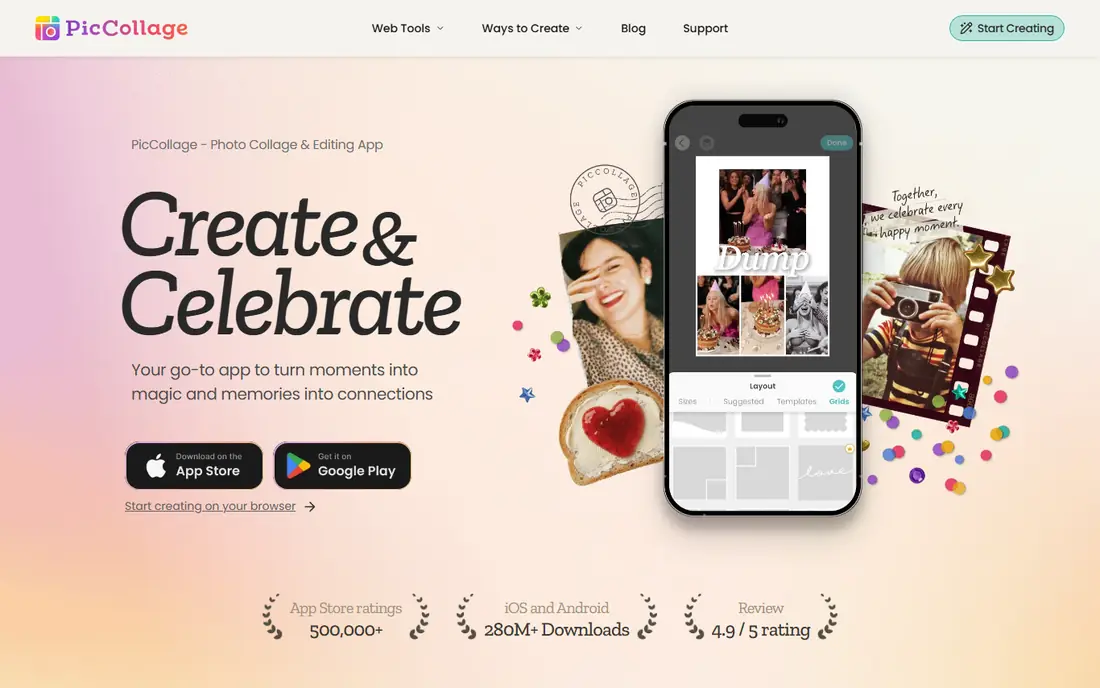
PicCollage is the app to open when you want photos in and a collage out in under a minute. It suggests grids based on your chosen aspect ratio for posts, Stories, or Reels, and it offers both grid layouts and a freeform canvas where you can move photos by hand. Stickers and text overlays are plentiful.
Ads on the free tier are the main drawback, and Pro is needed to remove them and open the full sticker set. If speed matters more than typography, PicCollage beats Canva for a quick social post.
- Fastest tap-to-grid flow here
- Grid and freeform modes
- Strong sticker and text library
- Free tier includes ads
- Pro is about $9.99 per month
- Typography is weaker than Canva
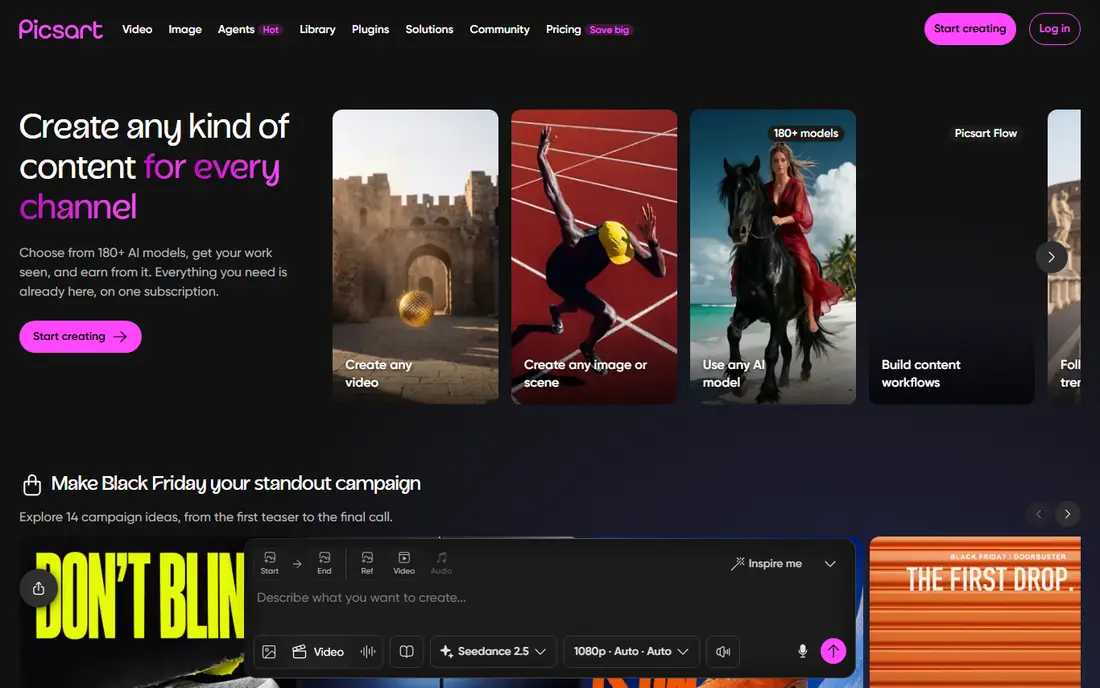
Picsart suits people who want a collage to look artistic, not just arranged. You can apply filters to individual photos, add AI effects, use cutout tools, and then place the edited photos into a grid or freestyle layout. That creative range makes it popular for social creators.
The trade-off is focus. Picsart is a full photo editor, so the collage tool sits among many other features, and the best AI tools sit behind a paid plan. If you mainly want filters and effects, Picsart is a strong pick, but for a plain grid, PicCollage is faster.
- Strong filters and AI effects
- Collage grids plus freestyle editing
- Large creative community
- Premium tools need a subscription
- Free tier includes ads
- App can feel busy with many features
Adobe Express brings Adobe design quality to a mobile-friendly collage app. Templates look polished, AI tools can generate backgrounds and remove objects, and the asset library gives you stock photos and graphics to fill a layout. For a collage that needs to look professional, Adobe Express is a strong rival to Canva.
The free tier is useful, but the full library and some AI features need a premium plan, and you need an Adobe account to use it. If you already use Adobe tools, the integration is a clear benefit. If you want the simplest free grid, a lighter app will feel faster.
- Generative AI tools and large asset library
- Polished templates
- Works on web and mobile
- Premium plan needed for full asset access
- Adobe account required
- Some features are desktop-first
PhotoGrid is best for social creators who mix still collages with short video collages for TikTok, Reels, and Shorts. It offers grids, frames, filters, and a video timeline, so you can build a moving collage as easily as a still one. Processing is fast on modern phones.
If you only build still collages, the video timeline and marketing templates are clutter you scroll past. The free version also carries ads, and premium features need a subscription. For video-first creators, though, PhotoGrid is a practical pick.
- Fast mobile processing
- Video collage support
- Layouts, frames, and filters in one app
- Free version carries ads
- Newest AI tools are metered
- Video tools add clutter if you only want still collages
Layout from Instagram, often called Layout, is the simplest app here. You pick photos, choose a grid, adjust the layout, and share to Instagram or save to your camera roll. There are no subscriptions, no ads, and no template browser to get lost in.
That simplicity is also its limit. There are few stickers, no freestyle mode, and only basic editing, so a creative collage needs another app. For a quick, clean grid with no fuss, Layout is still hard to beat, and it costs nothing.
- Completely free
- Very simple grid builder
- Easy sharing to Instagram
- Limited templates and stickers
- No freestyle canvas
- Photo editing is basic
MOLDIV stands out for layout variety. It offers many grid options, magazine-style frames, and collage sizes that suit prints and photo books as well as social posts. If you want a layout that does not look like every other social grid, MOLDIV gives you more shapes to try.
The app is denser than PicCollage, and the best layouts sit behind a paid plan. For a user who enjoys browsing layouts and picking a distinctive frame, MOLDIV is worth the extra taps. For a quick grid, a simpler app will be faster.
- Very wide layout variety
- Magazine-style templates
- Good for photo books and prints
- Premium layouts need a subscription
- Interface is denser than PicCollage
- Some templates feel dated
Fotor suits people who want a collage with minimal manual work. Its one-click enhancement can improve brightness and color across photos, and its collage tool can arrange photos automatically from a chosen layout. The web app is useful if you prefer a larger screen.
Template depth is smaller than Canva, and the best features need a paid plan. As a fast, automated option for a clean collage, Fotor is a solid choice, especially for desktop users who do not want to learn a full design app.
- One-click photo enhancement
- Quick automated collage creation
- Web and mobile apps
- Premium features need a subscription
- Template range is smaller than Canva
- AI tools are limited on free tier
How we picked these
We compared template libraries, free tier terms, and app store listings, and we favored apps with a working free collage builder, not just a free download with the builder locked behind a paywall. We checked whether premium templates carry watermarks, whether ads appear on the free tier, and whether the app works on both iOS and Android or is limited to one platform. We did not count a desktop-only tool as an app unless it also offers a mobile app.
How to pick the right collage app
Start with your goal. For social posts, PicCollage or PhotoGrid will be fastest. For invitations, cards, or blog graphics with text, Canva or Adobe Express will give you better typography and templates. For a simple grid with no extras, Layout from Instagram is enough.
Also check the free tier limits before you invest time in a design. A template that looks free in the browser may carry a watermark on export, and a sticker pack may need a subscription. Build the collage, check the export preview, and only then pay for a premium feature if the free result does not meet your needs.
Sources
Frequently asked questions
Which collage maker app is best for most people?
Canva is the best all-round pick, because it has the widest template set and a generous free tier. PicCollage is better if you want the fastest social grid with no template browsing.
What is the best free collage app?
Canva, PicCollage, Layout from Instagram, and Adobe Express all offer a usable free tier. Layout is the only fully free option here with no subscription, but it has the fewest features.
What is the best app to make a photo collage for Instagram?
PicCollage is fastest for Instagram grids and Stories, since it suggests layouts by aspect ratio. Canva is better if you want text, branding, and a polished post size.
Can I make a collage without paying a subscription?
Yes. Every app here lets you build a basic collage for free. Subscriptions mainly remove ads, open premium templates, and add AI tools or watermark control.
How many photos can I put in one collage?
It varies by app. Some apps, such as Collage Maker on Android, allow up to 100 photos, while PhotoGrid allows up to 16 and other apps allow around 20. Check the app limit before you start a large collage.