Best Coloring Apps in 2026: 9 Apps Compared
By ToolNimba Editorial Team November 10, 2026 9 min read

- Top pick
 Happy Color
Free color by number
Starting priceFreeCheck out Happy ColorRead our review - Runner-up
 Pigment
Realistic freehand coloring
Starting priceFreeCheck out PigmentRead our review - Also great
 Lake
Artist-made pages
Starting priceFreeCheck out LakeRead our review
How we researched this
We compared official pricing and feature pages, app store listings, privacy policies and public user reviews. Prices change, so check the provider's site before you pay.
Key takeaways
- Happy Color is our pick for free color by number, with a very large library and no subscription needed for core pages.
- Pigment suits people who want realistic brushes and freehand coloring, especially on iPad with a stylus.
- Lake offers artist-made pages and supports illustrators, which sets it apart from generic libraries.
- Color by number apps are best for relaxing without decisions, while freehand apps suit creative users.
- Check whether an app needs a subscription for the pages you want, since free tiers vary widely.
Quick comparison
| Name | Best for | Starting price | Free plan | |
|---|---|---|---|---|
| Happy Color | Free color by number | Free | Yes | Visit |
| Pigment | Realistic freehand coloring | Free | Yes | Visit |
| Lake | Artist-made pages | Free | Yes | Visit |
 Recolor | Daily color by number | Free | Yes | Visit |
 Colorfy | Simple relaxing coloring | Free | Yes | Visit |
 Procreate | Advanced creative coloring | $12.99 one-time | No | Visit |
 ibisPaint | Free drawing and coloring | Free | Yes | Visit |
 MediBang Paint | Free comic and art coloring | Free | Yes | Visit |
 Color Therapy | Social color by number | Free | Yes | Visit |
The best coloring apps
We compared app store listings, official feature pages and coloring guides to find apps that are still maintained, offer a real library or strong tools, and suit adults, children or both.
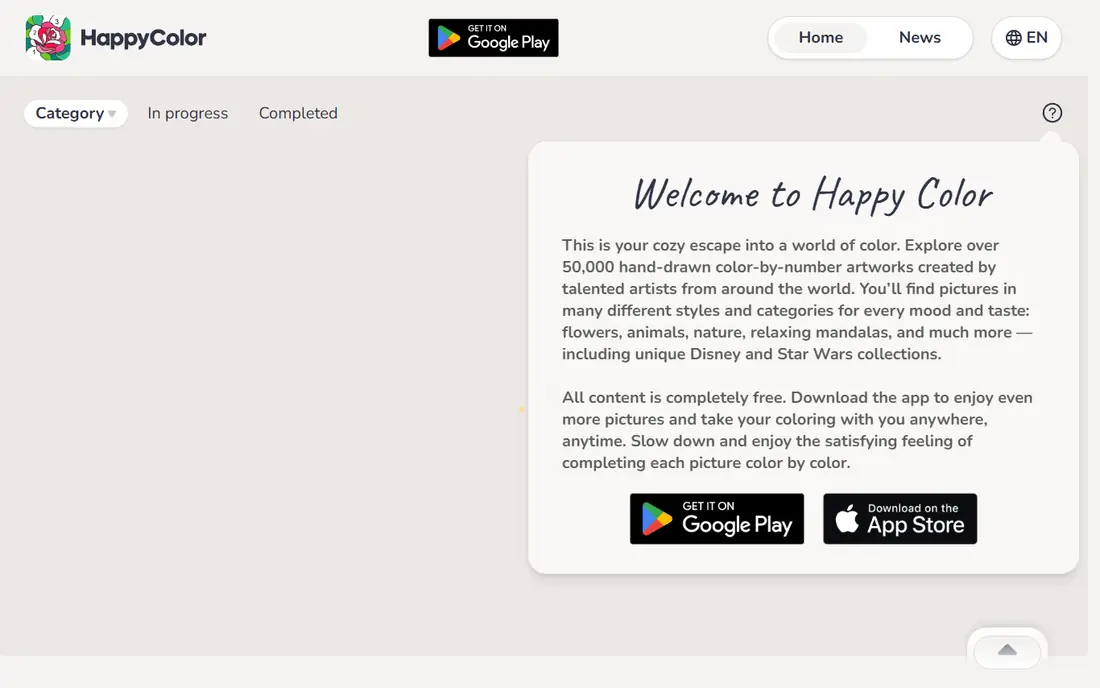
Happy Color is the easiest recommendation for anyone who wants to relax without paying. Its library includes tens of thousands of color by number pages, from mandalas and nature scenes to licensed characters, and all core pages are free. You simply tap a numbered section and it fills with the matching color, which makes it ideal for winding down.
Ads support the free version, and an optional purchase removes them. That trade is reasonable for the size of the library. Happy Color is our pick if you want the most pages for no money and you enjoy the satisfying, low-effort style of color by number.
- Very large free library
- New pages added regularly
- Simple tap-to-color play
- Ads in the free version
- Licensed pages may require extra steps
Pigment feels closer to coloring on paper than most apps on this list. Instead of only tapping sections, you can shade with realistic pencils, markers and watercolors, blend colors and build tone gradually. That control appeals to people who enjoy the craft of coloring, not just the result.
A free page each day lets you try the tools, but the full library and brush set require a subscription. Pigment is at its best on iPad with an Apple Pencil, though it works with a finger too. Choose it if you want a creative, hands-on coloring experience.
- Realistic pencils, markers and watercolors
- New pages weekly
- Stylus friendly
- Full library needs a subscription
- Best experience on iPad
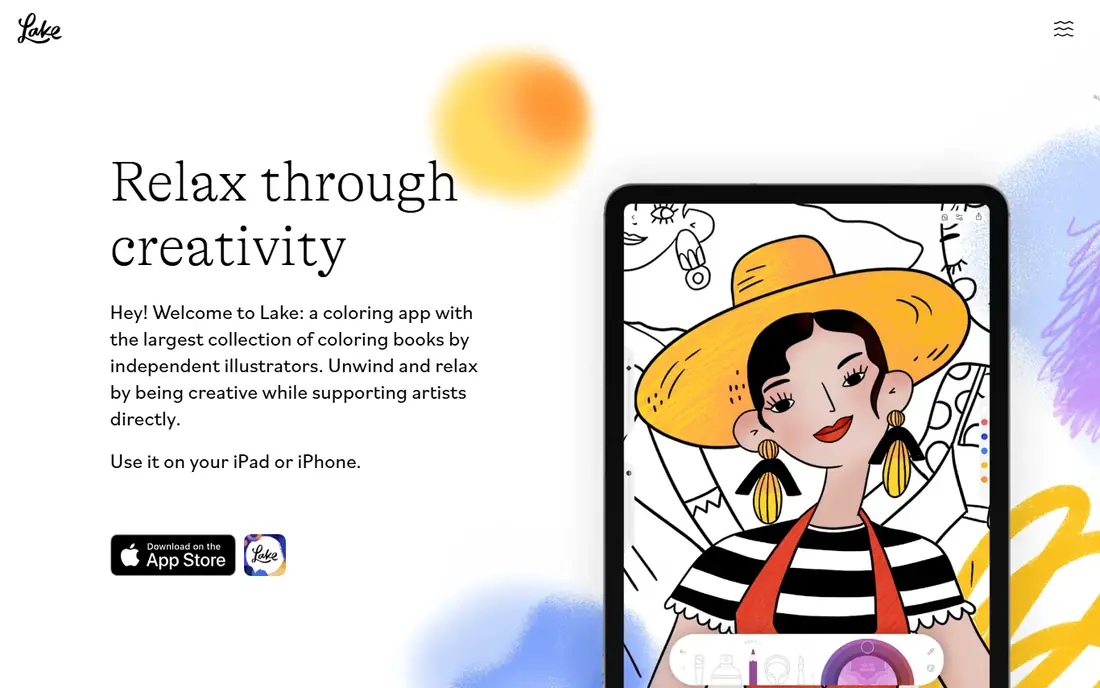
Lake takes a thoughtful approach to digital coloring. Every illustration is made by a real artist, and part of each subscription fee goes back to those artists, which is rare in this category. The themed books cover nature, architecture, patterns and more, and the brushes feel pleasant and responsive.
The main limits are platform and price. Lake is iOS only, and while you get a free daily illustration, full access needs a paid plan. For iPhone and iPad users who care about original art, Lake is a distinctive and worthwhile choice.
- Illustrations by real artists
- Part of fees support artists
- Tactile brushes
- IOS only
- Full access needs a subscription
Recolor is a long-running color by number app with a large library and new pages every day. It suits daily colorists who like to finish a page, earn points and return the next day for a fresh design. Styles range from mandalas and animals to fantasy and seasonal collections.
As with most apps in this category, the free version covers a subset of pages, while a subscription opens the full library. Recolor is a good pick if you want a daily habit and a steady stream of new designs without learning freehand tools.
- New pages daily
- Wide range of styles
- Points and progress features
- Many pages need a subscription
- Ads in the free version
Colorfy keeps things simple. It offers a collection of mandalas, animals, flowers and patterns in a clean interface that is easy for beginners and older users to follow. Many pages work offline, which helps if you color on a plane or in a place with poor signal.
The library is not as large as Happy Color, and some premium pages need a subscription. Colorfy suits users who want a calm, uncluttered app and do not need thousands of choices to enjoy a session.
- Easy to use
- Mandalas and patterns
- Offline play on many pages
- Library is smaller than Happy Color
- Some content needs payment
Procreate is not a coloring book app, but it is the best tool for people who want to color their own line art or imported pages with professional control. Its brush library, layers and color tools are far beyond a typical coloring app, and the one-time purchase means no subscription. Many artists import coloring pages and color them in Procreate.
Beginners may find it overwhelming, and you need to supply or import pages yourself. Procreate is our pick for creative users who already draw or who want to move from tapping sections to real digital art.
- Professional brushes
- One-time purchase
- Huge creative control
- IPad only
- Learning curve for beginners
- No built-in coloring library
ibisPaint is a free drawing app that works well for coloring, with thousands of brushes, layers and tools for shading and blending. You can import line art, color it in layers, and share work with a large online community. The free version is generous, which makes it a good step up from color by number.
The interface packs in many tools, so beginners may need time to find the coloring features. Ads appear in the free version, with a paid option to remove them. ibisPaint suits users who want free creative coloring without buying an iPad-only app.
- Free with many brushes
- Layers and tools
- Large online community
- Ads in the free version
- Interface can feel busy
MediBang Paint is a free art app available on phones, tablets and computers, which makes it easy to start coloring on one device and finish on another. Cloud saving, layers and a wide brush set help with detailed coloring, and its comic tools suit manga-style pages.
You need to import coloring pages, since MediBang does not provide a coloring book library. An account is needed for cloud features. For users who want a free, cross-device coloring tool and are happy to bring their own line art, MediBang is a solid choice.
- Free across devices
- Cloud saving
- Comic and manga tools
- Account needed for cloud features
- Coloring pages must be imported
Color Therapy combines color by number play with a social layer, including following other colorists, leaderboards and sharing finished pages. That community can motivate daily coloring, and the page range covers mandalas, animals, scenery and seasonal designs. The core tap-to-color experience is relaxing and easy to learn.
Full access requires a subscription, and the social features will not appeal to users who prefer a quiet, private session. Color Therapy is best for colorists who enjoy sharing work and discovering pages through other users.
- Social features and sharing
- Wide page range
- Relaxing color by number play
- Subscription needed for full access
- Social features may not suit everyone
How we picked these
We compared app store listings, official feature pages and coloring guides, and we required each app to be available and maintained in 2026, with a real coloring library or strong coloring tools. We mixed free color by number apps with freehand and professional tools, so readers can pick by style rather than only by price. We did not claim hands-on testing, and prices should be checked in the app store for your device, since they vary by platform and region.
How to choose a coloring app
Decide first whether you want color by number or freehand coloring. Color by number is relaxing because choices are made for you, and it works well for short breaks or bedtime. Freehand coloring gives creative control but needs more time and, ideally, a stylus. If you are unsure, start with Happy Color for free, then try Pigment for a freehand feel.
Next, check the free tier carefully. Some apps offer thousands of free pages, while others offer one free page a day and lock most content behind a subscription. Try the free version for a week before paying, and check whether a subscription auto-renews. For children, check privacy settings, turn off in-app purchase prompts where possible, and choose apps without open social features unless you supervise use.
Coloring on a phone or tablet
A tablet, especially with a stylus, gives a better freehand experience than a phone, with more room for detailed pages. Phones work well for color by number, since tapping sections needs little precision. If you color often, a matte screen protector can make stylus coloring feel more like paper, and a case with a stylus holder keeps everything together.
Sources
Frequently asked questions
What is the best free coloring app?
Happy Color is our pick for a free coloring app, with tens of thousands of free color by number pages and new additions regularly. Pigment, Recolor and Colorfy also offer free tiers, though their full libraries need subscriptions. For free creative coloring, ibisPaint and MediBang Paint are strong options.
What is the best coloring app for adults?
Pigment and Lake are our picks for adults who want a refined experience, with realistic brushes and artist-made pages. Happy Color and Recolor suit adults who prefer relaxing color by number without creative pressure. Procreate is best for adults who want professional tools and their own line art.
Are coloring apps good for relaxation?
Many users find coloring relaxing because it focuses attention on a simple, repetitive task. Color by number apps are especially low-pressure, since you follow numbers rather than making creative choices. Coloring is not a medical treatment, but as a calm hobby it can be a pleasant part of a wind-down routine.
Do coloring apps work for kids?
Yes, many coloring apps suit children, especially color by number apps with simple controls. Check age ratings, privacy settings and in-app purchases before handing an app to a child. For younger children, choose apps without social features or open chat, and supervise sessions.
Can I print my colored pages?
Some apps let you save finished pages as images, which you can then print or share. Freehand apps such as Procreate, ibisPaint and MediBang Paint give more control over export size and format. Check the export options in each app, since color by number apps vary in what they allow you to save.
Do I need a stylus for coloring apps?
No, a finger works for color by number apps and for basic freehand coloring. A stylus helps a lot for detailed freehand work in Pigment, Procreate or ibisPaint, giving finer control and a more natural feel. If you plan to color freehand often, a stylus is worth considering.