Best Contact Management Software in 2026: 9 Tools Compared
By ToolNimba Editorial Team November 10, 2026 10 min read

- Top pick
 HubSpot CRM
Free CRM for small teams
Starting priceFreeCheck out HubSpot CRMRead our review - Runner-up
 Zoho CRM
Value and customisation
Starting price$14 per user per monthCheck out Zoho CRMRead our review - Also great
 Pipedrive
Visual sales pipelines
Starting price$14 per user per monthCheck out PipedriveRead our review
How we researched this
We compared official pricing and feature pages, app store listings, privacy policies and public user reviews. Prices change, so check the provider's site before you pay.
Key takeaways
- HubSpot CRM is our pick for most small teams, because its free plan covers contacts, deals and email tracking without a seat limit that blocks early growth.
- Zoho CRM and Pipedrive offer better value for sales teams that need automation and reporting at a lower per-user price.
- Folk, Dex and Clay suit individuals and small teams that manage relationships rather than a formal sales pipeline.
- Start with the contact fields and import you actually need, because a tool that is hard to keep tidy will fail no matter how many features it lists.
Quick comparison
| Name | Best for | Starting price | Free plan | |
|---|---|---|---|---|
| HubSpot CRM | Free CRM for small teams | Free | Yes | Visit |
| Zoho CRM | Value and customisation | $14 per user per month | Yes | Visit |
| Pipedrive | Visual sales pipelines | $14 per user per month | Free trial | Visit |
 Capsule | Simple contact and sales tracking | See website | Yes | Visit |
 Folk | Modern contact lists for teams | See website | Yes | Visit |
 Dex | Personal relationship management | $12 per month | Free trial | Visit |
 Clay | Relationship insights | $20 per month | Free trial | Visit |
 Insightly | Contacts plus projects | See website | Free trial | Visit |
 Freshsales | Built-in phone and chat | $9 per user per month | Yes | Visit |
The best contact management software
Contact management software should keep names, companies, notes, emails and follow-ups in one searchable place. Some tools focus on sales pipelines, while others focus on relationships and personal notes. The nine below cover both, for individuals, small teams and growing sales teams.
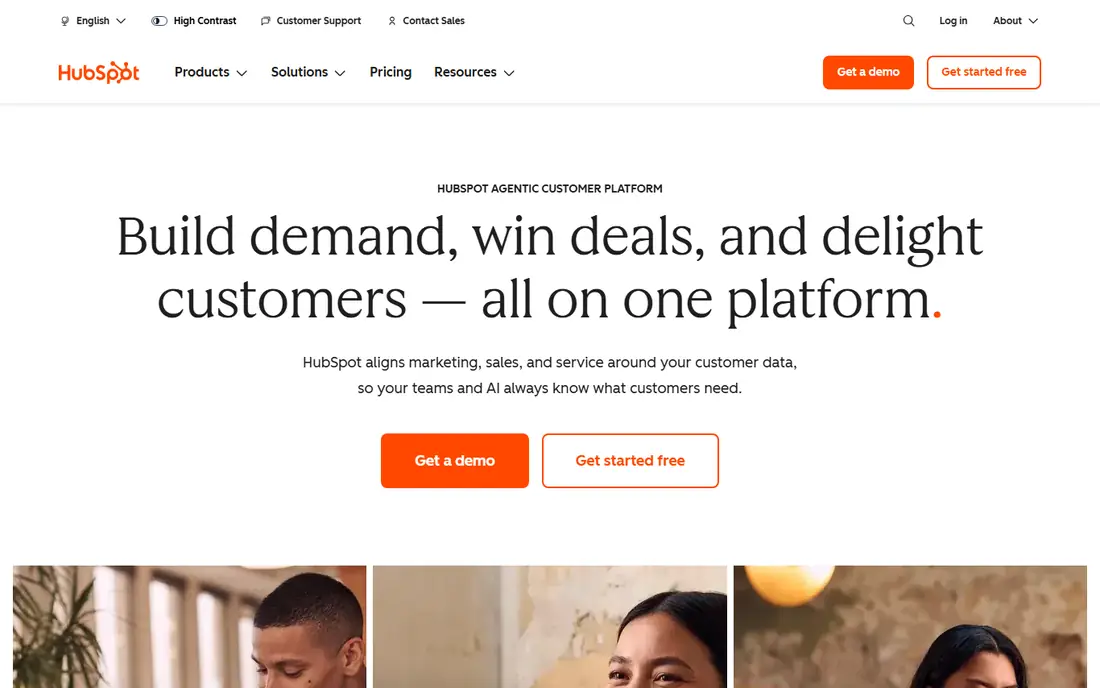
HubSpot CRM is the easiest starting point for a team that needs a shared contact database without paying on day one. The free plan includes contact and company records, deal pipelines, email tracking and basic reporting, with a timeline that shows emails, calls and notes for each contact. That history helps a new hire pick up a relationship without digging through inboxes.
The catch is the jump to paid plans. Advanced automation, richer reporting and extra hubs cost more, and Sales Hub Professional also carries onboarding fees on some plans. Teams that stay on the free plan for a long time may also hit limits on custom properties and automation. For a small team that wants a free, well-supported start, HubSpot is our pick.
- Strong free plan
- Clean contact timelines
- Large integration ecosystem
- Paid plans rise sharply
- Advanced automation needs higher tiers
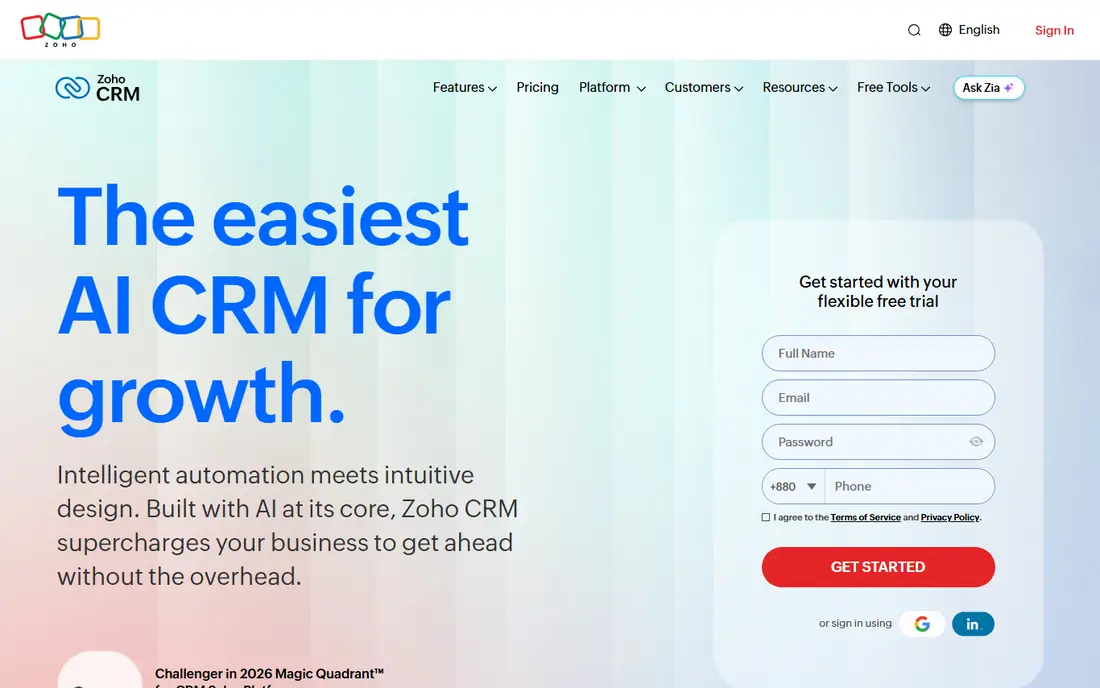
Zoho CRM offers strong value for teams that want custom fields, workflows and reporting without HubSpot prices. Paid plans start at $14 per user a month on annual billing for Standard, with Professional at $23 and Enterprise at $40. The free edition covers up to three users with basic contact management, which suits a very small team.
Customisation is both a strength and a warning. Zoho can be shaped to fit unusual processes, but that flexibility means setup takes longer and new users may need training. Support quality also varies by plan, so check what help you get before you commit. For a budget-conscious team that likes control, Zoho is a strong choice.
- Low paid prices
- Deep customisation
- Wide Zoho app ecosystem
- Interface can feel complex
- Support varies by plan

Pipedrive is built around a visual pipeline, which makes it easy to see where each deal stands and what needs to happen next. Contacts, companies, deals, activities and email sync sit in one place, and the mobile app works well for salespeople who spend time away from a desk. Starting at $14 per user a month on annual billing, it is priced for small sales teams.
There is no permanent free plan, only a trial, so a team that only needs a contact list may find Pipedrive more sales-focused than necessary. Advanced automation and reporting also sit on higher tiers. If your main job is moving deals through stages, Pipedrive keeps that work visible and simple.
- Clear visual pipeline
- Easy deal tracking
- Good mobile app
- No free plan
- Contact-only use may feel sales-heavy
Capsule suits small teams that want a tidy contact database without the weight of a large CRM. It tracks contacts, companies, deals, tasks and communication history in a clean interface that new users learn quickly. That simplicity helps teams that have avoided CRMs because past tools felt too complex.
Advanced automation, reporting and integrations are lighter than Zoho or HubSpot, so a growing sales team may outgrow Capsule. Pricing also varies, so confirm the current plan that fits your team size. For a small business that mainly needs contacts, follow-ups and a simple pipeline, Capsule is a calm and practical option.
- Simple interface
- Good contact history
- Task and pipeline tools
- Fewer advanced automation features
- Pricing needs checking
Folk is a modern contact manager for teams that organise people into groups, lists and pipelines without a heavy CRM setup. It handles contact enrichment, notes, reminders and shared lists, which suits partnerships, recruiting, fundraising and community teams. The interface feels closer to a modern productivity app than a traditional sales tool.
Teams that need deep sales automation, quoting or complex reporting will find Folk lighter than HubSpot or Zoho. Pricing also needs confirmation for team plans. If your work is about managing many relationships and staying in touch, rather than closing deals through stages, Folk is a refreshing choice.
- Modern contact organisation
- Groups and lists
- Team sharing
- Less of a full sales CRM
- Pricing varies by plan
Dex is a personal CRM for people who want to remember details about contacts and stay in touch on time. It combines contact records with notes, timelines, reminders and integration with email and calendar tools, so you can see when you last spoke to someone and what you discussed. That focus suits founders, freelancers, recruiters and community builders.
It is not a team sales CRM, and it does not offer the pipeline, quoting or reporting tools a sales department needs. The price is per person, starting at around $12 a month. If your problem is personal follow-up rather than team pipeline management, Dex is a thoughtful and focused tool.
- Relationship reminders
- Notes and timelines
- Good for individuals
- Not a team sales CRM
- Price is per person
Clay builds rich profiles for contacts by pulling together information from connected sources, notes and interactions. It helps networkers, founders and business development people keep track of who they know, how they met and when to follow up. The interface presents people as a network to explore, not just rows in a table.
The starting price of $20 a month is higher than a basic contact tool, and Clay is not a replacement for a formal sales CRM with deals, quotes and forecasting. Teams that need those tools should pair Clay with a CRM or choose a different option. For individuals who live by relationships, Clay offers insight that a plain address book cannot.
- Rich contact profiles
- Automatic updates
- Good for networkers
- Higher starting price
- Less suited to formal sales pipelines
Insightly combines contact management with project management, which suits small businesses that win a deal and then deliver a project for the same client. Contacts, deals, tasks, projects and documents sit in one system, so handover from sales to delivery is less likely to lose details. That link is its main point of difference from a pure contact tool.
Pricing varies by plan, so confirm the current cost for your team size and feature needs. The interface can also feel busy when both CRM and project tools are in use. If your business sells and then delivers work, Insightly keeps both sides of that job in one place.
- CRM plus project management
- Contact and deal tracking
- Reporting tools
- Pricing needs checking
- Interface can feel busy
Freshsales, part of Freshworks, combines contact management with built-in phone, chat and email tools. Sales teams can call, message and track contacts without adding a separate phone tool, and higher plans add AI insights and forecasting. The free plan covers up to three users, and paid plans start at $9 per user a month.
Advanced automation and AI features sit on higher tiers, and the integration ecosystem is smaller than HubSpot. Teams that rely on many third-party tools should check integration coverage first. For a small sales team that wants calling and chat built into the CRM, Freshsales is good value.
- Built-in phone and chat
- AI insights on higher plans
- Free plan available
- Advanced features need higher tiers
- Ecosystem smaller than HubSpot
How we picked these
We compared official pricing pages, feature pages and app listings for contact management tools available in the United States in October 2026. We kept only tools that manage contacts, companies, notes and follow-ups as a core job, and we included both sales CRMs and relationship tools because readers use the term for both. Where pricing varies, we used See website. We did not claim hands-on testing, and we did not use invented ratings.
What to check before you choose
Start with the work you actually do. A sales team needs pipelines, stages and reporting, while a partnerships team needs lists, groups and reminders. Choosing a sales-heavy CRM for relationship work, or a personal CRM for a team pipeline, will cause friction no matter how good the tool is. Write down three daily tasks before you shortlist.
Next, test import and cleanup. Import a sample list, check duplicate detection, and see how easy it is to merge records and add custom fields. A tool that makes cleanup hard will fill with duplicates within months. Also check email and calendar sync, because a contact tool that does not reflect recent conversations will quickly go stale.
Finally, check cost at your real team size. Free plans often cap users or automation, and per-user prices add up fast. Confirm what happens when you add a team member, what automation sits on each tier, and whether you can export contacts if you leave. Portability matters for a database you may use for years.
Sources
Frequently asked questions
What is the best contact management app for a small business?
HubSpot CRM is a strong free starting point for a small business, while Zoho CRM offers better value once you need automation. Capsule suits teams that want simplicity over depth. Your team size and need for sales automation should decide the pick.
What are the top contact management software options ranked for sales teams?
Pipedrive, Zoho CRM, HubSpot CRM and Freshsales rank highest for sales teams in this list, because they combine contacts with pipelines and reporting. Pipedrive is clearest for visual pipelines, while Zoho is cheapest for automation. Test the pipeline view with your own deals before you commit.
Is there a free contact management tool?
Yes, HubSpot CRM, Zoho CRM, Capsule and Freshsales all offer free plans, though user caps and feature limits differ. HubSpot free plan is the most generous for a small team. Check automation, custom fields and user limits before you rely on a free plan long term.
How is contact management different from a CRM?
Contact management focuses on storing people, notes and follow-ups, while a full CRM adds deals, pipelines, forecasting and automation. Many tools cover both, but personal tools such as Dex and Clay lean toward relationships. Choose based on whether you manage deals or mainly manage people.
Can I import contacts from a spreadsheet?
Yes, most tools above support CSV import, and many also sync with email, calendar and other apps. Clean duplicates and standardise fields before import, and test with a small sample first. Good duplicate tools will save hours of cleanup later.