Best Container Security Tools in 2026: 8 Platforms Compared
By ToolNimba Editorial Team November 11, 2026 9 min read

- Top pick
 Trivy
Free image scanning
Starting priceFreeCheck out TrivyRead our review - Runner-up
 Snyk
Developer-led fixing
Starting priceFreeCheck out SnykRead our review - Also great
 Sysdig
Runtime vulnerability context
Starting priceSee websiteCheck out SysdigRead our review
How we researched this
We compared official pricing and feature pages, app store listings, privacy policies and public user reviews. Prices change, so check the provider's site before you pay.
Key takeaways
- Trivy is the best free starting point, since it scans images and generates software bills of materials at no cost.
- Snyk fits developer-led teams best because it ties scan results to fixes such as base image upgrades.
- Sysdig and Wiz stand out when vulnerability volume becomes the problem, since both add runtime or exposure context to raw scan lists.
- Most enterprise container platforms price by quote, so budget planning should start with a trial and a clear count of hosts or workloads.
Quick comparison
| Name | Best for | Starting price | Free plan | |
|---|---|---|---|---|
| Trivy | Free image scanning | Free | Yes | Visit |
| Snyk | Developer-led fixing | Free | Yes | Visit |
| Sysdig | Runtime vulnerability context | See website | Free trial | Visit |
 Wiz | Exposure and attack path triage | See website | Free trial | Visit |
 Aqua Platform | Build to runtime policy control | See website | Free trial | Visit |
 Prisma Cloud | Broad cloud native coverage | See website | Free trial | Visit |
 Docker Scout | Docker workflow teams | Free | Yes | Visit |
 Anchore | SBOM-first scanning | Free | Yes | Visit |
The best container security tools
Container security covers more than one job. Image scanning finds known vulnerabilities before deployment, policy controls block risky images from running, and runtime protection watches what containers actually do in production. We compared official product pages, documentation, and pricing pages for the tools below, and we favored products that are actively maintained and widely used in October 2026.
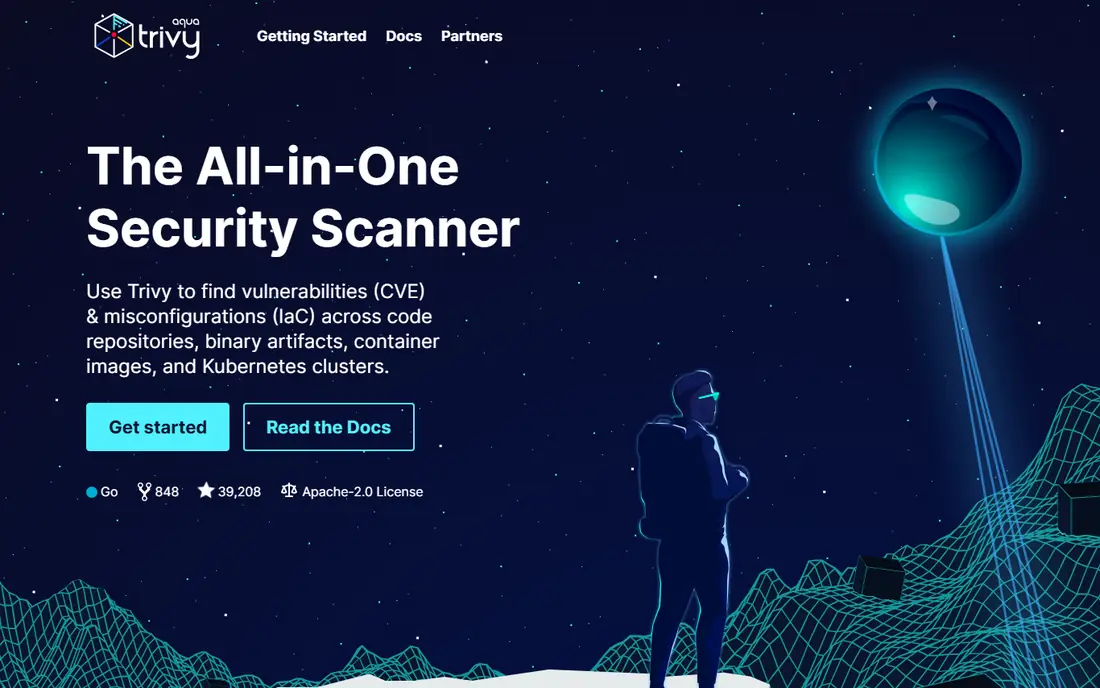
Trivy, maintained by Aqua Security, is the scanner many teams install first, and for good reason. It runs from the command line, scans container images for known vulnerabilities and misconfigurations, and can output a software bill of materials that records what is inside an image. That makes it easy to add to continuous integration pipelines without a procurement cycle.
The limit is that Trivy on its own is a scanner, not a full platform. You get findings, but prioritization, dashboards, and runtime context require either another tool or work inside your existing pipeline. For a team that wants a solid scanning floor this week at no cost, Trivy is the obvious first step.
- Free and open source
- Scans images, filesystems, and repos
- SBOM generation built in
- No hosted dashboard on its own
- Triage and policy work needs extra tooling
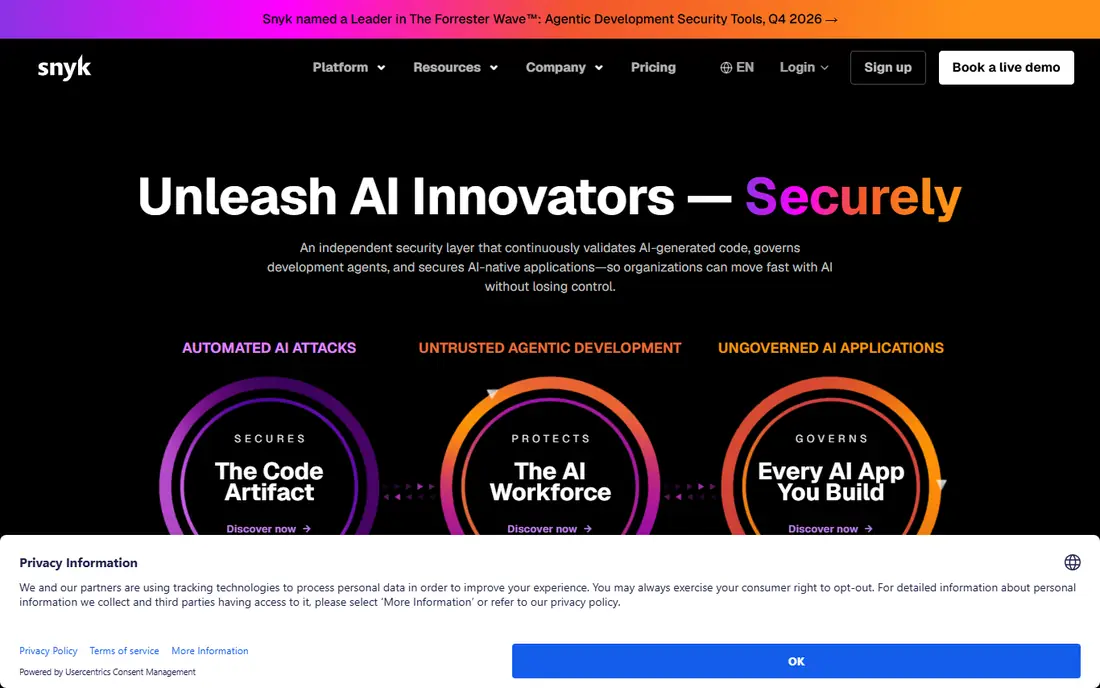
Snyk approaches container security from the developer workflow rather than the security console. It scans images and infrastructure code, then suggests fixes, including upgrading to a safer base image, which often removes many findings at once. That fix-first framing helps teams that are drowning in vulnerability lists with no clear next step.
The trade-off is pricing and scope. Snyk prices paid plans per developer, so costs grow with team size, and some deeper container features sit on higher tiers. Smaller teams can start on the free tier and learn whether the fix workflow fits how they work. For teams that want developers to close findings rather than just report them, Snyk is a strong choice.
- Free tier for individual developers
- Fix advice including base image upgrades
- Broad ecosystem coverage
- Paid plans price per developer
- Container depth varies by plan
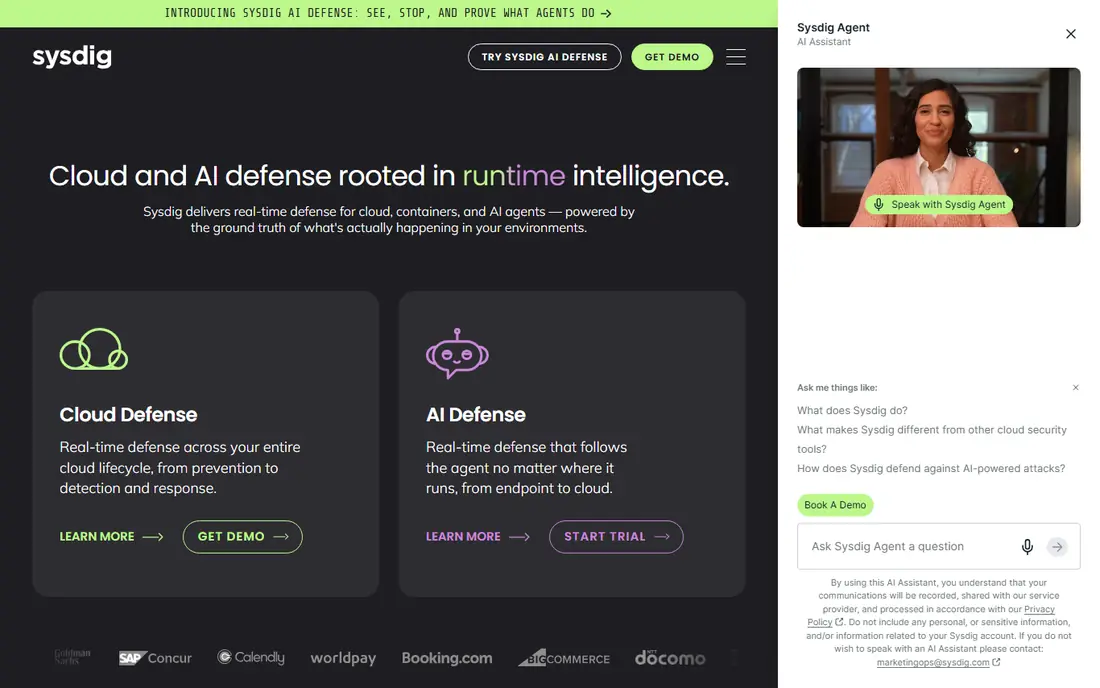
Sysdig earns its place by answering a different question from a plain scanner: which vulnerabilities actually matter at runtime. Its agent watches running workloads and filters out findings in packages that are present in an image but never loaded. That can turn a list of hundreds of findings into a much shorter list of real risks.
The catch is enterprise packaging. Sysdig does not publish list pricing, and a full deployment across cloud, Kubernetes, and runtime detection takes planning. Teams with small estates may find Trivy plus good pipeline policy is enough. Teams with large Kubernetes estates and noisy scan results will get the most value from Sysdig.
- Filters vulnerabilities by packages actually in use
- Falco-based runtime detection
- Cloud and Kubernetes coverage
- Quote-only pricing
- Platform depth takes time to deploy well
Wiz builds a graph of cloud resources, identities, and vulnerabilities, then highlights the combinations that create a real attack path. A critical vulnerability in an isolated container matters less than the same flaw in a workload that is exposed to the internet with broad permissions, and Wiz is built to make that distinction visible. Its agentless approach also speeds up initial coverage across cloud accounts.
The downside is that Wiz is priced by quote and aimed at organizations with meaningful cloud estates. Small teams running a handful of containers may not need its breadth, and the platform can feel large for a narrow container-only problem. For cloud-heavy teams that need to prioritize across many risks, Wiz is a leading option.
- Security graph links issues to exposure
- Agentless cloud scanning
- Broad cloud coverage
- Quote-only pricing
- Best value at larger cloud scale
Aqua Platform covers the container lifecycle from build to runtime, which is its main pitch against point scanners. Image scanning, pipeline controls, admission policy, and drift prevention live in one console, so a policy set at build time can be enforced when a container runs. Drift control, which blocks processes that were not in the original image, catches live behavior that scanning alone misses.
That breadth comes with setup work. Aqua is a platform to deploy and tune, not a single command to run, and enterprise pricing is quote-based. Teams that already use Trivy may find Aqua a natural step up when they need enforcement rather than just findings. Teams that only need scanning should stay with the free tool.
- Trivy scanning heritage
- Admission and drift control
- Pipeline security coverage
- Platform assembly takes effort
- Quote-only enterprise pricing
Prisma Cloud, from Palo Alto Networks, is the broadest option here, covering cloud security posture, workload protection, network security, and container scanning in one family. That breadth suits enterprises that want one vendor relationship for cloud native security rather than several point tools. Its policy and compliance features also help regulated teams document controls.
Breadth is also the weakness. Credit-based pricing makes forecasting harder than a simple per-host price, and small teams can find the console and module choices overwhelming. Prisma Cloud fits best when container security is part of a larger cloud security program, not when a team only needs an image scanner.
- Wide module coverage across cloud and containers
- Policy and compliance tooling
- Large vendor ecosystem
- Credit-based pricing can be hard to forecast
- Breadth can overwhelm small teams
Docker Scout fits teams that already build, share, and run images through Docker. It analyzes images in Docker Hub and Desktop, surfaces vulnerabilities with advisory context, and supports policy checks that can gate risky images. Because it lives where developers already work, adoption friction is low compared with a separate security console.
The limit is estate fit. Teams centered on other registries or Kubernetes platforms may get more from a registry-native or cloud-native tool. Paid tiers add repositories and policy depth, so larger Docker estates should check those limits. For Docker-heavy teams, Scout is the lowest-friction way to add scanning.
- Native to Docker Hub and Desktop workflows
- Policy and advisory data
- Free tier available
- Best inside Docker-centric workflows
- Deeper features need paid tiers
Anchore pairs the open source Syft SBOM generator with the Grype vulnerability scanner, and its enterprise product adds policy enforcement on top. That SBOM-first approach matters when customers or regulators ask what is inside your images, not just whether a scan passed. Policy gates can block images that violate rules on vulnerabilities, licenses, or content.
The trade-off is operational effort. The open source tools are free and powerful, but turning them into a governed pipeline takes configuration, and enterprise pricing is quote-based. Teams with SBOM or supply chain requirements will value Anchore most. Teams that want a hosted dashboard with minimal setup may prefer Snyk or Docker Scout.
- Open source scanning and SBOM tools
- Policy engine for image gates
- Enterprise option available
- Enterprise pricing by quote
- Setup needs more care than hosted scanners
How we picked these
We compared official product pages, documentation, and pricing pages, and we favored tools that cover distinct parts of container security: free scanning, developer fixing, runtime context, exposure triage, and lifecycle policy. We checked that each product is actively offered in October 2026 and that its homepage loads and matches the product named. We did not claim hands-on testing. Enterprise tools that do not publish prices are marked as See website rather than given an invented figure.
How to choose a container security platform
Start with the free floor before you buy anything. Put Trivy or Grype in your build pipeline, generate SBOMs for your images, and fix the critical findings that have known fixes. Many teams discover that consistent scanning plus base image hygiene removes most of their risk without an enterprise purchase.
Next, decide what problem remains. If developers cannot tell what to fix first, a fix-oriented tool such as Snyk helps. If scan volume is the bottleneck, runtime context from Sysdig or exposure context from Wiz helps. If images keep reaching production that should have been blocked, you need policy and admission control from Aqua, Anchore, or Prisma Cloud. Buy for the bottleneck you actually have, not for the longest feature list.
Finally, count your estate before you accept a quote. Hosts, clusters, registries, and developer seats all change enterprise pricing, and a tool priced per workload can surprise a team with bursty scaling. Run a trial on a real service, measure how many findings become real fixes, and check whether the tool integrates with your registry, pipeline, and incident workflow.
Sources
- https://trivy.dev
- https://snyk.io
- https://sysdig.com
- https://www.wiz.io
- https://www.aquasec.com
- https://www.paloaltonetworks.com/prisma/cloud
- https://www.docker.com/products/docker-scout
- https://anchore.com
- https://gbhackers.com/best-container-image-scanning-compared/
- https://gbhackers.com/best-container-registry-compared/
Frequently asked questions
Which container security platform is best?
There is no single best platform, since scanning, fixing, runtime protection, and policy enforcement are different jobs. Start free with Trivy, add Snyk if developer fixing is the bottleneck, and consider Sysdig or Wiz when vulnerability volume needs runtime or exposure context. Enterprise buyers should trial two finalists on a real workload.
What are the best container scanning tools?
Trivy and Grype are the leading free open source scanners, Docker Scout fits Docker workflows, and Snyk adds fix advice on top of scanning. All four generate useful findings, but only Snyk among them centers the workflow on closing findings with base image upgrades and remediation guidance.
What is the best container security software for Kubernetes?
Sysdig and Aqua Platform both pair image scanning with runtime protection for Kubernetes, while Wiz and Prisma Cloud add cloud and exposure context around clusters. The right choice depends on whether your main risk is runtime behavior, internet exposure, or policy enforcement at admission.
Do I need runtime protection or is scanning enough?
Scanning finds known flaws before deployment, but it cannot see live behavior, drift, or exploitation after release. Runtime protection matters once containers run in production with real traffic and permissions. Smaller estates can start with scanning and add runtime protection as production scale grows.
How much do container security tools cost?
Free scanners cost nothing, developer tools such as Snyk offer a free tier with per-developer paid plans, and enterprise platforms such as Sysdig, Wiz, Aqua, and Prisma Cloud price by quote. Always confirm the billing unit, whether host, workload, or developer seat, before comparing quotes.