Best Contraction Timer App in 2026: 8 Apps Compared
By ToolNimba Editorial Team November 9, 2026 9 min read

- Top pick
 Bump Pulse
Most people, with partner sharing
Starting priceFreeCheck out Bump PulseRead our review - Runner-up
 Storky
Simple, expert-guided timing
Starting priceFreeCheck out StorkyRead our review - Also great
 Freya
Breathing coaching during labor
Starting price$2.99Check out FreyaRead our review
How we researched this
We compared official pricing and feature pages, app store listings, privacy policies and public user reviews. Prices change, so check the provider's site before you pay.
Key takeaways
- Bump Pulse is our pick for most people, with free timing, lock screen controls and live partner sharing.
- Storky and Contraction Timer IO are the simplest free timers for timing on a phone without an account.
- Freya is the best choice for people who want breathing coaching during each contraction rather than just a stopwatch.
- A timer is a record, not medical advice, so always follow the plan your doctor, midwife or birth center gave you.
- Install and practice with your chosen app before labor starts, since you will not want to learn a new screen in the middle of a contraction.
Quick comparison
| Name | Best for | Starting price | Free plan | |
|---|---|---|---|---|
| Bump Pulse | Most people, with partner sharing | Free | Yes | Visit |
| Storky | Simple, expert-guided timing | Free | Yes | Visit |
| Freya | Breathing coaching during labor | $2.99 | No | Visit |
 Contraction Timer IO | No-account timing with pattern labels | Free | Yes | Visit |
 GentleBirth | Birth preparation plus a timer | See website | No | Visit |
 What to Expect | Pregnancy tracking with labor tools | Free | Yes | Visit |
 BabyCenter | Pregnancy tracking and community | Free | Yes | Visit |
 Ovia Pregnancy | Pregnancy tracking with labor tools | Free | Yes | Visit |
The best contraction timer apps
A contraction timer does one job well: it records when each contraction starts, how long it lasts and how far apart contractions are. That pattern is what helps you and your care team judge progress. The apps below differ in how fast they start, whether they work offline, whether a partner can follow along, and whether they add coaching or pregnancy tracking. We compared official app listings, developer pages and public reviews. This article is for information only and is not medical advice.
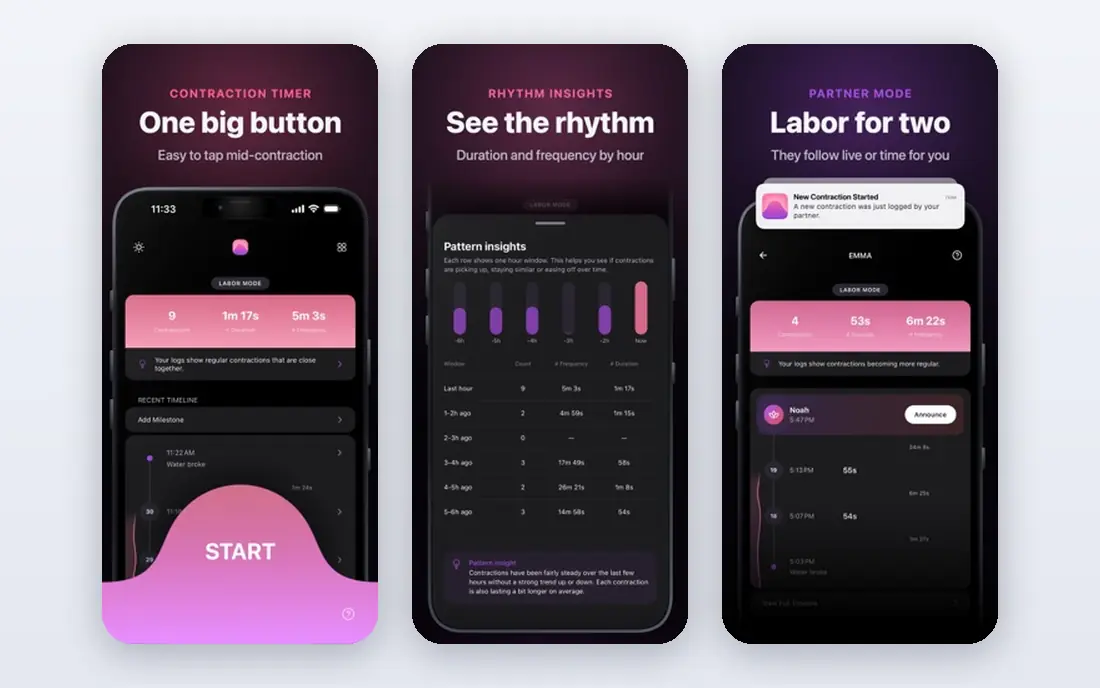
Bump Pulse is the easiest timer to recommend for most people. Timing is free with no limit, it works offline, and you can start and stop from the lock screen, a widget or a watch without opening the phone. A partner can follow the timeline live on another phone, which helps when you are focused on the contraction itself.
The free timeline shows your newest 30 contractions, and a one-time purchase of $5.99 opens up full history, notes, intensity and custom milestones. There is no subscription, and there are no ads in the free version according to the developer listing. If partner sharing matters to you, start here.
- Lock screen and watch timing
- Live partner sharing
- No account required
- Full history needs a one-time purchase
- Newest features are iPhone focused
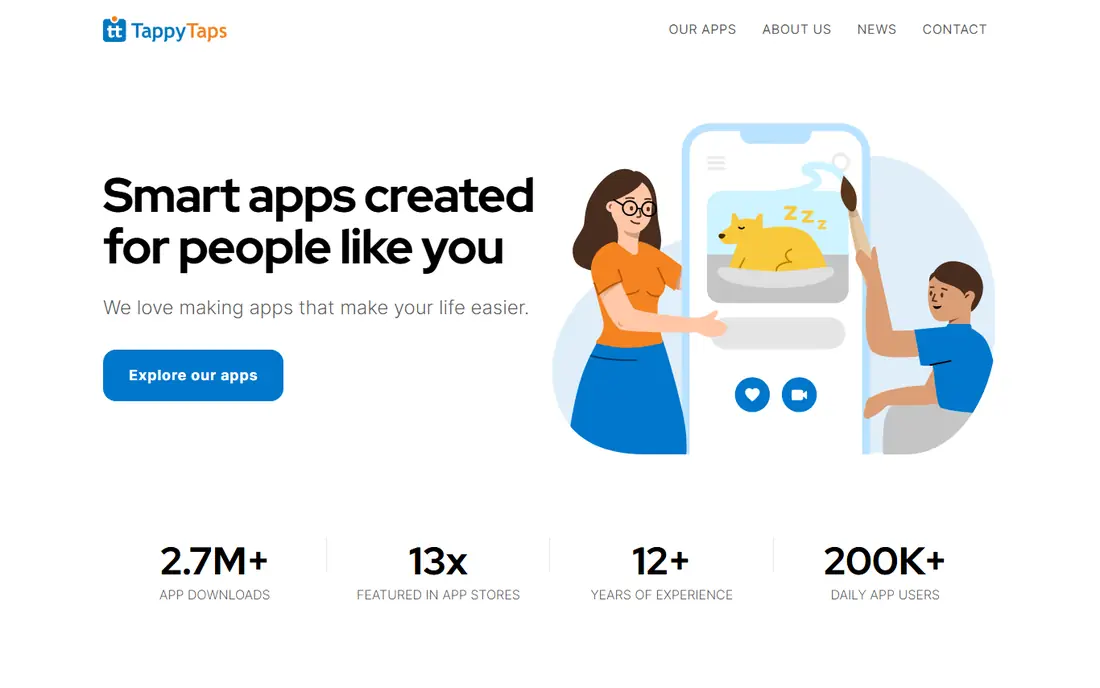
Storky is a free contraction timer from the makers of the Bibino baby monitor app, built with birth assistants. You tap once to start a contraction and once to stop it, and the app tracks duration and intervals. It also gives guidance on labor phases and when it may be time to go to the hospital or birth center.
The strength here is calm simplicity. There is no pregnancy tracker, kick counter or community to distract you, which is exactly what many people want in labor. The trade is that you share a summary rather than a live timeline, so a partner follows after the fact rather than in real time.
- Very simple one-tap timing
- Guidance on when to seek care
- Easy sharing
- Fewer extra pregnancy tools
- No live partner timeline
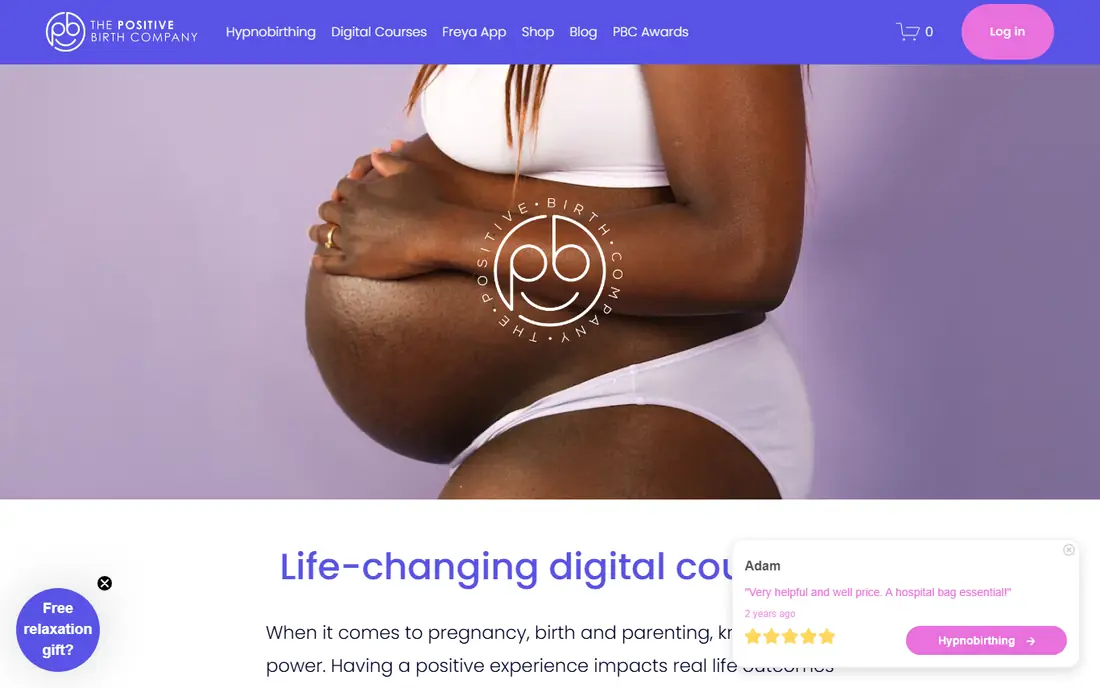
Freya calls contractions surges, in line with hypnobirthing language, and it coaches you through each one with breathing counts and a gentle visual. Between surges it plays guided relaxations, affirmations and calming music, and it logs frequency and duration so you can see progress. It also tells you when labor appears established and it may be time to contact your midwife.
Freya is not the best pure data timer. It does not offer the same pattern analysis or hospital-readiness alerts as some free timers. But if you have practiced hypnobirthing, or you want coaching rather than a bare stopwatch, it is a thoughtful and well-reviewed choice.
- Guided breathing through each surge
- Calming audio between surges
- Apple Watch support
- Paid up front
- Less focused on pattern analysis
Contraction Timer IO, where IO means it is on, is a free timer with a clear focus on the labor itself. It calculates duration, frequency and interval, labels patterns as early, active or transition, and gives hospital-style 5-1-1 alerts. It works offline, needs no account and has no ads during labor, according to its developer site.
Extra pregnancy tools are included, such as a kick counter, due date calculator, hospital bag checklist and breathing exercises, with an optional lifetime purchase of $9.99 for added content. The core timer is free, which makes it a strong alternative if you want pattern labels without paying.
- Works offline with no account
- Pattern labels and 5-1-1 alerts
- Live family link
- Optional purchases for extra content
- IPhone features lead Android
GentleBirth includes a contraction timer as part of a broader birth preparation program, rather than as a standalone app. The timer logs duration and frequency, and it sits alongside meditation, breathing practice and partner-focused content designed to be used in the weeks before labor.
That makes GentleBirth a good fit if you already use the program and want the timer in the same place. If you only need a timer, a free standalone app is a better fit, since GentleBirth requires a paid subscription. Check the current subscription price on the developer site before signing up.
- Timer inside a full birth preparation program
- Meditation and breathing practice
- Partner content
- Requires a paid subscription
- Timer alone is not the main reason to buy it
What to Expect is one of the best-known pregnancy apps, and it includes labor tools alongside weekly baby development updates, checklists and community forums. For people who already track their pregnancy here, keeping the timer in the same app means one less download in the final weeks.
The downside is focus. The timer is a feature inside a large app, not the whole product, so it lacks the lock screen speed and partner sharing of a dedicated timer. It is a good choice for all-round pregnancy tracking, and a weaker choice if timing speed is your top priority.
- Well-known pregnancy content
- Weekly development updates
- Community forums
- Timer is one feature among many
- Interface can feel busy
BabyCenter is another long-running pregnancy tracker, with weekly updates, expert-reviewed articles and large community forums. Many people already have it installed before the third trimester, which makes it a convenient place to keep labor notes and checklists.
Like What to Expect, it is not a dedicated timer first. If you want the fastest possible start and stop, a focused app such as Bump Pulse or Storky will feel better in labor. BabyCenter is best for people who value content and community, with timing as a supporting tool.
- Medically reviewed pregnancy content
- Large community
- Symptom and due date tools
- Timer features are secondary
- Ads and content can distract in labor
Ovia Pregnancy tracks pregnancy week by week, with symptom logging, health data and personalized content. Its labor tools sit inside that wider tracking system, which suits people who want one app for the whole pregnancy rather than a separate tool for each stage.
The trade is the same as with other trackers: timing is not the star feature. Check the privacy settings before use, since health apps handle sensitive data, and confirm what is shared with an employer or health plan if you use a connected version. For dedicated labor timing, pair Ovia with a simple timer from this list.
- Detailed pregnancy tracking
- Health and symptom logging
- Employer and health plan options
- Broader health app, not a dedicated timer
- Data sharing settings need review
How we picked these
We compared official app listings, developer sites and public reviews, and we kept only apps that actually time contractions and show duration and frequency. We favored apps that start quickly, work offline and make sharing easy, and we noted where a timer was part of a larger pregnancy or birth preparation app. We did not claim hands-on testing, and we treated pattern alerts as guidance, not medical advice.
How to use a contraction timer well
Practice before labor. Time a few practice sessions, learn where the start and stop buttons are, and check whether the app works with your phone locked and on your watch. Set up partner sharing in advance, and agree on who calls your provider and when, based on the plan your care team gave you.
Time from the start of one contraction to the start of the next, and note intensity if the app allows it. The common 5-1-1 guideline means contractions about every five minutes, lasting about one minute each, for about one hour, but many providers use different guidance, such as 4-1-1 or 3-1-1. Follow your own plan, and call sooner if you have bleeding, reduced fetal movement, waters breaking, or any worry that something is wrong.
Sources
Frequently asked questions
What is the best contraction timer app?
Bump Pulse is our pick for most people, because timing is free, it works from the lock screen and watch, and a partner can follow live. Storky is the simplest free alternative, and Freya is best if you want breathing coaching.
What is the best free contraction timer app?
Bump Pulse, Storky and Contraction Timer IO all offer free timing. Bump Pulse adds live partner sharing, Storky adds expert guidance, and Contraction Timer IO adds pattern labels and alerts. All three work without a subscription for core timing.
When should I start timing contractions?
Start when contractions become regular, noticeable or different from Braxton Hicks practice contractions. Time from the start of one contraction to the start of the next, and follow your provider instructions about when to call or go in.
What is the 5-1-1 rule for contractions?
The 5-1-1 rule is a common guideline: contractions about every five minutes, lasting about one minute each, continuing for about one hour. It is not universal, so follow the plan from your doctor, midwife or birth center.
Do contraction timer apps work offline?
Most dedicated timers work offline, since timing is handled on the device. Bump Pulse, Storky and Contraction Timer IO all work without a connection, which matters when hospital Wi-Fi or mobile data is unreliable.
Can I share my contraction history with my doctor or nurse?
Yes. Most apps here let you share a summary or history, and Bump Pulse and Contraction Timer IO offer live or shareable links. A clear record of timing, duration and frequency helps your care team review the recent pattern quickly. These apps are not medical devices, and they do not replace professional advice.