Best Cross Browser Testing Tools in 2026: 8 Tools Compared
By ToolNimba Editorial Team November 11, 2026 9 min read

- Top pick
 BrowserStack
Broadest cloud coverage
Starting price$29 per monthCheck out BrowserStackRead our review - Runner-up
 LambdaTest
Best value cloud lab
Starting price$15 per monthCheck out LambdaTestRead our review - Also great
 Sauce Labs
Enterprise automation
Starting price$39 per monthCheck out Sauce LabsRead our review
How we researched this
We compared official pricing and feature pages, app store listings, privacy policies and public user reviews. Prices change, so check the provider's site before you pay.
Key takeaways
- BrowserStack is the broadest cloud lab, with a large device catalog and deep CI integrations.
- LambdaTest, now TestMu AI, is the best value cloud alternative for small and mid size teams.
- Sauce Labs suits enterprises that need compliance, analytics and unlimited minute plans.
- Playwright and Cypress are free frameworks, not device clouds, and they pair well with a cloud lab for real devices.
Quick comparison
| Name | Best for | Starting price | Free plan | |
|---|---|---|---|---|
| BrowserStack | Broadest cloud coverage | $29 per month | Free trial | Visit |
| LambdaTest | Best value cloud lab | $15 per month | Yes | Visit |
| Sauce Labs | Enterprise automation | $39 per month | Free trial | Visit |
 TestingBot | Low cost cloud testing | See website | Yes | Visit |
 Browserling | Quick manual browser checks | $9 per month | Free trial | Visit |
 Playwright | Free automated browser testing | Free | Yes | Visit |
 Cypress | Developer friendly test running | Free | Yes | Visit |
 Kobiton | Real mobile device testing | See website | Free trial | Visit |
The best cross browser testing tools
Cross browser testing answers a simple question: does this site work in Chrome, Firefox, Safari and Edge, on desktop and mobile, without broken layouts or failed flows. Cloud labs give you real browsers and devices without a hardware room, while frameworks automate the checks.
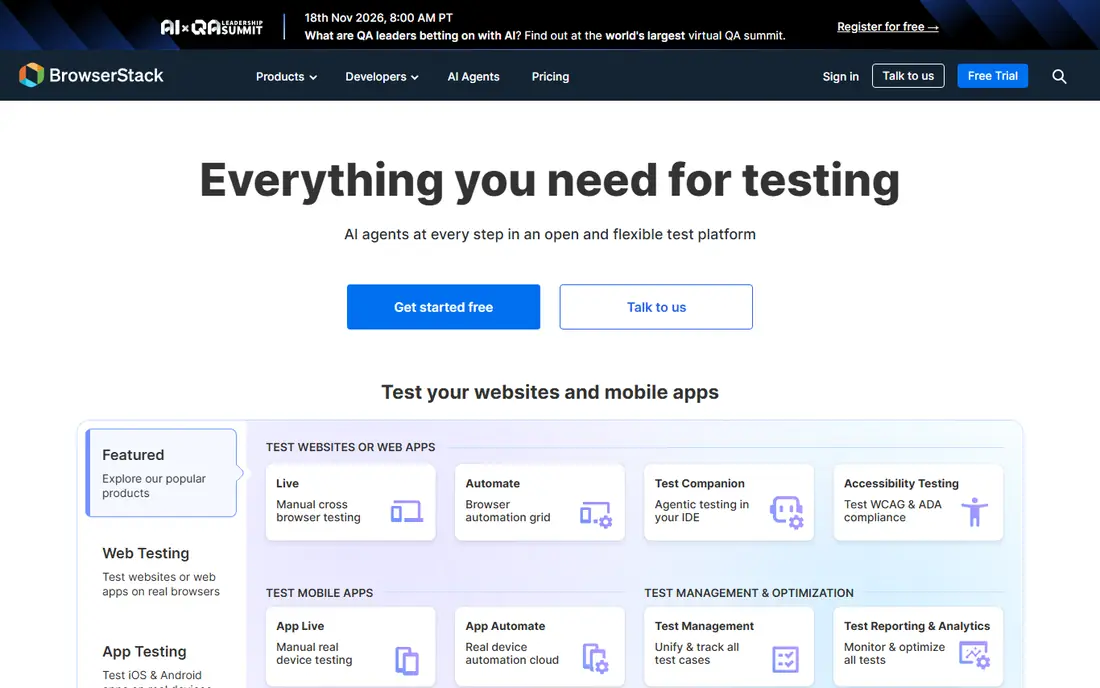
BrowserStack is the best known name in this category, and its catalog is a large part of the appeal. Live testing starts at $29 per month for desktop browsers, with a mobile option near $39, while automation plans start much higher, near $99 to $175 per parallel per month depending on desktop or device coverage. That gap matters, so price the plan you actually need, not the headline plan.
Integrations cover most CI tools, and local testing lets you test staging sites behind a firewall. For teams that need broad coverage, good documentation and a mature platform, BrowserStack remains the safest default, even though it is rarely the cheapest.
- Very large browser and device catalog
- Strong Playwright, Selenium and Cypress support
- Local testing for staging sites
- Automation plans cost far more than manual plans
- Price rises with parallels
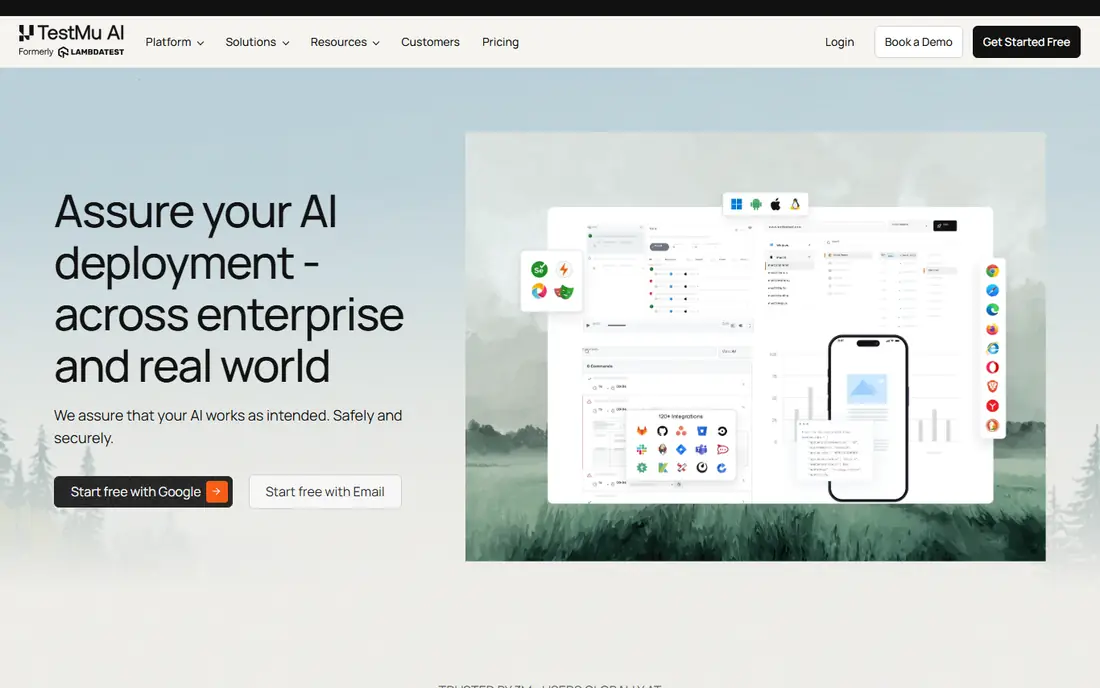
LambdaTest, rebranded as TestMu AI in 2026, is the most direct BrowserStack alternative and usually the cheaper one. Entry web testing starts at $15 per month, with real device manual testing near $39 and real device automation near $199 per parallel per month. A free tier with strict limits lets small teams evaluate the platform before paying.
The platform covers live testing, automation, visual testing and test orchestration through HyperExecute. For a small or mid size team that wants cloud breadth without BrowserStack pricing, LambdaTest is our value pick. Check the current TestMu AI pricing page, since plan names changed with the rebrand.
- Lower entry price than rivals
- Free tier for evaluation
- Supports Selenium, Playwright, Cypress and Appium
- Product and plan structure can be confusing
- Brand renamed to TestMu AI in 2026
Sauce Labs targets larger teams and regulated organizations. Live testing starts at $39 per month, while virtual device automation starts near $149 per parallel per month and real device automation near $199. Those automation plans include unlimited testing minutes, which helps teams with large suites.
Analytics, error reporting and test distribution tools are stronger here than in budget labs. Smaller teams may find the price hard to justify for occasional manual checks. Enterprises that need audit trails, access controls and scale will find Sauce Labs a better fit than a low cost lab.
- Strong enterprise and compliance features
- Unlimited minute automation plans
- Deep analytics
- Higher starting cost for automation
- Entry plans cover live testing only
TestingBot offers live testing from around 20 euros per month and automated testing from around 50 euros per month for one parallel, with a free tier for evaluation. It supports Selenium, Appium and manual testing across browsers and real devices. Because prices are listed in euros, US teams should convert before comparing with dollar priced rivals.
The platform is smaller than BrowserStack or Sauce Labs, with fewer integrations and less documentation. For a small team that wants a simple cloud lab at a low price, that trade is often fine. Larger teams with complex CI needs should test the integrations first.
- Low cost live and automated plans
- Good browser and device range
- Simple setup
- Pricing is in euros on some plans
- Smaller ecosystem than BrowserStack
Browserling is a simple tool for a simple job: open your site in another browser and see if it looks right. Individual plans run from $9 to $29 per month on annual billing, with higher monthly rates. It is useful for freelancers and small teams that need a quick check, not a full test suite.
Do not buy Browserling expecting an automation platform. It lacks the parallel grid, CI depth and device lab of BrowserStack or LambdaTest. As a complement to Playwright or Cypress, for a fast manual check in a browser you do not have installed, it is quick and affordable.
- Very fast to start
- No setup
- Good for quick visual checks in older browsers
- Manual only focus
- No full automation grid
- Limited device coverage
Playwright, from Microsoft, is a free framework for automated browser testing. It runs tests in Chromium, Firefox and WebKit, handles modern web apps well, and integrates with most CI systems. Developers like its auto waiting, tracing and debugging tools, which cut flaky test time.
Playwright does not provide real phones or a browser cloud on its own. Mobile tests use emulation unless you pair it with a cloud lab such as BrowserStack or LambdaTest. For code first teams, Playwright plus a cloud lab is often the best combination of cost and coverage.
- Free and open source
- Tests Chromium, Firefox and WebKit
- Fast and reliable for modern web apps
- No real device cloud included
- Needs code and CI setup
- Mobile testing uses emulation
Cypress is popular with front end developers because tests run in the browser, with time travel debugging and clear failure output. The open source runner is free, and it supports Chromium based browsers, Firefox and WebKit for cross browser checks. Paid Cypress Cloud adds parallel runs, recordings and analytics.
Cypress is less suited to teams that need a large real device matrix or Safari on real iOS hardware. Pair it with a cloud lab for device coverage, and use it for the developer workflow it does best. For a front end team that values debugging speed, Cypress is a strong free starting point.
- Free test runner
- Excellent debugging in the browser
- Good for front end teams
- Browser coverage is narrower than Playwright
- Cloud dashboard is paid
- Real devices need a lab
Kobiton focuses on real mobile devices, with thousands of phones and tablets for manual and automated testing. That focus suits teams building native iOS and Android apps, or mobile web experiences where real hardware matters more than desktop browsers. Scriptless and scripted automation options help teams with different skill levels.
Pricing is largely by quote, with a free trial for evaluation. Web only teams will get broader browser coverage from BrowserStack or LambdaTest for less effort. Mobile first teams, especially those with on premises or private device needs, should put Kobiton on the shortlist.
- Large real device lab
- Manual and automated mobile testing
- Good for native apps
- Quote based pricing for many plans
- Web browser testing is secondary to mobile
How we picked these
We compared official pricing pages, browser and device coverage, automation framework support, CI integrations and free plan terms. We included both cloud labs and free frameworks, because most real teams use a mix: a framework for automation and a lab for real browsers and devices. Where pricing is by quote or in another currency, we wrote See website rather than converting an uncertain figure.
How to choose a cross browser testing tool
Start with your test type. Manual checks need only a live plan, which is far cheaper than automation. Automated suites need parallels, minutes and framework support, so price those tiers, not the entry plan. A team with a large suite and a short CI window needs more parallels, and that cost rises faster than any other factor.
Next, list your must have browsers and devices. Most teams need current Chrome, Firefox, Safari and Edge on desktop, plus recent iOS and Android devices. Legacy browsers such as Internet Explorer matter only for specific enterprise users in 2026, so do not pay for a huge legacy catalog you will never use. Check local testing support if your staging site sits behind a firewall.
Cloud lab versus local framework
A free framework such as Playwright or Cypress runs tests on your own machines and CI runners at no license cost. A cloud lab adds real browsers, real devices and scale without hardware upkeep. Many teams use both: Playwright for fast automated checks in CI, plus a cloud lab for release testing on real devices. That mix usually costs less than running everything in the cloud.
Avoiding common pricing traps
Compare annual billing rates, since month to month prices run higher. Check whether minutes are unlimited or capped, whether parallels are included, and whether real device access costs extra. A plan that looks cheap for manual testing can triple in price once you add automation and real devices, so get a quote for your real test volume before signing.
Sources
- https://www.browserstack.com
- https://www.lambdatest.com
- https://www.saucelabs.com
- https://www.testingbot.com
- https://www.browserling.com
- https://www.playwright.dev
- https://www.cypress.io
- https://www.kobiton.com
- https://testingbot.com/resources/articles/cross-browser-testing-competitors
- https://www.deviqa.com/blog/best-cross-browser-testing-tools-review/
Frequently asked questions
What is the best cross browser testing software for small teams?
LambdaTest offers the best value for small teams, with an entry plan near $15 per month and a free tier. BrowserStack is broader but pricier, while Playwright is free for automation if you have developers. Start with Playwright plus a low cost cloud plan for real devices.
Is BrowserStack or LambdaTest better?
BrowserStack offers a larger catalog, deeper documentation and broader integrations. LambdaTest, now TestMu AI, offers similar core coverage at a lower entry price. Choose BrowserStack for breadth and maturity, and LambdaTest for value, then test both with your own suite.
Can I test cross browser for free?
Yes, for automation. Playwright and Cypress are free frameworks that cover major desktop browsers. For real devices and older browsers, free tiers from LambdaTest and TestingBot allow limited testing. A full real device matrix still needs a paid cloud plan.
What browsers should I test in 2026?
Test current Chrome, Firefox, Safari and Edge on desktop, plus Safari on iOS and Chrome on Android. Those cover the large majority of US traffic. Add legacy or niche browsers only if your analytics show real users on them.
Do I need real devices or is emulation enough?
Emulation catches most layout and logic problems, and it is fast and cheap. Real devices catch touch, performance, camera, network and OS specific problems that emulation misses. Use emulation for daily checks and real devices for release testing.